LandOffer
Job search
Your Job Application Email Bounced: Diagnose the Error Before Sending Again
Read a bounced job application email, identify the failed recipient and cause, then decide whether to correct, wait or ask about an accepted route.
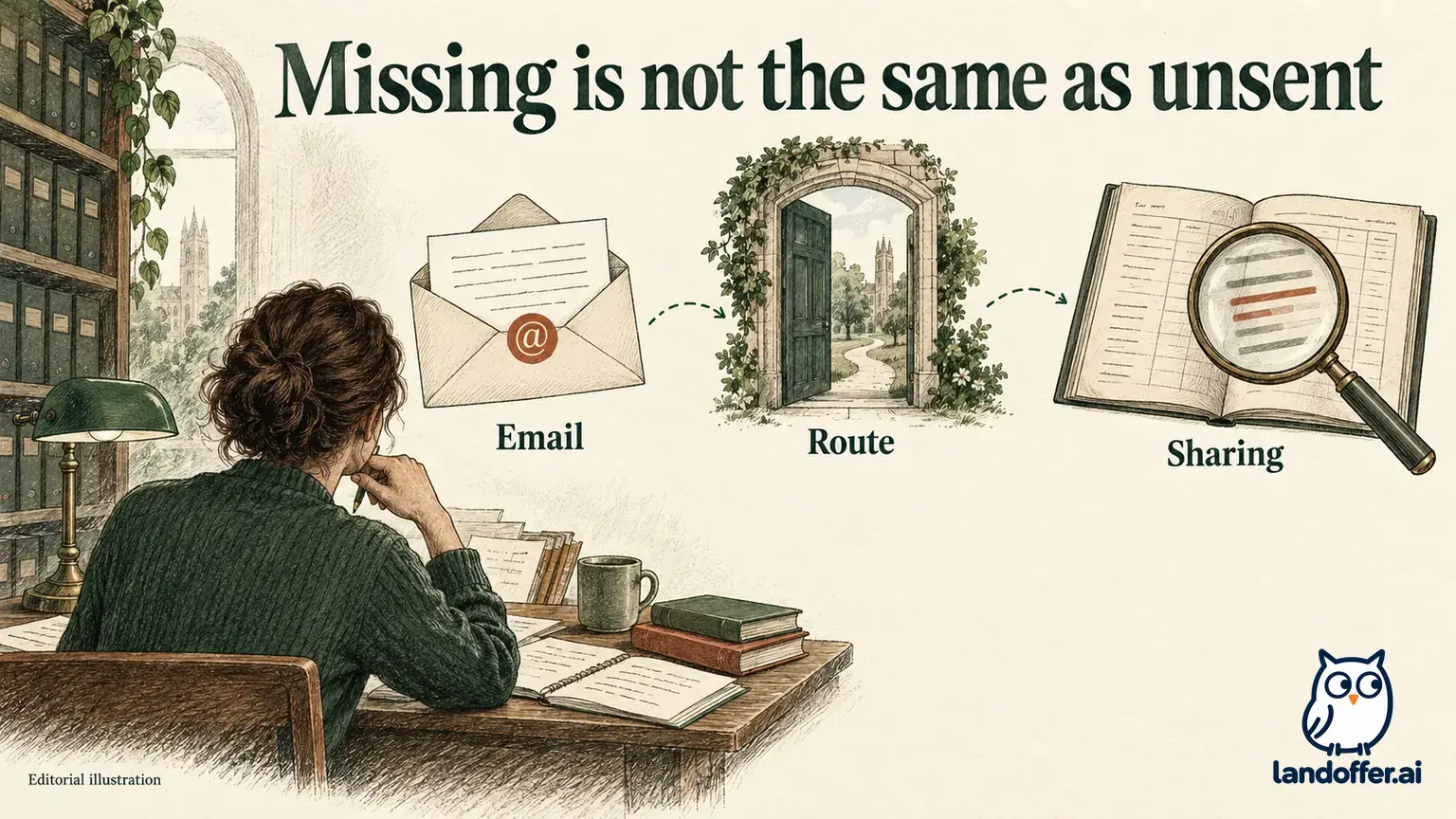
When a job application email bounces, read the delivery notice before sending again. Match it to the message you sent, identify the failed recipient, and record the diagnostic text and time. Correct a verified address error; investigate an attachment or policy rejection; or follow a notice that says delivery is still being retried. A delivery failure does not establish a hiring decision. Sending an identical copy without addressing the cause may produce another failure.
LandOffer publishes this guide and offers job-search tools. Official Gmail and Microsoft documentation was reviewed on October 13, 2026; the examples below are fictional. We did not inspect an applicant's mailbox, contact an employer or send an email. You can find recent tech roles on LandOffer.ai, keeping each role's accepted application route and deadline with its record so a delivery problem has a clear next step.

Match the notice to the message you actually sent
Start with the original application message and its delivery notice. Compare the subject, recipient, sending time and any message reference. Save the notice rather than relying on a notification preview that says only “Delivery failed.” The details may identify a problem affecting one recipient or a later stage of delivery.
Gmail's bounced-email guidance directs senders to read the error in the bounceback. It distinguishes causes including an invalid address, spam filtering, sending limits, temporary recipient-server problems and a full inbox. Those require different responses; rewriting your introduction is not a general delivery fix.
If the notice does not match any message you sent, pause before treating it as a failed application. Microsoft's recipient-error guidance includes checking that the notice relates to an actual sent message and discusses backscatter from a forged sender address. An unexplained notice alone does not prove your account was compromised. Use your provider's account-support process if you find additional signs of unauthorized activity.
Compare the failed address with the intended address
Read the full failed recipient, including the domain after the @ symbol. Compare it with both the address in your sent message and the current employer instructions. A display name such as Hiring Team can conceal a typo or a stale autocomplete entry.
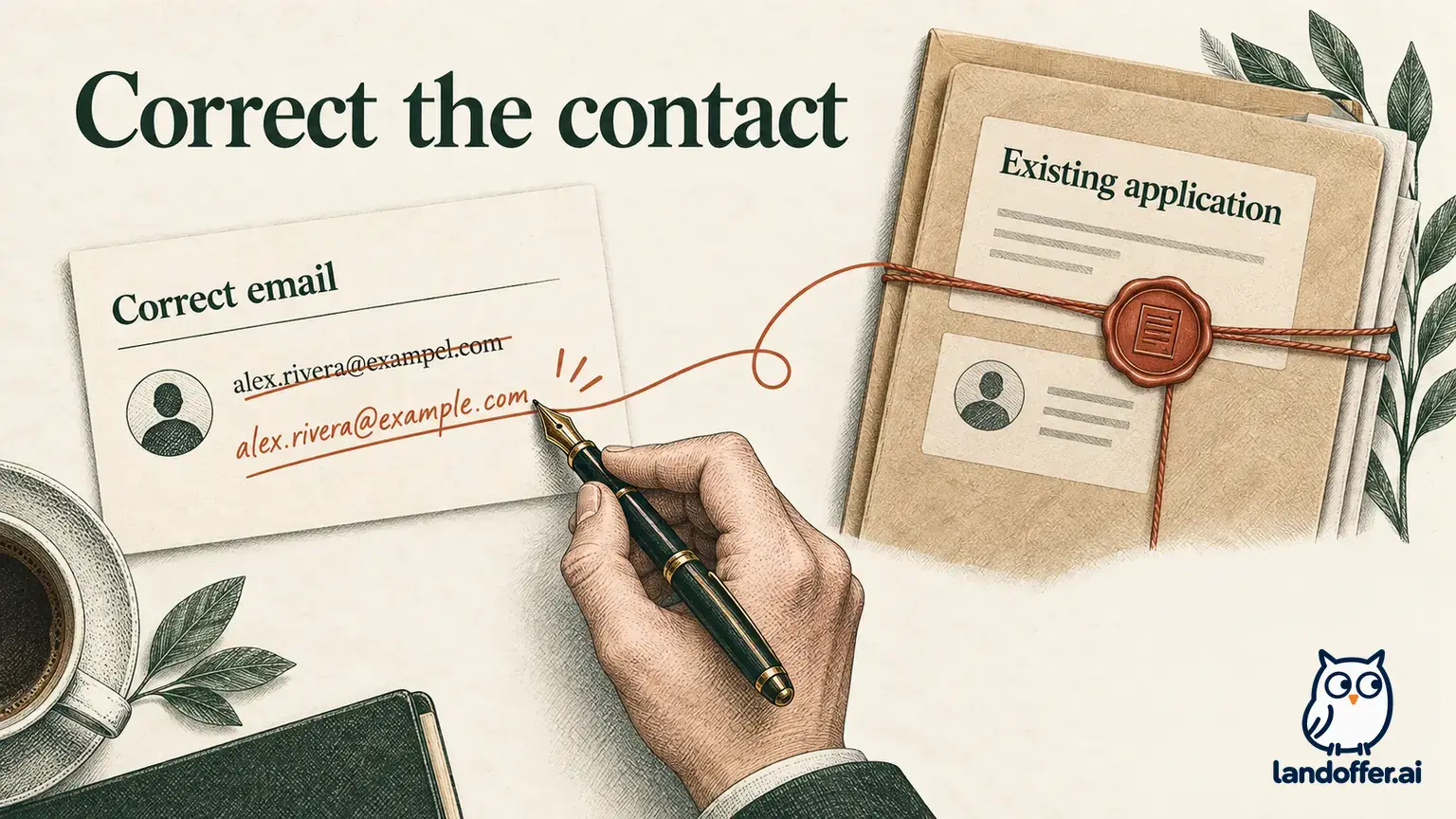
If you find a mismatch, establish which address is correct from the verified application source. Do not guess another domain, add a missing letter by intuition, or send your resume to several possible addresses. If the employer's published address itself appears to fail, use its verified contact route to ask about an accepted alternative.
The failed recipient can also differ from your original To address because of forwarding. Microsoft's guidance specifically recommends comparing the addresses and considering a recipient's forwarding rule. Do not assume that the unfamiliar downstream address is a new application mailbox you should contact directly. Preserve the discrepancy for the recipient or email administrator to investigate. A failure at a forwarded address does not, by itself, resolve what happened at the original mailbox.
If the address is correct but an old autocomplete suggestion keeps returning, remove or replace that particular cached recipient using your mail client's current instructions. Then expand the new recipient entry and check it again. Changing the displayed contact name does not establish that the underlying address changed.
Use the diagnostic to choose the next action
Microsoft's NDR overview explains that nondelivery reports contain failed-recipient information, an error code and diagnostic details. The code helps organize the problem, while the accompanying text gives context. Keep both.
| What the notice indicates | What to check | A controlled next action |
|---|---|---|
| Address not found or invalid | Failed address, sent address, official address and cached contact | Correct a verified mismatch; otherwise ask about the address |
| Message or attachment too large | The stated limit and the actual document set | Prepare an accepted, readable packet within the requirement |
| Permission, policy or authentication rejection | Exact diagnostic and which system rejected the message | Ask the appropriate contact or email provider to investigate |
| Recipient storage full | Whether the notice explicitly identifies the recipient's capacity | Ask through a verified alternative; shrinking your resume does not free the recipient’s storage |
| Temporary server issue or delay | Whether delivery remains queued or the attempt has ended | Follow the current notice; preserve the deadline concern separately |
Treat these as diagnostic branches, not a universal translation table for every mail system. A numeric code can have several possible causes. Microsoft's 5.7.1 guidance covers permissions and mail-flow conditions that can require administrator action. It does not establish that an ATS disliked your keywords or that a recruiter read the resume.
For an attachment problem, check the employer's document rules as well as your sender's limits. Gmail's attachment guidance distinguishes personal-account limits from administrator-set work or school limits and describes conversion to a Drive link when the applicable limit is exceeded. A link is not an acceptable substitute when the employer requires attached files. Do not remove a required document merely to make the email smaller.
Distinguish a delay from a finished failed attempt
Microsoft describes enhanced 4.x.x status codes as temporary and 5.x.x codes as permanent errors. A permanent error concerns the failed attempt; it does not mean the address can never receive mail after a correction. The classification also does not, by itself, establish whether your message is still waiting in a queue right now. Read the notice's explanation of the current attempt.
In particular, Microsoft's 4.4.7 guidance describes repeated delivery attempts followed by queue expiration. Its example can say the server has stopped trying. A message-expired notice therefore needs different handling from a delay notice that explicitly says retries continue. Do not promise yourself delivery simply because a code begins with 4.
If the notice says the system will retry until a stated time, record that time and avoid creating parallel copies while that attempt remains active. If it says delivery failed and retries ended, choose a later retry or an approved alternative based on the actual cause. If the state is unclear, ask the provider to interpret the notice. There is no universal waiting period that fits every employer, account and error.
For example, fictional Mina receives a notice explicitly saying her message is delayed and retries are continuing. She records Delivery delayed, checks the stated retry window and keeps the employer's deadline separate. She does not mark Receipt confirmed or start sending identical copies every few minutes. This example supplies no universal server retry schedule.
A completed diagnosis of an address error
Eli Park is a fictional engineer applying to fictional HarborTrace role HT-602. The constructed instructions accept a resume and letter by email at careers@example.com, with an October 23, 2026, deadline at 17:00 UTC. The following events are an invented teaching sequence, not observations of an employer or a mail server.
Eli's message went to careerss@example.com, with an extra s. The simplified fictional notice identifies that same failed recipient and says “5.1.1 — recipient address not found.” The wording is an illustration, not a guaranteed format for every provider.
| Time on October 23, UTC | Evidence in the fictional example | Recorded state |
|---|---|---|
| 16:44 | Original message to careerss@example.com | Sending attempt recorded |
| 16:45 | Failure notice names careerss@example.com | Delivery failed for that address |
| 16:49 | Current employer instructions checked: careers@example.com | Address mismatch established |
| 16:52 | Corrected recipient and two files reviewed in a new draft | Corrected retry prepared; unsent |
Eli keeps the subject tied to HT-602 and reviews Eli_Park_Resume_HT-602.pdf and Eli_Park_Letter_HT-602.pdf. He does not replace the documents with cloud links or select an older resume during the correction. The new draft uses the verified address rather than the cached typo.
The diagnosis supports correcting the address. It does not establish that the corrected email was sent, that either address belongs to a real employer, or that the employer accepted the application before its deadline. At 16:52, eight minutes remain before the constructed 17:00 deadline, and the corrected draft is still unsent. The original attempt occurred before 17:00; a timely attempt and timely receipt are separate facts. All example addresses use the reserved example.com domain.
Ask about the accepted route when needed
If a verified application address continues to fail, look for the employer's published contact for application or delivery questions. A support or accommodation mailbox may serve a narrower purpose, so read its instructions. Do not send the same resume to every address on the careers page.
Describe the issue briefly: role ID, intended recipient, attempt time with time zone, and a concise diagnostic. Ask for the accepted route and any deadline instructions. Share additional technical details through the appropriate support channel if requested; a full delivery report can contain addresses and message headers that are unnecessary in an initial inquiry.
For the fictional HarborTrace scenario, suppose its instructions separately identify questions@example.com for application-delivery questions. Eli prepares this unsent inquiry:
Subject: Delivery question — application HT-602
Dear HarborTrace recruiting team,
My HT-602 application email attempt at 16:44 UTC on October 23 returned a recipient-address failure at 16:45 UTC. I found an extra s in the address I used and have corrected my draft to careers@example.com, as listed in the posting.
The posting gives a 17:00 UTC deadline today. Could you confirm the accepted application route and how I should handle the delivery issue if it continues? I have retained the original message and failure notice.
Thank you, Eli Park eli@example.com
This is a separate question, not the application itself. It does not claim a corrected attempt already failed or request that the employer treat an unsent packet as received. No inquiry or application was sent for this article, and no deadline exception was granted.
Review the corrected packet before a deliberate retry
Once you have a supported correction or an approved alternative, inspect the entire outgoing packet again. Check the recipient, job ID, requested subject, document names and actual file contents. Preserve required forms or letters. Wait for attachments to finish uploading and confirm whether the message contains files or links.
If the original message had multiple recipients, read which ones the notice identifies as failed. Do not assume every recipient failed, and do not assume the others read it. A broad resend can create unnecessary duplicates or disclose documents to additional people. Direct the next action to the verified application route and retain recipient-specific evidence.
For a mail-security error, follow the provider’s diagnostic and support process. You cannot repair an employer's receiving permissions by disabling your own protections or repeatedly changing sender identities. Give the relevant diagnostic to your email provider or the verified employer contact. A smaller, clearer message may be appropriate when supported by the error and instructions, but success still needs evidence.

Keep the failure and the next event in the record
Retain the original attempt, the failure notice, the diagnosis and any corrected submission as separate events. Date each and identify its source. For a later retry, record its actual sending time and packet. If the employer acknowledges receipt, preserve that acknowledgment without inferring a hiring decision.
For Eli, the finished diagnosis is Address mismatch verified; corrected retry prepared. His original delivery remains failed, while corrected sending and employer receipt are unconfirmed. If a deadline passes while a problem is unresolved, keep the evidence and ask about the employer's procedure. A screenshot or sending timestamp does not guarantee an extension or establish that the application met a receipt-based deadline.
As you review more recent LandOffer.ai roles, keep delivery issues tied to the affected job and the next concrete action. Record whether you need to correct the address, wait for an active attempt, or obtain help with the receiving system.