LandOffer
Job search
Wrong Email on a Job Application? Correct Contact Details Without Creating More Confusion
Locate the affected email field, request a record-specific correction and verify what changed. Completed correction and employer-required reapplication cases preserve a clear chronology.
If you entered the wrong email on a job application, first determine whether the mistake is in an unfinished form, a submitted application or the account used to sign in. Correct the email field on that specific record through the employer's verified route and ask whether outstanding messages need to be resent. Changing a profile or creating another account does not establish that the original application now has the right contact details.
LandOffer publishes this guide. You can browse recent roles on LandOffer.ai while keeping this correction tied to the application you already submitted. Public platform guidance was checked October 12, 2026. The worked examples are fictional; no candidate account or employer record was edited to produce this article.
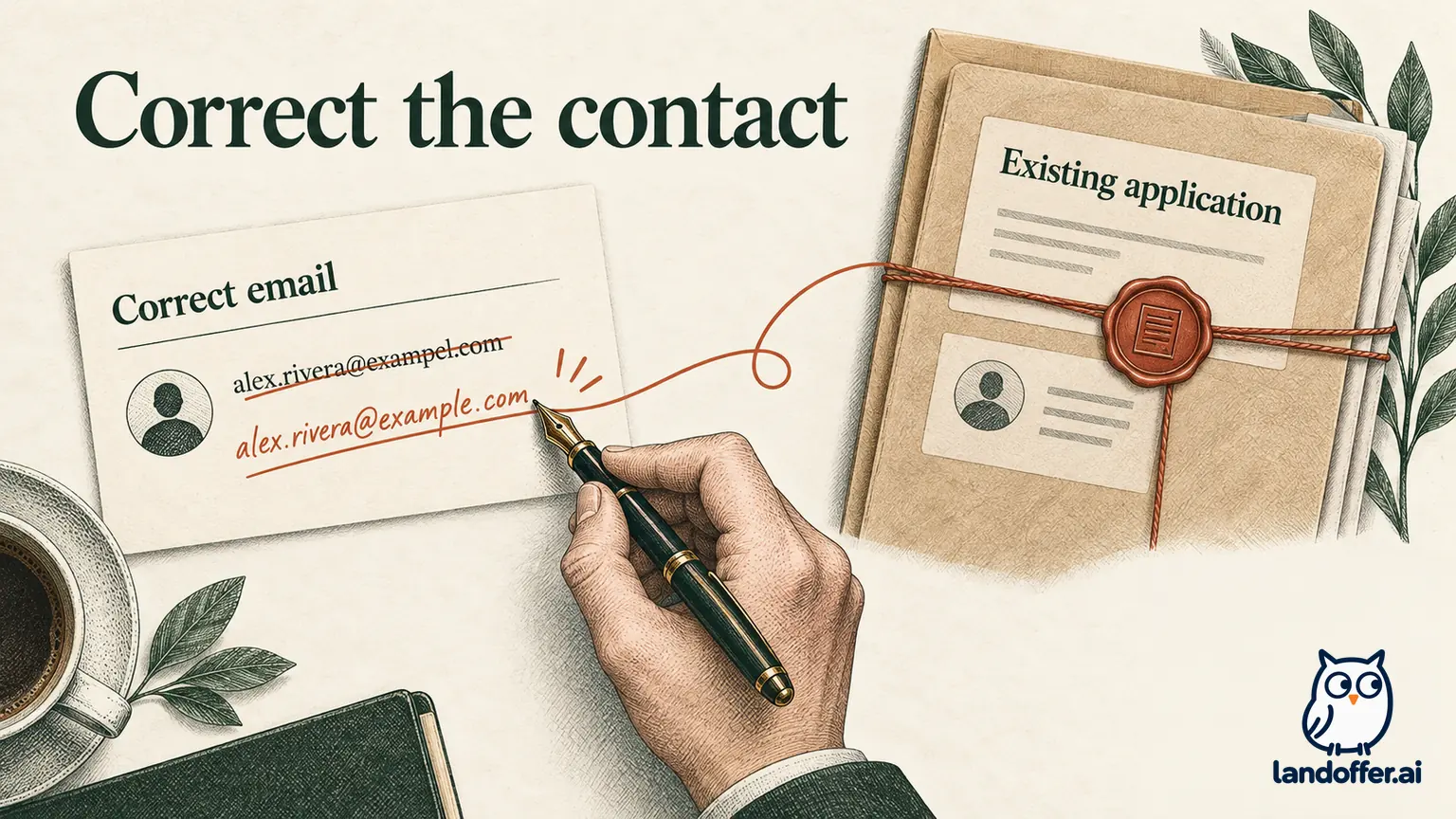
Locate the mistake before creating another record
An application can contain several email-related fields: the address printed on your resume, the contact address entered in the form, the account's login identifier and a notification setting. They may match, but do not assume they are one field. A correction to one can leave the others unchanged.
If you have not submitted, correct the form and the resume you intend to upload, then inspect the review screen. Check for an old attachment, an autofilled value or an address pasted with an extra space. The task is still a draft correction. Do not describe it to a recruiter as an application already on file unless you have evidence of submission.
If you have submitted, preserve the role title, requisition ID, approximate submission time and any acknowledgment visible in the portal. Finding a typo after submission can be unnerving. A missing email receipt can be consistent with that error; it does not by itself prove the submission failed. Use the portal's application history if available, without assuming every employer exposes the same records.
Write down the incorrect address privately and distinguish it from the intended address. Include only what the employer needs to locate the application when contacting verified support. Do not publish the mistake, forward a full resume to an unverified recipient or try to sign in to a mailbox that may belong to someone else.
Separate application contact from account identity
Read the employer's instructions before changing an account setting. An editable contact field may affect the profile used for future applications rather than the copy already delivered to an employer. Conversely, an application-specific correction may leave your login unchanged. Record which screen or support response describes the scope.
The MyGreenhouse candidate FAQ illustrates this distinction. It says that the account email cannot simply be changed, that a new profile is needed for another email and that profiles cannot be merged. For an incorrect email on a submitted application, it directs candidates to the employer or describes applying again with the correct address if the job remains open. Those instructions apply to MyGreenhouse. Another platform's correction process may avoid a second submission.
Do not turn that example into an automatic next step elsewhere. A different employer may offer an application edit, require recruiting support or use another identity provider. Follow the route shown for your actual record. If an instruction creates a new account, ask whether any action is also required on the existing application.
After a permitted login change, check how you will access outstanding tasks. Save the employer's confirmation about the relationship between accounts if one exists. A new dashboard with no history can reflect a separate profile; it is not proof that the old application was deleted, rejected or moved.
Use an official contact route with enough identifying detail
Find candidate support through the employer's independently located careers site or an established recruiting conversation. The FTC's phishing guidance recommends using a known website or contact route when a message's authenticity is uncertain. That matters when you are about to disclose an address and application details to someone offering to “fix” the record.
Provide the role, requisition, submission date and the correction requested. If you have a candidate reference, include it. Explain that the old address is incorrect or inaccessible; let support identify how to update its records. Ask what verification they need through their official process.
Here is a completed, unsent request for fictional candidate Alex Rivera:
Hello Candidate Support,
I submitted an Operations Analyst application for WE-308 on October 8. I noticed that the contact email in that submission has a typo. My intended address is alex.rivera@example.com; the incorrect entry appears in my application review copy.
Could you confirm how to correct the contact address on this application and whether any outstanding messages or tasks need to be resent? I can provide the application reference and complete your verification process through this support channel.
I would like to preserve the existing application if your process allows it.
Thank you,
Alex Rivera
The example uses a reserved example address. In a real message, supply the exact incorrect value only when needed to match the record and through a verified channel. Do not send passwords, sign-in codes or unnecessary identity documents as an informal shortcut. A support request should identify the correction, not recreate the entire application.
Protect interview and assessment continuity
A contact error becomes more urgent when a scheduling link, assessment or deadline may have gone to the wrong inbox. State the known dependency explicitly: “An assessment was expected for WE-308; please confirm whether an invitation exists and how to access it.” If you do not know whether anything was sent, say that rather than claiming a missed invitation.
Ask for the relevant task to be resent or made available through the verified portal after the correction. Confirm its actual deadline and whether the employer permits an extension. Correcting an address does not itself extend a deadline, restore an expired task or prove that messages already sent were recalled.
Workable's application-update guidance warns that withdrawal cancels associated invitations and tells candidates needing to preserve them to contact the company. That is a concrete reason to check consequences before using withdrawal as a correction method. It does not mean every platform uses the same controls.
If you still have a working portal session, save the visible task reference before making an account change that could require a fresh login. Complete only tasks you can securely associate with the intended application. Do not submit a second assessment merely because an unfamiliar email claims the first one disappeared.
A completed correction that preserves the application
This case is fictional. Alex applied to invented West Elm Analytics for WE-308, then found a typo in the contact email shown in the saved review copy. The portal still displayed the application. Alex used the company's independently verified candidate-support page and requested a correction to that specific record.
Support verified Alex through its official process and confirmed that the application contact address had been updated. It also confirmed that no assessment invitation had yet been issued. The login address remained a separate setting. Alex checked the application review again, saved the acknowledgment and recorded the scope of the change.
| Item | Evidence in the fictional case | Completed result |
|---|---|---|
| Application | WE-308 remained visible in the portal | Same application reference retained |
| Contact address | Support explicitly acknowledged the correction | Application contact updated |
| Resume | Uploaded document already had the intended address | No replacement document needed |
| Login | Support identified it as a separate setting | No claim that the login changed |
| Outstanding task | Support confirmed no assessment had been issued | No missed invitation invented |
| Personal record | Acknowledgment saved with the receipt | Correction date and scope documented |

Alex's note reads: “WE-308 contact corrected October 10; support acknowledgment saved; login unchanged; no assessment issued as of confirmation.” That is a completed, bounded outcome. It does not claim that every historical email, exported recruiter list or resume copy was changed retroactively.
If the resume had contained the same typo, Alex would have asked whether a replacement attachment was needed as a separate correction. A new file stored in a general profile would not alone prove that the employer's earlier attachment had been replaced. The employer's stated handling would determine the next step.
If the employer requires reapplication, link the two submissions
Sometimes the available remedy is a new submission with the correct address. Before doing that, establish which role to use, whether the first application stays active and whether associated tasks remain valid. Preserve the original receipt even if it went to the wrong address but is visible elsewhere.
For a fictional alternative, candidate Imani has an application for WE-316 under an inaccessible school email. Verified recruiting support instructs Imani to submit a new application for the same requisition using a personal address and to send both references back through the established thread. It also states how the original record will be handled.
Imani reviews the current form, submits once, saves the new receipt and records the employer's instruction beside the first reference. The employer acknowledges which record to use. This is a documented correction route for that case, not evidence that duplicate records merge automatically or that a new application preserves the original submission date.
If the role is closed or a new submission is unavailable, tell support that limitation. Do not choose a vaguely similar opening just to get your name into the system. A different requisition can start a separate hiring process and leave the original contact error unresolved.
Treat an inaccessible address differently from a typo
Losing access to a former work or school inbox can block sign-in even when the address was correct when submitted. Use the employer's official account-recovery route and explain which application you need to access. A correction request and an identity-recovery request may require different verification.
If a sign-in code goes to the old address, do not ask another person to collect it for you or repeatedly trigger messages to an address you no longer control. Tell support that you cannot receive the code and ask for its supported recovery process. No generic browser reset can establish ownership of the candidate record.
If the typo could deliver mail to someone else, ask the employer to stop using that address for future messages and review any outstanding invitations. Do not contact the accidental recipient to obtain recruiting links. You cannot assume the employer can retrieve a message already delivered; ask what it can actually correct.
For future applications, inspect the final contact field and attachment together. A saved browser profile can reintroduce an old address after you fix the resume. Keep a stable address you control, while recognizing that changing it later may require separate steps with each employer.
Close the correction with evidence
Finish by checking the application contact field, the login identifier and any outstanding task separately. Record which changes the employer actually confirmed. A support acknowledgment naming the application is stronger evidence of that correction than a successful login alone. If the reply says only “profile updated,” clarify whether that includes the submitted application when the distinction matters.
Keep a short chronology: original submission, discovered error, request, confirmed correction and any resent task. A later recruiter can then identify the requested address without mistaking a correction message for another application. Avoid sending repeated messages through multiple channels that describe different intended addresses. Use the same application reference and a single clear correction whenever possible.
If the reply does not identify the affected application, ask that one clarifying question through the same verified channel. Once the corrected record and next step are clear, return to your search. You can browse recent roles on LandOffer.ai while preserving an accurate account of this application's contact details and outstanding tasks.