LandOffer
Job search
Application Missing from MyGreenhouse? Check Email, Submission Route, and Employer Sharing
Find a missing MyGreenhouse application by matching email, submission route, and employer sharing, then reconcile receipts before applying again.
If an application is missing from MyGreenhouse, check the email used, the site where you submitted, and whether the employer shares applications there before applying again. A missing portal entry establishes a visibility gap; use the receipt and receiving site to investigate whether submission occurred. Start with the exact job and any receipt you already have, then investigate the visibility gap without creating a duplicate.
LandOffer publishes this guide and offers recent job discovery, so we have a commercial interest in job-search tools. We checked Greenhouse's public candidate guidance on October 12, 2026; the FAQ displayed an October 2 update. We did not inspect a candidate account or submit an application. Nia's records below are fictional examples that show how to reason from evidence, not reported Greenhouse incidents.
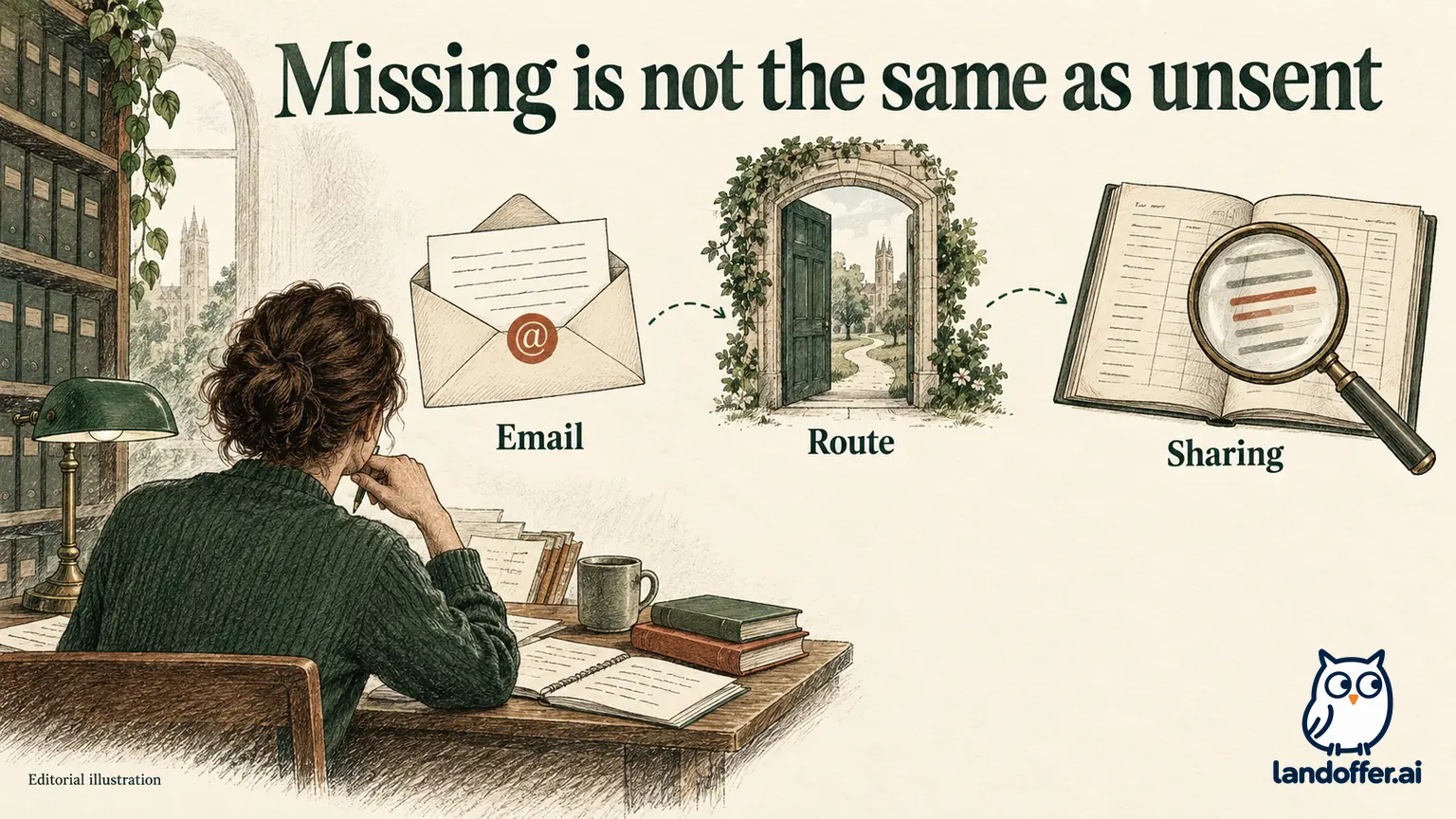
Separate the application from the portal view
An employer application and a candidate portal entry serve different purposes. The application contains the material sent for a particular opening. The portal offers a view of information made available to you. An unavailable portal view does not establish that the employer lacks the application.
The current MyGreenhouse candidate FAQ names three possible reasons for a missing application: the employer has not shared it, the application was submitted outside a Greenhouse-hosted flow, or a different or incorrect email was used. Third-party applications through services such as LinkedIn or Indeed may not appear. Companies choose the updates they share. Corrections and application questions belong with the employer.
Greenhouse's employer-facing sharing guide distinguishes sharing application statuses from sharing tasks; employers can enable either or both. Its candidate portal overview says basic application tracking is automatically available to logged-in candidates, while employer-controlled status and task features require configuration. Those descriptions explain why an application record, a status update, and a task are separate things to investigate. They do not reveal a particular employer's settings.
Our recommended investigation order follows from those documented visibility conditions; it is an editorial method rather than a Greenhouse account-recovery procedure. First establish the job's identity and the evidence of submission. Next match the email and route. Only then ask what the missing view prevents you from doing. This is more useful than refreshing the portal repeatedly, because each step can resolve a different explanation.
A portal absence can still matter. You may need to find an interview task, determine which application an email concerns, or correct a contact detail. The right response depends on that concrete need. “I cannot see it” is an observation; “the employer did not receive it” is a conclusion that needs additional evidence.
Build one compact record before changing anything
Open the job receipt, saved posting, and application notes together. Record the employer, job title, requisition ID, location, application date, email used, and submission destination. Add the selected resume filename if you saved it. Keep unknown fields visibly unknown rather than reconstructing them from memory.
The distinction between discovery and submission is especially useful here. You may have found a job on LinkedIn, followed an employer link, and completed a Greenhouse-hosted form. Your discovery source is LinkedIn; the submission route is the final form. Conversely, completing an application entirely inside a third-party site is a different route, even if the employer uses Greenhouse elsewhere.
Look at saved URLs and confirmations rather than relying on a logo you remember seeing. An employer can use several hiring systems, and a brand name in a posting is not an application receipt. Match the requisition and location across the records. A similarly titled opening in another city should not be used to explain the first application's status.
This record also prevents an unnecessary new application. If the original receipt identifies the correct job and email, you already have evidence worth preserving. If your only evidence is a saved job or an unfinished draft, mark that limitation. The absence of a receipt is not proof of failure either, but it changes the next question you need answered.
Nia reconciles four missing or incomplete views
Nia is a fictional backend engineer who keeps separate personal and university email addresses. She has four opportunities in her search notes. Three have application evidence; the fourth was only saved. None is a real employer or a measured product test.
| Opportunity | Evidence Nia actually has | Missing-view explanation to investigate | Completed decision |
|---|---|---|---|
| Alder BE-18 | Greenhouse-hosted confirmation names her personal email and the exact requisition | Employer sharing remains unknown | Preserve the application; ask only if she needs a specific update or task |
| Birch API-42 | Confirmation went to her university email; she opened MyGreenhouse with her personal email | Account/application email mismatch | Inspect using the address in the receipt rather than send another application |
| Cedar DATA-07 | Application was completed inside a third-party job site | Different submission route | Keep that site's receipt as the application record |
| Dune ENG-31 | Saved posting and local resume draft; no completed-form record | Submission itself is unestablished | Return to the verified posting and inspect the existing draft or application state |
Nia has three different kinds of application evidence and one unfinished lead. Alder has evidence of submission but an unexplained visibility gap. Birch has a concrete identity mismatch. Cedar has evidence associated with a different route. Dune needs further inspection before Nia can count it as an application.
She changes her local totals from four assumed applications to three evidenced applications and one lead with an unresolved draft. She does not reduce the count merely because the portal lacks entries. Nor does she count Dune because she spent time preparing it. Her search record now describes actions that actually occurred.
The matrix assigns a different next action to each record, so Nia can resolve the actionable gaps without reopening every application. She can inspect Birch's identity, preserve Cedar's separate receipt, and revisit Dune's existing form. Alder does not require an immediate duplicate submission just to make a dashboard look complete. Each decision follows the available evidence instead of treating all four empty views as the same problem.
Match the email without rewriting the history
Read the recipient address on the confirmation, not only the inbox in which you found it. Forwarding can make an email appear in your usual inbox even when the application used another address. A display name also does not reveal the underlying address. Compare the full address character by character with your sign-in choice.
For Birch, Nia discovers that her university inbox forwards to her personal inbox. She had remembered receiving the confirmation “in her personal email,” but the message's recipient field identifies the university address. She records the latter as the application email. That corrects her notes without claiming to change the employer's record.
If the address on an application is genuinely wrong, distinguish discovering the mistake from repairing it. The FAQ says Greenhouse cannot change a submitted application's email; contact the employer, or consider reapplying with the correct address if the posting remains open. That is an available documented option, not a reason to resend every missing application automatically.
Choose the least confusing route that addresses the actual problem. If you can receive messages at the original address, an unexplained portal gap may be less urgent than a typo that prevents all contact. If a recruiter is already corresponding with you, use that established conversation to clarify which address should be used. Preserve both the original receipt and any subsequent correction acknowledgment.
Keep the existing account and original evidence while investigating the visibility gap; deleting a profile is not a demonstrated recovery step. An account-management action and an employer-data correction are different tasks. You need evidence that the specific application is linked or corrected, not merely that you successfully created a fresh profile.
Ask the employer a question it can answer
Nia's Alder receipt is clear, but she later receives an interview invitation that mentions a task she cannot locate. Now there is a concrete reason to ask for help. She uses the existing, verified recruiting conversation and includes the requisition ID and application date. She does not send her entire application archive.
Her fictional message is:
Hello Recruiting Team, I applied for Backend Engineer, requisition BE-18, on October 6 using the email on this thread. I received the application confirmation, but the application is not visible in my MyGreenhouse account. Your interview invitation mentions a task to complete before scheduling. Could you confirm where I should access that task, or provide the appropriate application-specific link? I have retained the original confirmation if useful. Thank you, Nia.
The message separates receipt evidence from the missing task. It does not accuse the system of losing the application or ask support to reveal internal hiring decisions. The employer can respond with a destination or a clarification about the task. A general request to “fix my account” would make that practical need harder to identify.
Suppose the fictional employer replies that the task will arrive through a separate verified email and that BE-18 remains in its process. Nia records the reply and follows that instruction. She does not infer that MyGreenhouse has been repaired, that an interview is guaranteed, or that every other application is visible. The response resolves one question for one requisition.
If no reply arrives, her record remains unresolved. She can follow the employer's stated contact and timing instructions while continuing the rest of her search. Sending the same application again is not a substitute for an answer about an existing interview task.

Keep the corrected record useful for the next action
Nia's completed Alder record now reads: “Applied October 6; receipt retained; portal absent; employer replied October 12 that task arrives separately; watch established recruiting thread.” That entry contains both what is known and what remains unchanged. It is more useful than replacing the status with “fixed.”
For Birch, the record reads: “Application email is university address; personal inbox received a forwarded copy; inspect the application under the original identity.” For Cedar, it reads: “Submitted through third-party flow; maintain that receipt; MyGreenhouse visibility unestablished.” Nia also marks the historical attachment unknown if the receipt does not name it. A file currently in her profile is not enough to fill that field. She can preserve a useful application record without pretending to know which resume was sent. Dune remains a lead until the existing form or a confirmation establishes submission.
These notes can be short. Their value comes from keeping identity, evidence, and next action together. Save the source message with the record rather than pasting sensitive contents into a public spreadsheet. If you use a shared tracker, include only the information the collaborator needs and keep private application documents in an appropriate location.
The same discipline applies to resume versions. The FAQ notes that the most recently uploaded MyGreenhouse resume is the default and an earlier submitted file may not be visible there. A current profile file therefore cannot serve as proof of what accompanied an old application. Preserve your sent-version evidence separately when available; otherwise label the historical attachment unknown.
Decide whether a new application is actually needed
Reapplication becomes a specific decision after the investigation, not the first troubleshooting step. A verified employer instruction to submit again, or a clearly unfinished existing application, gives you a different starting point from a receipt-backed application with no portal entry.
Before any new submission, compare the requisition, email, and prior evidence once more. Confirm that the posting is still available and read any employer instructions about duplicate applications. If you are correcting an email, keep the explanation concise and retain the relationship between the old and new records. Do not relabel the first as failed unless evidence supports that conclusion.
A useful stopping point is a record that tells you what to do next even when the portal remains incomplete. That might be monitoring a verified recruiting thread, finishing an existing draft, or awaiting a narrow correction response. It does not require every system to display the same status.
Choose one current opportunity from LandOffer's recent roles and record its email and final submission route before applying. For an existing missing entry, reconcile that same information with the receipt first. You will make a clearer decision about whether to wait, ask, correct, or complete an application.
Sources and Further Reading
- Greenhouse: MyGreenhouse FAQ for Candidates, including application visibility, account email, employer corrections, and historical resume limits; checked October 12, 2026.
- Greenhouse Support: Share updates in MyGreenhouse, employer controls for statuses and tasks; updated August 27, 2026; checked October 12, 2026.
- Greenhouse Support: MyGreenhouse candidate portal, automatic tracking versus configured employer features; updated August 27, 2026; checked October 12, 2026.