LandOffer
Job search
Indeed Profile Privacy: Stay Searchable or Apply Without Public Discovery
Choose employer discovery deliberately, then keep application recipients and prior resume access separate from your Indeed privacy setting.
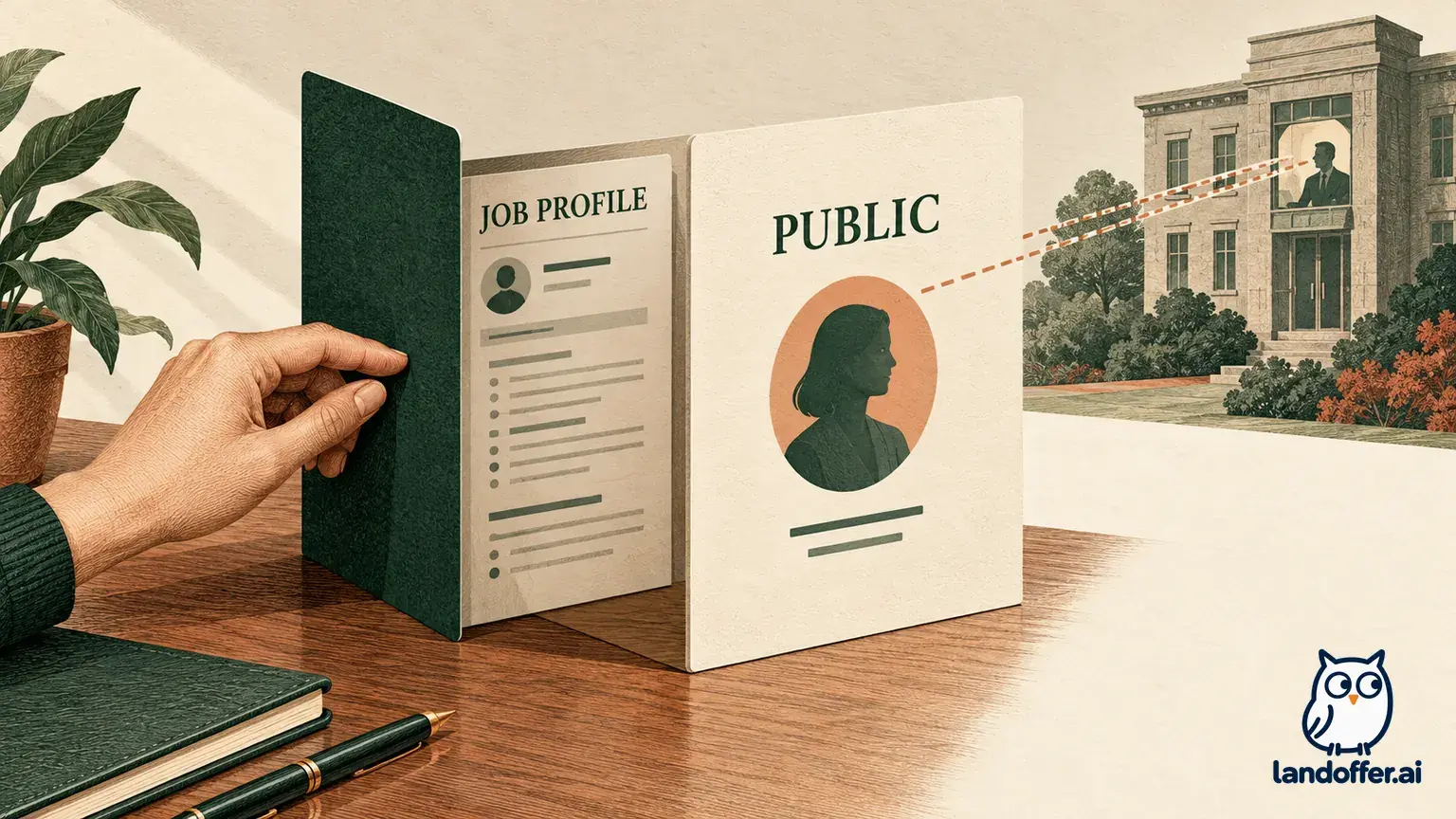
Indeed's profile privacy setting controls employer discovery, while an application gives its recipient separate access to your information. Choose Employers can't find you if you do not want your profile searchable. You can still apply, and an employer you apply to can see your application and resume details regardless of that setting. Blocking an employer also does not remove access created by an application to that employer.
This guide reviews Indeed's public documentation checked October 19, 2026. It does not report a test inside a candidate or employer account. LandOffer publishes this guide. If you browse recent roles on LandOffer.ai, keep discovery settings and application recipients separate there too; this article does not establish that another service uses Indeed's controls or privacy rules.

Choose whether you want employers to discover you
Indeed's Profile Settings guide describes two choices. Employers can find you makes your profile visible for employer discovery. Employers can review some profile information, recommend jobs, and contact you through Indeed's messaging system. That can be useful when you want inbound approaches as part of your search.
Employers can't find you makes your profile unsearchable. The guide says employers cannot contact you unless you have applied, and your profile details are not available through that discovery route. Its FAQ explicitly preserves access for an employer receiving your application. Read the discovery rule together with the application exception. The word “private” does not establish that earlier recipients lose their copies.
The guide documents Employers can't find you as the default. That is not proof of your account's present state. An earlier choice, a previous search, or your own later changes may matter. Inspect the setting shown in the account you actually use instead of relying on a remembered default.
Choose based on the kind of contact you want. Remaining searchable supports unsolicited employer discovery and contact. Turning discovery off supports a search in which you choose the employers to approach. Neither choice establishes whether a particular recruiter has already received your information through an earlier application or conversation.
Separate discovery access from application access
Use the following matrix to decide what a setting can accomplish. It summarizes Indeed's documented boundaries, not a test of every employer account or a guarantee about information outside Indeed.
| Situation | Documented access boundary | Decision for your search |
|---|---|---|
| Employers can find you | Employers can discover the profile and review some information | Use when inbound discovery is wanted; review what the profile contains |
| Employers can't find you | Profile is not searchable; the application exception remains | Use when you want to choose application recipients instead of being discovered |
| A specific employer is blocked | When logged into its account, it should not find your profile or resume in searches; Indeed says blocking is not guaranteed | Treat this as a targeted discovery control, not complete invisibility |
| You apply to an employer, including a blocked employer | The employer can still access application and relevant resume/profile details | Review the information you are sending before you apply |
| An employer received your resume before a privacy change | Indeed says it may still have access to resume details | Do not record a later setting change as revocation of the earlier disclosure |
An employer does not need to rediscover you in search to read an application you sent it. That is why “I turned search off” and “this company has my resume” can both be true. Keeping those facts separate lets you limit new discovery without losing track of the employers you already approached.
Likewise, the absence of public discovery is not evidence that a particular application disappeared. If your goal concerns an application already sent, identify that application and the employer holding it. A search-visibility switch answers a different question from a withdrawal or data-deletion request.
Inspect what is shared in each context
Indeed's Profile and Preferences sharing guide explains the contexts separately. For employer discovery, it lists city and state, resume information such as work experience and education, and qualifications employers may be able to see. It says the name becomes available after you respond to an employer's message.
That guide also says employers can see when you edited your profile and last visited Indeed in the discovery context. This is more specific than assuming a searchable profile contains only a static resume. Review the information you make available before deciding that inbound discovery fits your situation.
For an application, the guide describes access to the resume you used, the city and state on it, and the resume's phone number, which may differ from the account's number. It also describes an Indeed email alias and says qualifications may be visible. The relevant review is therefore the material associated with that application, not merely whether a discovery setting says private.
The same guide says employers cannot access your search history, job alerts, or saved jobs. The privacy FAQ says they cannot view your job-search activity or see whether you applied to other jobs. Those statements are useful boundaries, but they do not cancel an individual employer's knowledge that you applied to its own opening.
Avoid turning these descriptions into a general secrecy claim. Your own messages, shared documents, public profiles, and application recipients can create separate disclosures. Indeed's controls describe access within the documented service; they do not establish what a colleague or employer could learn elsewhere.
Use employer blocking within its stated scope
Indeed's Blocking Employers guide describes a more selective option. In the profile settings menu, scroll to Block employers, enter an employer's name, select all relevant matches, and save. The documented limit is 100 employers.
When your profile is searchable, the guide says blocked employers cannot find your profile or resume in searches while logged into their account. It also explicitly says blocking is not guaranteed. Use the visibility choice that fits your goal, while keeping the limits of a selected blocklist entry in view.
Check the returned matches carefully. Indeed advises checking spelling and trying different versions of a company name if you cannot find it; the employer may not be listed. A name you typed is not the same evidence as a relevant entry selected and saved. Record what you actually found, without claiming coverage for every related company or recruiter identity.
If an employer is absent from the list, marking its jobs Not interested can help filter those jobs from your homepage and search results. The guide expressly says that does not block the employer. Use that action for feed relevance, not as a substitute privacy control.
A blocked employer can still access your application and profile details if you applied to one of its jobs. If that exception conflicts with your goal, resolve the intended application decision before submitting. Switching the profile to Employers can't find you addresses general discovery; it still does not erase an application recipient's access.
A completed settings check for a selective search
Rhea Vale is a fictional employed data engineer. Briar Systems, its job reference BS23, and MapleArc's MA62 opening are invented teaching inputs. No real profile, blocklist, or application was operated. The example shows a completed settings decision and its limits, not a successful secrecy test.
Rhea wants to choose the employers she approaches rather than receive unsolicited discovery messages. Her example account currently shows Employers can find you, and she previously added a Briar Systems match to the blocklist. She assumed that this also hid an older BS23 application she had sent to Briar Systems. The documented application exception shows why that assumption needs correction.
She chooses Employers can't find you, saves the change, and reopens the setting in this authored example to confirm the displayed state. She separately records BS23 as an earlier application sent to Briar Systems, with access distinct from discovery. She is considering MA62, but has not submitted it; the visibility change does not make that future application anonymous.
| Check in Rhea's fictional record | Completed result | What the result does not establish |
|---|---|---|
| Discovery goal | Stop general profile discovery; choose application recipients | That nobody knows she is job searching |
| Current setting after save and reopen | Employers can't find you | Revocation of prior applications or copies |
| Briar Systems blocklist entry | Retained as a separate targeted control | Coverage of all company identities or guaranteed blocking |
| Earlier BS23 application | Recorded as information already sent to Briar Systems | That the application became hidden after the switch |
| Intended MA62 application | Still unsubmitted; review materials before deciding | That a private profile would conceal a submitted application from MapleArc |

The completed result matches Rhea's immediate goal: her chosen setting stops general search discovery under the documented rule. Her record also corrects the claim about BS23. She has not withdrawn that application, asked for deletion, or demonstrated what Briar Systems currently retains. Those remain separate questions if she needs to address them.
Rhea could instead choose to remain searchable because she values inbound approaches. In that case, she would need to accept the documented discovery information and the limits of targeted blocks. The useful decision is the one that fits her actual goal with the remaining access understood.
Verify the setting you saved without inventing a privacy test
The privacy guide places the setting in the contact-information area at the top of Profile. The displayed control says either Employers can find you or Employers can't find you. Open that menu, choose the setting that matches your goal, and check the saved state shown afterward.
Use a small personal record: date checked, account you intended to use, displayed visibility choice, and any employer-block matches you selected. You do not need to store a password or publish a screenshot containing your personal details. If the setting does not appear to save, resolve that uncertainty before relying on it.
Reading the saved label is evidence of the state displayed in your account. It does not prove that every employer account was tested or that no previous recipient has a copy. An unrelated browser session or a search for your own name is not a substitute for an employer-side access test either. Keep the claim proportionate to what you checked.
Review the distinction again when you make a new application, respond to an employer, replace a resume, or return to job searching after a break. Those events can change the information you intentionally share even when the discovery setting stays unchanged. Maintain a list of actual recipients alongside your visibility preference.
Keep your search plan and privacy goal aligned
Before applying, ask whether you are comfortable with that employer receiving the specific information in the application. Read the employer identity and application destination, then review the resume and answers. A private discovery setting cannot compensate for sending material to a recipient you did not intend.
If you are balancing a search with current work, our guide to organizing a job search while working full time covers task planning and keeping personal search material separate. This article adds the Indeed-specific access decision; a calendar plan alone does not set profile visibility.
Choose one concrete next step: inspect your current Indeed visibility label and compare it with your discovery goal. Then list employers that already received an application, keeping their access separate from searchability; the setting check does not withdraw or delete those applications. If you look for another recent role on LandOffer.ai, make the application-recipient decision before submitting rather than treating a privacy label as permission to share everything.
Sources and Further Reading
- Indeed: Profile Settings Menu — Managing Your Privacy — visibility choices, menu location, default, and application-recipient exception.
- Indeed: Blocking Employers — matching and saving employers, search scope, block limit, application access, and limits of blocking.
- Indeed: Profile and Preferences — What Do I Share With Employers? — information shared in discovery and applications, search-activity boundaries, and prior recipients.