LandOffer
Job search
Wellfound Profile Privacy: Separate Your Public Profile, Job Profile, and Hidden Employers
Review the employer connection and two profile surfaces before opening recruiter discovery; direct applications need separate attention.
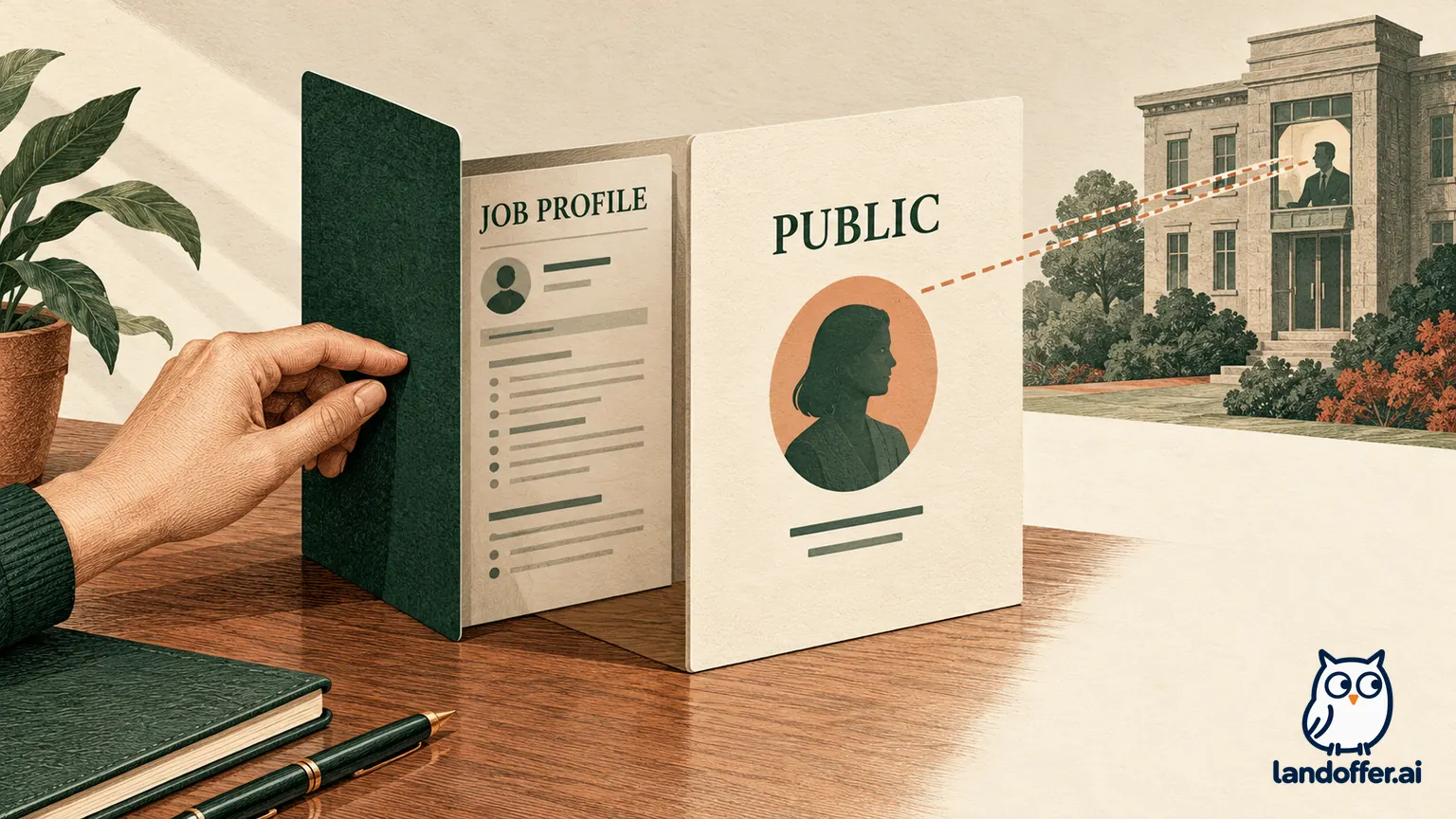
Wellfound separates your public profile from the job profile used for recruiting. Hiding the latter from a current employer depends on an accurately linked current work-experience entry. Wellfound says your public profile remains viewable while you have an account. Before choosing Open to Offers or Ready to Interview, inspect both profiles, check the employer connection, and decide what information you are comfortable sharing with application recipients.
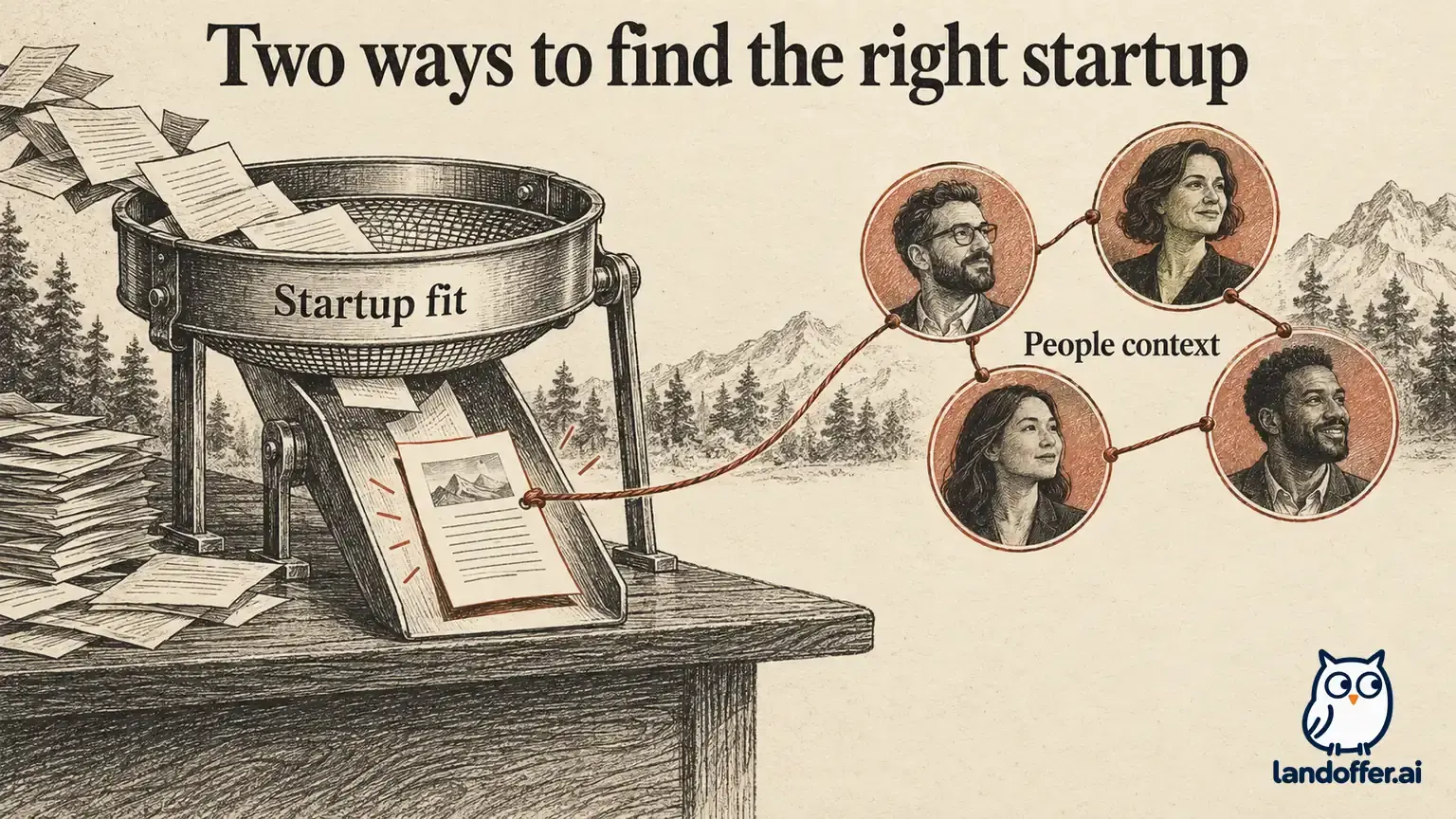
This guide reviews Wellfound's public documentation checked October 23, 2026; it does not report a recruiter-account privacy test. LandOffer.ai publishes this guide. You can browse recent roles on LandOffer.ai separately while deciding how much recruiter discovery you want on Wellfound; neither service's discovery settings should be assumed to control the other.
Start with three separate visibility questions
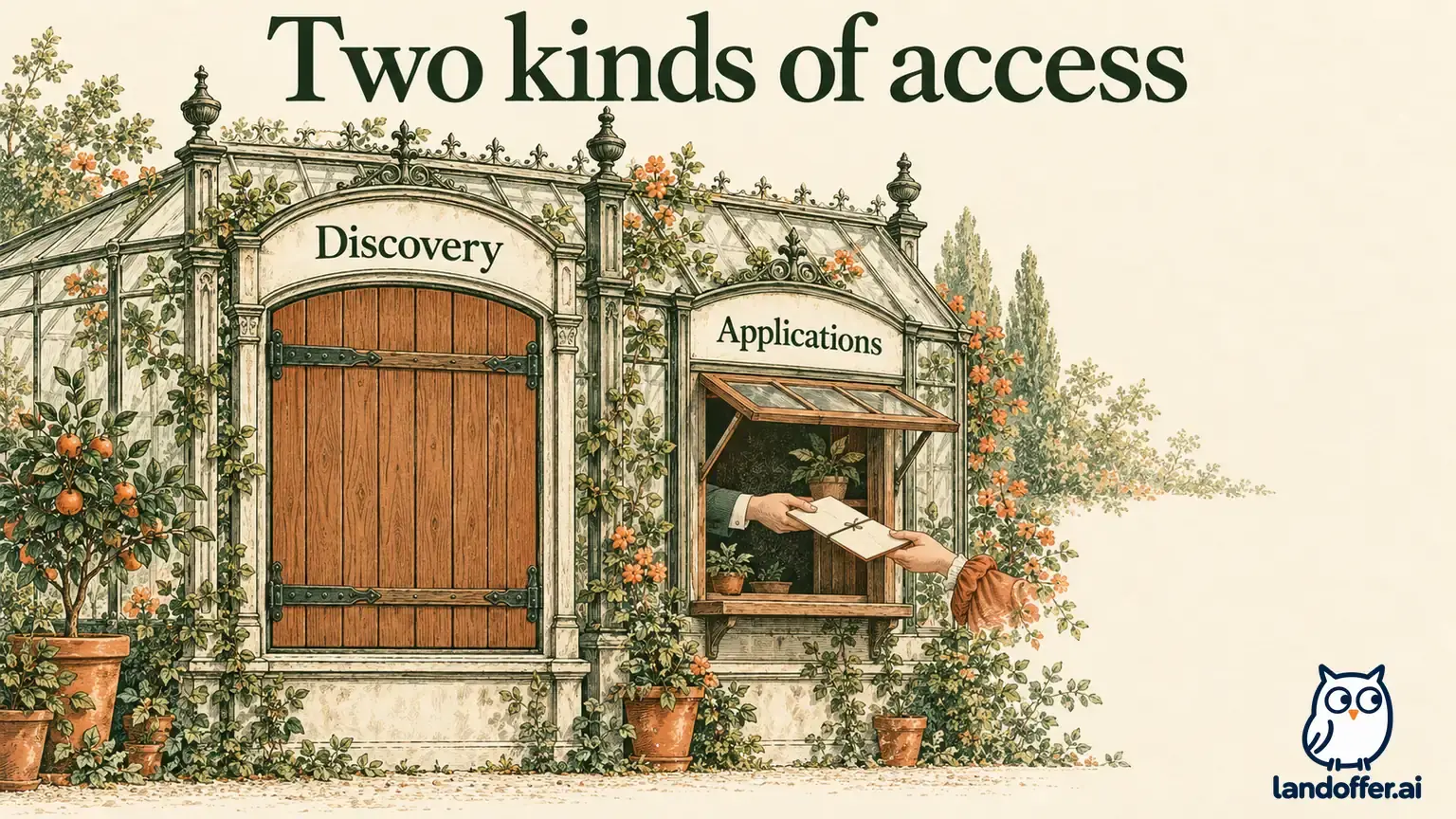
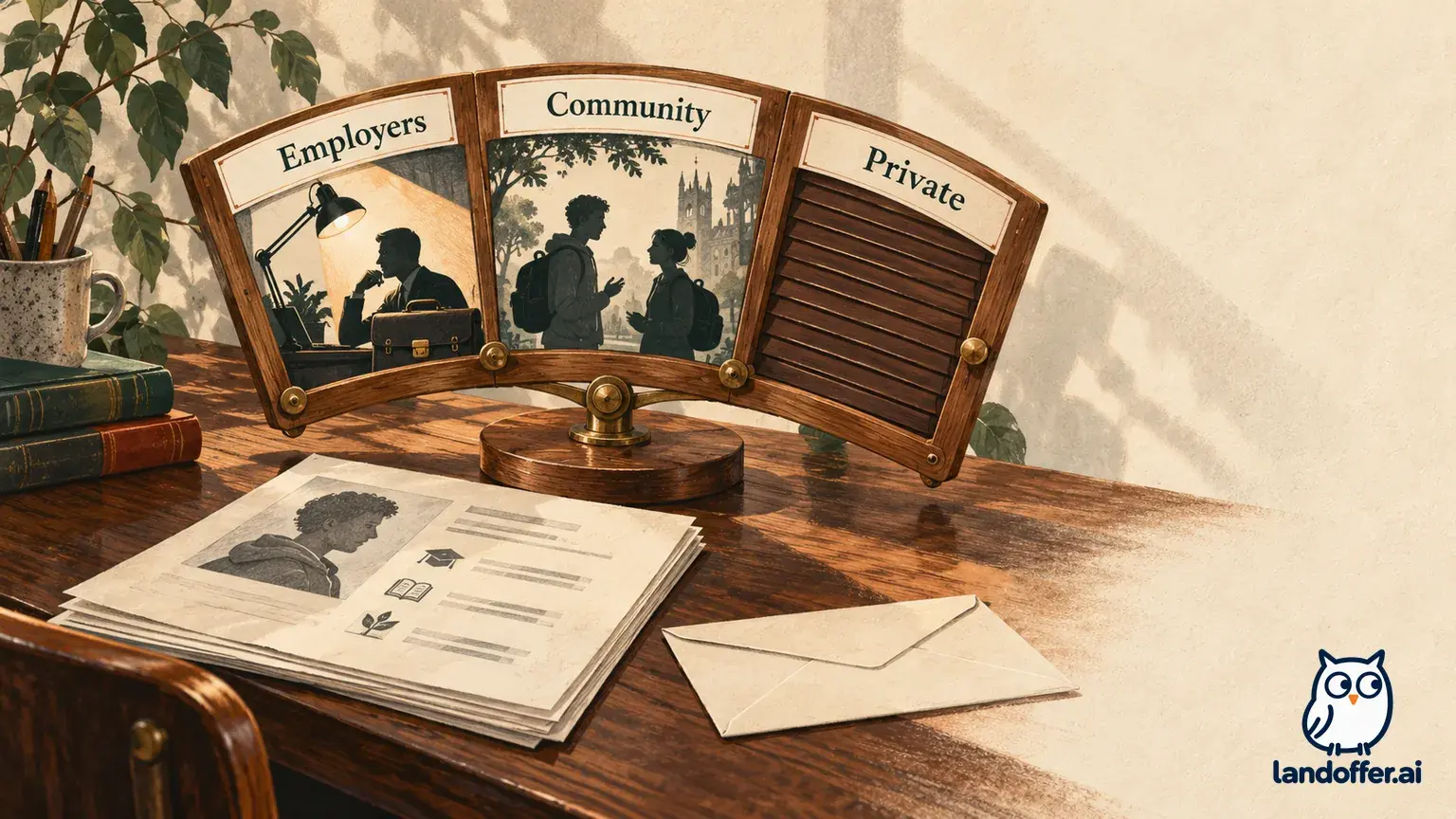
Ask who can see your professional identity, who can find your job-search information, and which organizations receive a deliberate application. Each question concerns a different audience; one switch cannot answer all three.
Wellfound's profile explanation describes a public professional presence alongside a recruiting profile. Public work history is therefore different from an explicit signal that you want another job. This distinction explains why finding your own profile through a public link does not, by itself, show that employer hiding failed.
Record the profile surface and audience for each concern. “My manager can see my name” is a public-profile question. “My current company's recruiter can source my resume” is a job-profile question. “A hiring team has the resume I submitted yesterday” is an application question. Treating all three as one problem can lead you to change a setting that never governed the information involved.
The practical goal is a deliberate visibility choice with known limits. Wellfound's documentation provides a mechanism for excluding a linked current employer from recruiting visibility. It cannot establish what a colleague already knows, what you have written on another service, or what someone infers from a public biography. Those are separate information paths.
Check the employer relationship before changing your status
The current-employer hiding guide makes the company connection central. An experience entry needs to identify the company profile for the organization where you currently work, with the current-employment selection enabled. A recognizable employer name alone is insufficient evidence that the intended company record is linked.
Start in Edit Profile and inspect Your Work Experience. Open the relevant position, check the selected company, confirm that you currently work there, and save. Reopen the saved entry to catch an incorrect company match before enabling discovery.
Wellfound's work-experience instructions recommend selecting an existing company from the dropdown when available. This is especially relevant if your employer uses an abbreviated trading name, has a similarly named business, or has changed its name. Compare the company record's identity with your real employer. Do not create a new company entry merely because the first search result is inconvenient.
For a subsidiary, consultancy, or second simultaneous employer, document the precise uncertainty. The public guidance does not resolve every parent-company relationship or unusual account association. An entry for a subsidiary is not proof that its parent company or sister companies are excluded. If that distinction determines whether you can tolerate recruiter discovery, keep discovery disabled while asking Wellfound support to clarify the specific company records.
This is also why “hidden employers” should not be read as a verified universal blocklist feature. The current sources reviewed here substantiate a linked-current-employer mechanism. They do not establish an arbitrary-company exclusion list, automatic subsidiary matching, or a way to hide your public identity from every person connected to a business.
Choose a status for the discovery you actually want
Wellfound's status guide documents three options: Ready to Interview, Open to Offers, and Closed to Offers. The first two expose candidate information, including the resume, through recruiter sourcing. Closed to Offers reduces that visibility. Status can be changed from the jobs toolbar dropdown or through profile preferences.
Choose between the two open options according to your actual availability and intentions; the documentation reviewed does not establish different employer-hiding guarantees between them. A stronger-sounding availability label does not fix an incorrect employer association.
There is a documentation conflict worth preserving. The status guide says closing prevents startups from viewing candidate profiles and applications. The account-deletion guide, however, describes Closed to Offers as hiding the job profile unless you apply directly. Accordingly, this guide recommends treating closing as a discovery control, while assuming an application recipient may retain access. Neither description supports a promise that changing status withdraws a submission or erases a previously downloaded resume.
If you already have applications in flight, inspect those separately before changing availability. Note the role, recipient, submission date, and whether you still want consideration. Ask support about the specific application-access behavior if it matters to your decision. Do not infer withdrawal from a quieter inbox or from disappearing from general sourcing.
Worked example: Maya separates employer hiding from public visibility
Fictional example: Maya is a backend engineer at Juniper Payments. She wants relevant startup recruiters to find her, but she does not want Juniper's recruiting team to see her job-search profile. She also wants her public engineering background to remain accurate.
Her starting record says “Juniper,” has an old end date, and has no confirmed link to the current employer's company profile. She has not changed her status yet. Her first task is correcting the relationship, rather than selecting Ready to Interview and hoping the platform recognizes the employer.
| Review item | Maya's starting evidence | Completed decision |
|---|---|---|
| Employer identity | Short name with ambiguous company match | Select the verified Juniper Payments company record |
| Current employment | An end date from an old import | Correct the factual dates and enable current employment |
| Public biography | “Backend engineer building payment systems” | Keep this accurate professional description |
| Search preference | Ready for exploratory conversations | Choose Open to Offers after reviewing the employer link |
| Resume contact details | Work email and full street address | Replace with a personal contact route and city-level location |
The resulting record is a documented configuration choice, not proof of what a real recruiter account can see. Maya notes the company record she selected, the saved current-employment state, and the status she chose. This gives her a precise question to raise if something appears inconsistent later.
Suppose a colleague subsequently opens Maya's public profile and sees her work history. Maya first checks which profile was viewed. A public page showing accurate employment is consistent with the documented separation. She would investigate further if evidence specifically showed her recruiting-only information exposed to the excluded company.
The example also changes the order of work: accurate employer connection first, review both profiles second, choose discovery status last. Checking the employer first gives Maya a concrete basis for her visibility decision.

Review shared fields, resume details, and public wording
Wellfound's public-profile editing guide shows that editing public information can send you into the job-profile editor. Do not interpret a shared editing screen as a promise that the resulting information has one shared audience. Preview the two destinations after material changes.
For the public page, read your biography, projects, work history, and links as a colleague would. A technically accurate sentence can still disclose more than you intend. “Building payment infrastructure” says something different from “Seeking a confidential move before our next reorganization.” You can describe relevant expertise without narrating an undisclosed search or confidential workplace situation.
For recruiting, the job-profile guide emphasizes completing the profile itself because linked social pages are not a substitute for searchable information. Privacy does not require removing every useful technical detail. Keep relevant skills and explain your contribution, while excluding information you would not want an unfamiliar hiring team to receive.
Review the uploaded resume as a separate document. In the same guide, Wellfound advises limiting its contact details to information you are comfortable making public. A personal email, appropriate location, and intentional portfolio link are easier to assess than an old export containing a workplace address, private phone number, or confidential project URL. Preserve qualifications while reducing unnecessary identifiers.
A preview checks the content you supplied. It does not reproduce every recruiter permission, export, or downstream copy. Keep that distinction in your notes so a clean preview does not become an unsupported claim that all possible audiences were tested.
Worked example: Daniel closes discovery with applications pending
Fictional example: Daniel, a data engineer, applied to Cedar Analytics on Monday and another startup on Tuesday. On Friday he accepts a role elsewhere. He wants new sourcing messages to stop, while keeping track of what he has already shared.
His completed visibility record separates the three surfaces:
| Surface or recipient | What Daniel records | Action and remaining boundary |
|---|---|---|
| Recruiter discovery | Previously Open to Offers | Change to Closed to Offers and confirm the saved selection |
| Public profile | Engineering history and portfolio remain visible | Remove an outdated job-search sentence while keeping accurate experience |
| Cedar Analytics application | Resume and answers deliberately submitted Monday | Tell the hiring contact he is withdrawing; do not treat the status change as withdrawal |
| Tuesday application | Submission recorded, no reply yet | Check that application separately and use its available withdrawal or contact route |
| Resume version | Personal contact details already sent | Retain a copy for reference; closing discovery does not establish deletion of recipients' copies |
Daniel's resulting note reads: “Discovery closed Friday; two prior recipients handled individually; public biography reviewed.” It does not read “All employers lost my data.” The first statement describes actions he can verify. The second would require evidence he does not have.
This case explains the trade-off for someone conducting a highly selective search. Closing broad discovery may fit their preference, but direct applications still involve sharing information with chosen recipients. Conversely, remaining open can invite relevant approaches when the candidate accepts that wider recruiting exposure. Neither choice is inherently correct for every employed engineer.
Resolve a suspected exposure with specific evidence
If you suspect the wrong audience can see recruiting information, first save the page address or message, date, and exact fields involved. Keep a private record; do not publish personal profile data to demonstrate the problem. Then compare that evidence with the profile surface, saved availability status, company association, and current-employment entry.
A useful support question is specific: “My experience links to this company record, current employment is enabled, and I selected Open to Offers. This message appears to reference information from my job profile. Which visibility rule applies?” Remove unrelated personal details from any screenshots you send.
Avoid making a second account or deleting accurate employment to experiment with privacy. Those changes create new identity and profile questions without resolving the original audience. If the available evidence remains ambiguous and discretion is essential, reduce discovery while seeking clarification. This is a conservative decision under uncertainty, not a claim that the documented hiding feature has failed.
Before your next application, complete one review of the employer relationship, both profile previews, resume contact details, and intended recipient. With that review recorded, browse recent roles on LandOffer.ai and choose opportunities whose requirements you can substantiate. Discovery and application privacy still need review in each service you use.