LandOffer
Job search
Handshake Profile Privacy: Choose Community, Employers, or Private Before Recruiting Starts
Choose a Handshake audience around your next recruiting activity, then review public links, application attachments and event requirements separately.
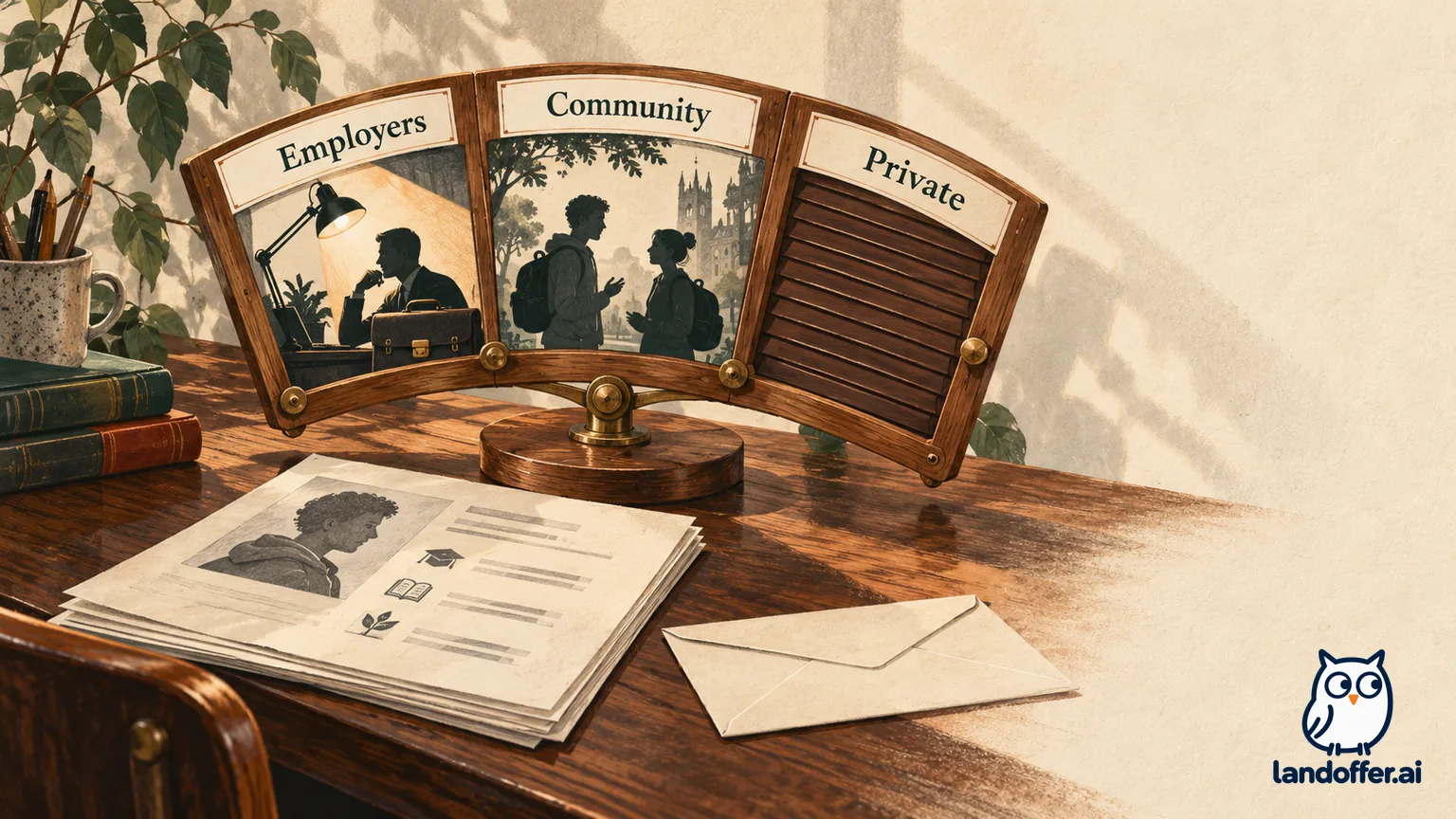
Choose Employers when you want recruiter discovery without peer networking, Community when you want student or alumni connections and Handshake-hosted group events, and Private when you want to search and apply without a discoverable profile. Then check who can receive your documents and whether your profile can be shared outside Handshake. A Private profile does not make a submitted application anonymous.
Make this decision before adding a profile link to your résumé or registering for a recruiting event. If you are also comparing opportunities outside your school’s channel, browse recent roles on LandOffer.ai while keeping each platform’s sharing choices separate.
This guide reviews Handshake’s public student-account documentation checked October 23, 2026. LandOffer publishes it; we did not change a student account or test recruiter access. The examples below are fictional decision exercises. They show how to choose settings, not evidence of hiring results.
Start with the audience you actually want
Handshake’s profile privacy guide describes three visibility levels. Community permits employer and peer interaction. Employers supports employer discovery and messages without student or alumni messaging. Private retains job search and applications while limiting profile discovery. Career-services staff at a partnered institution can still view a Private profile; staff cannot choose your setting for you.
A useful question is: “Who should be able to find this profile before I contact them?” That is narrower than deciding whether you are actively job hunting. You can want an internship, decline unsolicited discovery, and still send a specific employer an application.
Choose a setting around your next recruiting activity. Do not treat the broadest audience as a prerequisite for being a serious applicant. Equally, do not choose Private expecting the same inbound introductions as an employer-visible account. Choose the communication channel you want and accept its specific limits.
Handshake’s Campus Profiles explanation adds a useful boundary: Community can expose your profile to opted-in students and alumni across Handshake schools. Peer-visible information includes projects, experience and education. It does not include everything an employer or the institution can access. Consider that audience before writing a project description intended for one recruiter.
Three completed choices for three recruiting goals
The following table is a fictional worked example. Its recommendations apply the documented audience differences to three people’s stated goals; the names and circumstances are invented.
| Candidate and immediate goal | Selected setting | Deliberate cost | Completed preparation decision |
|---|---|---|---|
| Maya, a computer-science senior, wants recruiters to discover her backend projects but does not want peer messages | Employers | Gives up peer messaging and feed posting | Keeps two project descriptions employer-ready; leaves external profile sharing off |
| Leo, an information-systems junior, wants alumni conversations and a Handshake-hosted group session | Community | Accepts a broader opted-in peer audience | Removes a classmate’s name from a project description before opening that audience |
| Nia, a working student, wants to select individual applications while revising an unfinished profile | Private | Gives up unsolicited employer opportunity messages | Prepares a separate application résumé and records which employer receives each version |
Maya’s decision would change if her next useful activity were an alumni conversation. Leo’s would change if his only scheduled interaction were an employer one-to-one session. Nia’s would change if she decided inbound recruiting was worth preparing a discoverable profile. Those are changes in goals, not a ranking of the three candidates’ ambition.
The finished output is a reasoned audience choice for each person. It is more useful than checking every available visibility box and hoping the extra exposure helps. None of these cases predicts which candidate will receive interviews.
Before borrowing one of the choices, write your own one-sentence objective. “Find a summer software internship through recruiter outreach” points toward a different setting than “submit two selected applications while I finish my profile.” Keep that sentence beside your event calendar so the next prompt has context.
Check the event format before accepting a visibility prompt
A virtual recruiting event can change the minimum setting needed to participate. The current privacy guide’s event rules distinguish employer one-to-one sessions, externally hosted events and Handshake-hosted group experiences. Employers is sufficient for the first two categories; Community is required for Handshake-hosted virtual events and group sessions. Private users can still register for in-person events and fairs.
Read the registration description before deciding. “Virtual” alone does not tell you the audience: a recruiter appointment and a student-visible group discussion serve different purposes. The setting prompt should identify the required level. Treat it as a decision about participation and disclosure together.
For example, Maya’s fictional invitation says “one-to-one employer session.” Her Employers choice fits that documented format. Leo’s says “group session hosted in Handshake,” so Community matches his planned peer interaction. If Nia encounters a prompt requiring broader visibility, she can decide whether that event is worth the change before continuing.
Give the privacy prompt the same attention as the calendar slot. Read the event name, host, format and required audience together. If the event description and prompt appear inconsistent, ask the organizer or career center about that particular session. Avoid assuming that an older screenshot of another fair settles today’s registration flow.
A later return to a narrower setting is a new audience choice. It should not be treated as proof that previous participants have forgotten your name, that an employer discarded a file, or that a past interaction disappeared. Those are different questions from whether your profile is currently discoverable.
Public links and résumé files have their own controls
Community is not the entire public-link decision. Handshake’s public-profile instructions describe an additional checkbox beneath Community for sharing outside Handshake. That public version can be viewed without a Handshake account. It presents selected profile sections, including education, experience, skills and projects, while omitting sensitive details such as GPA.
If you want campus networking without an externally shareable profile, review that checkbox independently. If you want a résumé link that an outside mentor can open, check the public-sharing choice before distributing the link. Copying a URL and authorizing its public audience are separate steps in your preparation.
Files are another layer. The document visibility guide says an employer-visible document is associated with particular application or event interactions; it is not simply displayed for anyone browsing your profile. Only one document can carry that public designation at a time. A private document can still be attached to a specific application and viewed by its recipient and the school’s career-services center.
This means “keep my profile Private” and “send this résumé to this employer” can coexist. Before submitting, inspect the actual attachment rather than inferring its recipient from the profile setting. A filename like resume-final.pdf gives you little help if you maintain separate software and analytics versions. A local filename such as Nia-Software-Internship-Resume.pdf helps you distinguish the version intended for this application.
GPA deserves a separate check too. The campus-profile documentation says peers cannot see another student’s GPA, even when it has been made visible to employers. Do not generalize that protection to project text you typed yourself. If you write a GPA into a narrative paragraph or upload a document containing it, review that content on its own terms.
A four-scenario disclosure audit for a Private applicant
Nia’s example continues below. This is a completed fictional audit, not a test of an account. She starts with a Private profile, an application-specific résumé and no intention to create an external profile link.
| Planned action | Initial assumption | Corrected interpretation | Nia’s recorded decision |
|---|---|---|---|
| Apply to an internship with an attached résumé | Private means the employer receives no identifying information | Applying is an intentional disclosure; the attached private document reaches that application’s employer | Sends the reviewed software résumé and records the recipient |
| Book an in-person career fair | Any event requires Community | The general privacy guide allows in-person participation under Private | Keeps Private and reviews the fair’s own registration details |
| Join a Handshake group session | A registration prompt is only an administrative step | The documented group format requires Community | Declines this session rather than broadening her audience today |
| Add a Handshake link to an outside portfolio | Anyone with the copied URL can necessarily read the profile | External public sharing has a separate Community-associated control | Leaves the link out and shares a separately reviewed project page instead |
The application row needs particular care. Handshake’s Terms of Service say that applications or event RSVPs from Private accounts can expose limited identifying information to relevant employers, including name, primary email and institution. That is compatible with a non-discoverable profile. It does not justify saying an application is anonymous or that a résumé you deliberately attach stays hidden from its intended recipient.
Nia’s completed audit produces three different outcomes: a selected application goes ahead, an in-person activity remains possible, and a broader virtual interaction is declined. The portfolio link also changes. One global visibility label could not answer all four questions.
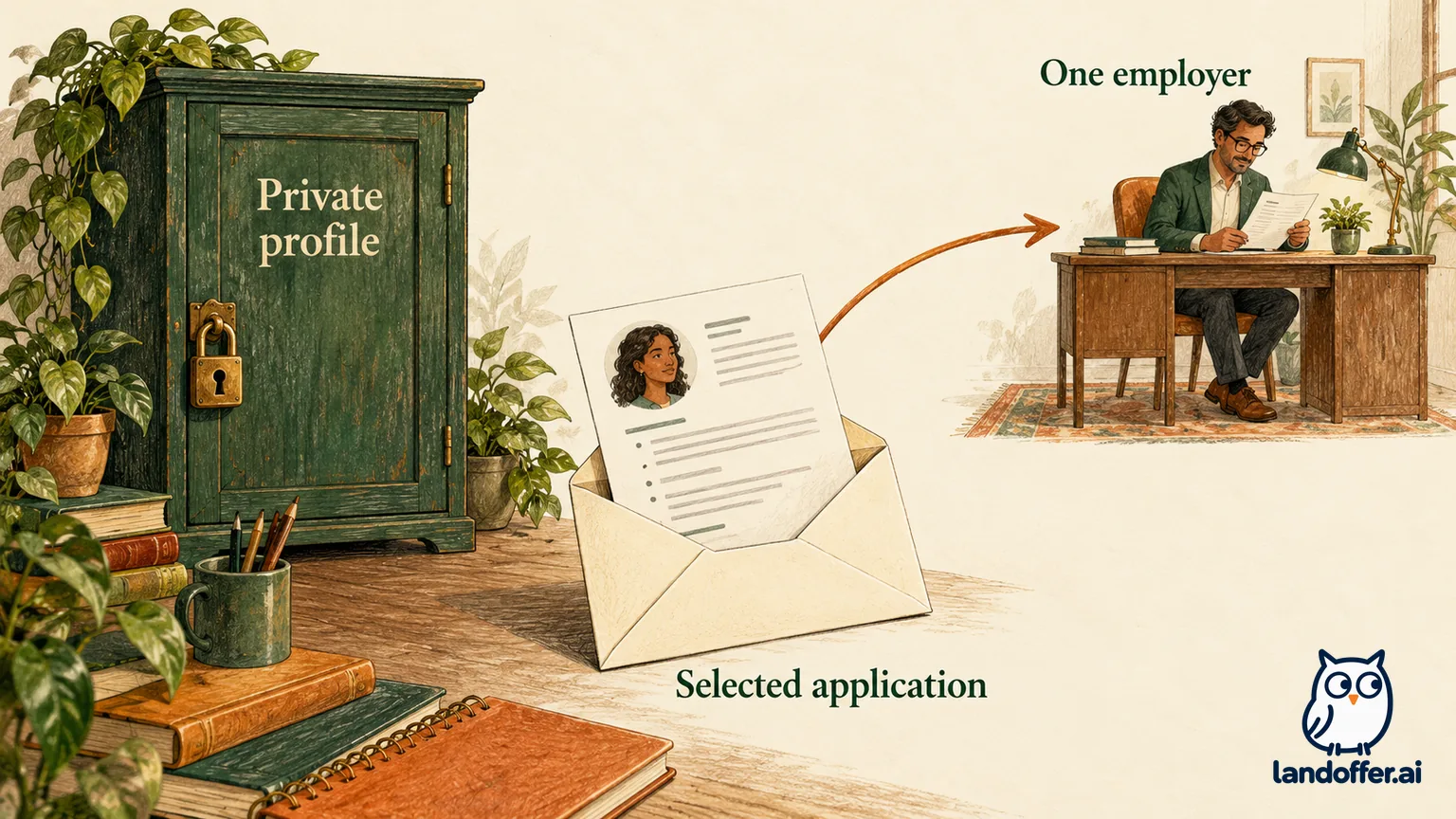
You can reuse the audit method with your own named actions. Write the exact file, recipient and event format before evaluating the setting. If you cannot identify what you are about to share, pause that action long enough to inspect it; changing a global option will not resolve an unknown attachment.
Change the setting, then review what you prepared
Handshake’s setting-change instructions give the desktop path: open your account menu, choose Settings, select Privacy, choose Community, Employers or Private, and save changes. Public external sharing is a separate checkbox in that area. Event prompts can also offer a visibility update.
After saving, reopen Privacy and confirm the selected option. This is a practical verification step, not a claim that we tested your account. If a control is missing or a save fails, record the Privacy page, selected option and exact save-error message, then ask Handshake support or your career center about your account. Do not publish screenshots containing your email or student identifier when asking for help in a public forum.
Review the content as carefully as the audience. Maya would check whether her repository link opens and whether a project description accurately identifies her contribution. Leo would remove unnecessary information about teammates. Nia would compare the submitted résumé with the internship requirements and save a local copy of the version she chose.
For an institution-created account, do not rely on a remembered onboarding default. Check its present state. A setting you selected during a previous fair may no longer match your intended audience this semester. Career-center access is also a reason to keep records accurate, not a reason to assume that Private means invisible to everyone involved in school-supported recruiting.
Finally, separate a visibility problem from a response problem. Lack of recruiter messages does not establish that a setting failed, and a saved setting does not establish that employers will contact you. Your evidence should describe the control you confirmed, the action you completed and the recipient you intended.
Choose your audience before choosing your next application
Start with one upcoming activity and select the narrowest documented audience that supports it. Then review external sharing, the relevant document and the event format separately. Keep the result specific: “Employers for recruiter discovery, no outside profile link, software résumé checked for this application.”
Handshake remains useful for school-connected recruiting and career-center support when those fit your situation. LandOffer is a separate discovery channel, and this guide does not establish that it replaces those institutional features or carries your Handshake privacy preferences across platforms. Once your sharing decisions are clear, browse recent roles on LandOffer.ai and choose one role, check its requirements and review its application destination before sharing information.