LandOffer
Job search
Credly Badge Missing or Under the Wrong Email: Restore a Verifiable Credential Link
Diagnose missing issuance, pending acceptance, duplicate accounts and private visibility before choosing a recovery step and checking a badge-specific sharing destination.
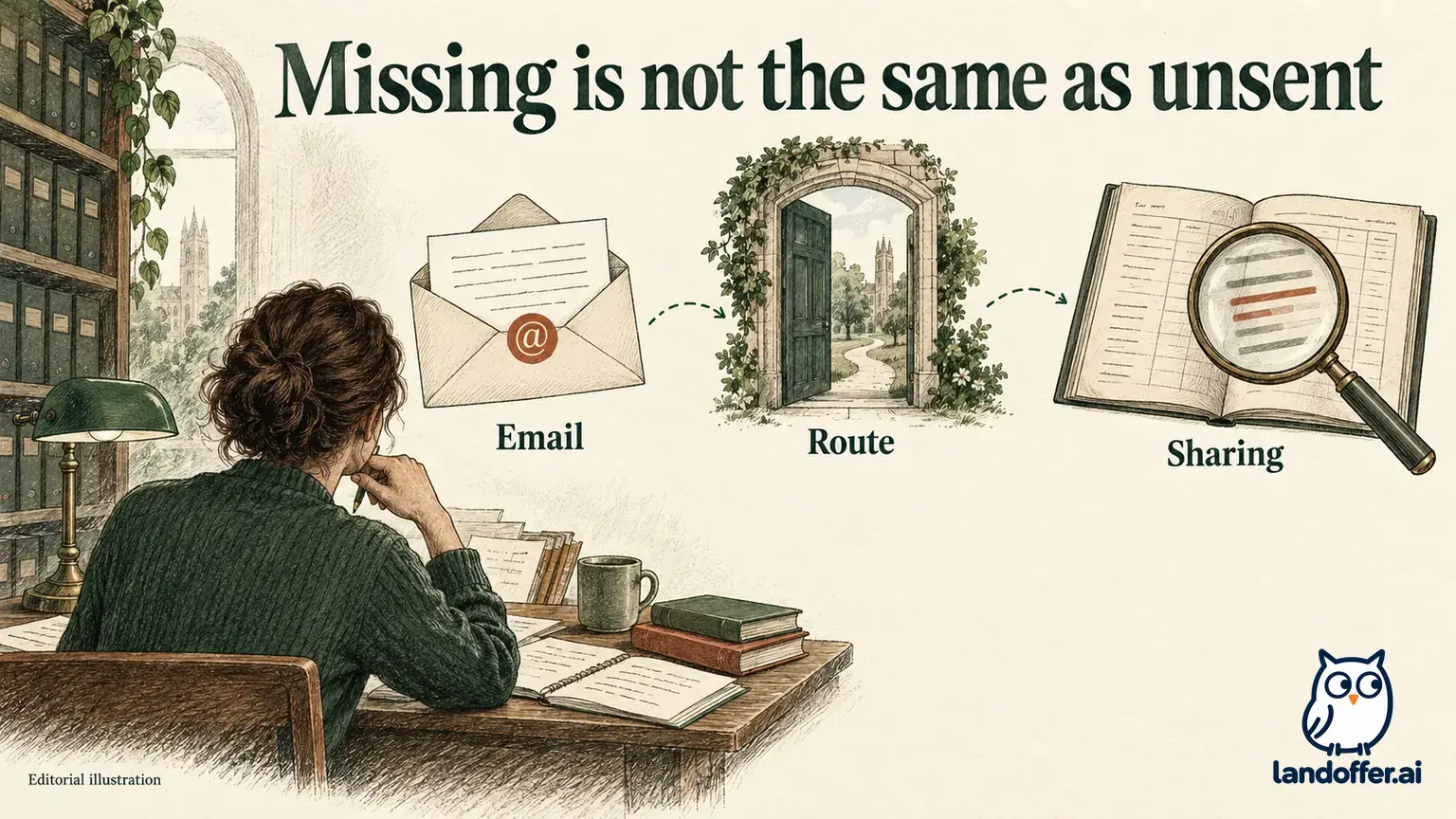
A missing Credly badge can mean several different things: the issuer has not issued it, it is pending acceptance, it belongs to another email or account, or it is private when someone else tries to view it. Identify the state first, then choose an account-recovery, acceptance, visibility or issuer-update action. A screenshot of an achievement cannot repair an unresolved issuer record.
This guide reviews current public Credly documentation checked October 23, 2026 and uses two completed fictional recovery records. We did not sign in, merge accounts, change an email, accept a badge or create a public credential URL. LandOffer publishes this guide and provides recent job listings, but does not issue credentials, recover Credly accounts or verify an individual’s certification status.
Diagnose the missing state before changing the account
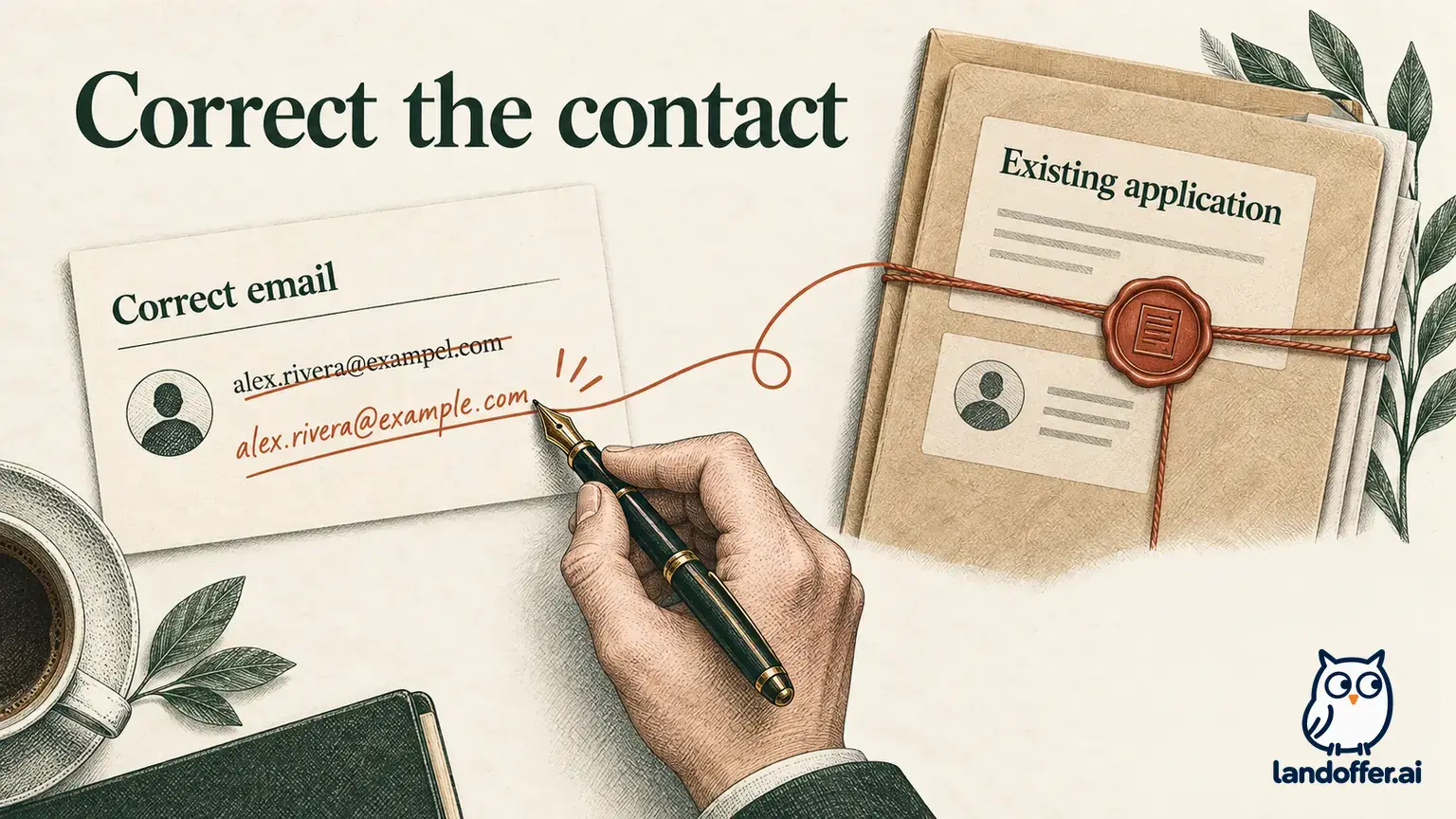
Credly’s missing-badge guide first asks you to compare the issuing email with the address registered to your account. If the address is already correct or added and confirmed, it directs you to the issuing organization. That distinction matters: an account adjustment cannot create an award the issuer has not sent.
Start a small inventory with the credential’s exact name, issuing organization, expected issuing address and the account you are viewing. Record the supporting document or account view beside each fact so the next request addresses the missing evidence. An exam result may support having passed an exam; a notification may identify an issuance address; an accepted badge page may show the particular awarded record. Keep the purpose of each artifact separate.
Check whether you are searching for the right achievement. A course-completion badge, a professional certification and an individual exam can have different names and issuing rules. “I finished the training” does not by itself establish that a separate certification badge should exist. Where issuance remains unclear, ask the issuer which credential it awards through Credly and what stage your record has reached.
Separate the issuing email from the notification destination
Credly’s multiple-email guidance describes adding an address in account settings and confirming it through the verification email. Typing an address into a field is not the same as completing verification. Record the confirmation state before assuming badges associated with that address will appear.
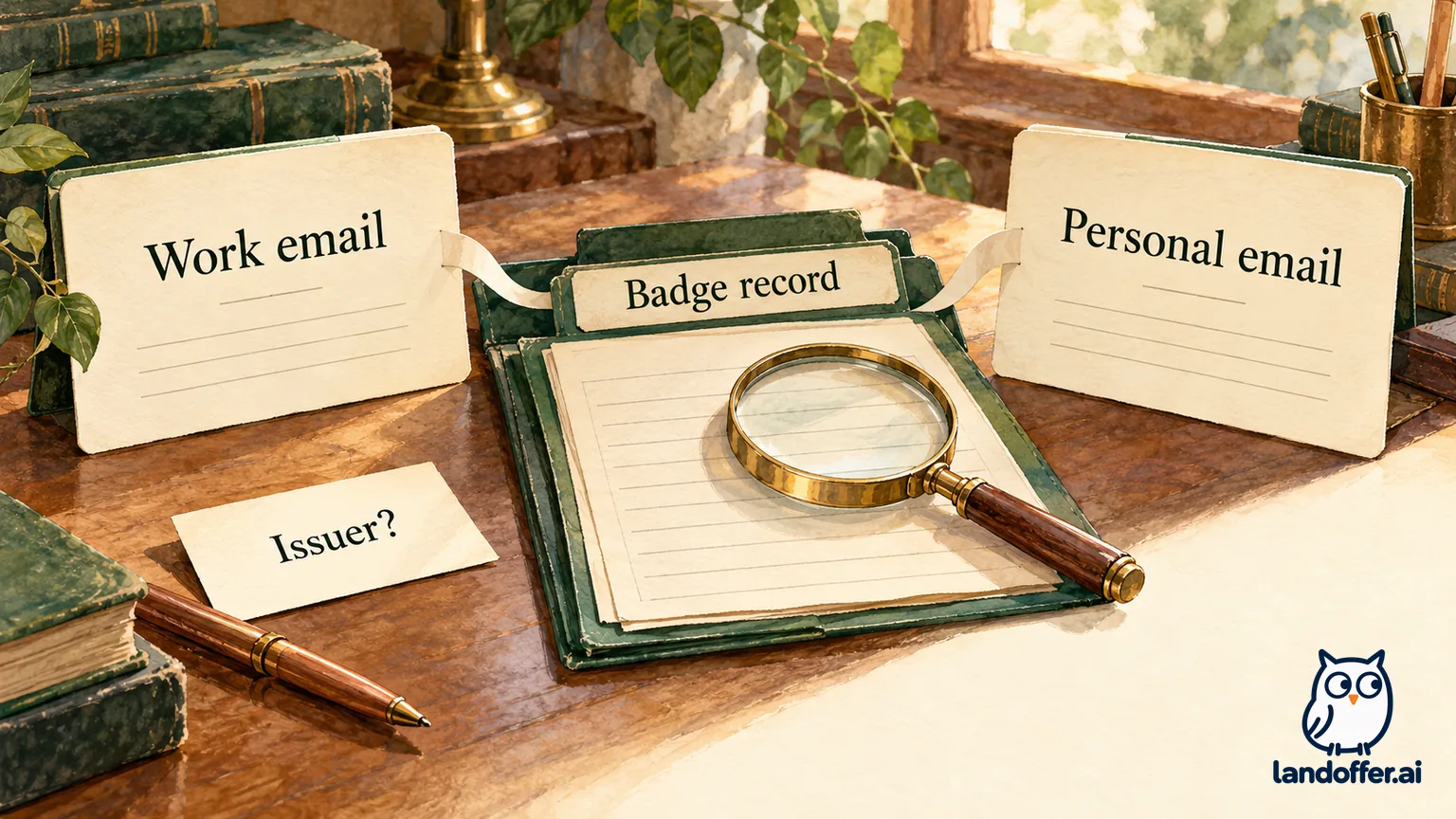
The current merge guide, updated October 21, 2026, says notifications go to the primary address even when a badge is issued to an associated secondary address. Consequently, the inbox receiving a notice is not necessarily the address the issuer used for the award.
Before changing anything, distinguish three facts: where the issuer sent the credential, which addresses belong to the account, and which verified address is the current primary destination. Keeping those facts separate can reveal a mismatch without assuming that an email message disappeared or that the badge was deleted.
Credly’s notification-email guide also discusses spam filtering, organizational mail controls and notification settings. A missing notice is therefore a delivery question as well as a possible account question. Check the badge record and issuing address rather than using inbox search as your only test.
Merge duplicate accounts only after identifying both
The current merge documentation describes combining accepted and pending badges into the account you keep, with the other account’s email retained as secondary. The normal flow requires signing in, supplying the other account’s credentials and confirming an authorization code. Do not share passwords or codes with a recruiter to demonstrate ownership.
The same guide gives a conditional reverse-merge route when you can sign in to both accounts but cannot access one inbox: start from that account and authorize through the accessible one, then review the primary address. This is not a way around missing account access. If you cannot meet those conditions, use Credly support rather than guessing a recovery sequence.
There is a separate limitation for SSO. Credly’s SSO guidance says accounts created with SSO cannot be merged directly and describes support-assisted password setup. Do not assume a Google or Apple sign-in can be consolidated with the ordinary password-based flow unchanged.
Keep verified issuing addresses associated with the account unless the official process tells you otherwise. The current merge guide warns that removing an address used for issuance may affect the badge’s profile association. Changing the default notification address and deleting an issuing address are different actions; deletion is not a routine cleanup step for a missing badge.
Worked diagnosis: two addresses, two different questions
This fictional exercise concerns Alex and an invented credential, Cedar Institute’s Cloud Operations Foundation badge. The case uses descriptions only, not real accounts or credential identifiers. Alex’s main Credly account uses a personal address. A separate work-address account contains a pending award with the expected badge name and issuer. Alex can sign in to both accounts and access both inboxes.
Alex completes the following diagnosis before taking any account action:
| Evidence in the fictional record | Completed finding | Next decision |
|---|---|---|
| Issuer notice names the work address | Issuance route differs from the main personal account | Preserve the work address as relevant issuance evidence |
| Work-address account describes a pending Cloud Operations Foundation award | A matching pending record exists in this account | Review acceptance details; do not call it accepted yet |
| Personal-address account does not show that award | Absence is specific to this account view | Do not ask the issuer to create a duplicate merely from this absence |
| Both account sign-ins and inboxes are available | The described sign-ins and inboxes are available in the exercise | Read the current merge instructions and choose the account to keep |
| No account changes made during the exercise | Consolidation and acceptance remain unperformed | Keep both actions pending in the recovery note |
Alex’s completed decision reads: “This record points to an account-association problem and a pending acceptance, not evidence that the issuer never issued the badge. I would retain the personal account, follow Credly’s current consolidation process and then inspect the combined record. I have not merged or accepted anything in this exercise.”
Now change one input: suppose neither account contains a matching award and the only document is a course-completion email. Alex’s next question would go to the issuer about whether the badge was issued and to which address. Merging two empty views would not answer that question. This alternative demonstrates why the initial inventory precedes a recovery action.
A final check belongs after any real authorized merge: confirm the expected accepted and pending records, retained addresses and primary notification destination. The documentation describes what should be combined; only inspecting your resulting account can establish what is present in your case.
For an unresolved case, prepare a factual request with the credential name, issuer and the address used for issuance. Explain whether the record is absent, pending or visible in another account, and distinguish an inaccessible inbox from an account you cannot sign in to. Those are different recovery constraints. Send the minimum necessary information through the official channel; never attach passwords, authorization codes or unrelated identity documents as a shortcut.
Record the reply and the resulting state separately. “Support contacted” does not mean “accounts merged,” and “issuer reviewing” does not mean “badge reissued.” If an application deadline arrives first, keep the credential wording accurate and ask the requester what evidence is acceptable while the official record is unresolved. Do not assume a support ticket extends an employer’s deadline or that a training receipt will satisfy a certification requirement.
Acceptance and public visibility are separate gates
Credly’s getting-started guide describes account confirmation and badge acceptance before sharing. A pending invitation is not the same as a public earned-record destination you have inspected. Follow the actual acceptance flow and check the issuer and credential details before committing it.
Credly’s privacy guide separately covers profile and badge visibility. It says a profile or badge must be public for the corresponding share. Successful access while signed in as the earner therefore does not establish what an outside viewer can see.
Review the disclosure before changing visibility. The name-display explanation says the issued-to name appears on public badge details and is controlled by the issuer. If that information is wrong, seek the appropriate correction rather than editing a screenshot. If public disclosure is unsuitable, ask the requester about an acceptable issuer-supported alternative.
Worked sharing record: an accessible page with an expired status
A second fictional candidate, Priya, is repairing an application entry for Harbor Academy’s Data Pipeline Practitioner credential. In this exercise, the issuer record has been located and accepted. The invented page is public and shows Priya’s name, Harbor Academy as issuer, an earned date of October 1, 2024 and an expiration date of October 1, 2026. The exercise review date is October 23, 2026.
Priya completes this sharing audit:
| Proposed evidence or check | Result assumed in the exercise | Completed treatment |
|---|---|---|
| Screenshot saved in 2024 | Displays a badge image and earlier details | Keep only as historical supporting material, not current verification |
| Badge-specific public destination | Matching name, issuer and credential details are visible in the scenario | Intended link type identified; no real URL generated here |
| Current status | Page describes the credential as expired | Do not label the application entry “active certification” |
| Recipient-view check | Scenario assumes visibility without the earner’s signed-in session | Access and status are distinct: visible does not mean current |
| Claim of recent recertification | Priya describes a newer completion, but no updated award is shown | Ask the issuer about updating its record; do not overwrite the displayed expiry |
| Outgoing application material | One description prepared, no submission | Hold any active-status claim until the issuer-supported record supports it |
Her completed description is: “Data Pipeline Practitioner — Harbor Academy; earned October 2024, record currently shows expiration October 2026. Issuer update not yet confirmed; active status not established.” The exercise does not assert that any message was actually sent or that the issuer agreed to renew the credential.
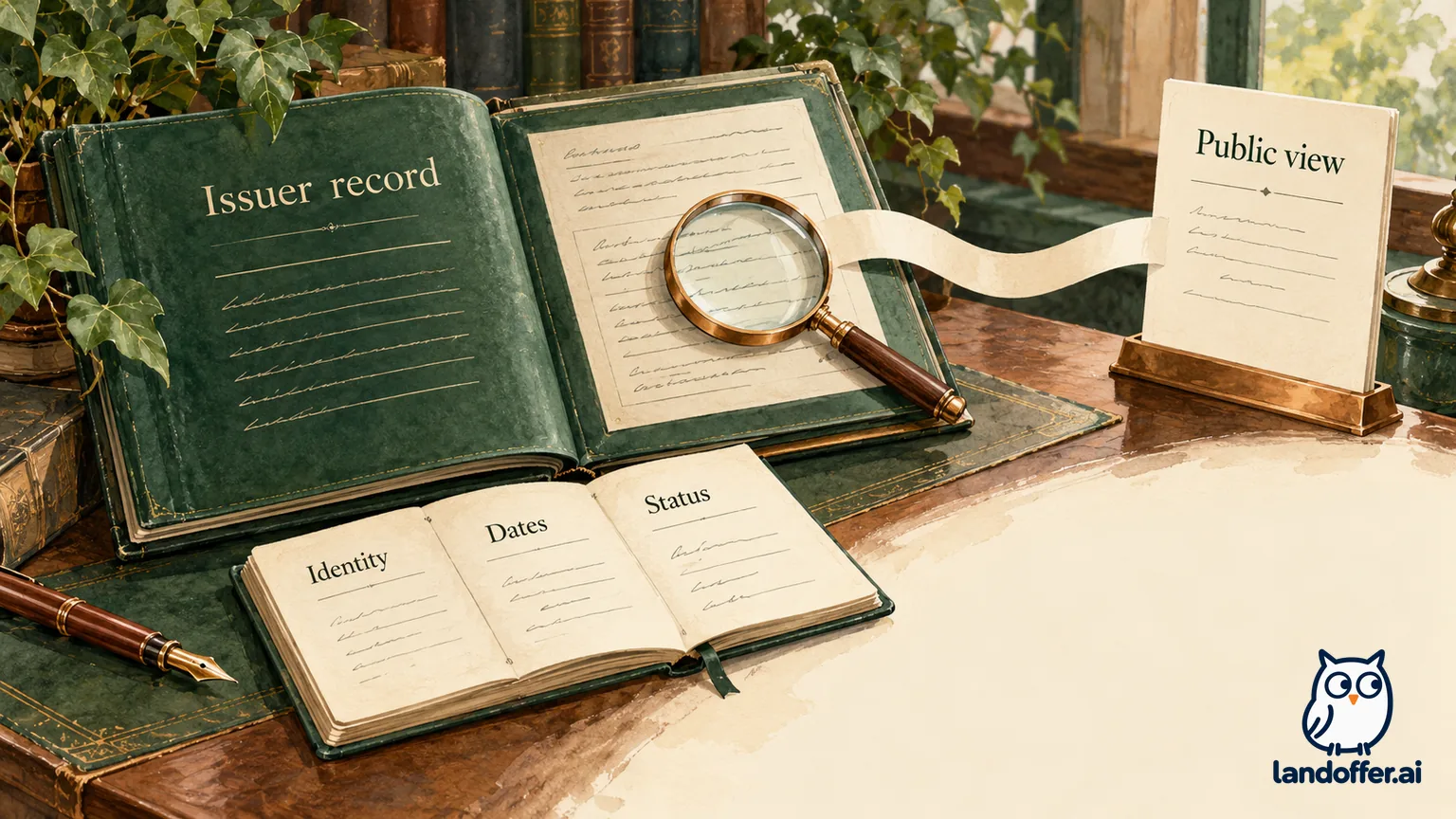
This example deliberately ends with a limited result. Priya has chosen the correct evidence route and corrected the claim, but she has not converted an expired record into an active one. Credly’s expired-badge guidance directs earners who have recertified to the issuer for an update. Restoring access and restoring current status require different evidence.
Recover the badge-specific destination and check its meaning
Credly’s sharing documentation starts from the selected badge. Its public-link instructions identify a public-facing URL in the Share Badge screen. You can use that documented destination without treating the article’s social-posting steps as a requirement to publish anywhere.
For an actual authorized share, inspect the destination without relying on your earner session, then compare the displayed name, issuer, credential and dates with the application claim. A generic program-description page may explain the course but does not identify you as an earner. A profile home page may expose more records than the one requested.
Do not manufacture a credential-looking image, alter issuer details or construct a plausible badge URL to fill a blank application field. If the official record remains missing, private, pending or outdated, preserve that state in your application notes. A planned fix is not a verified link.
When reviewing other opportunities, browse recent roles on LandOffer.ai and identify which credentials the role actually requests. Complete the email/account diagnosis, then inspect the badge-specific issuer-supported destination and keep the résumé wording aligned with its current record.
Sources and Further Reading
- Credly: Missing badge — issuing email versus issuer question; checked October 23, 2026.
- Credly: Merge accounts — updated October 21, 2026; consolidation and address conditions.
- Credly: Multiple emails — secondary-address confirmation.
- Credly: SSO accounts — direct-merge limitation and support route.
- Credly: Privacy controls — profile and individual badge visibility.
- Credly: Expired badge — issuer update for recertification.