 LandOffer
Job search
Submitted the Wrong Resume? How to Check Your Correction Options
Correction options depend on submitted-record controls, employer contact policy and actual saved result.
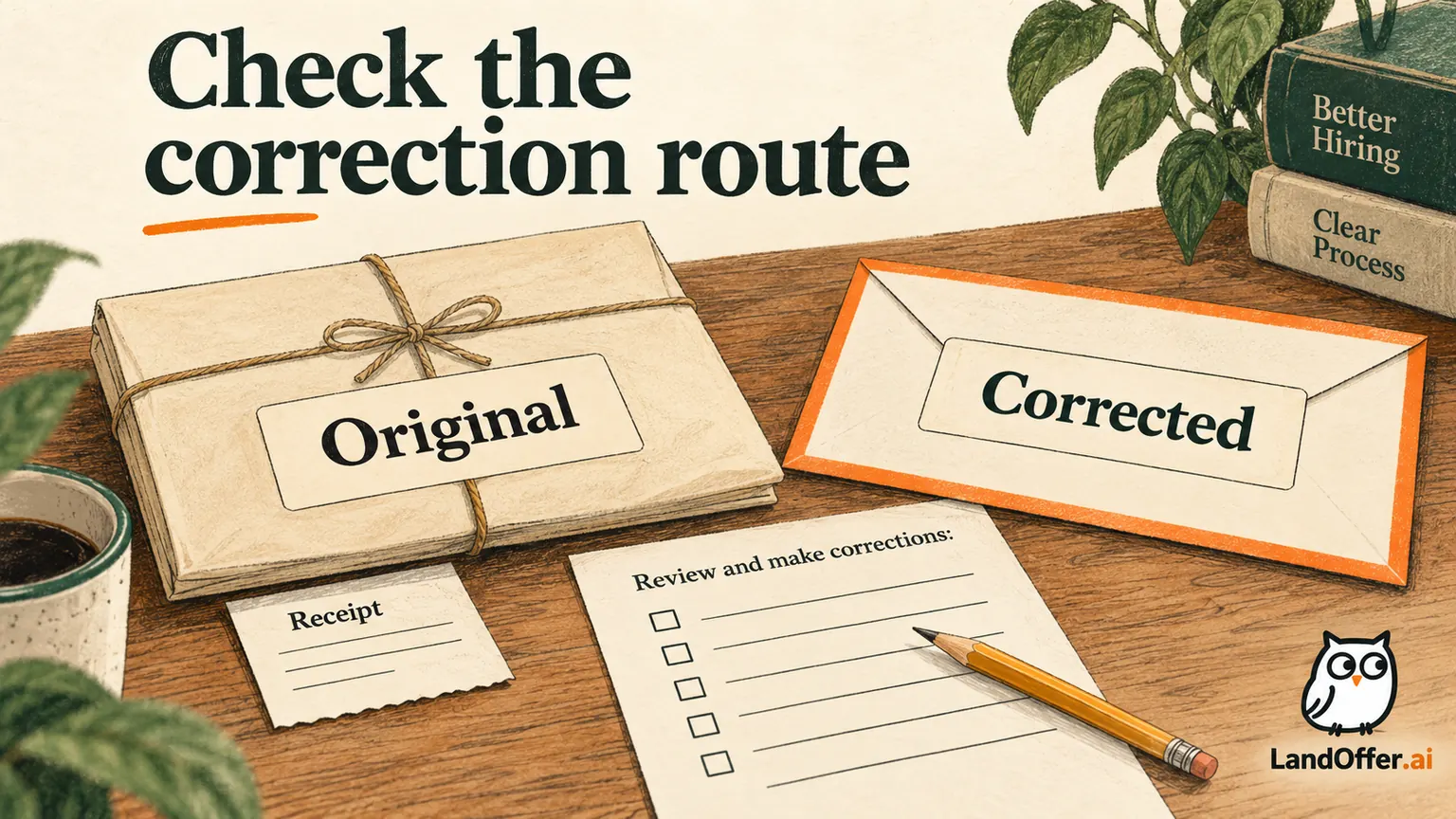
If you submitted the wrong resume, first inspect the controls and instructions for that submitted application. The permitted next step may be an application-specific edit, a brief message through the employer's permitted route, or preserving the original submission while using the right file going forward. Uploading a new profile resume does not, by itself, prove that an earlier application attachment changed.
Start with the exact employer, requisition, receipt and submitted filename. Use recent roles on LandOffer.ai for other leads while resolving this record carefully. LandOffer publishes this guide and offers job-search tools. It uses official process descriptions checked October 8, 2026, and fictional correction examples. No application was submitted, edited, withdrawn or emailed for this article.
Establish what is wrong before taking action
Compare the submitted file with the version you intended to use. Identify whether the issue is an emphasis choice, an outdated contact detail, a missing contribution, or an incorrect factual statement. Those differences matter because they call for different explanations. A generic resume may still be accurate; an incorrect employment date needs a factual correction.
Save the original receipt and file. If you can view or download the attachment associated with the application, compare its contents rather than relying only on a filename. A file named “backend” can contain an older draft, and two similarly named documents can differ materially.
Do not rewrite the mistake into a bigger claim than the evidence supports. “I selected my frontend-focused version” is precise when both versions describe the same truthful history. “The system replaced my resume” requires evidence about that behavior. If you selected the wrong file yourself, own that clearly without speculating about the platform.
Prepare the corrected version before seeking an update. Open the requested-format export, verify facts and contact details, and check the employer's attachment requirements. Use one reviewed replacement with a distinct filename, so an update request identifies exactly which file should be current.
Separate profile updates from application edits
A profile stores reusable information. An application is a record tied to an opening. A platform can connect them in different ways, and public descriptions do not establish every historical effect.
Microsoft's university internship FAQ describes replacing a resume from the candidate profile after applying. That is a documented profile route on an early-in-profession page. It is not our observation that every past attachment changed, that a reviewer reopened it, or that an already completed review was repeated.
Look for application-specific controls and help text. If an edit action names the requisition and attachment, follow that route within its stated limits. After saving, inspect the result associated with the application if the interface provides it. A successful profile upload is a different confirmation from an application showing the replacement file.
If the saved result remains unobservable, record the limitation. “Profile updated; GH-746 attachment not confirmed” preserves the facts more accurately than “resume fixed everywhere.” Keep the employer's own instructions as the authority for any next action.
Use the correction route the employer actually permits
Official processes differ. Google Careers help says an application can be changed before submission but not afterward. Harvard's employer FAQ permits revising submitted materials through the access link, including attachments. These employer-specific examples rule out a universal “just re-upload” instruction.
The USAJOBS editing guide allows edits while the announcement remains open, requires continuing to the agency site and completing submission, and states that agencies retain old and new information while reviewing the latest submission. That is a federal workflow. Updating a local document alone would not complete those steps.
Do not treat an Edit button as proof that every field is editable, or an Add attachment control as proof that it replaces the original. Read its scope. If the interface adds another document, your accompanying explanation may need to identify which file is current. Preserve evidence of both records instead of pretending the old attachment disappeared.
Employer instructions can also change. Check them for this opening and date rather than following an old forum answer about another company's portal.
A completed correction decision map
The following table uses official documentation as process examples. It describes which next action the documented rule supports; it is not a live account test or a claim about every job hosted by the same vendor.
| Documented process | Correction option established by the source | Decision for a wrong attachment | Evidence still needed |
|---|---|---|---|
| Google Careers: no edits after submission | Pre-submit changes exist; post-submit edits are not allowed by the stated rule | Do not promise replacement through a profile upload; inspect employer contact guidance | Whether any separate employer-approved correction route exists |
| Careers@Harvard: revise submitted materials via access link | Application-specific revision and additional attachments are described | Use that documented route if available for the record | Which current attachment the saved application shows |
| USAJOBS: edit while announcement is open, then finish agency submission | An application update path with a final agency step is described | Follow all update steps before recording the correction as submitted | Latest submission date and agency-associated materials |
The completed decisions are different because the rules are different. “Edit,” “check permitted contact,” and “finish the agency update” are not interchangeable. The table also names what the documentation cannot prove without examining the actual record.
A closed deadline can remove an editing option even when a profile still accepts files. Check the announcement and employer policy before taking a step that might create an incomplete or late application.
Write one short correction request when contact is appropriate
Use an existing recruiter thread or the employer's stated applicant-contact route. Confirm that it accepts this kind of question. A disability-accommodation address or unrelated support mailbox is not automatically a hiring-material update channel. Do not search for many employees and send the same attachment to all of them.
Anton Kline is a fictional engineer who applied to invented Glassharbor's Backend Engineer opening GH-746 on October 4. He selected Anton-Kline-Frontend-2026-10-01.pdf instead of his backend-focused version. Both contain the same accurate employment dates and work history. The invented account has no visible application edit control, and its instructions permit applicants to use the recruiter thread for material corrections.
Anton's first draft repeats his pitch and asks the recruiter to ignore the original application entirely. The completed revision asks for the permitted action:
Subject: Resume correction for Backend Engineer GH-746
Hello,
I applied for Backend Engineer GH-746 on October 4 and selected my frontend-focused resume version. The attached Anton-Kline-Backend-2026-10-08.pdf contains the same employment history, with the relevant backend work emphasized.
If this application accepts a material update, could you associate this version with GH-746? If another route is required, please let me know. Thank you for your time.
Anton Kline
The draft is complete but unsent. It does not claim the update has happened, demand a new review, or promise that the replacement will improve the outcome. The draft names GH-746, the October4 application and the October8 backend file, giving the recipient specific records to locate.
Keep factual corrections distinct from tailoring changes
If the file contains an incorrect fact, identify the correct fact directly. Do not hide a wrong date inside a statement that the new version is “more relevant.” You can keep the explanation brief while allowing the employer to understand what changed.
For example, a fictional date correction could say: “My previous attachment lists the role end date as May 2025. The correct end date is March 2025; the attached version corrects that entry.” The example supplies no excuse or employer reaction. A real correction needs your own confirmed date.
Do not add an invented achievement to make the replacement worth sending. The purpose is accurate material associated with the correct application. If the first file merely omits a project, decide whether that addition is important enough to justify the permitted update route. Small wording preferences can wait for future applications when no correction mechanism exists.
Review the replacement once before contacting anyone. Checking the replacement once gives you a stable version to explain, instead of carrying another uncertain date or stale email into the request. Keep a private change note so you can answer a later question consistently.

Record what changed and what has not been confirmed
Anton's completed fictional record separates actions from results:
| Record field | Original state | Updated private note |
|---|---|---|
| Submitted application | GH-746, October 4 receipt saved | Original receipt retained; no duplicate application created |
| Original attachment | Frontend-focused October 1 version | Preserved as the actual selected file |
| Corrected file | Backend-focused version prepared October 8 | Export opened and factual history compared in the fictional exercise |
| Contact action | No request yet | Complete correction draft ready; unsent |
| Employer association | Original application visible | Replacement association unknown until a saved record or reply confirms it |
This fictional audit is complete as a written decision; no employer-side update occurred in this project. “Draft ready” is a valid state. It should not be converted to “corrected” because the message looks good or because the new PDF exists on your computer.
If a reply confirms association, save the message and date. If an application-specific view shows the replacement, preserve that evidence. If the employer says updates are unavailable, record that decision and stop trying to manufacture the same correction through duplicate submissions.
Close the correction loop without assuming propagation
Imagine the fictional employer replies to Anton: “Please use the application access link to add the new attachment and identify the current version in the note.” Anton now has an instruction for this record. He follows it, checks the saved attachment list and retains the confirmation. He records “backend version added as current per employer instruction,” while keeping the original file in history.
That hypothetical response is a teaching branch, not a message received in this project. It shows what evidence would support a narrower completed claim. It still would not establish that every reviewer downloaded the new file or reconsidered a prior decision. Those are separate events.
If the employer instead says no updates are accepted, Anton records the refusal and uses the corrected file for later applications. If nobody replies, the record remains “correction requested; association unconfirmed” only after he actually sends through the permitted route. Before sending, it remains a draft. Set a personal review reminder if useful, but do not turn an unanswered request into repeated applications or a claim that the recruiter ignored the document.
Avoid withdrawal as a casual replacement method
Withdrawal can change your candidacy. Read the employer's rule before using it merely to swap an attachment. Harvard's FAQ, for example, says a withdrawn application cannot be unwithdrawn, while reapplying is possible. That employer-specific distinction does not establish the same recovery route everywhere.
A withdrawal followed by another application may create new records, lose context, or encounter restrictions. Do not assume the original submission date or status will carry over. If an employer explicitly instructs you to withdraw and reapply, retain that instruction and review the new application as a separate action.
Without such guidance, preserve the original record and use an available correction route. If no route exists, an accurate file for future applications remains useful progress. You can also keep a brief factual explanation ready for a later conversation rather than repeatedly trying to overwrite an inaccessible record.
Find the receipt, inspect the wrong file, prepare one correct export, and choose the route the employer supports. Record the result at the level you can verify. Then return to suitable opportunities through recent roles on LandOffer.ai, keeping each selected version tied to its application. Keep the receipt, corrected file and verified response together. That evidence can clarify the record; a prepared correction alone does not change it or determine the hiring decision.
Sources and Further Reading
- Google Careers applying help: limits on changes after submission.
- Harvard employer application FAQ: submitted-material edits and withdrawal limits.
- USAJOBS edit application guide: deadline and agency-update steps.
- Microsoft university internship FAQ: documented profile resume replacement.