LandOffer
Job search
Withdrawing an Application vs. Deleting Your Candidate Data: Choose the Right Action
Choose the scope of withdrawal or data deletion before confirming. Two completed fictional cases distinguish a single-role exit from a partial privacy-request outcome.
Choose the action that matches your goal: stop consideration for one role, remove a reusable candidate profile, or ask an employer to delete particular application data. Those actions can have different scopes and consequences. Read the actual confirmation screen before proceeding, especially if you have other active applications or interviews with the same company. A button labeled Withdraw does not have identical data effects on every platform.
LandOffer publishes this guide. You can browse recent roles on LandOffer.ai while organizing the applications you want to keep. This is a public-documentation comparison checked October 12, 2026, with fictional decision and request records. No account was deleted or application withdrawn for this article. Applicable privacy rights depend on the organization, data and jurisdiction; no universal deletion deadline is assumed.

Define the result you want before choosing a button
Write one sentence describing the outcome. “I no longer want this location” usually concerns one opening. “I want to stop reusing an old resume” concerns a profile or saved material. “I want this company to remove the personal information it holds about me” concerns employer-controlled records. The same person can have several of these goals, but they should remain explicit.
Separate privacy from communication preferences. If the problem is unwanted opportunity digests, deleting an application may be an unnecessarily broad response. Check subscriptions or talent-community settings first. If the problem is an incorrect email, ask about correction rather than removing an otherwise wanted application merely to rebuild it.
Also distinguish withdrawal from rejection. Withdrawal describes your decision to stop pursuing a role; rejection describes an employer decision. Neither label, by itself, specifies everything that happens to your personal information. Preserve the actual reason in your private record rather than treating every inactive application as the same event.
Once you have named the result, identify what must remain available. You may need an interview invitation for another opening, proof of the original submission, or a way to contact recruiting. Save those details before confirming a change that may remove access to the account.
Compare the scopes instead of trusting the label
The following is a decision framework, not a universal map of ATS buttons:
| Goal | Likely place to investigate | Scope to confirm | Evidence to retain |
|---|---|---|---|
| Stop consideration for one requisition | Its application controls or employer recruiting contact | Exact role and associated events | Withdrawal acknowledgment naming the role |
| Remove a reusable candidate profile | Account/profile settings | Profile data and future reuse | Confirmation of which account was removed |
| Delete employer-held application data | Employer privacy route or documented data controls | One application, all employer records or named fields | Request and substantive response |
| Correct inaccurate information | Employer correction process | Specific inaccurate field and related application | Corrected detail and confirmation |
| Reduce recruiting emails | Notification or consent settings | Particular message categories | Saved preference and its described effect |
The scope column determines the choice. If a screen offers withdrawal from one opening and deletion of all company-held data, those are different options even when they appear together. Write down which one you intend to use before confirming. If your goal is only to leave WD-412, wording that includes every application requires clarification. Losing access to a dashboard would make later checking harder without proving that the employer erased its records. A control can affect several records even when you reached it from one confirmation email. Read references to “this application,” “all applications,” “profile” and “all personal data” carefully. If the text is unclear, ask the organization to explain the effect before confirming it.
MyGreenhouse's candidate FAQ separates deletion of its reusable profile from information already given to employers. Employer-held application data requires contacting the employer. This is a concrete example of why deleting a portal account cannot automatically settle every data request.
Check platform-specific consequences
Workable documents a more consequential withdrawal route than the label alone might suggest. Its withdrawal article says the confirmation-email withdrawal link completely removes, or hard-deletes, application details from that employer account. It also describes a restriction after review and a regional exception. When the link cannot be used, it directs candidates to the company. Do not turn that description into a rule for other systems.
Workable's separate personal-data article describes a flow for listed European jurisdictions that distinguishes withdrawing applications from requesting all personal data be deleted from a company's account. Check which option appears for you, which employer it names and whether other applications are affected.
There may also be scheduling consequences. Workable's application-update guidance warns that withdrawal cancels associated events, video interviews and assessment invitations. If you still want the role and only need a correction, that consequence is a reason to contact the employer about updating the existing record.
These sources demonstrate variation, rather than a preferred platform. Your actual account screen and the employer's current instructions determine the available operation. If either differs from this comparison, preserve the wording and obtain clarification before relying on a generic withdrawal checklist.
Make an inventory before removing access
List active applications under the account, including the exact employer, reference, submitted email, current task and deadline. Check scheduled interviews and assessment invitations separately. A dashboard containing two roles may have one shared profile; removing that profile could affect your ability to retrieve information even if the employer's records remain elsewhere.
Save a private copy of relevant receipts and messages. Keep only what you need, and protect it appropriately. A request to reduce the employer's retained data is not helped by publishing your application history or forwarding sensitive documents to an unverified support address.
A small inventory also helps you avoid asking several organizations for the wrong action. If you want an employer to stop considering one application, a job board's profile-deletion form may leave that decision uncommunicated. If you want the board's reusable resume removed, an employer's withdrawal acknowledgment may not address it. Name the information holder and desired change together so the response can resolve your actual request.
Identify the organization responsible for the information. A job board may hold your profile, an ATS may process applications for the employer, and the employer may keep recruiting records. The software brand on a page does not mean its general support team can erase every employer's data directly.
If you want access to information before deletion, state that as a separate request and clarify the sequence. Ask how to obtain the relevant data through the organization's privacy process. Do not assume that every internal note will be supplied or that an access request automatically suspends an unrelated hiring deadline.
A completed choice that preserves another active role
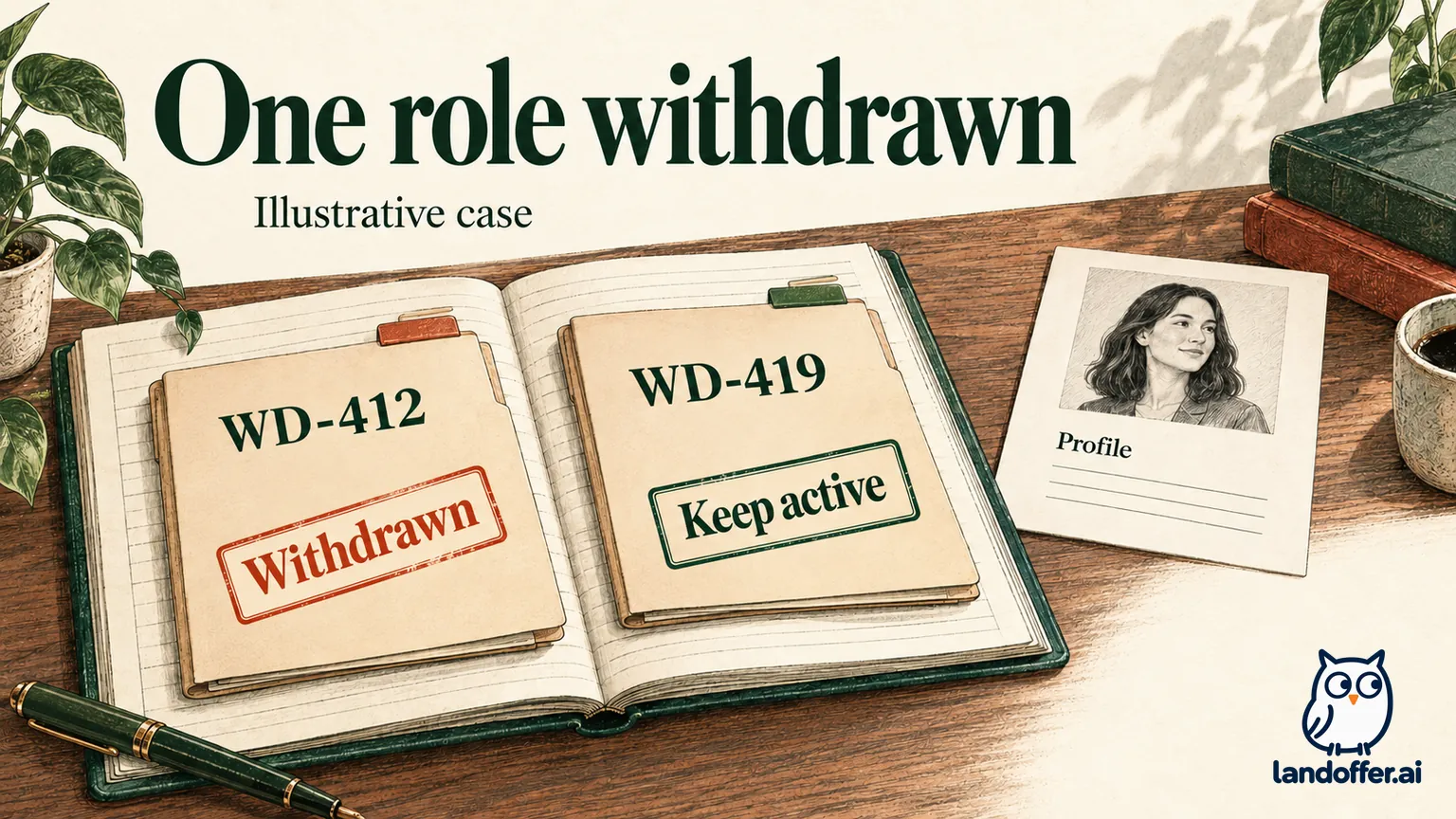
The following case is fictional. Mara Ellis has two applications with invented Willow Dock: WD-412 in a location she can no longer accept and WD-419 in a location she still wants. WD-419 includes a scheduled interview. Mara initially writes “delete my account” in her notes because she wants to end WD-412.
She reviews the scope before acting. Her desired result is withdrawal from WD-412 alone. She saves both receipts and the WD-419 interview details, then uses the employer's documented recruiting contact to identify the exact role. In this invented case, recruiting acknowledges the WD-412 withdrawal and explicitly confirms that WD-419 remains active.
| Item | Initial intention or uncertainty | Resolved result in the fictional case |
|---|---|---|
| WD-412 | Stop pursuing the location | Employer confirms withdrawal from WD-412 |
| WD-419 | Keep interview and candidacy | Employer confirms it remains active |
| Reusable profile | Mara had considered deleting it | No profile deletion requested |
| Employer-held data | Retention scope not investigated | No claim that all data was erased |
| Follow-up record | Two roles under one employer | Separate status and acknowledgment for each |
Mara has completed the hiring-process choice without pretending she has completed a privacy request. The result depends on the explicit confirmation introduced in the case. In a real application, silence or a generic “request received” message would not supply the same evidence.
If Mara later decides she wants employer data deleted, she can start that distinct request with the relevant scope and understand its possible effect on WD-419. She should not describe the first withdrawal acknowledgment as proof of a later deletion that was never requested.
Write a data request that the organization can identify
For a privacy request, use the employer's published privacy contact or authenticated data-request route. Include enough information to locate the record: the email used to apply, employer, role references and approximate dates. Avoid adding identity documents to an ordinary email unless a verified process explains why they are necessary and provides an appropriate channel.
Here is a completed, unsent request from a second fictional candidate, Joel, who has ended all applications with an invented employer:
Hello Privacy Team,
I applied for Analyst JD-208 on September 19 using the email associated with this message. I would like to request deletion of the resume, application responses and talent-community profile held about me by your organization.
Please explain the verification steps and scope of the request. If any information must be retained, please identify the relevant categories and the reason for retention. Please also confirm whether my request affects any application record beyond JD-208.
Thank you,
Joel
This wording names the information and asks for a clear result. It does not claim an entitlement to every internal document or promise that a particular law applies. If Joel also wants access or correction, he should identify that request explicitly rather than expecting “delete my data” to mean all three operations.
Read the response for what it actually confirms
Acknowledgment, identity verification, completed deletion and partial refusal are different stages. Record each response date and whether it acknowledges receipt, requests verification, confirms removal of a named category or explains retention. “We received your request” supports a received-request state; it does not prove removal. A disappearing dashboard supports an access observation, not a complete audit of all stored data.
The UK's Information Commissioner's Office guidance explains that erasure rights apply in specified circumstances and can have exemptions, including some legal retention needs. The page also says its guidance is under review following legislative changes. This UK example shows why “everything must always be deleted immediately” is an unsafe assumption; it does not establish the rules for every US applicant.
In Joel's fictional case, the employer confirms removal of his talent-community profile and resume copy used for future sourcing, while identifying a retained application-history category and its stated reason. Joel records a partial outcome, not “all data deleted.” If he disputes the answer, the next step is the organization's documented review or applicable privacy route.
It can be unsettling when a dashboard disappears but the response remains vague. Keep the employer's wording and identify the unresolved data category rather than treating the missing screen as reassurance. Do not repeatedly recreate an account to see whether the deletion worked. That can create new information and obscure the result you are checking. Keep the response and ask about any specific unresolved category instead. A later marketing message can justify a targeted inquiry, but its sender and date still need review before deciding which request failed.
Before confirming, name the exact role or data category, check any active interview dependency and read the stated effect. Afterward, retain the acknowledgment and record only the scope it confirms. If the scope remains unclear, ask the official recruiting or privacy contact before proceeding. If you are continuing your search, browse recent roles on LandOffer.ai with an application record that distinguishes active candidacy, withdrawal, profile changes and privacy requests.