LandOffer
Job search
SuccessFactors Candidate Profile vs. Application: Why Your Edits May Not Carry Over
Match each profile or application correction to its field, snapshot rules, stage permissions, and saved evidence.
Updating your SuccessFactors candidate profile does not prove that an existing job application changed. SAP describes a separate application snapshot, created when a recruiting user first views the application. Resume attachments also have their own update rules: a newer profile resume can fail to replace an application's resume even before that snapshot exists. Check the field and the specific application, rather than assuming everything stays synchronized.
This guide reviews SAP's public support articles and 2H 2026 configuration documentation, checked October 19, 2026. It is not a test inside an employer's account. LandOffer publishes the guide and offers recent job listings; it cannot inspect or repair your SuccessFactors records. The candidate, employer, files and correction outcomes below are fictional teaching examples, used to distinguish a saved profile change from a verified application change.

Separate the profile, application and snapshot
SAP's Candidate Profile documentation describes a standalone, searchable record, unaffiliated with a requisition. A person can create a profile before finding a job to apply for. It can contain contact details, experience, education and attachments, rather than being only the uploaded resume.
An application concerns a particular opening. The snapshot preserves profile information with that application for the recruiting user's view. A successful profile save confirms the reusable record. To establish an application correction, check the corresponding field or attachment in that application.
This matters when several applications share an account. A new phone number in your profile and a role-specific resume for one opening are different changes. One may belong in future applications generally; the other may be deliberately limited to a single vacancy. Treating both as an account-wide replacement can make it harder to explain which version you intended.
Before editing, write down the employer, requisition and field involved. Then identify the page you are using. A screen headed Candidate Profile is different evidence from an editable application that names the job. If the application cannot be inspected, preserve that uncertainty instead of calling the correction complete.
Understand when the application snapshot is created
SAP's snapshot support article says the snapshot is taken at the first application view by a recruiting user, such as a recruiter or hiring manager. It is not necessarily taken at the instant the candidate applies. The article describes profile changes being reflected before that first view, then a preserved application view afterward.
That general description needs field-specific limits. It does not establish that every attachment or every custom field follows the same path. Nor can you infer the actual first-view time from a stale value alone. A candidate-facing page may not expose the internal event that created the snapshot.
Consider an invented mechanism example. Nia Holt applies to BasinPeak's Data Platform Engineer opening, BP86. For this example only, assume a recruiting user first opens BP86 at 10:15. At 11:00, Nia updates her profile's name, phone and resume. The later profile save does not establish that the preserved BP86 view changed.
The example's sequence explains a possible mismatch; its times are not a diagnostic rule. In a real account, “profile saved at 11:00” is not proof that somebody read the application at 10:15. Avoid reporting an internal review event you cannot see. You can ask for a correction without first proving when the snapshot was created. Provide the visible old and intended new values, and let the employer identify the permitted route for that record. This keeps the request useful even when the candidate portal does not expose the cause.
Use a field-specific change map
This map combines SAP's documented distinctions into candidate actions. It does not claim that your employer exposes every editing option.
| Information you changed | Boundary to check | Appropriate application check |
|---|---|---|
| Ordinary profile details | A preserved snapshot can retain earlier values | Inspect the corresponding field in the exact application |
| Resume in the profile | Profile replacement does not automatically update an existing application's resume | Inspect or edit the application's resume where permitted |
| Candidate name | Candidate stage permissions and recruiting interface affect correction options | Ask which name-correction route applies to this record |
| Additional profile documents | SAP says the profile's Documents portlet does not appear on the Application page | Find the employer's required application-document route |
The last row is easy to miss. Uploading something somewhere in the account is not the same as satisfying a vacancy's document requirement. SAP distinguishes resume and cover-letter fields from the additional Documents portlet. Check the actual application instructions before deciding where a transcript, certificate or other requested file belongs.
For ordinary details, compare actual values when the interface allows it. For a file, open the application-associated document and inspect the contents. A filename alone can be misleading if you reused it for several exports. If the portal offers no such view, record what you changed and what you could not verify.
A useful note names both scopes: “Profile phone updated; BP86 phone not confirmed.” That leaves a specific question for the employer. “Account fixed” leaves unclear whether you checked the profile, BP86 or both.
Treat resume replacement as its own task
SAP's resume-update article explicitly says a profile resume update does not replicate to an existing application even if its snapshot has not yet been taken. The candidate needs the permitted application-specific resume edit, with the relevant field and status permissions in a multistage environment. It also describes attachments becoming read-only after the initial application in a single-stage environment.
This is why “the recruiter probably has not opened it yet” is not a reliable resume-correction method. The attachment exception blocks that shortcut. It also means an old application resume does not, by itself, prove that the recruiter has already reviewed your application.
Prepare the intended file before looking for the correction route. Give it a distinct name, open the final export and check the name, contact details and work history. If the employer permits replacement, confirm whether its control replaces the existing attachment or adds another one. Explain which version is current if the process retains both.
Do not remove other application documents to make the account look tidier. A resume tailored to BP86 might not be the file intended for BP92, another BasinPeak role. Preserve the earlier versions privately so you can explain the correction accurately without guessing what the first application contained.
Name corrections depend on permissions and interface
SAP's name-correction support article distinguishes single-stage and multistage applications, including candidate field permissions. It also describes recruiting-user name editing from the 2H 2023 release through the redesigned workbench. That release reference is a documented capability boundary, not a claim that every employer enabled it.
SAP Help Portal displays Version: 2H 2026 for the button-permission documentation. That documentation confirms a further distinction: recruiting users can change candidate names through the redesigned Applicant Management tool, while the legacy Candidate Workbench does not support that name edit even when permission is granted.
Consequently, neither “names can never be corrected” nor “the recruiter can always change it” is a sound instruction. Identify the discrepancy and ask the employer for its supported route. A candidate should not need to request access to administration tools or attempt an API update to resolve a name on an application.
The same documentation describes EDIT_CANDIDATE_SNAPSHOT as a role-based permission. Copying a snapshot edit back to the profile also depends on the user's relevant profile write permissions through a dynamic group. Do not assume an application correction updated the reusable profile, or that a correct profile forced an application correction in the other direction.
Write a correction ticket that identifies the missing change
Return to fictional Nia's BP86. Her profile now shows Nia Holt, a phone number ending 0586 and NiaHolt-BP86-R2.pdf. In this example, the application view still shows Nia Hol, the earlier phone ending 0314 and NiaHolt-R1.pdf. R2 corrects the displayed surname and phone and emphasizes relevant platform work without changing her employment history.
Nia's actual review time is unknown in this correction exercise. The earlier 10:15 event was an assumed teaching condition, not information she can put into a support request. The discrepancy is enough to ask about correction options without attributing it to recruiter behavior.
Her completed unsent ticket reads:
Subject: BP86 application — name, phone and resume correction
Hello,
I am checking my Data Platform Engineer application, BP86. My candidate profile shows Nia Holt and my current phone ending 0586, but the application view still shows Nia Hol and the earlier number ending 0314.
The application also shows NiaHolt-R1.pdf. I have prepared NiaHolt-BP86-R2.pdf with the corrected name and phone; the employment history is unchanged. I do not see an application-specific control for these corrections.
Could you advise the supported way to correct those BP86 fields and provide the replacement resume? Please let me know whether I should use a candidate edit or another approved route.
Thank you, Nia Holt
The ticket gives three field differences, one application and one request for a permitted route. The request stays focused on the BP86 discrepancies and the supported correction route. It also avoids sending the replacement to several unrelated employees.
Use the employer's actual applicant-support instructions or an appropriate existing recruiter conversation. A specialist accommodation mailbox is not automatically a general document-correction channel. Include your own verified values when contacting the employer; the partial phone numbers here are illustrative, not a template for identifying your account in every system.
Verify each corrected field separately
Suppose the fictional employer replies that Nia may update BP86's resume through its application edit route, while name and phone corrections need separate handling. She follows that instruction. In this teaching branch, she opens the saved BP86 attachment and confirms R2, including its corrected name and phone text.
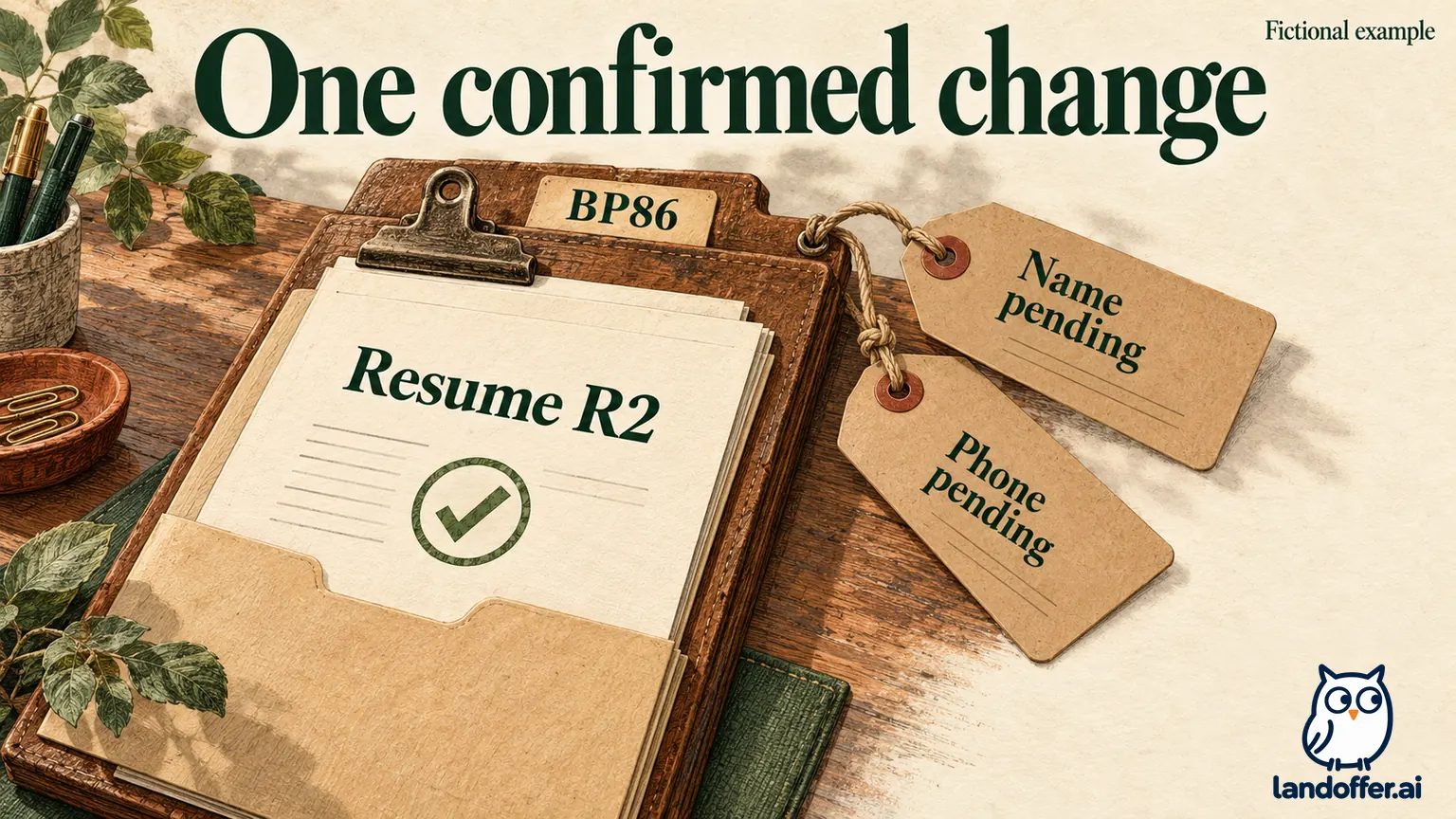
That confirms the document change in the example. It does not establish that the application's separate structured name and phone fields changed. A correct phone inside a PDF and an old number in an application field can coexist.
| Record after the fictional permitted edit | Verified state | Remaining action |
|---|---|---|
| BP86 resume attachment | R2 visible and contents checked | Preserve the saved result |
| BP86 structured name and phone | Correction not confirmed | Follow the employer's separate handling instructions |
| Reusable candidate profile | Correct values were already saved | Recheck if a later application-side edit affects it |
| Separate BP92 application | No change made in this exercise | Do not claim it received BP86's file |
The result is intentionally limited: one confirmed attachment correction, two unresolved structured fields and no claimed BP92 update. Nia can record that progress without closing the entire issue. She also cannot infer that a reviewer downloaded R2 or reconsidered a decision.
If no reply or editing route exists, keep the status as “correction route requested” only after actually sending the request. Before sending, it remains “ticket ready.” Do not convert a prepared message, profile save or locally corrected PDF into an employer-side completion claim.
Check the next application before submitting it
A corrected reusable profile is still useful for future applications. Review the next form's populated values and selected attachments before submitting; do not assume they match every recent edit. Keep role-specific files distinguishable and follow that employer's required formats and steps.
For the application already under discussion, identify the exact field and the evidence needed to close it. If BP86's name or phone remains unconfirmed, preserve that unresolved state and follow the approved correction route. Before closing your correction note, check the application's structured fields and its attachment as separate items. Then continue finding appropriate openings through LandOffer's recent jobs, retaining any unresolved field in your notes.