LandOffer
Job search
Updating a Workable Application: When Reapplying Changes an Existing Submission
Use the documented review condition, preserve active invitations, and verify the exact correction on the right application.
Workable documents reapplying as a way to update an application if the employer has not reviewed it yet. Once the employer has reviewed your profile for that same position, another submission can be treated as a duplicate without a new confirmation email. If you do not know whether review has happened, silence from the employer does not settle that question. Our recommendation in that situation is to identify the existing application and prepare a precise correction request. Workable's update instructions explain the conditional route.
This guide reviews Workable's public candidate documentation, checked October 19, 2026; it does not report an authenticated application-editing test. LandOffer publishes this guide and offers recent job discovery. Finding another suitable role is separate from correcting a record already held by an employer. The examples below are fictional and show how to make that correction without assuming what the employer's system has done.
What Workable actually documents about reapplying
Workable's candidate help describes a specific situation: you want to add details or change something in an application for the same job. Its update article allows reapplication before employer review and also describes withdrawing an existing application before making a new one. It says another confirmation email contains a link for managing applications, where you can select a particular application to use or withdraw.
That does not establish a universal “replace my previous submission” button. The documentation reviewed does not explain every internal merge rule, which record a recruiter has open, or whether a newly uploaded resume automatically replaces every earlier attachment. Treat those as unknowns until the available management page or the employer confirms them.
The companion confirmation-email guidance supplies the other half of the rule. For a previous application to the same position at that company, Workable says a repeat is treated as a duplicate if the employer has already reviewed the profile. Workable says no confirmation email is sent in that case. This explains why submitting again can produce a different result from an initial application.
There is no documented waiting period in these instructions that turns a reviewed application into an editable one. Waiting until tomorrow or using another device does not establish the missing condition. Nor does submitting with a different email give you evidence that the old record was corrected. Keep the correction tied to the application you intend the employer to assess.
Choose the route from the state you can establish
The table below is an editorial decision aid based on those instructions. Its examples describe conditions, not statuses we observed inside a candidate account. “Unknown” is a useful answer when the available evidence cannot tell you whether the employer has reviewed a profile.
| Situation | What the evidence supports | Next action |
|---|---|---|
| Employer confirms the same-job application is unreviewed | Workable documents reapplication before review | Prepare the corrected submission and follow the documented route; inspect its receipt and management link |
| Employer confirms the same-position profile was reviewed | A repeat may be handled as a duplicate without another email | Request a correction from the employer |
| You have a receipt but no personal reply | Receipt and silence do not establish review state | Identify the correction and ask the employer how to update it |
| An assessment or interview invitation is active | Withdrawal would cancel existing invitations under Workable's guidance | Ask the company to update the application while preserving the invitation |
| The withdrawal option is unavailable | The help article directs candidates to the employer | Request the needed update rather than repeatedly trying to withdraw |
| You edited only your Job Seeker profile | A profile change alone does not verify an earlier application changed | Check the application-specific record or seek employer confirmation |
An automatically generated invitation is not proof of exactly when a human reviewed your file. The invitation matters because there is now something to preserve. You can choose to preserve the invitation without guessing how the employer reviewed your file.
If the company explicitly tells you to reapply, follow its instructions for the identified role. Retain that instruction alongside the old receipt and the new one. It explains the reason for the second submission and identifies which correction to ask about if the employer still has the old information. Do not extend instructions for one vacancy to every vacancy at the company.
Start from the receipt and the exact vacancy
Find the original confirmation email, the employer name, the job title, the application date and any job reference shown. Save the original job URL if you have it. Two Data Engineer openings at the same company may have different locations or references; correcting one is not evidence that the other changed.
Next, write down the smallest accurate correction. For a wrong portfolio link, keep the old address and the replacement together. For an inaccurate screening answer, record the question and the correct answer in its original units. “Four weeks' notice” is more useful than “my availability changed.” If a resume repeats the incorrect fact, prepare a corrected copy before asking where to deliver it.
Workable's update instructions describe using the link in the confirmation email to manage applications. Follow the link associated with the relevant employer and inspect the applications actually presented. Do not treat the newest timestamp alone as proof that a particular answer or attachment is now correct. If the page lets you choose a submission, verify the choice against the corrected content available to you.
Keep a short record of what you can see: job identity, submission date, selected application if shown, and the content you checked. Where the page does not expose an answer or file, mark that item unconfirmed. A second receipt can support that another application was received; it cannot prove a recruiter has read the correction.
For decisions about a genuinely different vacancy or a later reopening, see applying to the same job twice. The narrower question here is whether reapplying can update an existing Workable submission under its documented conditions.
Withdrawal can remove more than an outdated file
Read the consequence before treating withdrawal as an editing shortcut. Workable's withdrawal article describes removing application details from the employer's account. Its update guidance also says withdrawal cancels events, video interviews and assessment invitations already sent. The same guidance recommends contacting the company for updates if you want those invitations to remain active.
The withdrawal article says the self-service option is unavailable after an application has been reviewed, with a stated exception for EEA applications where GDPR applies. That is Workable's description of its candidate process, not a determination of your legal rights. If the option is unavailable, Workable directs you to the employer. Do not infer that a visible option makes withdrawal harmless or guarantees that reapplying will restore the earlier process.
An assessment deadline can make starting over feel faster. Before doing that, account for the invitation you could lose: preserving it may matter more than changing a resume immediately. Tell the hiring contact what is wrong and ask for a correction on the existing application. If the employer instead requests withdrawal and reapplication, clarify how it wants you to handle the assessment or scheduled interview before acting.
Eden corrects a portfolio link while keeping an assessment active
Consider this fictional case. Eden Rios applied for Cedar Metric's Data Platform Engineer role, reference CM47, on October 18. The following day, Eden received an assessment invitation due October 23. The submitted portfolio address points to edenrios.example/sql-old; the intended address is edenrios.example/data-lineage. Both addresses are illustrative placeholders, not live portfolio links.
Eden has a confirmed submission, a specific error and an active next step. The employer's review state remains unknown. A missing personal reply does not change that, and the assessment invitation does not reveal the company's internal review history. The useful decision is to request the link correction while preserving the assessment, rather than withdrawing to start over.
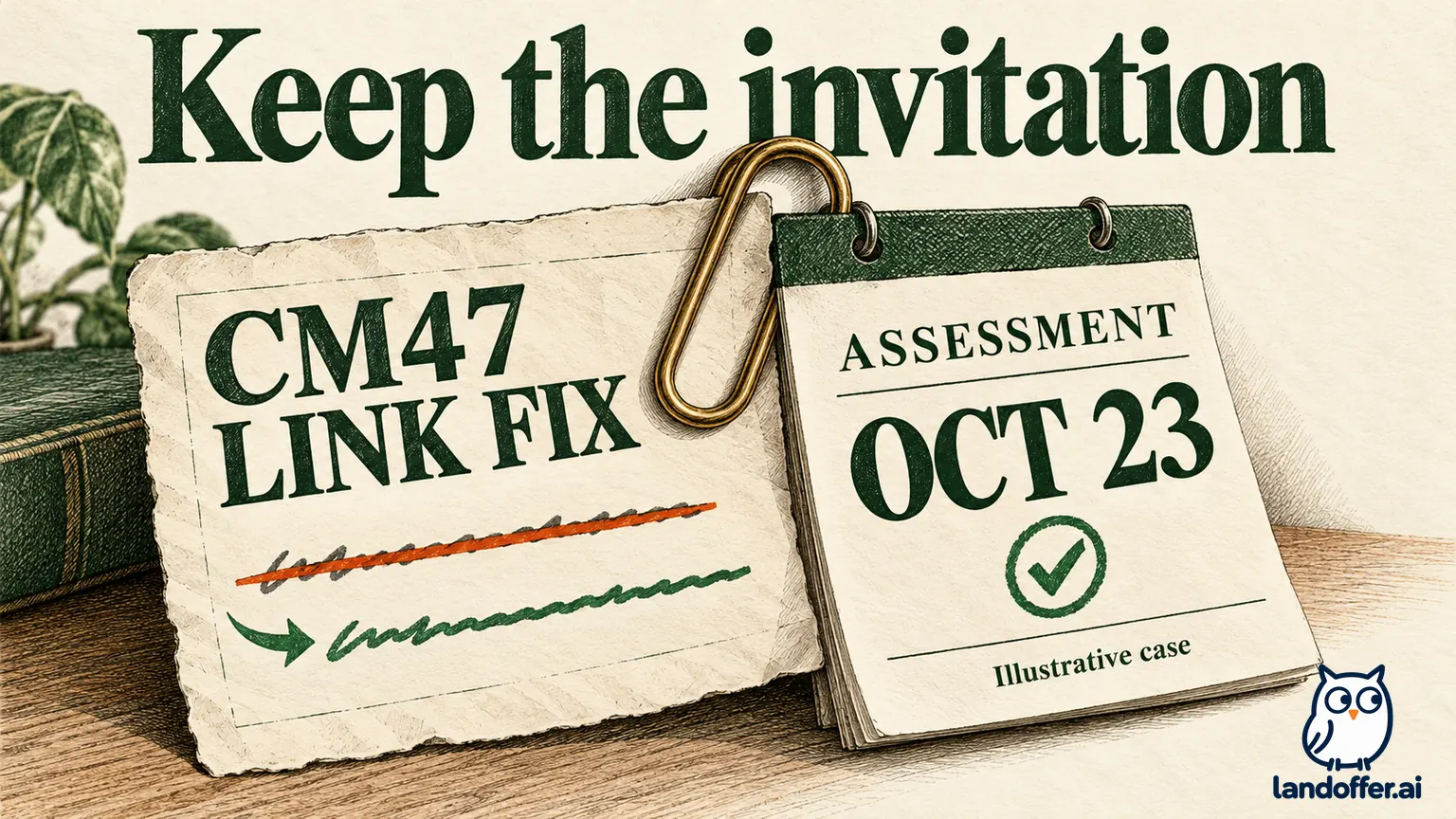
Here is Eden's completed correction request, prepared for the employer's verified recruiting contact. It has not been sent:
Subject: Portfolio link correction — Data Platform Engineer CM47
Hello recruiting team,
I applied as Eden Rios for the Data Platform Engineer position, CM47, on October 18. I noticed that my submitted portfolio address is edenrios.example/sql-old. The correct address is edenrios.example/data-lineage.
Could you update the portfolio link on that application, or tell me the process you prefer? I received the assessment invitation due October 23 and would like to keep it active. Please let me know if you need a corrected resume containing the same link.
Thank you, Eden Rios
The request names one vacancy, one field and one replacement. It also identifies the invitation the employer should preserve. It does not claim the file has already changed or ask the company to search across every past application. Eden can provide the original application email address through the verified employer channel if needed to locate the record.
Eden's completed illustrative decision record reads: correction request prepared; employer update unconfirmed; no action taken on the assessment invitation; no second submission or withdrawal performed. If the employer later confirms the link was replaced, record that confirmation. If it asks for a new submission, retain the instruction and verify the resulting application separately. Neither outcome should be filled in before it happens.
A Job Seeker profile change has a different scope
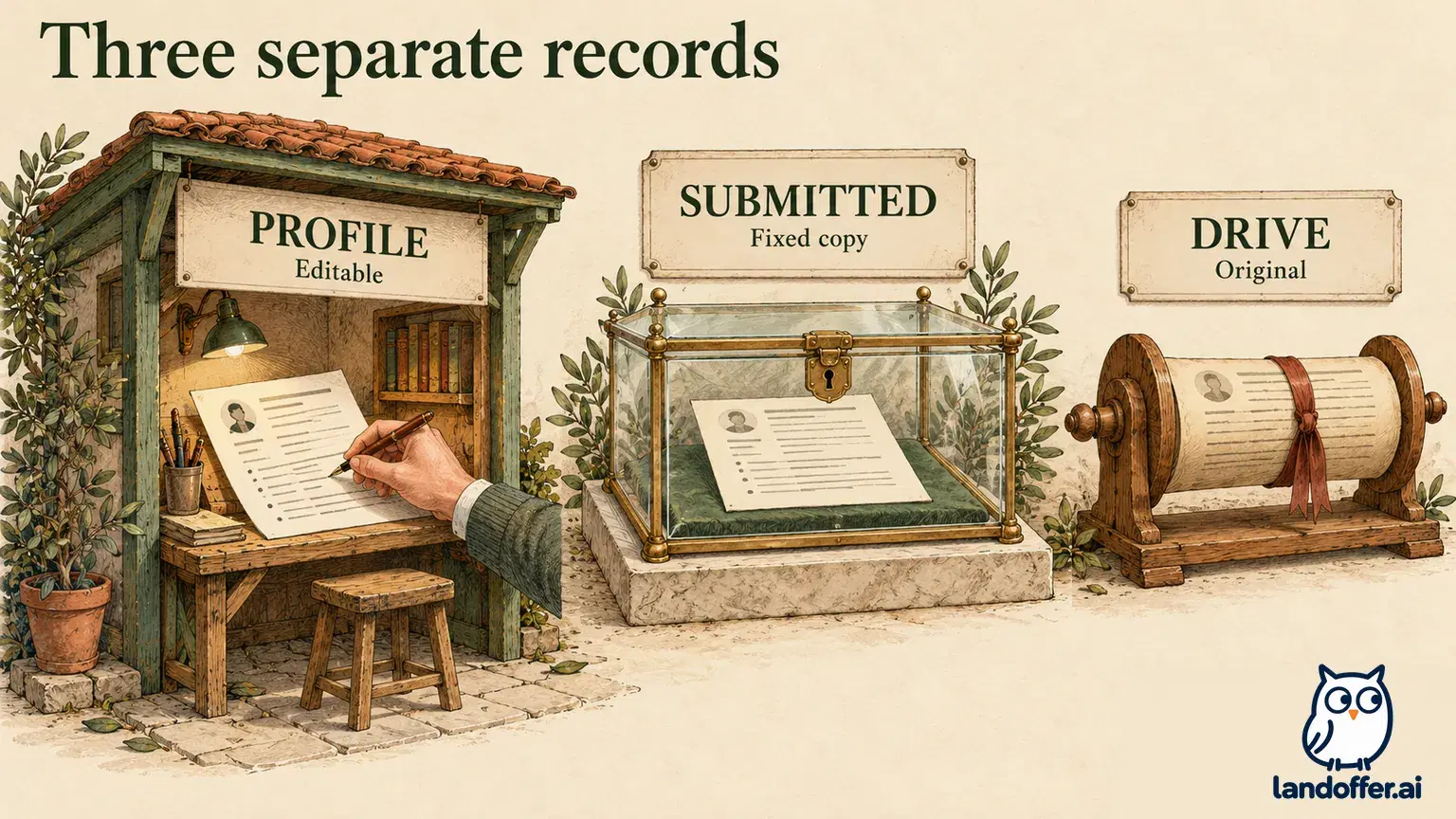
Workable's profile guidance describes profile details prefilling an application form. It also describes an application-form change prompting an offer to update the profile. Those directions do not establish that editing the profile later rewrites applications already submitted to employers.
Use the profile to improve the information you reuse next time, then address the existing application separately. Eden could correct the portfolio in the profile and still need the CM47 correction request. A correct profile and an unconfirmed employer record can coexist.
The same help page says changing the profile email address is not supported. It also states that deleting the profile leaves already submitted applications unaffected and cannot be undone. Deleting a profile is therefore not a documented way to erase and rebuild an employer application. For a contact-address problem, ask the employer which record and address it needs corrected.
Applied Jobs can help locate past applications and their dates, and Workable says closed jobs are indicated there. A closed listing helps explain why a new application path may be unavailable. It does not tell you whether a correction request will be accepted or whether hiring has ended for every candidate.
No new confirmation email: diagnose before submitting again
Workable lists several reasons a confirmation may be missing: spam or junk placement, inbox filters, an incorrectly entered email address, and the reviewed-profile duplicate situation. Check the inbox and the address you actually submitted before deciding which explanation fits. Missing email alone cannot distinguish them.
Its help suggests reapplying with a valid address if you mistyped the email. That addresses an error in the destination address; it is not evidence that changing addresses is a general method for bypassing duplicate handling. If you are already communicating with the employer or have an active invitation, identify the old address and explain the correction through that established contact.
For hiring status or further steps, Workable directs candidates to the hiring company. Look for a contact in the job description, the company's careers or contact page, or an existing personal recruiting email. Workable distinguishes its technical support role from the employer's hiring decisions. A support ticket should describe the technical failure, not assume support can decide which application a recruiter should use.
If the form never submitted in the first place, use the separate Workable submission troubleshooting guide. For an existing application, take one concrete step now: identify the exact correction and the application it belongs to, then choose the route supported by its known state. When review is unknown or an invitation is active, send the employer a focused correction request through a verified contact. Continue following the existing assessment or interview instructions unless the company tells you otherwise; a correction request does not extend a deadline.
For your next search, browse recent roles on LandOffer.ai and keep each new vacancy separate from this correction.