 LandOffer
Job search
A Job Application Sends You to a Talent Community: Check Whether You Actually Applied
Separate a talent-community signup, reusable profile, future-interest posting and role-specific application using a completed evidence matrix and a fictional recovery case.
If a job application sends you to a talent community, identify what that form actually creates before marking the role as applied. Joining a network, saving a profile, expressing future interest and submitting for a named requisition can be separate actions. Match the destination, job identifier and confirmation to the opening you intended to pursue. A resume upload or welcome email alone does not settle that question.
LandOffer publishes this guide. You can browse recent roles on LandOffer.ai, then keep each employer's final application route with its listing. This article reviews public employer and recruiting-system documentation checked October 12, 2026. The record matrix and recovery case are fictional teaching examples; we did not test a signed-in account or submit an application.

Read the destination before completing another form
Start with the page heading and action button. “Join our talent community” describes a different action from “Submit application for Software Engineer TC-482.” A form may ask for a resume, location and job interests in either case. The amount of information requested is not a reliable way to distinguish them.
Record the original listing's employer, title, location and requisition number, then compare those with the destination. Check whether the new page still names that opening. If the identifier disappears, do not automatically conclude that the job is fake or that the form failed. You have an unresolved connection between the listing and the intake route.
Follow the employer's current careers site to confirm that the destination belongs to its recruiting process. A job board can link to a general careers page or an older route instead of the final application. Find the intended opening from the official site when possible. If it is no longer listed, preserve the original reference and ask about that role rather than selecting a similar title to recreate the appearance of progress.
Some employers legitimately use a community as an early step before a specific application. Others offer it when no suitable role is open. The next action depends on the instructions on that page and the evidence in your account. Treat the label as a clue to inspect, not a universal verdict about the employer's workflow.
Separate a network, profile, pool and application
Microsoft's hiring FAQ describes its Talent Network as a way to receive job alerts without committing to a full profile. Its hiring guidance separately describes completing required questions and submitting an application from a job posting. These are documented Microsoft distinctions, not proof that every employer uses the same sequence. The hiring page also contains migration language; it is not evidence that a particular vacancy is currently open.
Recruiting-system terminology provides another useful boundary. Greenhouse defines a prospect as someone who has not applied to or interviewed for a specific role. An employer can maintain recruiting information about a person before that person becomes a candidate for a named opening. You cannot inspect the employer's internal record merely by seeing a public signup page, but you can avoid assuming that every collected resume entered a job's interview pipeline.
A reusable profile is also different from a submission. It can store your work history and resume for later use. The next application may still require role-specific questions, declarations, document choices and a final action. Review those fields rather than assuming the profile completed them automatically.
A future-interest pool may involve a more substantial expression of interest than a newsletter. It can legitimately collect people for later hiring needs without representing an immediate vacancy. The useful question is what the employer says the pool is for, what review is promised and whether a separate opening is required. Do not infer an active headcount or a hiring date from an evergreen page.
Read time-related wording carefully. “Future opportunities” leaves the hiring date open; “applications reviewed for our January intake” describes a more specific process, but still requires the eligibility and submission instructions for that intake. Save the wording instead of converting either phrase into a current full-time opening. If an extensive work sample is requested for a general pool, first decide whether its stated purpose justifies that effort for you.
Check whether the community is optional or required to continue. An optional subscription choice can appear beside a real application without defining its state. Record the role's final confirmation separately from any marketing preference. Declining optional updates and abandoning the required application are different actions, so read the control's label before using it.
Match the confirmation to the record it names
Read the body of the email or confirmation page. Does it welcome you to a network, confirm saved information, acknowledge a speculative application or identify a particular job? Save the wording beside its destination and time. A generic “thank you” subject line may conceal an important distinction in the message itself.
Workable's Talent Pool guidance says speculative applications receive its default application confirmation email. That is why even an application-style confirmation may concern a pool rather than the specific vacancy you had in mind. Read what was submitted and which record the confirmation identifies before deciding what the email confirms.
Look for the intended requisition in the employer portal where available. Compare the title, location, identifier and status together. “Profile complete” may tell you that your stored information is ready, while “application received” beside the correct opening provides different evidence. A missing portal entry is a reason to investigate; it does not by itself establish that nothing was received.
If you received no email, check the portal and your inbox folders before starting over. Keep the distinction between “no email found” and “application not submitted.” The separate duplicate-application guide covers when another submission creates a problem. Here, the immediate task is to identify the object that already exists.
A completed evidence matrix for four different records
This fictional matrix shows how one candidate could describe four separate employer records accurately. The labels and messages are invented. The aim is to make the resulting tracker entry follow the evidence, rather than treating every form as an application.
| Record and observed wording | Evidence saved | Accurate tracker entry | Next action |
|---|---|---|---|
| Talent-community signup: welcome message names Engineering interests | Signup page and welcome email; no job reference | Community joined; no specific application confirmed | Search the employer's current openings |
| Candidate profile: account says profile complete | Profile page and current resume filename | Profile prepared; role submission still to check | Open the intended requisition and review its remaining steps |
| Future-interest pool: page says applicants may be contacted for later needs | Pool description and speculative-submission confirmation | Future-interest pool submitted; no current vacancy established | Keep a separate search for active roles |
| Software Engineer TC-482: receipt names TC-482 and its location | Role description, confirmation and portal entry | TC-482 application received; review outcome unknown | Follow the employer's stated next steps |
The matrix avoids two opposite mistakes. It does not count the first three records as confirmed applications to TC-482. It also does not dismiss the community or pool as worthless. They may serve a useful future-contact purpose while requiring a different expectation and a separate line in your records.
Use separate fields for record type and application state. A candidate can join a community and submit for a role at the same employer on the same day. One action does not cancel the other, and neither establishes an interview. Keeping those entries separate lets you tell a recruiter which form you completed, which role it concerned and which confirmation you saved.
Work through a listing that redirects to a community
Consider a fictional recovery case. Elena finds Software Engineer TC-482 on a job board and follows Apply. The destination asks for her resume and interests, then displays a community welcome. Her email mentions engineering opportunities but contains no requisition number. The signup was a completed action she can record. She still lacks evidence of a TC-482 submission.
Elena opens the employer's official careers site directly and finds TC-482 with the same location. After signing in to her existing account, she sees a profile containing the resume she uploaded. The role's application still asks for work-location preferences and two required questions. She checks that the saved resume is the intended version, answers the remaining role-specific questions accurately and reaches the submission step for TC-482.
In this invented example, the final confirmation names TC-482 and the portal shows the same opening. Elena saves both. Her records now read “Community joined October 12” and “TC-482 application received October 12,” with different supporting evidence. The result is a verified distinction within the fictional case; it is not an observation of a real employer's system.
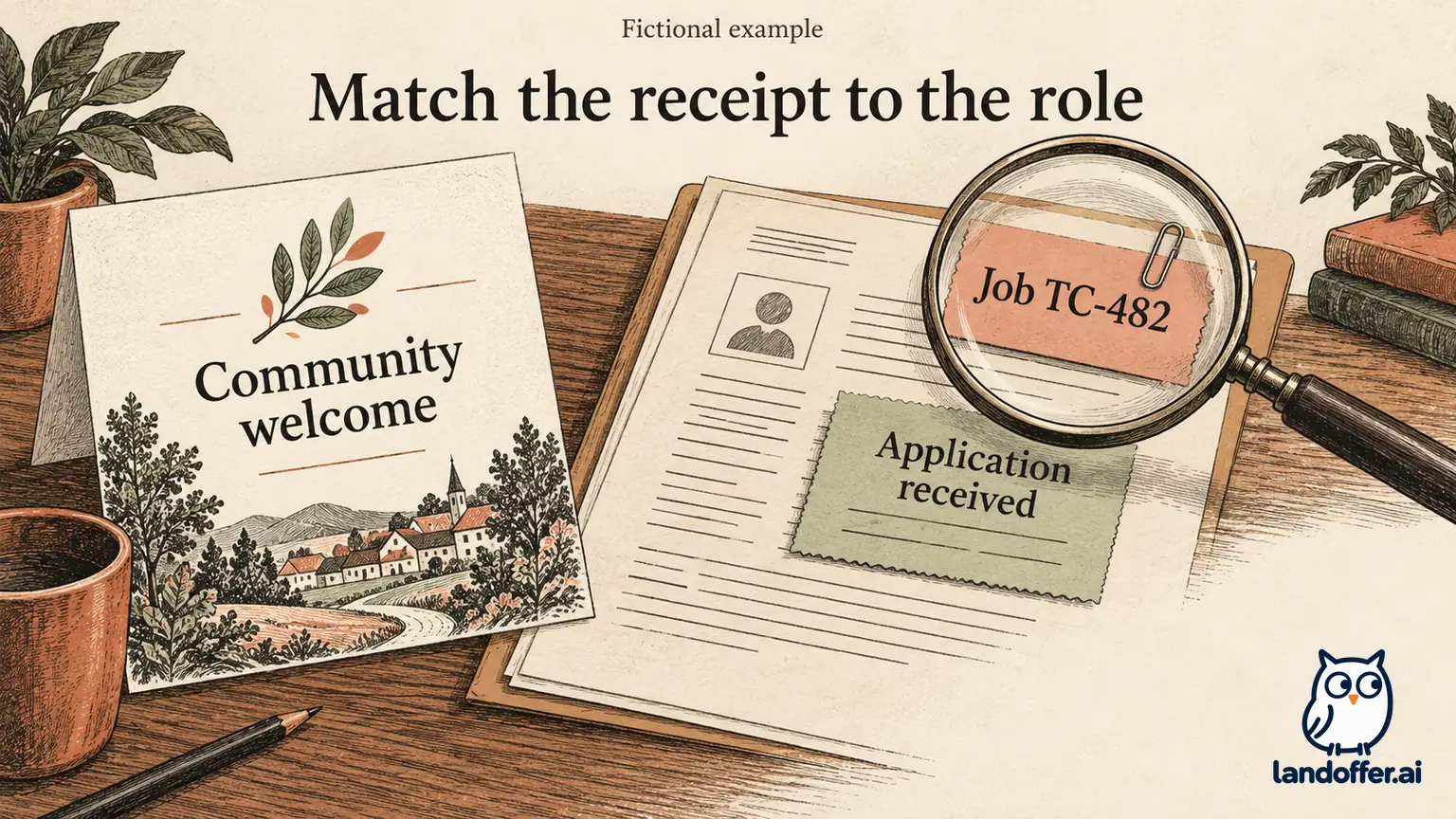
If Elena instead found that TC-482 was closed, the completed recovery would end differently. She would retain “community joined” and “specific application unconfirmed,” then ask whether the opening remained available. She would not apply to TC-483 merely because its title looked similar. A new requisition can represent a different team, location or set of qualifications.
If a recruiter confirmed that the community form was the intended intake for TC-482, Elena would save that instruction with the record. She could accurately say she completed the employer's requested intake while preserving any remaining uncertainty about a separate application. The goal is a faithful account of the process, not forcing every employer into one interface model.
Ask a question that resolves the missing connection
Contact the employer through the route on its official careers site or the original authenticated communication. Name the opening and the action you completed. Describe the confirmation without upgrading it. “I received a talent-community welcome” is clearer than “your system lost my application” when you have not established that a role application existed.
Elena could send this completed fictional clarification before making a second submission:
Hello Recruiting Support,
I followed the application link for Software Engineer TC-482 and completed the form it opened on October 12. The confirmation welcomes me to your Engineering talent community but does not name TC-482. My existing account shows a saved profile; I have not found a role-specific receipt.
Could you confirm whether that form submitted an application for TC-482, or whether I should complete a separate application through the current posting? I can provide the original listing and confirmation through your preferred support route.
Thank you, Elena
That message gives support a concrete connection to investigate. It avoids asking for a hiring prediction or attaching another full set of materials before anyone requests them. If the employer replies with an application link, compare the requisition and destination with your existing records before using it.
For an evergreen pool, ask a different question: does it represent future interest only, and should candidates also apply to current openings? You do not need a recruiter to promise eventual contact before deciding how much effort to invest. Allocate time according to the documented intake and your current need for active opportunities.
Keep community participation from replacing your search
Choose communities selectively. A network tied to employers you would seriously consider can complement a search, especially when you want relevant announcements. Review its communication and privacy choices at signup. A community invitation should not require you to interpret every promotional email as a personal recruiting approach.
Keep active requisitions, saved profiles and future-interest pools visible as different records. When a new alert arrives, open the actual posting and assess its requirements, location and application route. Previous community membership does not establish eligibility for the new role or completion of its required questions.
Before closing today's application session, name the record you created and the evidence supporting that label. If a role-specific step remains, complete it through the verified employer route or record the unresolved question. Use that record check before your next application. If you need additional openings, browse recent roles on LandOffer.ai, then follow each employer's instructions. Community membership does not guarantee recruiter contact or consideration for a specific role.
Sources and Further Reading
- Microsoft hiring FAQ — Talent Network purpose and profile distinction.
- Microsoft hiring guidance — role application and submission steps, separate from future contact.
- Greenhouse: prospects overview — employer-facing definition of prospects and candidates.
- Workable: Talent Pool confirmation emails — speculative applications can receive a default confirmation.