 LandOffer
Job search
A Background Report Has the Wrong Employment History: Organize a Correction Request
Organize a background-report employment correction with a field-level discrepancy log, supporting records, and separate employer and provider follow-up.
If a background report shows the wrong employment history, save the original report and list each disputed field before requesting a correction. Distinguish an error in the report from an error you made in the application, attach relevant supporting evidence through the verified dispute route, and separately tell the employer about any deadline or pending review. Filing a dispute does not guarantee that an offer will remain open or that the hiring decision will change.
LandOffer publishes this U.S.-focused guide for candidates reviewing their application records. You can browse recent roles on LandOffer.ai, while keeping a background-report correction separate from your search notes. Official sources were checked October 12, 2026. All candidates, report entries, documents and messages below are fictional examples, not legal advice for an individual case or evidence that a real dispute was filed.
Obtain the actual report and identify who produced it
An application status label is not a substitute for the underlying report. Ask for the report through the process identified in the screening notice, and check the reporting company, report date and relevant employer entry. Save the original copy before annotating a working version. Do not rely solely on a recruiter’s paraphrase of a discrepancy.
Joint EEOC/FTC guidance describes written permission and notice requirements when an employer uses a background reporting company. Before an adverse decision based on the report, the employer must provide a report copy and a notice of rights. The guidance advises contacting the reporting company to correct a mistake. Background checks: what job applicants and employees should know
Read the notice you received and act promptly. A request for more information, a pre-adverse-action notice and a final adverse-action notice describe different events. Do not apply a guessed response deadline from another candidate’s story. If you need advice about your rights, timing or state-specific requirements, consult a qualified adviser using the actual documents.
Identify the company that issued this report rather than sending a complaint to whichever screening brand you recognize. Your employer may use more than one provider for different checks. The report’s contact information and official company guidance should determine the correction route for that record.
Separate the reported fact, the correct fact and the source
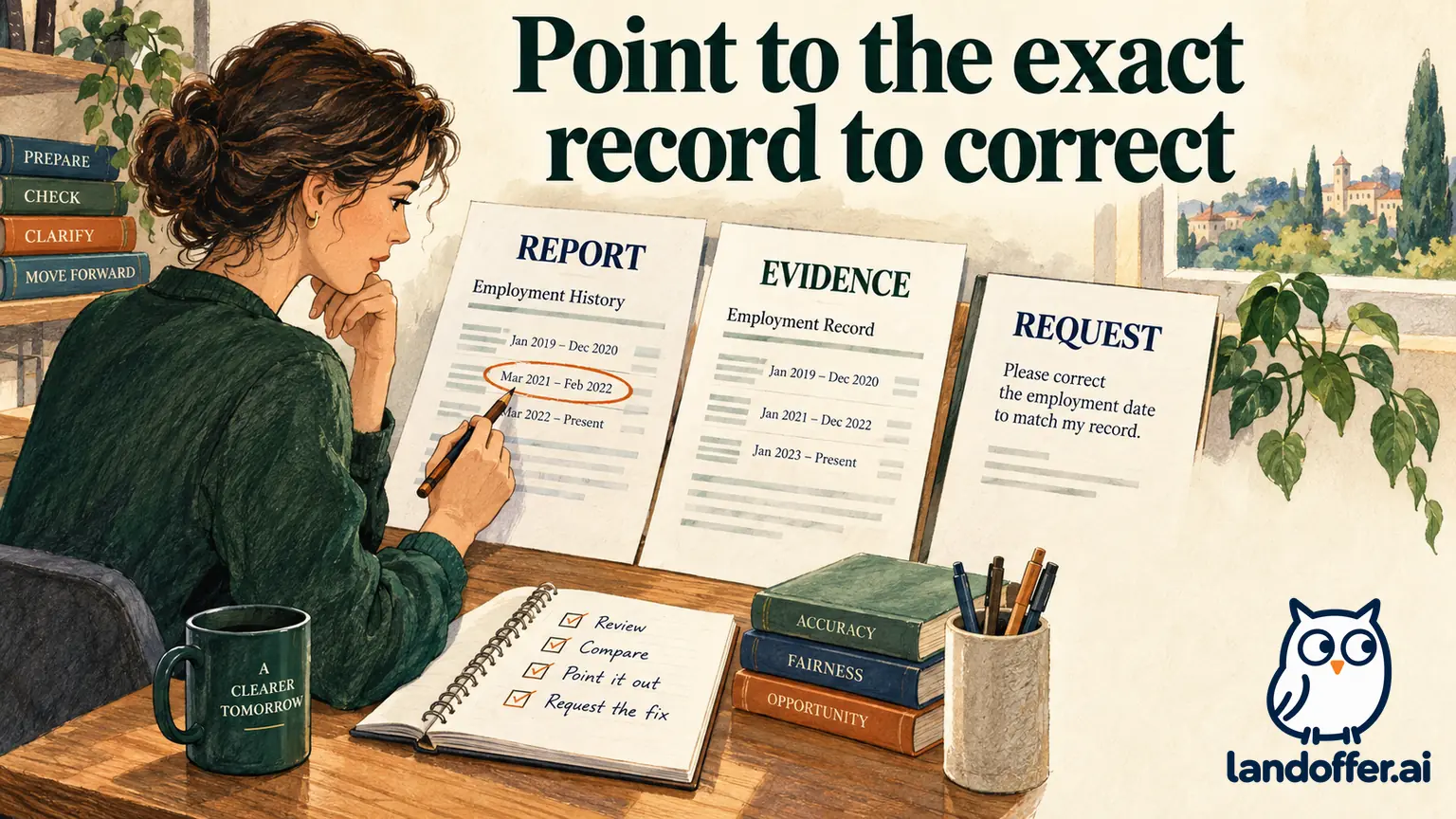
Create a discrepancy log with one row per disputed field. For each issue, record the exact wording or value in the report, the correction requested and the evidence supporting it. A vague statement that “the history is wrong” makes it harder to isolate the record that needs investigation.
Distinguish dates that serve different purposes. Your first day performing work, payroll activation date, last working day and final payment date may differ. If the report shows one of those dates as another, explain the distinction with the records available. Do not conclude that any different date is automatically a reporting error.
Also compare the submitted application. If you supplied an inaccurate month, acknowledge that fact separately. You can ask the employer how to correct the application and ask the reporting company to investigate an independently inaccurate report. Neither task requires pretending the earlier application was accurate.
Keep official records separate from personal explanations. A personnel letter, pay statement or former-employer response may support a fact; your cover note explains how it relates to the disputed field. Do not edit the original report, alter a pay record or create a document that appears to come from former HR.
Worked example: the report reverses an employment end year
Fictional teaching case: Maya’s submitted application lists Cedar Harbor Systems from May 2021 through June 2024. The background report lists an end date in June 2023. She has an existing employer-issued separation letter dated June 2024 and a pay record covering that month.
Maya records the issue at field level. Her table deliberately limits the correction to the entry for which she has evidence.
| Item | Report or application value | Requested correction and support |
|---|---|---|
| Employer entry | Cedar Harbor Systems | Same organization; no name correction requested |
| Start period | May 2021 in report and application | Not disputed in this request |
| End period | Report: June 2023; application: June 2024 | Investigate report end year using separation letter and relevant pay record |
| Employment status | No other identified issue | Do not request unrelated changes |
| Outcome | Report currently disputed | Await investigation and inspect any revised copy |
Her dispute explanation says: “I dispute the June 2023 end date in the Cedar Harbor Systems employment entry. My application states June 2024. The attached employer-issued separation letter identifies the June 2024 departure, and the pay record covers that period. Please investigate this field and provide the result of the review.”

Maya’s explanation gives the reporting company the disputed end year and the records to investigate it. Maya does not add an accusation about why the error occurred or claim to know which data source introduced it. If the letter concerned a different legal entity, she would explain that relationship instead of expecting the reviewer to infer it.
She retains the actual acknowledgment and a copy of the submitted material. Her job-search record says “End date disputed; supporting records supplied,” not “Report corrected.” If the reporting company later provides a revised report, she checks the employment entry again and confirms that no new issue appeared elsewhere.
Use the provider’s dispute process and preserve its receipt
Public provider guidance can identify a dispute route, but region and report type matter. HireRight’s U.S. client-support page, for example, describes a free dispute process and separate routes for certain reports. Use the route appropriate to the actual report rather than assuming a general document upload starts a formal dispute. HireRight dispute guidance
The CFPB’s HireRight entry also distinguishes requesting a report from disputing inaccurate or incomplete content. It describes investigation without a fee under the FCRA. That source does not establish that every candidate already has a file with the company or that a dispute produces a favorable employment decision. CFPB employment-screening company information
Read the current submission requirements. Include the identifiers needed to locate your case through the verified process, but do not put sensitive identifiers in an ordinary email subject or broadly shared spreadsheet. Provide copies of relevant records, preserving your originals and an exact record of what you sent.
If the web form fails, record the error and use a published alternative or support channel. Ask whether the dispute was received before trying the same submission repeatedly. A saved draft or a clicked button without confirmation does not establish that the company opened an investigation.
Worked example: the application also contains a mistake
Fictional teaching case: Daniel’s application says his contract with Eastbank Design began in January 2022. After finding the agreement, he confirms that the work began in March. The report instead lists him as an employee of Eastbank from January 2022 through December 2023, although his independent assignment ended in September 2023.
Daniel has two tasks. He needs to correct his own earlier statement and identify which report fields he disputes. He avoids a blanket claim that all differences were caused by the reporting company.
| Record | Issue Daniel identifies | Action |
|---|---|---|
| Submitted application | January start was entered from memory | Tell employer the supported March start and ask how to correct the record |
| Background report | January start, December end, employee relationship | Request investigation of those fields with relevant contract and completion records |
| Personal explanation | Independent assignment, March 2022–September 2023 | Explain relationship and period without altering original documents |
| Deadline | Employer has a pending onboarding date | Ask employer how review affects its timeline |
| Final result | Not established | Track application correction and report dispute separately |
His employer message says: “While reviewing the background report, I found that I entered January as the assignment start month. My agreement supports March 2022. The assignment was independent contract work ending in September 2023. I have requested review of the report’s start, end and relationship fields. How should I correct the application entry, and is any further information needed for your pending review?”
This message accepts responsibility for the application error while identifying the separate report issue. It does not ask the recruiter to bypass screening or certify that the contractor classification is legally settled. If the relationship itself is disputed, Daniel provides the relevant facts and obtains appropriate advice rather than using the example as a legal conclusion.
The result of the worked example is a clear correction request and two separately tracked tasks. The case ends with requests prepared; neither record is described as corrected without a response. Whether an employer considers the corrected history sufficient depends on the actual role, evidence and process.
Communicate deadlines without promising a pause
Tell the designated employer contact what is disputed, when you submitted the request and what acknowledgment you have. Keep the explanation proportionate. A concise status message may be enough; the employer may not need every tax or personnel record attached to an ordinary email.
Ask how the pending review affects any stated deadline. Do not write that the offer is “automatically protected” or assume a recruiter’s silence means a start date has been extended. Keep any actual reply with the original deadline so that you can distinguish an agreed change from a requested one.
The provider may publish investigation timeframes, but those are not a guarantee of your employer’s hiring schedule. Different facts, document availability and legal circumstances can affect the process. This guide does not calculate your legal response period or advise waiting until a published maximum before taking action.
If a notice is urgent or the reporting company’s answer does not resolve the issue, seek assistance appropriate to the circumstances. Bring the original report, notices, discrepancy log, supporting records and correspondence. A well-organized packet makes the factual problem clearer to a support representative or qualified adviser without overstating what you know.
Review the result before calling the matter resolved
When you receive an investigation result, compare it with your original discrepancy log. Did the end date change? Was the relationship corrected? Does the revised report contain an explanation rather than a changed value? Record exactly what happened and retain both versions.
Ask how the corrected report reaches the employer if that is not clear from the response. Joint EEOC/FTC guidance recommends asking the reporting company to send a corrected copy to the employer and telling the employer about the mistake. Those are separate communications; do not assume one necessarily completes the other.
Keep unrelated accurate history intact. A correction request should address inaccurate or incomplete information, not remove an accurate record merely because it is inconvenient. If the provider disagrees with your requested change, preserve its reasoning and decide your next step with the actual evidence rather than repeatedly sending the same unsupported assertion.
As you browse recent roles on LandOffer.ai, maintain one clear record of the disputed field, evidence, submission acknowledgment and employer response. For the disputed report, keep the original, identify the exact correction and supporting records, and review the returned result before updating your status.
Sources and Further Reading
- EEOC and FTC: Background Checks—What Job Applicants and Employees Should Know — Joint guidance issued March 11, 2014; notices and correction requests, checked October 12, 2026.
- HireRight: How Can My Candidate Dispute Information in Their Background Report? — Provider and region-specific dispute routes.
- CFPB: HireRight employment-screening company information — Report requests and dispute context; page modified January 30, 2025.