LandOffer
Job search
SmartRecruiters Applicant Tracking Portal: Find Your Applications After Smartr
Find SmartRecruiters applications after Smartr using employer-specific portal links, the right email and OTP, and a route-aware recovery checklist.
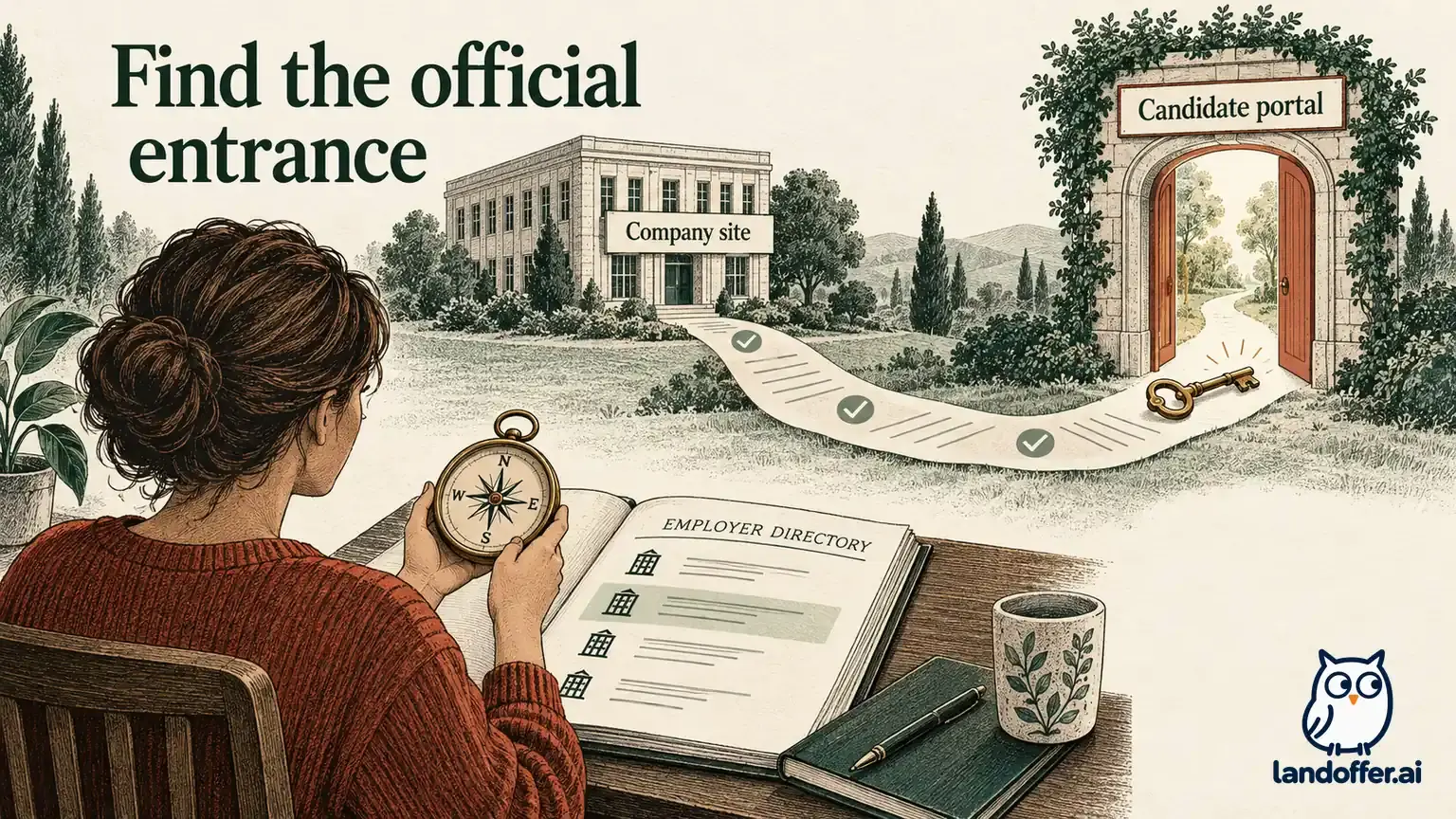
To find a SmartRecruiters application after Smartr, start with the confirmation email for that employer. The newer Application Tracking Portal uses an employer-specific link and a one-time password sent to the application email. It is not a single account that necessarily displays every application you made across companies.
This guide uses official public documentation checked on October 12, 2026. The recovery examples are fictional; no candidate account or private application was accessed. LandOffer publishes this article and offers recent tech job discovery. The goal here is to reconcile an existing submission before deciding that you need to apply again.
What replaced Smartr?
SmartRecruiters announced the transition from Smartr to the Application Tracking Portal in 2024. Its transition announcement describes staged releases and the retirement of the old service. Those rollout dates explain why an old Smartr bookmark can fail; they are not a new deadline requiring candidates to resubmit in 2026.
The new portal is scoped to an employer. A confirmation email provides the route to that organization's applications, and authentication uses a one-time password associated with the relevant email. The Smartr information page describes the replacement access method without requiring the old Smartr account.
Start recovery with the employer and application email. Instead of asking “Which password did I use for my global Smartr dashboard?”, ask “Which employer, which application email, and which confirmation link belong to this record?” An old password reset may not recover the employer-specific route you actually need.
The announcement says existing applications migrate to the replacement system. That statement does not establish that every employer offers the same portal controls or that every submission route appears in it. Missing visibility needs a route check and, when necessary, employer confirmation. It does not establish that the application was deleted.
Find the right email and employer link
Search the inbox used when applying. Use the employer name, role title, requisition, and SmartRecruiters-related terms, and include archived messages, spam, and other folders your mail rules use. If you have several addresses, identify the one on the original application rather than whichever account happens to be open now.
Read the message before following its link. Match the employer and role with your own application record. A legitimate application email can lead to an ATS-hosted address, but a familiar logo or sender display name alone is not enough to authenticate an unexpected message. When uncertain, reach the employer through its official careers website or an existing verified conversation.
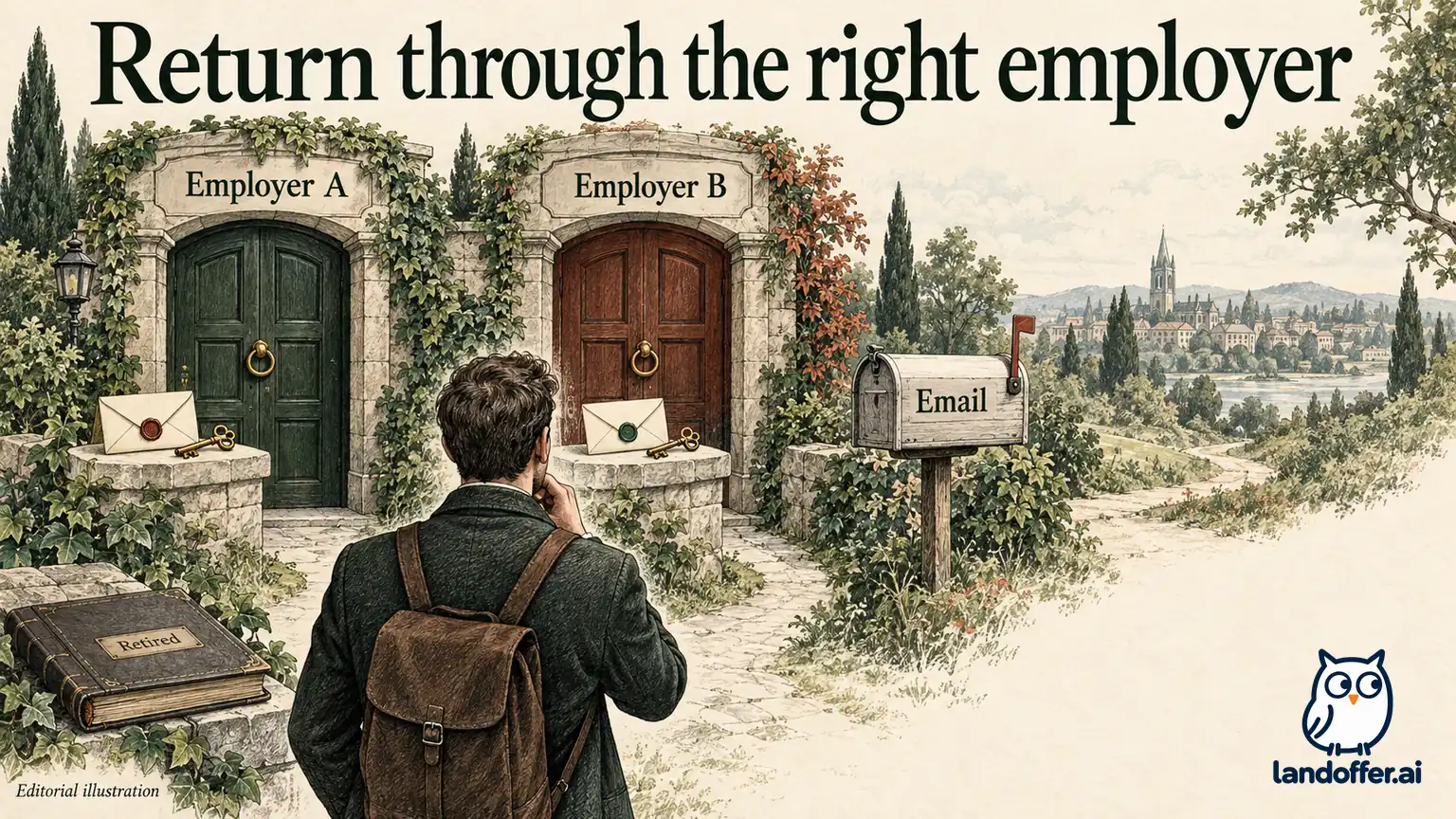
Use the employer-specific access route provided for the application. A portal opened from Company A's email should not be expected to list Company B's application. Save a bookmark with a clear employer label only after verifying the destination. Avoid putting private candidate-access links into a shared job-search spreadsheet.
If the email is old and contains only a retired Smartr route, look for later employer messages or the employer's current candidate instructions. The transition documentation describes employer-provided company links for access to past applications. Ask for the appropriate route when you cannot locate it; do not invent a universal portal URL from another company's example.
Use the same application email for the one-time password
A one-time password is an access credential. Request it through the verified portal and check the mailbox associated with the application. If the code does not arrive, confirm the address and inspect filtering before requesting repeated codes. Use the portal's current instructions if a code expires or is rejected; this article does not establish a universal expiry period.
Autofilled email addresses deserve attention. A browser can suggest a personal address while the application used a university address, or the reverse. The absence of a message in the currently open inbox does not prove that the portal failed to send one.
If you no longer control the application email, use the employer's stated contact or candidate-support route. Explain the identity mismatch without sending passwords or one-time codes. The public sources do not establish a universal self-service email-change procedure, so this guide does not promise one.
Record portal access and application submission as separate states. “OTP received” shows that a message reached that mailbox. “Portal opened” shows successful access to a view. The matching application record or receipt is the evidence you need for the application itself. One state should not silently stand in for the others.
Which applications may be absent?
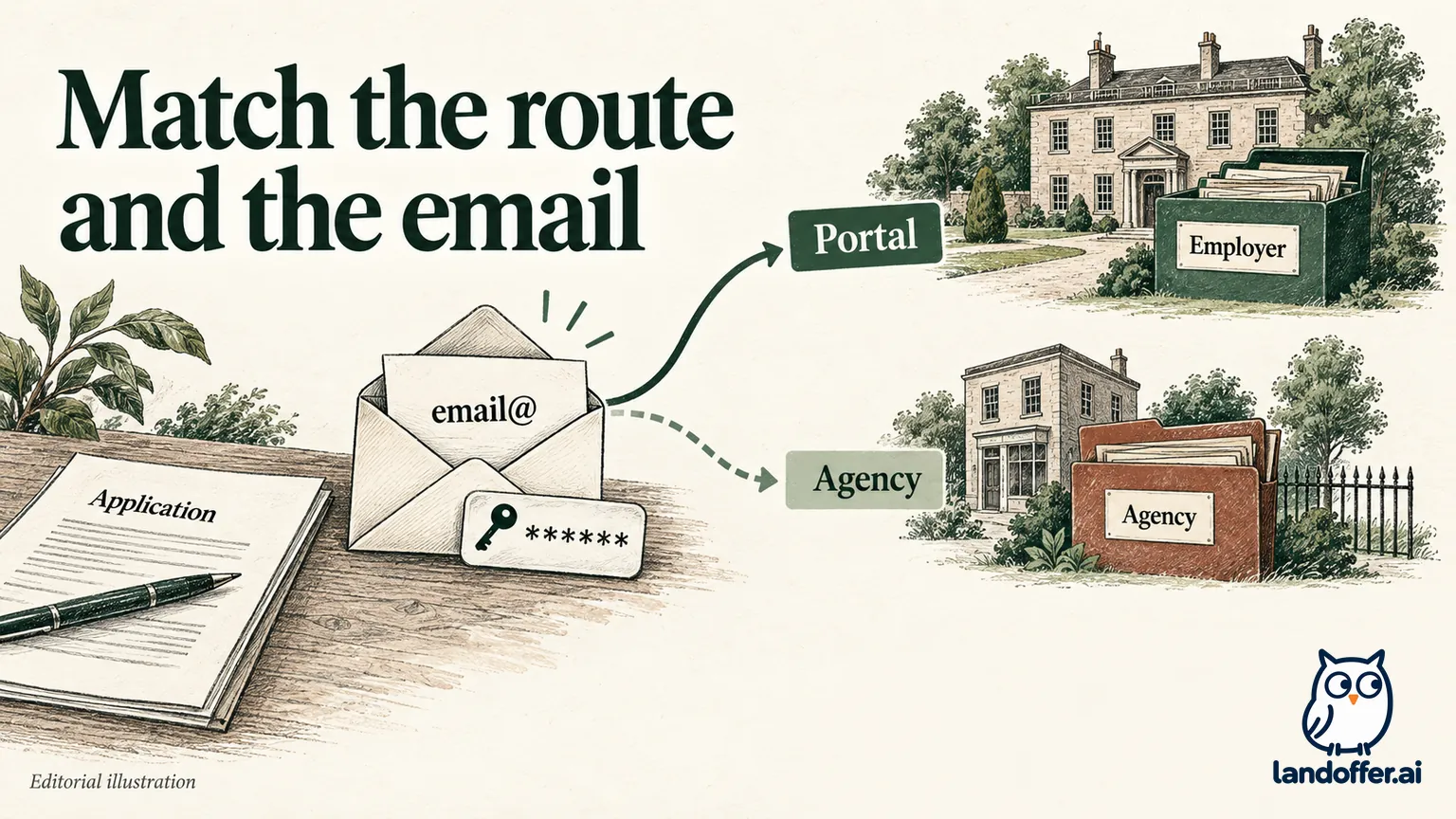
SmartRecruiters' transition announcement distinguishes directly submitted applications from applications added manually by a recruiter or submitted by an agency. The latter routes are not displayed in the portal described there. A record can therefore be absent from your view without proving that the employer lacks it.
The same documentation says employers can opt out of the portal. If an organization does not provide access, repeatedly trying another employer's link will not create it. Use that employer's own correspondence and support process to ask what tracking or correction options it offers.
Applications made through a hosted third-party route can still receive the relevant email link under the described workflow. The place where you first discovered the job is not enough to classify the submission. Check whether you completed an employer application, authorized an agency, or merely saved a job on another site.
Also distinguish a draft from a completed submission. A saved profile, uploaded resume, or unfinished form may never have become an application. If no matching receipt or portal record exists, inspect your own notes for the last completed step before concluding that a migration caused the gap.
A completed three-record reconciliation
Daniel is a fictional candidate with applications to two employers and a third role submitted by an agency. He originally expects all three to appear behind an old Smartr bookmark. His ledger makes the actual routes visible:
| Record | Submission evidence | Access finding | Resulting action |
|---|---|---|---|
| Alder Health, backend engineer AH-52 | Employer confirmation sent to personal email | Alder-specific portal opens with that address; AH-52 is listed | Record the visible status and retain the receipt |
| Beacon Grid, platform engineer BG-88 | Employer confirmation sent to university email | Alder portal does not list it; Beacon link requires the university inbox | Use Beacon's link and the correct mailbox; do not resubmit |
| Coast Analytics, engineer CA-19 | Agency's written confirmation of submission | No direct candidate portal record | Ask the agency or employer to confirm the record and next communication route |
Daniel has resolved two different problems: the wrong employer portal and the wrong mailbox. The agency record remains a confirmation task. He has not diagnosed a global SmartRecruiters failure, and he has not created duplicate applications to compensate for an incomplete dashboard.
His log stores the employer, requisition, submitted date, application email, route, receipt location, and next action. It does not store the one-time password. He labels the portal bookmark “Beacon applications” rather than “All job applications,” which prevents the same misunderstanding next week.
The example also shows why a status should be copied with its context. “Received” on AH-52 says something about that record at that time. It does not imply that BG-88 is in the same stage or that the agency has shared its latest update.
Can you edit answers or attachments?
The transition announcement describes screening-answer and attachment editing in the portal. Treat that as a public capability description, then check which controls the employer actually exposes for your record. This guide did not test whether every employer permits every change at every stage.
Before replacing a document, identify the precise problem and the application it affects. An outdated phone number, wrong resume attachment, and incomplete screening answer require different corrections. Do not overwrite a correct resume merely because another employer received a different version.
If a change control is available, review the proposed correction, save it through the stated action, and check the visible result. Record the employer, requisition, time, and file name or field corrected. A file selected in an upload chooser is not yet evidence that the employer's record was updated.
For example, Daniel would compare the attachment name shown after saving with the intended file, then reopen the record if the portal permits it. If the new name is absent or an error appears, he records the attempted correction as unresolved. That helps him ask the employer a precise question without claiming that a replacement reached the recruiting team. The example describes a check to perform, not an observed portal test.
If the portal exposes no relevant edit, ask the employer how to submit a correction. Avoid withdrawing or reapplying unless its instructions support that choice. The public documentation does not establish that withdrawal preserves the ability to apply again, or that a second submission will replace the first.
A completed access-recovery request
When you cannot reach a matching record, send a concise request through the employer's published contact route or an existing verified recruitment conversation. The following is Daniel's fictional, unsent message for Beacon after he discovers that he no longer has access to his university mailbox:
Subject: Access route for application BG-88
Hello Beacon recruiting team, I applied for Platform Engineer, requisition BG-88, on October 5 using my university email. I have the confirmation message, but I can no longer receive one-time passwords at that address. Could you confirm the appropriate way to access or update this application? I have not submitted a duplicate. I can provide the original application details through your preferred verification process. Thank you, Daniel.
The request names the employer, role, requisition, date, and access issue. It asks for a procedure rather than demanding an account change without verification. In a real private message, provide the relevant application email when requested through a verified route; keep it out of public forums.
For an agency submission, change the request to ask whether the agency's submission reached the employer and who owns subsequent updates. Do not state that a portal “lost” the application when the documented route may not display agency records at all.
If there is no response, record the pending request and choose a reasonable next check based on the employer's instructions and any deadline. Use the verified communication route to resolve the record before making repeated access or submission attempts.
Handle old links without treating migration as rejection
SmartRecruiters' July 2024 API changelog documents removal of Smartr-related response properties. This helps explain why old integrations or saved references can point toward retired functionality. It does not reveal the hiring decision on your application.
Likewise, a missing portal control, an inaccessible email address, and an employer's decision to disable portal access are different from rejection. Keep the visible observation in your ledger and ask the narrowest question that can resolve it. The employer remains the source for its application record and communication process.
Before applying again, compare the requisition, original receipt, submission route, and any employer instructions. If a recruiter explicitly asks you to reapply through a new route, retain that instruction with the new record. If you have no such instruction, investigate the access problem first.
For your next search session, review recent tech jobs on LandOffer and record the employer destination, requisition, and application email before submission. Keep that route with the matching receipt so a later access problem has a clear starting point.