LandOffer
Job search
How to Correct a SmartRecruiters Application Through the Applicant Tracking Portal
Prepare the factual correction, use application-specific controls and verify the saved answer and attachment separately.
To correct a SmartRecruiters application, open the employer's Applicant Tracking Portal, select the existing application and check whether it offers the relevant answer or attachment edit. Prepare the factual correction first, save through the available application-specific action, then inspect the result on that same record. A revised local file or profile is not proof that the application changed.
This guide reviews public documentation checked October 19, 2026, and a completed fictional correction record. We did not enter a private portal, request a code, edit an application or upload a document. LandOffer publishes this guide and offers job-search tools. If you are also finding recent roles on LandOffer, keep a correction attached to its original employer and requisition rather than creating another submission by default.
What the documented editing capability actually covers
SmartRecruiters' General Information and Announcements page, last updated July 11, 2025, describes the Applicant Tracking Portal as supporting screening-question and attachment edits through one-time-password access. It is public help content, not a candidate dashboard or an account we tested.
Its Smartr transition announcement, last updated June 13, 2024, contains a functionality table. We inspected that image directly. It lists updating screening answers associated with an application, plus adding, replacing and deleting application attachments. Those are meaningfully different actions: adding another file does not necessarily remove an older one.
These sources support looking for application-specific editing. They do not establish the current button wording, file requirements, editing availability at every hiring stage or what a recruiter previously downloaded. The transition dates describe a historical rollout; they are not a new deadline to correct or resubmit applications in 2026.
Read the controls and employer instructions for your record. The public capability description is useful evidence, but it does not turn a missing control into a hidden button you must discover. If the required action is unavailable, preserve the record and use the employer's permitted correction route.
Reach the existing application before changing anything
Start with the confirmation for the affected employer and role. The transition documentation describes access using the application email and an employer-specific portal link. Do not expect another company's portal to identify this record. Our SmartRecruiters access guide covers missing links, old Smartr bookmarks and mailbox problems separately.
Once you can inspect the record, match the employer, title and requisition with the original receipt. A second opening with a similar title may need different answers or materials. Write the intended correction against one identifiable application before choosing a file or changing a field.
Also establish how the application reached the employer. The transition announcement distinguishes direct applications from manually created recruiter records and agency submissions, which it says are not visible in the described portal. It also permits employers to opt out. An absent record therefore needs a route check; it does not prove that your application was lost.
For an agency-submitted role, ask the agency or employer how to correct that existing submission. Do not submit a new direct application solely to obtain an edit screen. Preserve any instruction to use another process, together with the original role reference.
Nell corrects an answer and its supporting letter together
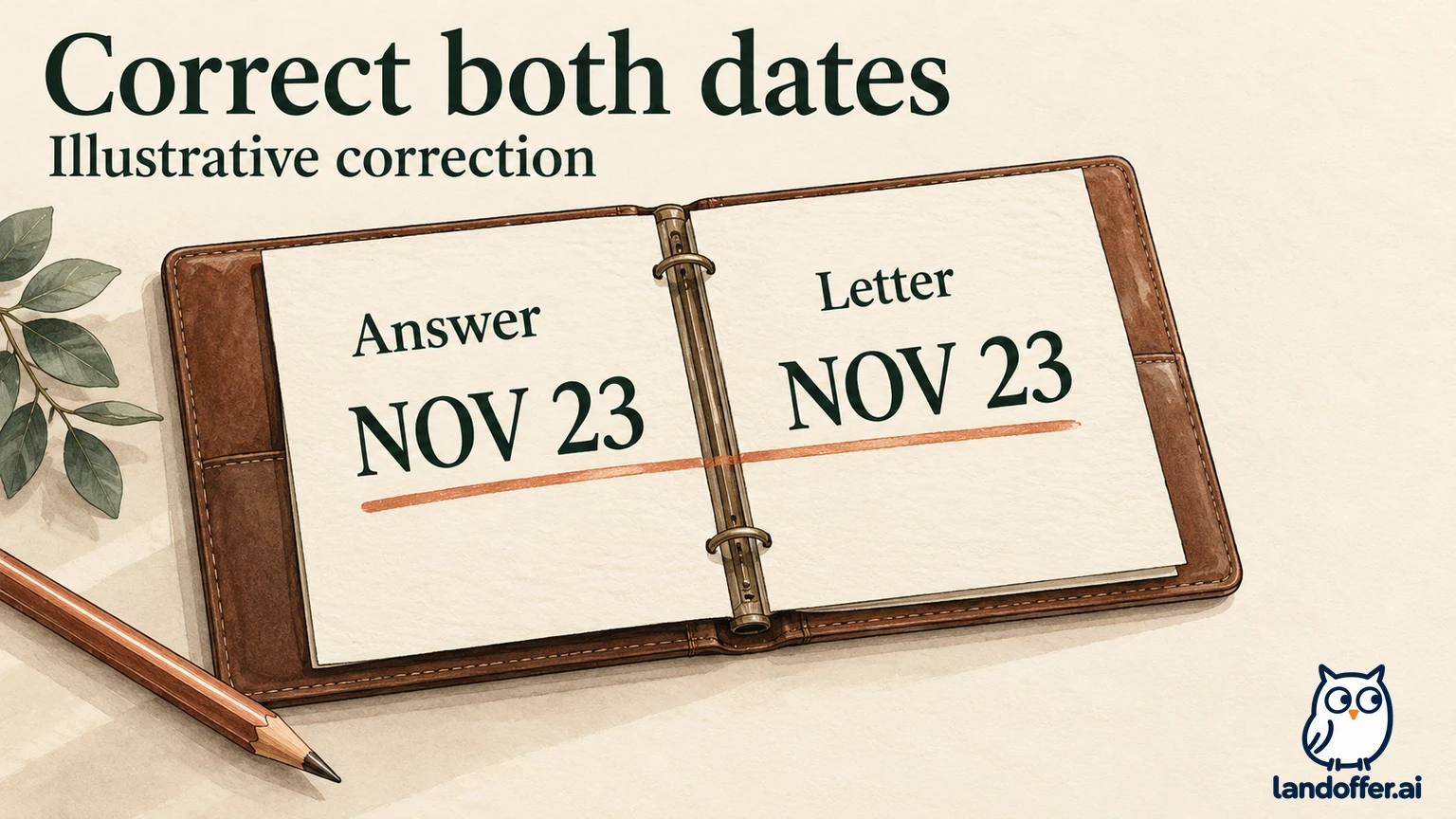
Nell Ivo and Dune Engine are fictional. Nell's reliability-engineer application is DE14. Her confirmed earliest start date in this teaching case is November 23, 2026, but the original content in this example says November 2 in both the screening answer and a cover-letter sentence. Her work history and technical experience are otherwise unchanged.
The problem is factual consistency, not a more persuasive pitch. Correcting only the form would leave the attachment contradicting it. Correcting only the letter would leave the application answer wrong. The completed local correction therefore changes both statements and leaves her separate application DE29 untouched.
| Item | Original fictional content | Corrected local content |
|---|---|---|
| DE14 earliest-start answer | November 2, 2026 | November 23, 2026 |
| DE14 cover-letter sentence | Earliest start is November 2 | Earliest start is November 23 |
| DE14 work-history wording | Existing factual wording | Unchanged |
| Separate DE29 record | December 7 start date and its own letter | Unchanged; outside this correction |
We created the before-and-after records locally and checked their differences. The checks confirmed the two intended DE14 changes, unchanged work-history wording and no DE29 changes. This is an independent teaching example, not a SmartRecruiters data format or an observed employer update.
The local result is correction prepared; employer record unconfirmed. There is no invented save message, upload receipt or recruiter response. The next steps explain what Nell would need to inspect in an actual portal before making a stronger claim.
Correct the screening answer without changing its meaning
Use the answer-editing action for the identified application if it is available. Read the full question, existing response and available choices first. The correction must fit the actual field. An earliest-start date is different from a question asking whether you accept a fixed start date.
In Nell's fictional example, a date field can represent November 23 directly. If the real question instead asks whether she can start November 2, changing an unrelated date elsewhere would not correct that answer. She would need to answer that question truthfully through the permitted options or ask for clarification if none describes her situation.
Do not convert uncertainty into a convenient answer to make the change save. If availability depends on a notice period, a qualification or another condition, establish the fact before changing the application. A correction should reduce contradictions, not introduce a new commitment you cannot support.
After making the intended edit, use the action that actually commits it. Then inspect the saved answer associated with the application. Merely opening an editor or typing a replacement leaves the result unconfirmed. If an error appears, preserve the relevant message and keep the correction unresolved.
Recheck related answers only when the correction affects them. Nell's new date might require checking a separate fixed-start question, but it provides no reason to change her years of experience, degree status or another job's availability. Keep the scope tied to the factual problem.
Prepare the attachment before using Add or Replace
Prepare one corrected source document, then export the format the employer allows. Open the export and check the changed sentence, contact details and remaining content. Our local exercise checked cover-letter text; it did not produce a PDF, test an allowed file format or perform an employer upload.
Give the intended replacement a distinguishable filename, such as Nell_DE14_CoverLetter_Revised.pdf when PDF is permitted. The filename helps identify the version, but it does not establish what the file contains. A file can have a new name and an old date inside, or the same name as an earlier version with different content.
Read the portal action's scope. If it offers replacement of the application attachment, follow that process and inspect what the record shows afterward. If it adds another attachment, determine whether the original remains and whether the current version can be identified clearly. Do not label an addition as a replacement without evidence.
Deletion is another action, even when the functionality table lists it beside Add and Replace. Removing an original before a replacement is confirmed can leave you uncertain which material remains. This guide does not establish an undo function or recommend deletion as an experiment. Use the employer's instructions when the available controls do not make the intended result clear.
Keep a private copy of the original and corrected material. If the employer asks what changed, you can point to the date sentence instead of comparing uncertain versions from memory. Keeping those private copies does not create a second employer submission or establish that the older attachment was erased from the employer's history.
Verify the two changes as separate results
Nell's completed local verification record separates preparation from employer-side evidence:
| Check | Result in our fictional local exercise | Evidence still needed in a real portal |
|---|---|---|
| Correct fact established | November 23 supported by the teaching source facts | Your own confirmed availability |
| Screening answer prepared | DE14 answer changed locally | Saved DE14 answer displays the intended date |
| Letter prepared | Matching sentence corrected; other claims unchanged | Allowed export opens and contains the correction |
| Attachment associated | Not uploaded | DE14 attachment view identifies the saved intended file |
| Other application preserved | DE29 unchanged in the local comparison | Avoid editing another requisition's record |
| Recruiting-team awareness | Not established | Any employer acknowledgement, if supplied |
If you can reopen the application, compare the saved response and attachment again. If an attachment can be opened or downloaded from that record, inspect its content. If the interface exposes only a filename, retain that narrower evidence rather than claiming a complete content audit.
A confirmation banner has a scope too. It might confirm a field save, a file action or a broader update. Read what it says and which application it concerns. An application showing a replacement is stronger evidence of association than a local file chooser, but neither establishes that every recruiter has read the revision.
Record the employer, requisition, correction date, field changed, attachment identifier and observed result. For Nell, a future application readback could justify recording that DE14 displays November 23 and the revised letter. Without that readback, the current local status remains prepared and unconfirmed.
Do not treat a successful change as a guarantee of reconsideration. The purpose is an accurate record. Whether the employer reopens a review, accepts a new start date or changes a hiring decision is a separate question.
When editing is unavailable, ask about this record
If the relevant control is absent, identify the precise missing action. A portal that lets you replace a file may not expose the answer you need. A profile-editing page may not say that a historical application's fields will change. That narrower description gives the employer a specific question to investigate: can this application's start-date answer be corrected?
Use the employer's published candidate-contact route or an existing verified recruiting conversation. For an agency application, include the agency in the appropriate route. The customer help center's Sign In button is not an invitation to create a hiring-team account for your candidate correction.
Here is Nell's completed, unsent request for a situation in which the date answer cannot be edited:
I am requesting a factual correction to reliability-engineer application DE14. My earliest available start date is November 23, 2026; the application currently lists November 2. The cover-letter statement needs the same correction. I cannot find an answer-editing action for this record. Could you confirm the permitted way to update both items? I have prepared the corrected text and have not withdrawn or submitted another application.
The request identifies the discrepancy and asks for the process. It does not claim that the replacement has already reached the employer or ask someone to ignore the original record without context. Attach a document only through a route the employer accepts, and retain the resulting instruction or acknowledgement.
Preserve the application while resolving the correction
The official functionality table lists withdrawal separately from editing. Its presence does not establish that withdrawing and applying again will preserve the original submission date, restore the same record or bypass a missing edit. Do not borrow another applicant-tracking system's withdrawal rules for this employer.
If the employer specifically instructs you to reapply, retain that instruction and check the new submission as its own action. If it says changes are unavailable, preserve the response and use accurate materials for future roles. An unanswered correction request remains pending; it does not justify recording an update that you cannot see.
For your current application, prepare the fact, correct every affected statement and check the saved result at the level the portal exposes. Then keep the receipt and change record together. When you browse recent LandOffer roles, check the employer, requisition and current availability again before preparing the next application. Preserve any unresolved correction beside the original record.
Sources and Further Reading
- SmartRecruiters: General Information and Announcements — public portal-editing description; page last updated July 11, 2025.
- SmartRecruiters: Smartr transition announcement and functionality table — historical rollout and documented application-associated edits; last updated June 13, 2024.
- LandOffer: find the correct SmartRecruiters application portal — separate access and mailbox workflow.