LandOffer
Job search
Your Candidate Portal Changed Domains: Find the Official Login Before Entering Your Details
Verify a changed candidate-portal entrance before entering details. A completed official-route case and unsent support inquiry separate portal legitimacy from application location.
If your candidate portal appears at a new domain, reach it from the employer's independently verified corporate site before entering a password, sign-in code or document. Compare the route with the employer's published recruiting instructions and confirm unexplained differences through an official contact. A new hostname can be legitimate, but familiar branding, an HTTPS connection or a redirect does not establish that it belongs to your hiring process.
LandOffer publishes this guide. You can browse recent roles on LandOffer.ai while verifying the correct entrance to an existing application. Public sources were checked October 12, 2026. The portal examples are fictional and illustrate verification decisions; no employer login, domain migration or candidate account was tested.
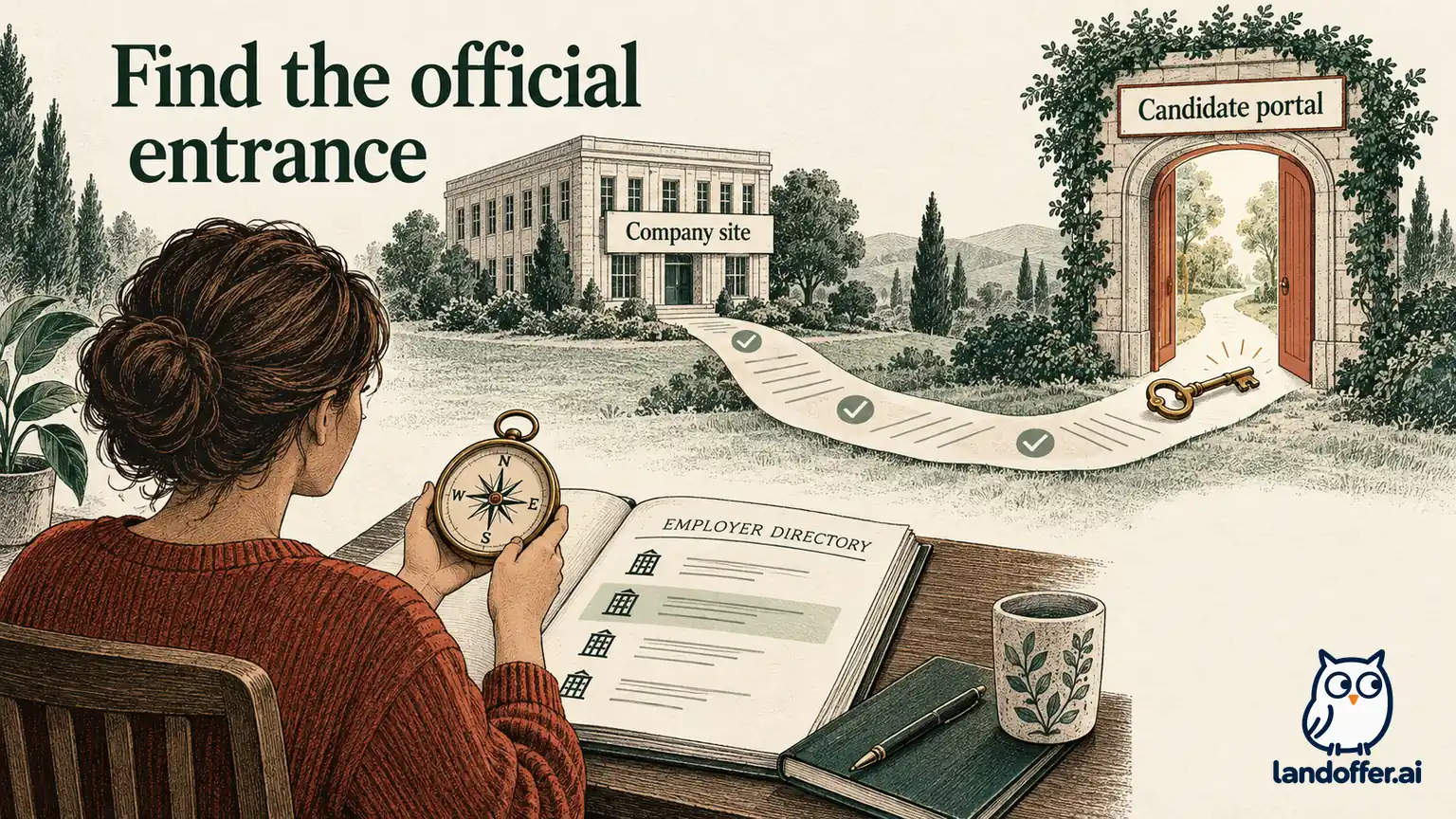
Start from the employer, then follow its recruiting route
Begin with the employer's corporate website, using an address you independently know or can verify. Navigate to Careers or Jobs and look for the candidate sign-in link for the relevant hiring area. The endpoint may belong to an external recruiting provider. The employer's own route and published instructions provide evidence for its intended destination. They are not a technical security audit, and a legitimate recruiting provider need not share the corporate domain.
Avoid beginning with a sponsored search result, an unsolicited message or a guessed variation of the old hostname. Search can help locate the corporate site, but confirm the organization before following its login links. A copied logo and a polished application page can appear on an unrelated site.
The FTC's guidance on hijacked job ads describes impersonators reusing genuine employer information. It recommends checking openings through the company's official website. For a portal change, apply that principle to the entry route: independently establish the company page before trusting the destination it supplies.
Record the page you started from, the link label and the final hostname. Those details make a support inquiry reproducible and help you notice a later destination change. If the employer has several recruiting sites, also record the country, business unit or worker category. An official campus-hiring portal may be the wrong place to find an experienced-hire application, even though both belong to the same employer.
Read the hostname rather than the most familiar word
On a phone, tap the address bar to inspect the full address instead of relying on a shortened display. The hostname is the part after the scheme and before the next slash. A company name elsewhere in the path, or as a word before another site's domain, does not establish ownership.
Consider these reserved, illustrative addresses. If a verified employer site is employer.example, then careers.employer.example is a subdomain under that domain. In employer.example.other.example, the ending is different: the familiar employer text is only an earlier label under other.example. A path such as other.example/employer.example/login likewise does not make the hostname the employer's domain.
This parsing exercise identifies differences; it does not verify that the first address is real or authorized. Recruiting vendors can legitimately use another domain. Compare the observed destination with the employer's published route instead of accepting or rejecting it solely because of a string pattern.
Check spelling and the actual ending, and treat an unexplained mismatch as a reason to verify. You can verify the route without investigating the site's infrastructure or entering credentials. If the address is hard to inspect on mobile, move the verification to a desktop through the same independently located corporate route.
Keep connection security separate from site identity
Chrome's site-connection guidance explains that a secure connection protects information in transit while still requiring you to check the site address. A connection indicator does not certify that a recruiting page is operated or authorized by the employer you intend to contact.
If the browser displays a dangerous-site or certificate warning, stop before entering information. Do not bypass it because the message says the portal has recently moved. Reach the employer through its corporate site or another established channel and report the warning and destination without including passwords or sign-in codes.
The same distinction applies to a redirect. An old bookmark reaching a new page is an observation about navigation, not a complete explanation of the new site's identity or which application records it holds. Compare it with the route you reach independently from the employer's current careers page.
A password manager offering no saved credential can be a useful prompt to pause, but it is not a definitive verdict. A legitimate hostname change can also affect autofill. Do not manually copy a password to the unfamiliar page until you have established the intended destination.
Verify the migration story and the account it concerns
Look for employer-published instructions that explain which applications belong in the old and new systems. Note whether the guidance covers existing submissions, new openings, selected candidates or a particular business unit. An announcement about a new careers platform does not automatically mean every earlier application transferred.
Microsoft's Hiring Process FAQ documents a recruiting transition with distinct handling for earlier records and selected candidates invited to reapply. Its dated material includes a March 31, 2026 cutoff. This is a historical example of why migration instructions matter, not a claim that your employer is migrating now or that Microsoft's historical dates govern your record.
Match any published instructions to your submission date and requisition. If the old application was for DP-227 and the new portal lists DP-327, ask whether that is a replacement record or another opening. Do not infer the relationship from a matching title or from an empty dashboard.
If the employer directs you to create a new account, read what it says about existing applications first. A new login can establish access to a new system without importing prior data. Preserve the old receipt and any current task until the employer explains where to continue.
A completed official-route verification
This case is fictional. Candidate Rowan saved an acknowledgment for DP-227 at invented Cedar Quay. An unexpected message claims that the candidate portal has moved. Rowan does not use that message's login link. Instead, Rowan opens Cedar Quay's independently verified corporate site and follows Careers, then Candidate Sign In.
That route reaches a new hostname and a published transition notice. The notice identifies which applications remain in the previous system. Rowan's submission date falls in that earlier group. The company's published candidate-support contact confirms where DP-227 should be accessed; it does not request a new application.
| Question | Evidence in the fictional case | Completed decision |
|---|---|---|
| Where did verification begin? | Independently verified corporate site | Message link was not used for login |
| Is the new destination explained? | Careers link plus transition notice | New portal recognized for its stated scope |
| Where is DP-227 handled? | Date-specific notice and official support confirmation | Earlier application uses the specified legacy route |
| Must Rowan apply again? | Support says no new submission is required | Original receipt and reference retained |
| What is saved? | Entry page, final hostname and support instruction | Verified route bookmarked for this application |
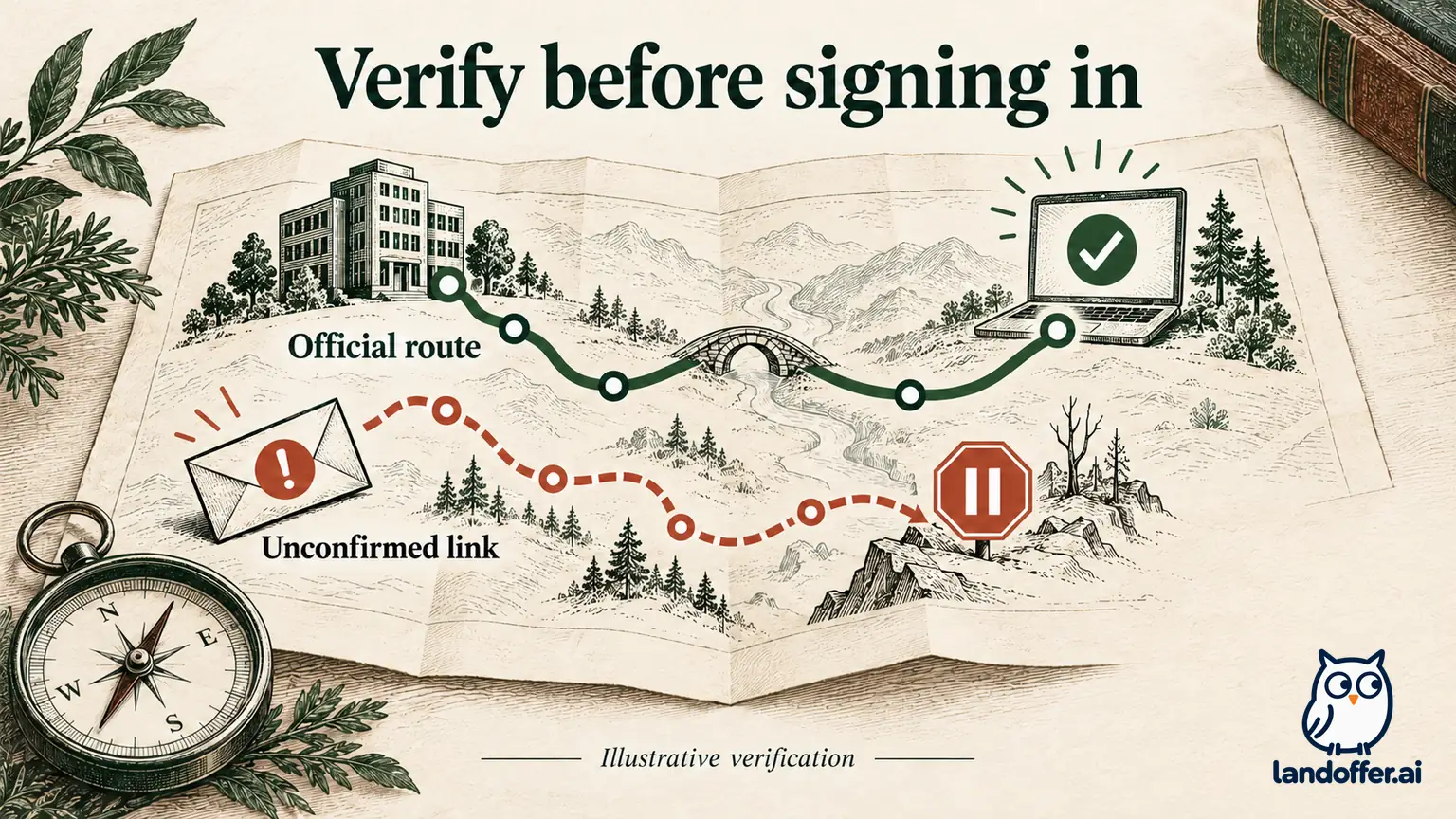
The result is a verified route for a particular application. Rowan does not conclude that all old applications migrated or that every email mentioning the new portal is authentic. If the employer later changes its instructions, Rowan can compare the new guidance with the saved record instead of relying only on an aging bookmark.
This case also shows why “the new portal is legitimate” and “my application is in the new portal” are separate findings. The first does not settle the second. Keeping both questions visible prevents an unnecessary reapplication from becoming the default response to a missing dashboard entry.
If the official route does not explain the new domain
Stop before signing in and contact recruiting through a route published on the corporate site or an established verified thread. State the final hostname, the corporate Careers page you started from and the application reference. Omit URL parameters that contain personal access tokens. Ask which login is intended for that record. Do not include a password, recovery token or a full sign-in URL containing personal access parameters.
Here is a completed, unsent inquiry for fictional candidate Rowan:
Hello Candidate Support,
I have an existing application for DP-227, submitted October 3. The candidate sign-in route from your Careers page now reaches a different hostname, and I would like to confirm which portal holds that application before entering my details.
Could you confirm the intended login route for DP-227 and whether I need any account-migration step? I have retained the original acknowledgment and can provide its reference through your verification process.
Thank you,
Rowan
If you cannot find an official contact, use the employer's published general contact to ask for candidate support. A search snippet, social-media reply or number supplied only by the questionable page is insufficient to resolve the same identity question. Keep the issue pending until a trustworthy route explains it.
If a task has a deadline, state the known date and request instructions for secure access. Urgency does not validate a hostname. Document the access problem; do not assume that reporting it automatically pauses the deadline or guarantees an extension.
A verified portal can still show an empty dashboard
After reaching the official login, use the account method stated for that portal. An email-and-password account, a single sign-on option and a code sent to an inbox can represent different identities. Do not create several variations just to make an old application appear. First check which address and method were used originally.
If the old record is absent, distinguish what you observed from what remains unknown. “No DP-227 entry appears in this account” is accurate. “The employer deleted my application” requires evidence you do not yet have. An empty dashboard can be worrying when you have already invested time in the application. A separate hiring system, another email address or a record not shown to candidates can require employer clarification; the missing entry alone does not settle which explanation applies.
Save the original acknowledgment and ask support where the record is handled. For a listing that disappeared while the application history remains uncertain, the disappeared-job-posting guide addresses that separate visibility problem. A missing public listing does not determine whether the login route is genuine.
Do not delete the old account or withdraw the application to test whether it transfers. Those actions can have consequences unrelated to domain verification. Resolve the location of the record and the next required task before making a change to the application itself.
If you already entered details on the wrong page
If you suspect you entered a password on an impersonation site, go directly to the verified service and follow its account-security and recovery instructions. Change a reused password on the other affected accounts through their own official routes, and enable stronger sign-in protection where supported. Do not return to the suspect link to make the change.
The FTC's phishing guidance describes responding when information has been exposed and directs people who disclosed sensitive personal information to IdentityTheft.gov for recovery guidance. Use the steps appropriate to what you actually shared; do not assume a visit alone means every account or document was compromised.
Report the questionable route through the employer's verified contact when relevant. Preserve a redacted screenshot or hostname if useful, while keeping passwords, codes and private tokens out of your report. Tell the employer separately if an application task may have been missed during the access problem.
Bookmark the verified entrance and retain the original receipt. If the application is still missing, keep the record-location question open with official support rather than creating another submission to test the portal. You can browse recent roles on LandOffer.ai with a record that distinguishes portal identity from the status of your application.