LandOffer
Job search
SkillSyncer Review: Free Job-Match Scans, Resume Editing, and DOCX Export
Review SkillSyncer’s free scans, Smart and Classic editing, Premium pricing and DOCX limits, with worked wording and Word-file checks before applying.
SkillSyncer is worth considering if you already have a resume and want to compare it with a particular job, revise the wording and produce an application file. Its current free plan includes limited scans, editing and PDF export. Premium adds capacity and detailed feedback; the vendor says the same inputs receive the same match score on either plan. Word export needs extra attention: dedicated help pages require both Premium and a Smart resume, while another official page gives conflicting Classic export guidance. This review covers public documentation checked October 19, 2026; we did not run an authenticated scan, generate text or download a file.
LandOffer publishes this review and also offers job-search tools. Start with a specific posting, such as one from LandOffer’s recently posted jobs, so you know which requirements your resume needs to explain. A tool’s comparison score can help organize editing, but it does not establish your qualifications or reproduce an employer’s hiring decision. The practical SkillSyncer choice is where you want to edit, how many new comparisons you need, and which file the employer accepts.
What you can do on the free plan
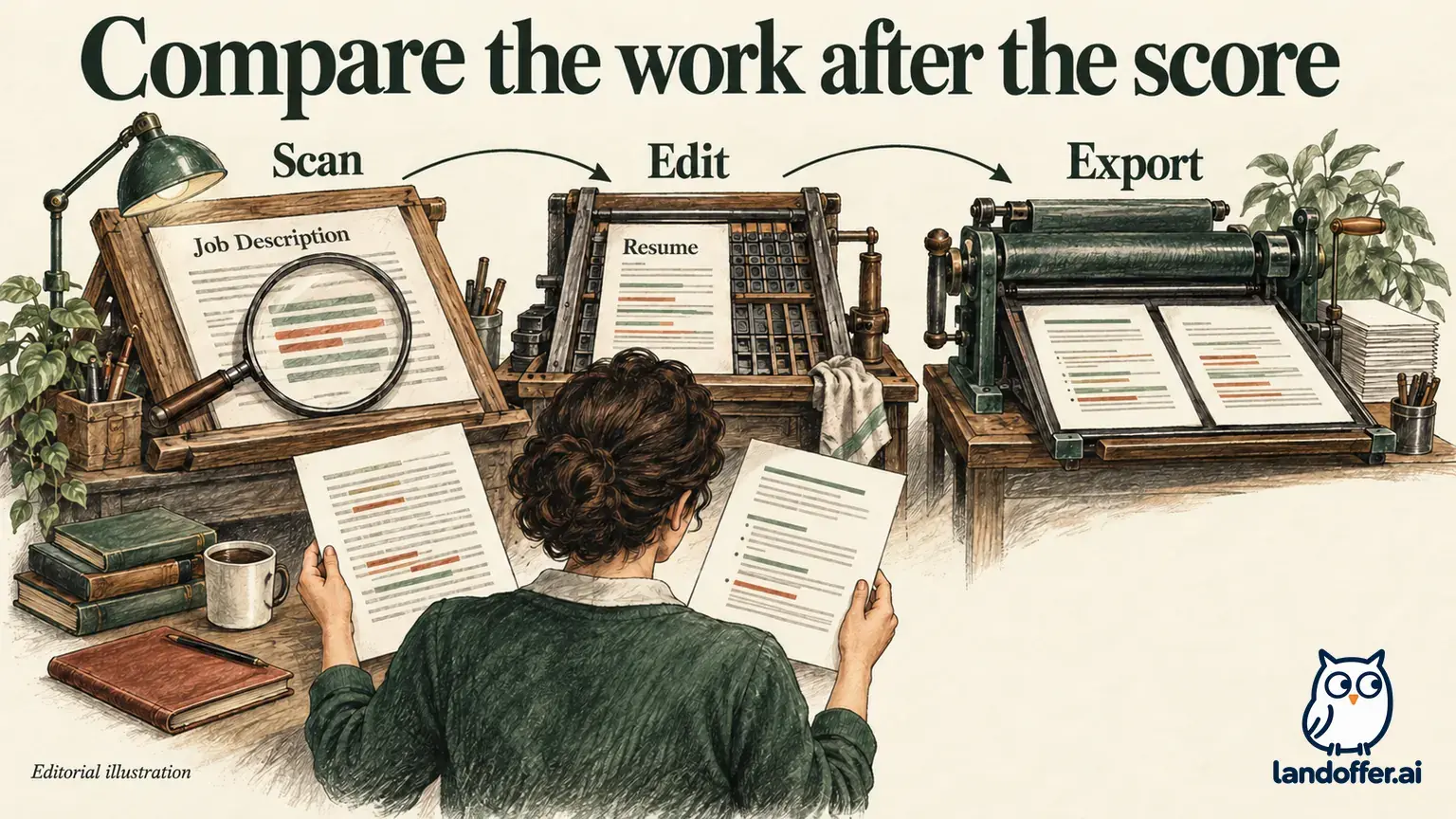
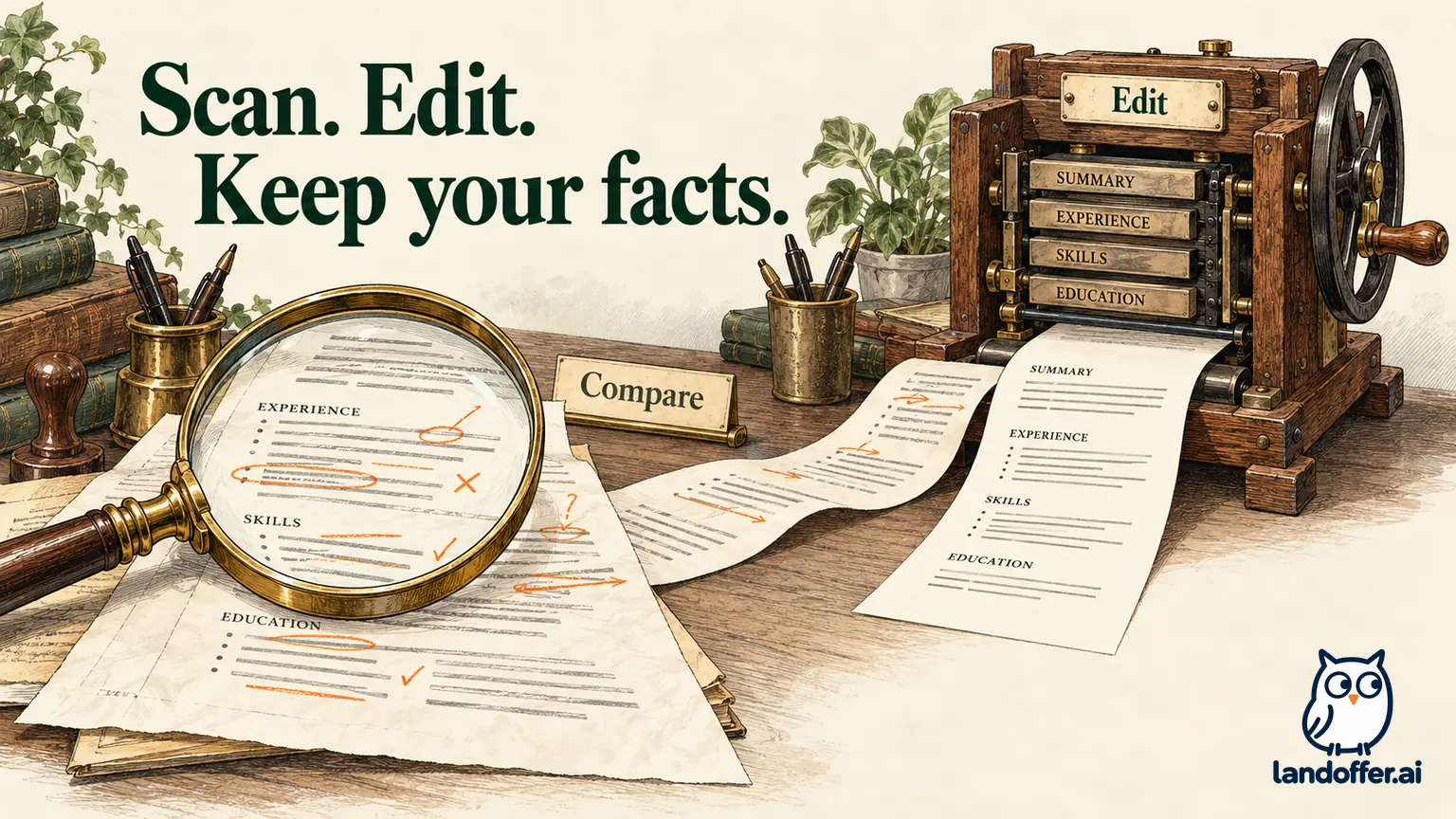
SkillSyncer’s current pricing page lists one base resume, two job-match scans a week, ten AI credits a week and PDF export for free. It describes a builder, job comparisons and a tracker, so treating the product as only a keyword scanner misses its present scope. Free limits new scans and AI requests; Premium also describes more precise writing feedback.
The Free versus Premium help article adds a detail that matters on your first day: a new account begins with one scan credit, used by the setup scan. The first weekly top-up arrives a week later. Do not schedule two fresh comparisons immediately after completing setup simply because the headline allowance says two a week.
A base resume is the master document; job-tailored copies created through scanning do not count against that one-base limit. That makes the limit different from a one-application cap. Someone maintaining distinct master resumes for different occupations has a stronger reason to consider unlimited bases than someone making small changes for related roles.
Feedback detail is less consistent across the public pages. The homepage FAQ describes issues marked on their bullet, while pricing and detailed help describe free feedback by section and paid feedback at the exact words. Plan around the more conservative section-level description. We have not verified which markers a particular free account would display.
Scan credits and AI credits pay for different work
According to the scan-credit guide, either Smart or Classic costs one scan credit. Free scan credits accumulate up to a balance of ten. Exhausting the balance prevents new scans; it does not mean you must pay again to read or edit the comparison you already opened.
AI credits are separate. The AI-credit guide describes ten a week on Free and 250 on Premium, with a weekly reset instead of rollover. Its listed costs include one credit for the Bullet Point Generator, three for Keyword Boost and five for Full Rewrite. Premium’s unlimited scans therefore do not mean unlimited AI writing.
For a careful applicant, this distinction changes how to work. Read the existing findings and revise a supported sentence before starting another job comparison. If the problem is an inaccurate date or an omitted skill you genuinely use, manual editing may solve it without a new generated passage. More available writing requests do not make an unsupported statement acceptable.
The documentation also needs care around history: pricing lists ten free scan-history entries, while the scan guide says reports do not expire or get pruned. Those statements do not establish a clear unlimited free history experience. Keep your own finished application files and notes instead of depending on an assumed permanent archive.
Classic or Smart: choose where the writing will live
The Smart versus Classic guide frames the choice around your editing workflow. Classic uses plain text and lets you take accepted changes back to an existing document. Smart holds the resume in sections, with templates, a preview and more targeted editing. The vendor says both use the same job-match analysis and cost one scan credit.
This is a useful distinction for someone whose resume already works in Word or Google Docs. You can use the comparison to improve wording while keeping your familiar document layout. Conversely, if you want to change layout and address individual bullets in one workspace, a structured builder may remove some copying between tools.
| Your actual task | Route supported by the current guide | Consequence |
|---|---|---|
| Keep an existing document and use job-specific feedback | Classic | Carry accepted text back to your source file. |
| Build and revise in sections with a formatted preview | Smart | Review the imported sections and builder output. |
| Compare the same resume with the same posting | Either | The vendor describes equivalent match analysis. |
| Repeat a Classic job as a new Smart scan | Smart after Classic | The guide says this costs another scan credit. |
Smart is not described as a paid-only scan type. Choosing it and purchasing Premium answer different questions. Likewise, a plain-text workflow is not automatically a worse analysis; it gives up structured editing conveniences that some applicants do not need.
Marco’s completed route and wording decision
Marco is a fictional support analyst with a Word resume he likes. A fictional junior data-support posting asks for SQL investigation and clear escalation notes; Python is preferred. His real evidence within this teaching case is PostgreSQL querying during support investigations and documenting findings. He has not written Python automation, and his official job title remains Support Analyst.
Here is his completed editing decision. The examples are independently written for this article, not findings or output produced by SkillSyncer.
| Posting or resume detail | Evidence in Marco’s record | Finished decision |
|---|---|---|
| SQL is important; the resume only says “database work” | He used PostgreSQL queries during investigations. | Name SQL and PostgreSQL in the relevant experience sentence. |
| Python appears in the posting | He has no Python project or work example. | Leave Python out of the experience claim. |
| The target title differs from his employment title | His employer called the role Support Analyst. | Keep that title; explain related work underneath it. |
| The employer accepts PDF and his Word layout already works | He can edit and export his source document. | Use Classic feedback and retain Word as the master. |
His final sentence is: “Used SQL queries in PostgreSQL to investigate support issues and document findings for escalation.” It makes a genuine skill visible without inventing automation or changing his job title. He can explain the queries and the escalation process if asked.
Marco chooses Classic for this application because he needs wording feedback, not a new layout. If he later wants structured bullet editing and a formatted builder resume, Smart becomes a different workflow choice. Repeating the same job through a new Smart scan would consume another credit under the guide’s rules; he should have a reason for that second comparison.
What a match score does and does not tell you
The detailed free-plan guide says the job-match score uses skills and keywords, job-title match and degree match. Premium’s additional writing advice does not change the score for the same inputs. Smart’s resume-quality score is also distinct from its match against a particular job.
Those distinctions matter more than a large number on a report. Marco’s clearer SQL sentence can make an actual skill easier to recognize. It cannot supply the Python experience he lacks. Nor should he rename an associate degree as a bachelor’s degree or replace an official employment title to satisfy a scoring component.
SkillSyncer’s homepage recommends a match score, but that is the vendor’s editing target. We have not established that an employer uses the same model, cutoff or weights. Decide whether a requirement is mandatory from the posting itself, and preserve an accurate account of your background even when a suggested term would make the document appear closer.
DOCX has both a plan gate and a resume-type gate
Two dedicated official pages, Downloading as PDF or DOCX and Word-download troubleshooting, describe DOCX as a Premium feature available only for Smart resumes. They say Classic text must move into the structured builder first. A paid subscription alone would therefore not resolve that documented type restriction.
There is a conflict: the Smart/Classic comparison page also describes Classic plain DOCX export on Premium. We cannot settle that discrepancy from an authenticated export. Use the dedicated export guidance as the planning basis, and confirm support for your resume type before paying specifically to obtain Word.
The download guide also acknowledges output details worth checking. A current role can print an end date instead of honoring the Current Position setting. Some education dates, locations and entry links are missing on some templates. These are vendor-documented limitations, not defects we reproduced. They qualify any broad suggestion that the preview guarantees identical file contents.
Lena’s completed Word handoff audit
Lena is a fictional Premium user who needs an editable Word attachment. Her starting resume is Classic text. She follows the dedicated guidance toward a Smart resume instead of assuming another payment will solve the restriction. The following is a deliberately constructed field audit, not a downloaded SkillSyncer file or an observed conversion result.
Her source record says her current role began in February 2022 and is ongoing. Her education ran from September 2019 to May 2021. Her selected portfolio link is a relevant item the recruiter needs. In this teaching example, a draft handoff has an old role end date and omits the education start date and link.
| Field | Illustrative draft requiring repair | Corrected handoff content |
|---|---|---|
| Current employment | February 2022–June 2024 | February 2022–Present |
| Education dates | May 2021 only | September 2019–May 2021 |
| Portfolio entry | Link absent | Restore “Support investigation case study” as a working hyperlink. |
Lena’s completed decision is to reject that draft handoff, restore the three fields from her source record and use the corrected editable document. If the employer specifically requires Word, a visually convenient PDF is not a substitute. If PDF is permitted, she can inspect that file separately; the download guide also notes that page breaks can differ from the preview.
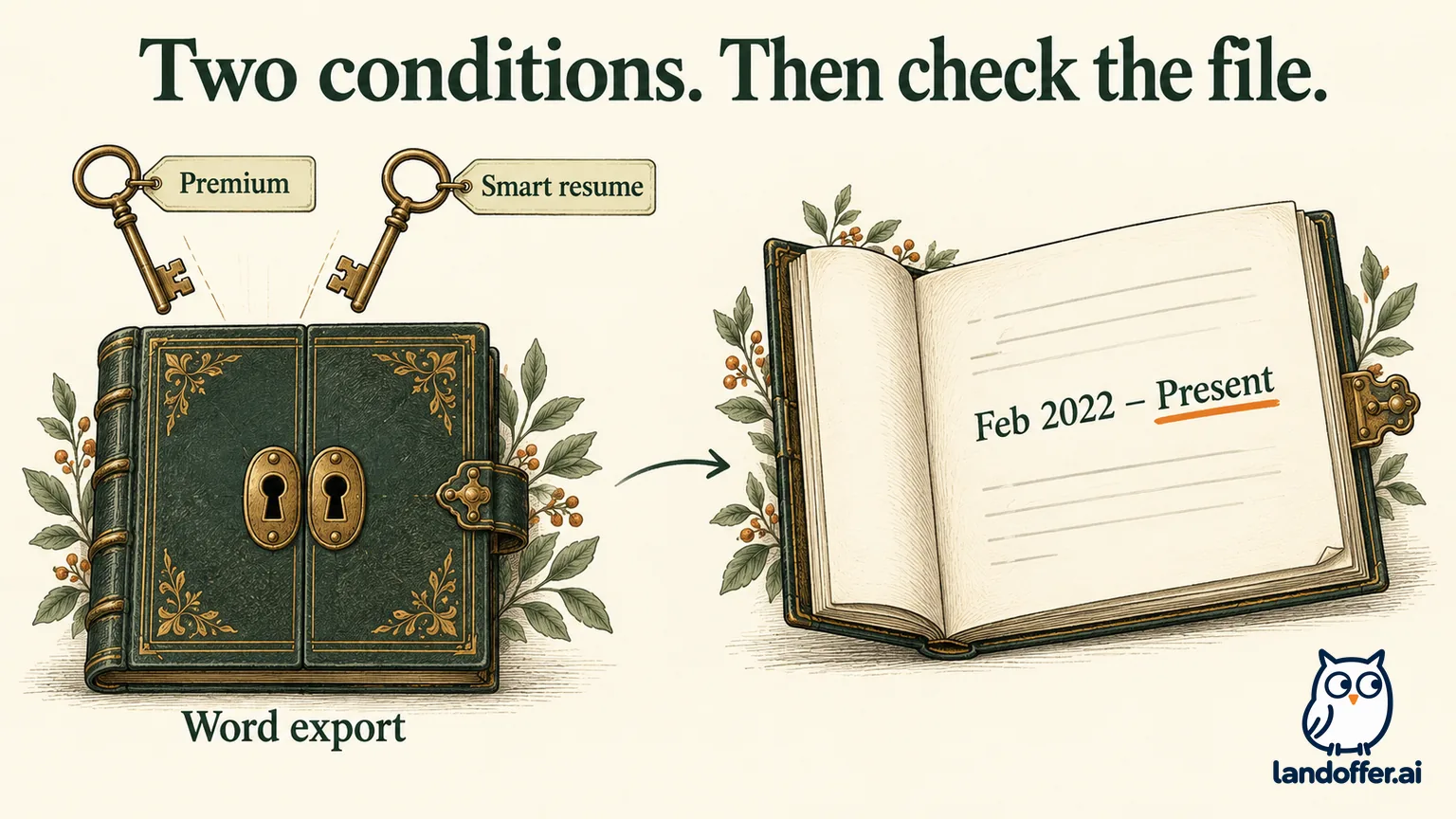
This example identifies what a successful handoff contains; it does not claim a particular template will lose those fields. Open the actual file you intend to send. Compare the attachment with the source record, especially the ongoing role’s end date and the fields the recruiter needs.
When Premium is worth considering
The plans-and-pricing guide lists Premium Monthly at $14.95 and Premium Quarterly at $34.86 every three months, displayed as $11.62 per month. Features are the same. Three monthly payments total $44.85, so quarterly costs $9.99 less over that period but requires the larger payment upfront. The help page describes automatic renewal and no individual paid trial; the ongoing free plan is the evaluation route.
Premium makes more sense when repeated scans, several master resumes or detailed editing feedback solve a recurring problem. It is a weaker purchase if your main goal is a better score for unchanged content. For a single PDF application and an existing editable resume, Marco’s free, selective workflow may be sufficient.
Choose one recent role, decide where its resume will live, and finish one factual revision in the required format. If you need Word from SkillSyncer, confirm the Smart/Premium conditions before purchasing for that purpose, then inspect the actual attachment’s dates and fields before sending it.
Sources and Further Reading
- SkillSyncer homepage — current builder, scanning and editing descriptions.
- SkillSyncer pricing — public plan comparison and billing intervals.
- Plans and pricing — payment and plan details.
- Free versus Premium — setup credit, base resumes and score distinctions.
- Scan-credit rules and AI-credit rules — separate allowances.
- Smart or Classic scan — editing routes and repeat-scan cost.
- PDF and DOCX downloads and Word troubleshooting — export conditions and documented file limitations.