LandOffer
Job search
Jobscan vs. SkillSyncer: Compare Scan Limits, Editing, and Export Needs
Compare Jobscan and SkillSyncer by free scan cadence, full paid charges, editing workflows, and export requirements, with a completed six-role example.
Choose between Jobscan and SkillSyncer by the work you need after a scan: understanding a particular job match, making supported edits, and producing the correct outgoing file. Jobscan's current free plan offers five monthly scans with limited findings. SkillSyncer's free plan offers two job match scans per week, a resume builder, and PDF export. Neither product's percentage is a shared employer pass mark.
LandOffer publishes this comparison and provides recent job discovery. We checked official public descriptions and pricing on October 12, 2026, without running a paid-account benchmark or comparing generated scores. Imani's examples below are fictional. They illustrate scan allocation and file ownership, not the relative accuracy of the two products or a predicted interview result.
Compare the task before comparing the number
Both tools describe comparing a resume with a job description. That is useful when your experience is relevant but the resume does not explain it in the employer's terms. It is a different task from checking whether the attachment opens correctly, deciding whether you meet a location requirement, or evaluating the truth of a proposed bullet.
Jobscan's scanner description covers a match report, keyword findings, and formatting checks. SkillSyncer's keyword scanner similarly describes missing terms and a job-specific comparison. These descriptions establish the intended tasks, not a common scoring scale or access to an employer's private screening configuration.
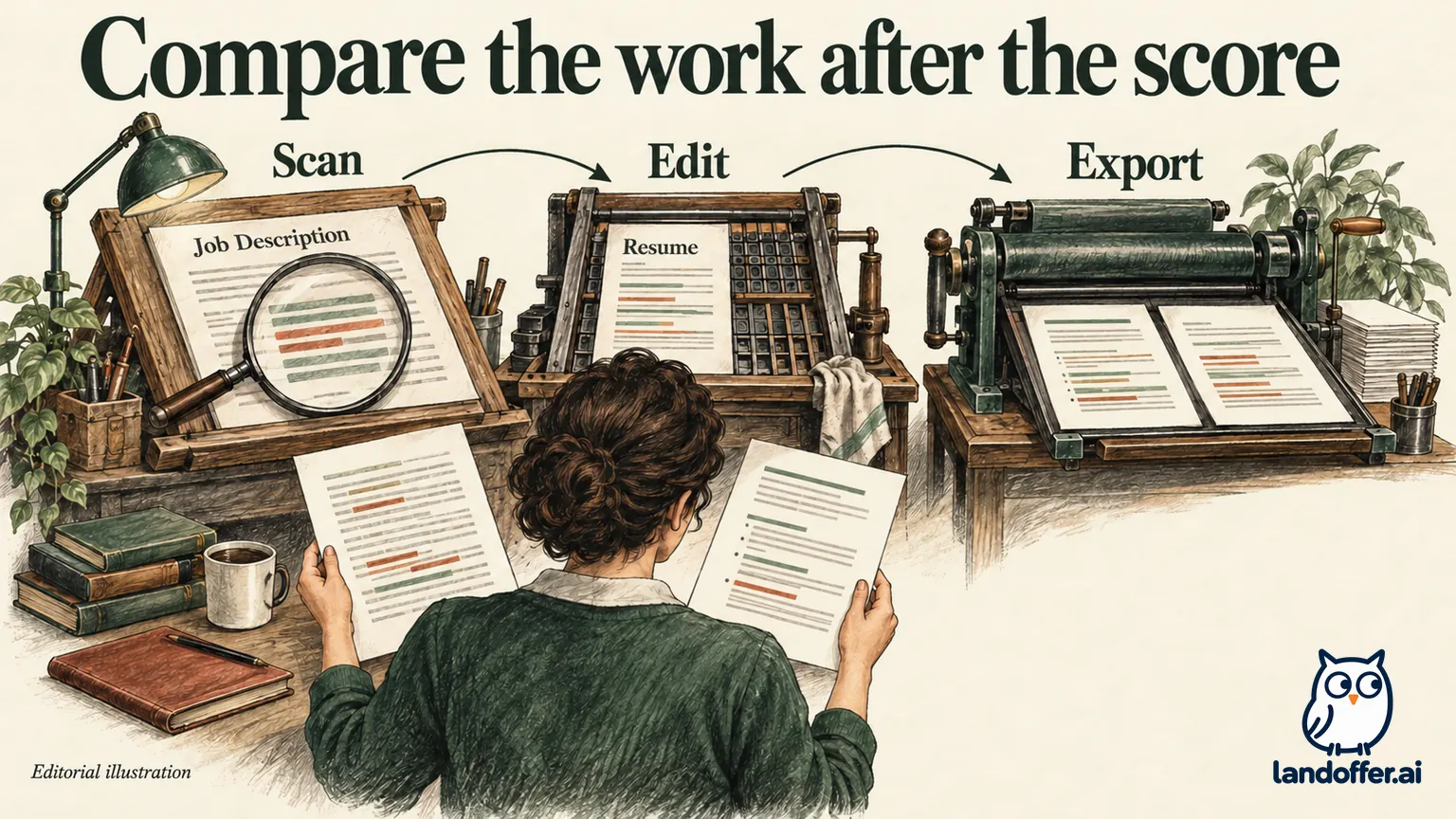
A useful comparison asks what you can do with a finding. Can you identify the affected section? Can you see enough detail to make a revision? Does the edit update a resume inside the tool, or must you carry it back to Word? Can you export the version the employer requests? Those answers affect the workflow even if both reports display a percentage.
Free and paid access at the current public prices
The table separates a usable allowance from the amount charged. Prices are the public USD offers checked for this article; taxes, account eligibility, and a selected checkout can change the final bill.
| Criterion | Jobscan | SkillSyncer |
|---|---|---|
| Free job comparisons | Five scans monthly | Two scans weekly |
| Free report boundary | Limited ATS and recruiter findings | Issues marked by section; ten saved scans |
| Paid monthly price | $49.95 | $14.95 |
| Paid quarterly charge | $89.95 every three months | $34.86 every three months |
| Paid scan allowance | Unlimited resume scans | Unlimited resumes and scans |
| Editing distinction to investigate | Match-report and optimization workflow | Connected Smart Scan or plain-text Classic Scan |
| Document export | Builder documents PDF and DOCX downloads; advanced AI is separately restricted | Free PDF; Premium DOCX also requires a Smart resume |
The Jobscan figures come from its current plan page; SkillSyncer's figures come from its pricing matrix. SkillSyncer also meters AI actions separately: ten free AI credits weekly or 250 on Premium. An unlimited scan allowance does not mean unlimited AI rewriting.
For a search needing two continuous months of paid access, Jobscan's monthly charges would total $99.90, compared with one $89.95 quarterly charge. SkillSyncer's two monthly charges would total $29.90, less than its $34.86 quarter. These are cash comparisons using the advertised prices. They do not establish equivalent features or justify buying a longer period you will not use.
SkillSyncer's Smart Scan and Classic Scan create different handoffs
SkillSyncer makes a useful distinction between a resume built in its system and a scan of an existing document. Its scan-type guide describes Smart Scan as connected to the builder, with findings that can be addressed where the content appears. Classic Scan works with plain text; changes must return to your original document or leave as a plain version.
If your source resume lives in Word, this distinction determines where the accepted changes must be saved before you apply. A text edit inside a scanner does not automatically update that file. Without that handoff, you can finish the edits and still send the old attachment.
For a builder workflow, inspect whether the exported document contains the accepted edits and preserves the intended layout. For a Classic Scan workflow, update the source file deliberately, export again, and compare the actual outgoing version. Do not assume that an imported document, editable text view, and downloaded file are the same object.
There is an important documentation conflict around Word export. The scan-type guide mentions a Premium DOCX version for Classic, while the dedicated Word-download guide says DOCX requires both Premium and a Smart resume. Use the dedicated guide's narrower condition when planning an editable delivery; do not purchase Premium assuming a Classic document will export directly. Conversion or an update in your original editor may be necessary.
Premium's exact-word highlighting and live scoring may make repeated edits more convenient. The free section-level findings may still be enough when the problem is obvious. Paying for precision is sensible only when it removes a real editing obstacle, rather than because a locked feature suggests your resume must be incomplete.
Jobscan's report is useful when its detail answers a job-specific question
Jobscan's AI Resume Builder page documents PDF and DOCX downloads and free creation, editing, and downloading, while limiting advanced AI coaching and generation to a trial or Premium. That gives a candidate another documented file-production route. It does not turn the separate Match Report into an unrestricted free report, and we did not test the builder's export in this comparison.
Jobscan describes checks for terms, sections, and resume presentation. Ask whether the report identifies a relevant omission or a readability problem you can fix. Its broader paid workflow may suit someone who repeatedly needs more detail than the free report exposes.
Keep the recommendation narrow. A candidate can prefer Jobscan's report structure without concluding that it reproduces every employer's ATS. Conversely, SkillSyncer's lower published price does not establish a better report for every resume. Compare the finding you need to act on, rather than assigning either vendor a universal accuracy rank.
Jobscan promotes a target match rate in its scanner material. Treat that as the vendor's own guidance. Do not rename an official job title, add a certification, or claim production experience merely to approach it. A clearer, accurate resume is a useful result even when a proprietary score remains below a vendor's target.
Imani's completed six-role scan allocation
Imani is a fictional backend engineer with six current postings. Three concern API development, two concern data infrastructure, and one is a senior platform role requiring organization-wide reliability ownership she cannot support. She excludes the last role after reading its responsibilities, before spending a scan.
She groups the remaining postings by work rather than title alone. API roles share requirements around service design and data validation. The data roles emphasize pipeline operation and analytical consumers. Her existing resume contains evidence for both, but the examples need different emphasis.
| Posting | Decision before scanning | Planned comparison |
|---|---|---|
| Alder API-11 | Strong API fit | Scan current API resume, then compare a substantive revision |
| Birch BE-24 | Similar API scope | Read requirements manually first; use a scan only for a distinct question |
| Cedar API-67 | API role with different data needs | Scan after checking the source evidence |
| Dune DATA-19 | Plausible second track | Scan a separately revised data-focused resume |
| Elm PIPE-32 | Similar data scope | Reuse verified evidence, with employer-specific review |
| Fir PLAT-06 | Unsupported senior ownership | Exclude; rewriting cannot create the missing scope |
Imani assigns four comparisons initially: Alder before and after a meaningful edit, Cedar once, and Dune once. She reserves the fifth Jobscan free scan for a later job-specific question in the same monthly allowance. Under SkillSyncer's free cadence, she can spread four comparisons across two weekly allowances instead. These are alternative schedules, not measurements of actual account counters.

If all four comparisons are needed before a deadline this week, the timing constraint changes her choice. She should check the current available balance and paid features before relying on a theoretical monthly or weekly allowance. If deadlines allow two weeks, waiting may be perfectly reasonable. Buying unlimited scans is unnecessary when the completed schedule already answers her questions.
A completed revision that survives the export handoff
Imani's original bullet says, “Worked on a batch service and fixed data issues.” Her project notes show that she implemented validation for a nightly PostgreSQL order import, routed rejected rows to an exception report, and coordinated corrections with two analysts. No reliable throughput measurement exists.
Her accepted revision is: “Implemented validation for a nightly PostgreSQL order import, routed rejected rows to an exception report, and coordinated corrections with two analysts.” It adds the system, decision, and collaborators already supported by her notes. It does not invent a percentage or convert the batch service into a distributed platform.
Suppose a comparison identifies Kubernetes as a missing term. Imani has completed a tutorial but has no production cluster responsibility. She leaves Kubernetes out of this employment bullet. If the employer requires substantial production ownership, she revisits fit rather than treating a keyword insertion as a solution.
| Handoff stage | Imani's completed record | What it prevents |
|---|---|---|
| Evidence | Project notes identify the import and exception report | A plausible sentence becoming an unsupported claim |
| Accepted wording | One approved API bullet saved | Confusion between draft suggestions and final text |
| Source update | API-resume-v4 updated in her chosen editor | Scanner text diverging from the attachment |
| Export | New file opened and searched for the revised phrase | Sending the prior version |
| Application | Exact file version recorded against Alder API-11 | Losing the link between role and material |
This example does not require a score increase to be useful. The reader can now understand the work, and the outgoing file reflects the accepted revision. A second comparison is justified if it answers whether the intended language is present or reveals another specific problem. Repeated scanning without a new editing question consumes time and allowance without adding evidence.
Choose the smallest plan that completes your workflow
SkillSyncer is a reasonable candidate when its weekly free cadence or lower paid price fits your search, especially if you want connected editing and can work within the documented export boundaries. Jobscan is a reasonable candidate when its report detail and broader workflow address a need you have already identified. These recommendations concern documented tasks and costs; your account still needs its own output check.
For editable Word delivery, verify the exact export path before migrating your resume. SkillSyncer explicitly places DOCX on Premium. Do not infer a free Word entitlement from an upload button or from the ability to copy text. For either product, inspect the downloaded file after the final edit rather than treating a favorable report as attachment verification.
Separate trial and renewal decisions from editing decisions. Jobscan advertises a quarterly trial with conditions; that is not a universal free version of every paid feature. SkillSyncer's monthly and quarterly plans renew on their stated terms. Save the selected price and renewal date before paying, and confirm cancellation through the vendor's documented process if you stop.
Start with one current role on LandOffer and one concrete question about your resume. Use the report that exposes enough information to answer it, accept only defensible edits, and verify the final file. Keep your existing editor when it already supports that process; add a subscription only when its paid detail or capacity removes a demonstrated bottleneck.