LandOffer
Job search
Resume Builders with DOCX Export: Options for Editable Word Files
Compare documented DOCX resume exports, plan and template limits, and manual Word alternatives, then check the editable file before sending it.
Rezi, SkillSyncer, Resume.io, and Resume Genius document ways to obtain an editable Word resume, but the eligible plan and template matter. Check for an actual .docx download before moving your whole resume into a builder. A free PDF, a plain-text download, and a Word template you fill manually are different deliverables. If an employer asks for DOCX, choose the editable file you can inspect and maintain after export.
LandOffer publishes this guide and provides job-search tools. You can browse recent roles on LandOffer and check their attachment instructions before choosing a builder. We reviewed public product and help documentation on October 12, 2026; we did not buy these plans or test their exported Word files. The shortlist below establishes documented options, while the worked decisions are fictional examples.
Decide what the Word file must do
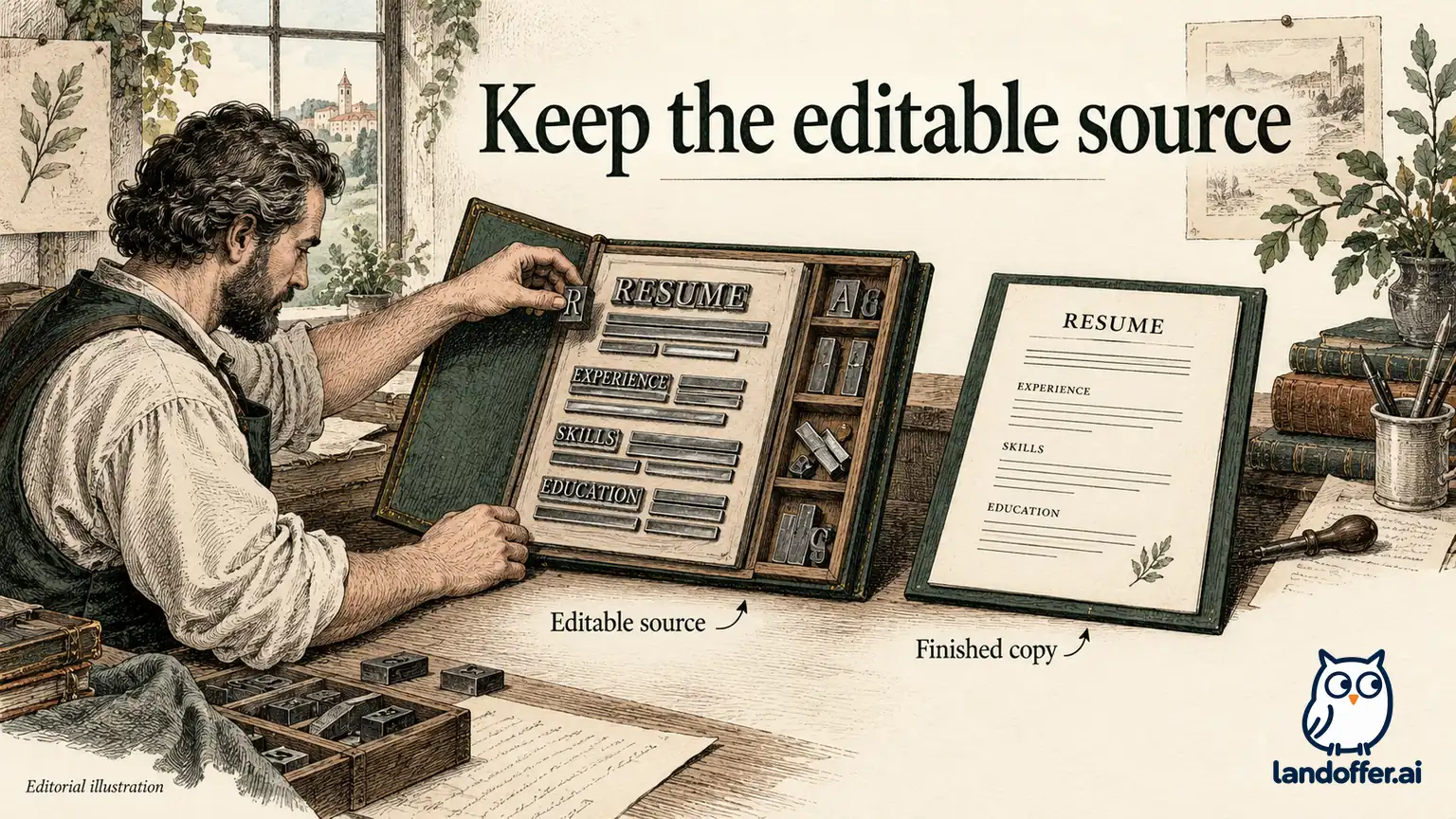
An editable resume can serve several purposes. A recruiter might ask for a Word document to submit through an agency's process. A university adviser might want to comment directly on your draft. You might simply want to change a bullet offline without returning to a paid builder. Those needs overlap, but they do not require the same workflow.
For a recruiter handoff, prioritize a clean document with stable headings, consistent dates, and ordinary editable text. For collaborative review, comments and revision history may matter more than matching the builder's preview exactly. For your own long-term use, the important question is whether you can make the next legitimate change without reconstructing the document.
Write the requirement as a sentence: “I need a DOCX I can open in Word, edit without losing section order, and send for this application.” That sentence is more useful than “I need a professional template.” It gives you a stopping rule: once the document meets the requirement, additional designs and scores may add little.
Follow the employer's stated format first. An editable file is not automatically preferable when a form specifically requests PDF. Our PDF-or-DOCX guide covers that decision separately. This article focuses on obtaining and keeping the Word source.
Compare documented DOCX options on the same criteria
The table separates direct export from a manual template workflow. “Documented” means the vendor describes the capability; it does not mean we observed identical formatting across Word, Google Docs, and every application parser.
| Option | Documented editable route | Important boundary | Practical reason to consider it |
|---|---|---|---|
| Rezi | Download DOCX from the finishing preview; Google Drive export is also documented | DOCX and Drive compatibility depends on the template; the free plan's three-PDF allowance does not establish its DOCX allowance | You want a structured builder and can select a compatible template before committing |
| SkillSyncer | Premium DOCX requires a Smart resume | Free includes PDF; Premium is $14.95 monthly or $34.86 billed quarterly at this check | You also need job-description comparisons and want editable output from the same tool |
| Resume.io | Export DOCX from the download menu or dashboard | Its help page names compatible templates, including Stockholm and Dublin; paid export access and template compatibility must both be checked | You already use a supported design and want a Word handoff |
| Resume Genius | Paid builder access documents Word and PDF downloads | Free TXT export and free Word templates are separate from direct formatted builder export | You can choose between paid export convenience and manually filling a Word template |
These distinctions come from Rezi's download instructions, SkillSyncer's pricing page, Resume.io's export help, and Resume Genius's payment FAQ.
Do not infer the missing cells. For example, Rezi's free PDF count is not evidence that three DOCX downloads are available. A template's compatibility is not evidence that every account can export it. If the exact template-and-plan combination remains unclear, confirm it in the current account or with support before paying. The public pages alone did not establish every combination for this review.
This comparison does not rank the products by “ATS success.” A Word extension tells you the file format. It does not establish that an employer's configured system will associate every date, employer, and title correctly.
Check the template before checking out
Start with a small representative draft. Include a two-line role heading, one position with dates, two bullets, a project with a link, and an education entry. Use your own accurate information if you proceed in an account; omit details you do not need to disclose during evaluation. The test should exercise the layout you actually need.
Locate the export control while this draft is still short. Check the exact template name, the DOCX option, the plan entitlement, and the charge required now. Do not spend an evening perfecting a design and only then discover that Word export is unavailable for it.
For Resume.io, the help page's compatible-template list is the relevant boundary. For Rezi, inspect the template's format compatibility. For SkillSyncer, the dedicated Word-download guide requires Premium and a Smart resume. Its broader scan-type guide mentions Classic DOCX, so use the narrower dedicated requirement rather than assuming payment alone unlocks your existing document. Resume Genius's free TXT route can supply text for a Word template, but it should not be described as a free formatted DOCX export from the builder.
Save the terms that support your decision: date checked, selected plan, billing period, supported template, and the export you expect. A screenshot of a plan description is useful evidence of what you saw; it is not a promise that a particular future export will work. Keep the purchase decision separate from the document acceptance check.
If the download is the only paid feature you need, compare the total charge with a manual Word workflow. Compare the charge with your editing time and existing software access; the displayed monthly equivalent answers only part of the question.
A completed recruiter handoff decision
Consider Mara, a fictional backend engineer whose recruiter requests an editable Word resume by Thursday. Her existing builder produces a PDF, and she has a verified text master containing her employment history. She has no immediate need for a resume score or new AI-written bullets.
Her decision record is deliberately specific:
| Requirement or finding | Mara's decision | Acceptance evidence she needs |
|---|---|---|
| Recruiter explicitly requests DOCX | Prepare a Word file; keep the current PDF as a reference | The outgoing attachment has the requested extension and opens as a document |
| Existing resume facts are already complete | Reuse the verified text master | Employer names, titles, dates, and metrics match that master |
| No supported Word export established in her current builder | Use a simple Word template rather than purchase an unrelated feature bundle | Every section remains editable without returning to the builder |
| Recruiter may change formatting | Keep a private authoritative copy and request the final version if content changes | The copy submitted on her behalf can be reconciled with her approved facts |
| Another employer requests PDF later | Export PDF from the checked Word master | Both outputs contain the same current claims |
Mara chooses the manual template route because her unfinished task is an editable handoff. Someone who also needs repeated job-specific comparisons could reasonably choose SkillSyncer Premium; someone already working in a compatible Rezi template may prefer its direct export. The same table therefore supports different choices without declaring a universal winner.
Mara also removes tracked drafting comments before sending. Comments such as “verify this number” are useful during preparation but inappropriate in the final attachment. She preserves the review copy privately so she can explain why each claim survived editing.
The completed decision is not a vendor export test. It shows how to avoid buying a broad feature bundle when a narrow file requirement is the actual constraint.
A completed no-payment decision
Jules, another fictional candidate, wants an editable source for occasional internship applications and has no budget for a builder subscription. The next employer accepts PDF, so a direct DOCX export is a preference rather than an application requirement.
Jules separates three options. First, a free PDF builder can finish the immediate application but may leave the editable source inside that builder. Second, a free TXT export supplies words but requires rebuilding the layout. Third, a downloadable Word template provides an editable starting document, though Jules must populate and format it manually.
Jules chooses the third route and records the outcome: one private Word master, one checked PDF for the application, and no builder subscription. The trade-off is manual formatting time. There is no claim that the template automatically passes an ATS or improves interview chances.
The alternative remains legitimate: if Jules values a builder's layout controls enough to keep using it, a free PDF workflow can be sufficient. A free-PDF evaluation answers that narrower question. A successful PDF download should not be used as proof of free Word export.
This decision illustrates an important distinction between “free editable resume” and “free DOCX builder.” You may obtain the first through a template without obtaining the second through automated export. Search results often blur those categories, so inspect the actual deliverable before comparing prices.
Review the document after the next edit
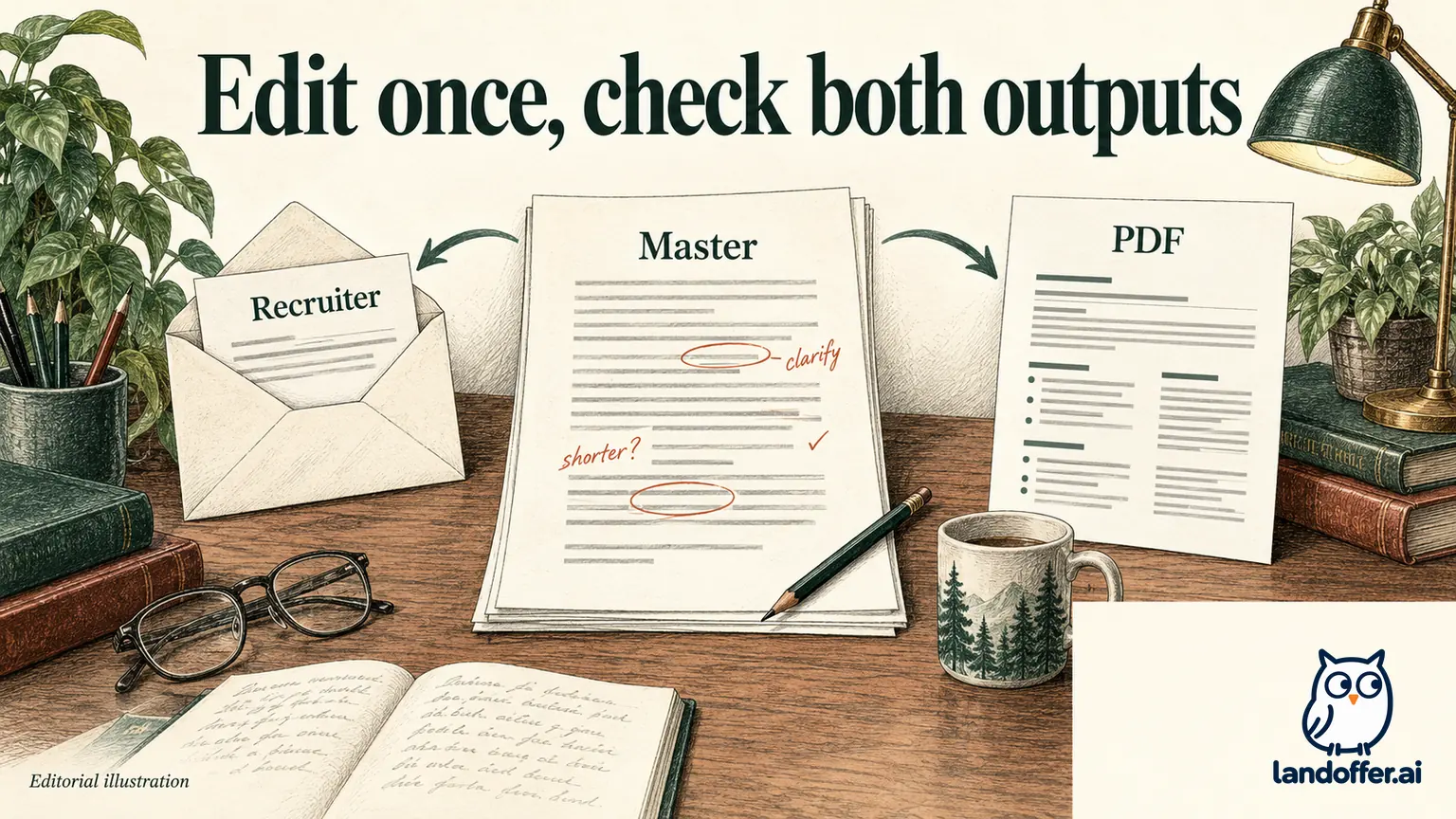
A DOCX that opens successfully still needs an editing check. Make a normal change: add a bullet, lengthen a title, or update a project date. Then inspect the surrounding content. Does the next role move cleanly to another page? Does a heading become isolated? Are dates still associated with the correct job?
Check the document in the editor you intend to use. A file that looks good in one preview may wrap differently elsewhere because of fonts, page settings, or layout structures. Do not treat a screenshot as proof that the underlying text is easy to maintain. Select and edit the content you will actually revise.
Next, export the attachment required by the employer. Compare the visible text with the master and review links, page breaks, symbols, and contact information. If an application imports your file into fields, inspect those fields separately. A readable document and correct form mapping are different checks.
Keep a correction log naming the changed field, the layout repair, and the outputs rechecked. For example: “Long project title wrapped into date column; moved date onto its own line; rechecked Word and PDF.” That record explains the fix and makes later versions easier to maintain. Avoid adding invented achievements merely to fill a template's available space.
Finally, name the file around its intended recipient or role and version. Keep one authoritative source per purposeful resume variant. Two editable copies that both appear current are a larger operational problem than a plain design.
If an adviser returns an edited copy, reconcile the factual changes into your master before producing another attachment. Keep formatting suggestions separate from changes to titles, dates, or responsibilities. For example, a clearer heading can be accepted immediately, while a proposed leadership claim needs evidence. That small distinction prevents an editable handoff from becoming an uncontrolled rewrite of your experience.
Choose an export you can keep using
Choose Rezi when its documented compatible-template workflow fits the structured draft you want to build. Consider SkillSyncer Premium when editable export and repeated matching are both useful. Consider Resume.io when your selected template supports Word and the paid access makes sense. Consider Resume Genius's direct paid export or its separate manual-template route according to your budget and editing needs.
Before paying, verify the exact DOCX entitlement and total charge. Before sending, inspect the edited document and the employer's requested attachment. Those two decisions should remain distinct even when one product handles both.
For your next application, open a recent role on LandOffer, write down its file instruction, and choose a workflow that produces a checked attachment and a maintainable source.
Sources and Further Reading
- Rezi: download your resume
- SkillSyncer: pricing and export entitlements
- SkillSyncer: Word export requires Premium and Smart resume
- SkillSyncer: broader Smart and Classic Scan guide
- Resume.io: download and export options
- Resume Genius: paid downloads and free alternatives
- LandOffer: PDF or DOCX resume?