 LandOffer
Autofill · Job search
Simplify Alternatives: Options for Autofill, Job Discovery, and Tracking
Simplify Copilot spans several tasks, so the right alternative depends on whether forms, role discovery, resume edits, or tracking are failing you. Evaluate LandOffer, Jobright, Teal, and Huntr with one real role and a clear record of what reaches the employer.
If you are looking for a Simplify alternative, start by naming the feature you would actually replace. Simplify Copilot combines browser autofill, job-specific resume feedback, AI responses, and an application tracker. No single alternative is automatically equivalent across all four. The best option for a candidate who needs a better role feed may be different from the best option for someone who needs a more detailed tracker.
This guide compares LandOffer, Jobright, Teal, and Huntr using their public documentation and a repeatable candidate test. It does not claim hands-on results, fixed prices, complete portal coverage, or improved interview rates. You can browse recent roles on LandOffer to assemble a common set of jobs for the comparison.
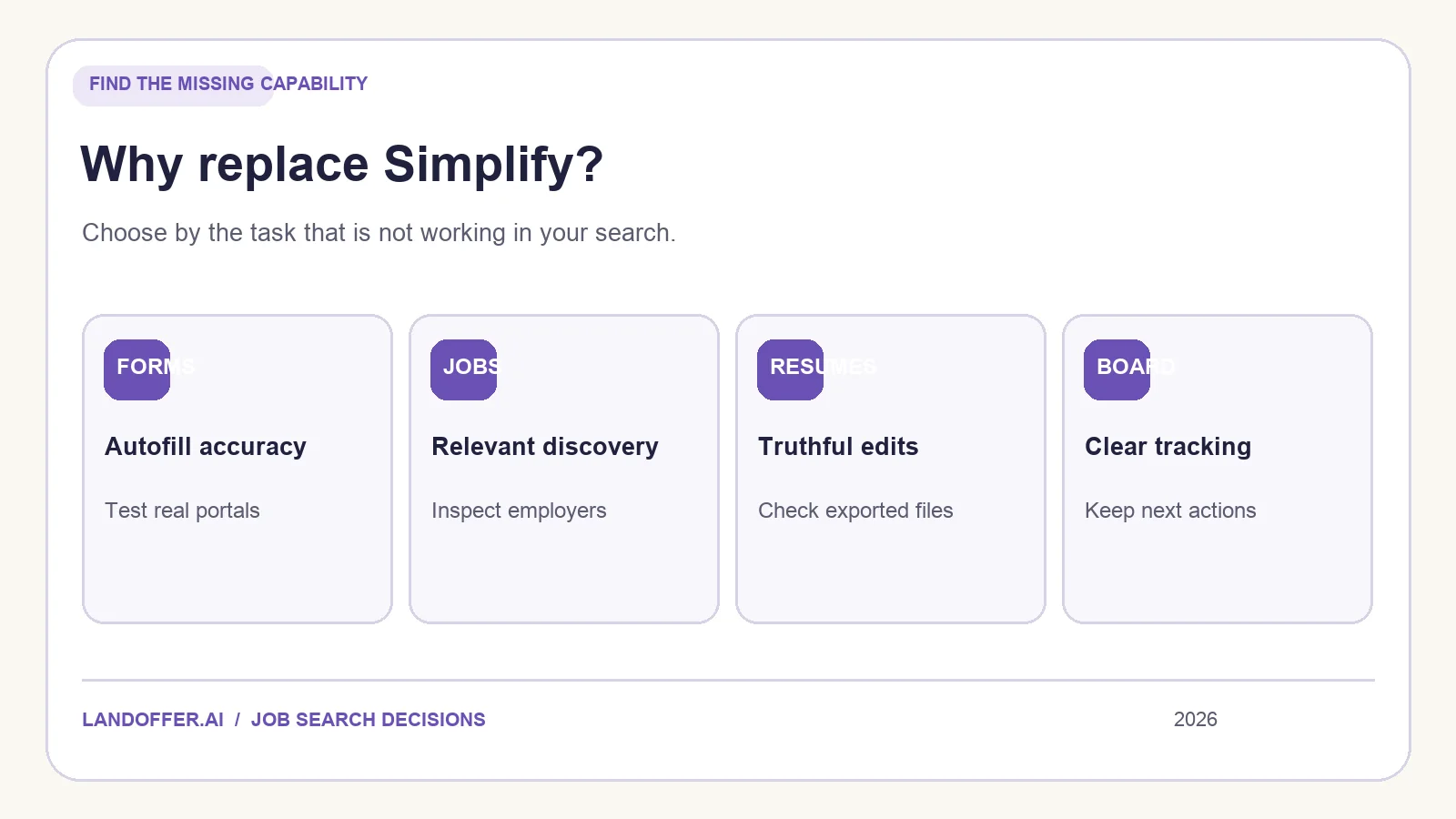
Decide whether you need a replacement at all
First check what Simplify already does for you. Its Copilot instructions show an applicant-reviewed autofill flow. The candidate inspects the completed form and submits it. Its tracker documentation covers saved roles, applications, documents, and follow-up stages. Simplify also offers a paid tier for advanced AI writing and tailoring; check the current boundary in your account rather than assuming every feature is free or paid.
Write down one failed task in specific terms. “The extension did not appear on two application sites I use weekly” is useful. “The job suggestions violate my location constraint” is useful. “I cannot tell which resume I used last month” is useful. “I want something better” does not tell you what to test. If the problem is a stale profile or missing resume attachment, fixing your existing setup may be quicker than moving your history to another service.
Use the same employer posting to compare alternatives. Check the employer's own URL, not just a job-board card, and keep its requisition number. A tool that found the listing faster should not get credit for a submission it never made; a tool that fills a form should not get credit for an interview it cannot observe.
LandOffer for fresh roles and deliberate form review
LandOffer emphasizes recently spotted jobs and a free Chrome autofill extension. Its autofill walkthrough illustrates Greenhouse, Lever, and Ashby: a profile supplies common fields, the extension marks fields and flags some answers for review, and the applicant makes the final submission. The current privacy page lists more permitted sites, including Workday and SmartRecruiters, and describes an additional, opt-in cloud AI Agent Apply mode. Check the specific site permission and distinguish the two submission models.
LandOffer deserves a test when Simplify's discovery feed is the issue or you want an applicant-reviewed process on supported forms. Search for one role in your target location, open the employer page, and check the job's level and requirements. If you apply with the extension, inspect the filled values, attached resume, authorization answers, AI-generated text, and final confirmation. This is also a way to test whether the advertised workflow suits your actual employer systems.
LandOffer is not a one-for-one replacement for every Simplify feature. Do not assume the same portal coverage, tracker views, or paid resume editing options. The value proposition is a combination of fresh discovery and a stated review boundary in the extension; verify the rest as needed.
Jobright for matching and a broader AI workflow
Jobright describes personalized matches, autofill, and a resume editor. Its AI Agent page also says it can customize materials and apply. That makes it an option if you want to test a more expansive workflow than Copilot's extension. It also makes the approval and submission model particularly important.
Test its recommendations against the same roles and hard constraints you used for Simplify. Check the employer listing, not just the match explanation. If you use the resume editor, compare the revised file line by line with your real experience. Check what happens before an Agent sends anything: how it selects employers, whether you can exclude a company, what answer and document it uses, how to pause it, and what receipt you receive. We have not verified those settings in a signed-in account, so the public page alone should not determine your decision.
The choice is about control as much as speed. If you want to personally read every employer form before final submission, verify that the mode you choose supports that boundary. An assisted form and an autonomous application are different products even when both are called AI job-search tools.
Teal if the tracker is the real pain point
Teal centers a job tracker with saved roles, statuses, notes, and resume-related work. Its extension can bookmark jobs from other boards. That makes it a candidate when you already find suitable roles but have trouble seeing which are saved, submitted, or awaiting follow-up.
Trial it with five real opportunities: two saved, one being prepared, one submitted, and one closed. Attach or label the resume used for the submitted role. Give each active role a next action. Then leave the tracker for a few days and return. Can you recover what happened without reconstructing your browser history? If so, the tool is solving your actual problem. If not, another dashboard may add work rather than reduce it.
Saving a job to a tracker is not the same as sending an application. If autofill is your main reason to leave Simplify, test that capability directly in a candidate tool instead of treating Teal's tracking features as a substitute for it.
Huntr if you want documents and applications together
Huntr's product overview describes a job tracker, AI resume tools, and autofill. This may suit a search in which document versions and application records are scattered. Test one role through the full workflow: save it, create or choose a truthful resume, inspect the employer form, and confirm how the tracker records submission. A broad product page cannot tell you whether each feature works on your most common sites, so try those sites before transferring your backlog.
If your resume tool suggests stronger bullets, keep the underlying evidence visible. A better phrase is welcome; a new skill, metric, seniority, or degree you did not earn is not. Check exported files and actual attachments, not only an editor preview. For plan limits, read the current pricing screen during your test rather than relying on a comparison article that can age quickly.
Compare alternatives with one real workflow
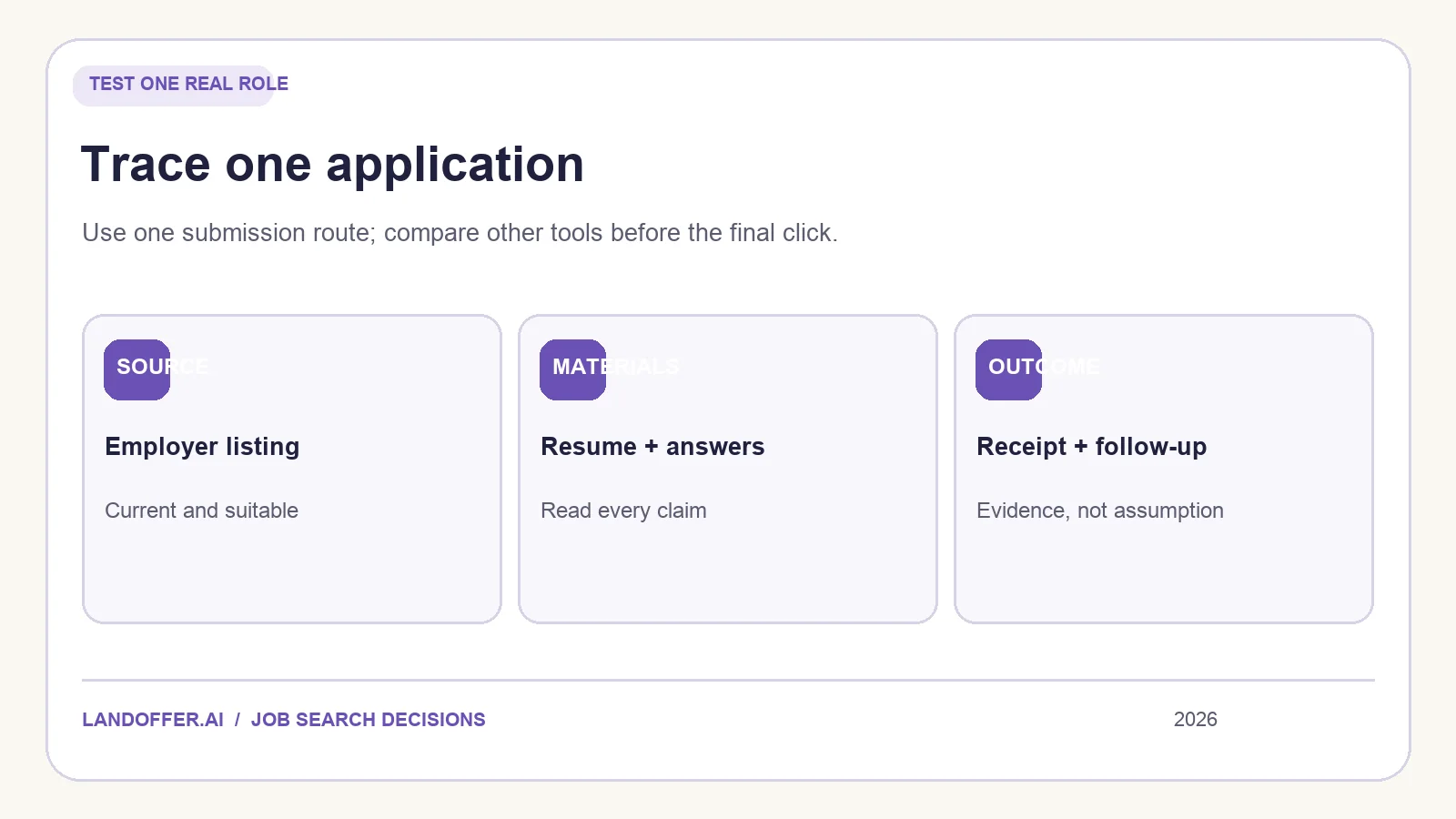
Do not create duplicate applications just to run an A/B test. Evaluate both tools up to the final submit on the same job, then choose one submission route. Keep the original employer page, your base resume, and a simple checklist:
| Question | Evidence to save |
|---|---|
| Did the tool find a role worth pursuing? | Employer URL, level, location, and your reason to apply |
| Did resume help preserve the truth? | Original and final file, with important edits checked |
| Did autofill get the form right? | Corrections to fields, answers, and attachments before submit |
| Who controlled the final action? | The mode and approval step you actually observed |
| Did the application reach the employer? | Confirmation page, email, or portal state |
| Can you follow up later? | Status, date, resume version, and next action |
Record uncertainty honestly. If the tool says “applied” but the employer gives no confirmation, leave the result as needing verification. If a job appears in two feeds, keep one opportunity identity and note both discovery sources. These habits matter more than the size of a tool's advertised catalog.
For a deeper view of the starting product, read our Simplify Copilot review. If Jobright is your main candidate, use the Simplify vs. Jobright comparison or the Jobright review. Each article addresses a different decision so you do not have to repeat the same broad feature list.
Choose one role that fits your real constraints, open recent jobs on LandOffer, and make the application path explicit. The useful alternative is the one that improves that path while leaving you able to explain exactly what you sent and when.