LandOffer
Job search
Sharing a Figma Prototype in a Job Application: File Links, Prototype Links, and Access Checks
Share a Figma prototype with the right starting point and access. Check source exposure, account permissions, expiry and an inspectable static walkthrough.
Share a Figma prototype through a clearly named starting point, with the audience and permission needed for the review. Check whether the link opens a design file, a selected frame or a prototype presentation, and whether it exposes more source material than you intend. Test the intended path and provide a readable walkthrough. Record account access, link expiry and interaction behavior as separate checks.
LandOffer publishes this guide and offers job-search tools. We inspected Figma's public documentation and built an original local HTML flow for fictional designer Odile. Its navigation was checked; it is not a Figma export, hosted Figma prototype or recipient-access test. No sharing settings or accounts were changed. Use recent roles on LandOffer to identify which interaction and contribution the application should let a reviewer inspect.
Choose the link that matches the review task
“Here is my Figma link” leaves the destination unclear. A reviewer may need a focused interaction, the design file's structure, or a case study explaining your decisions. Name the task and starting screen before choosing the link. For an interaction review, identify the starting screen and the short path to inspect. For a source review, explain which page or frame contains the relevant work.
Figma's sharing guide distinguishes file sharing and prototype sharing. It also describes links to a selected frame or node. A selected-frame link can help orient the reader inside the file; it is not a promise that the surrounding source is hidden. Record the destination and its permission separately.
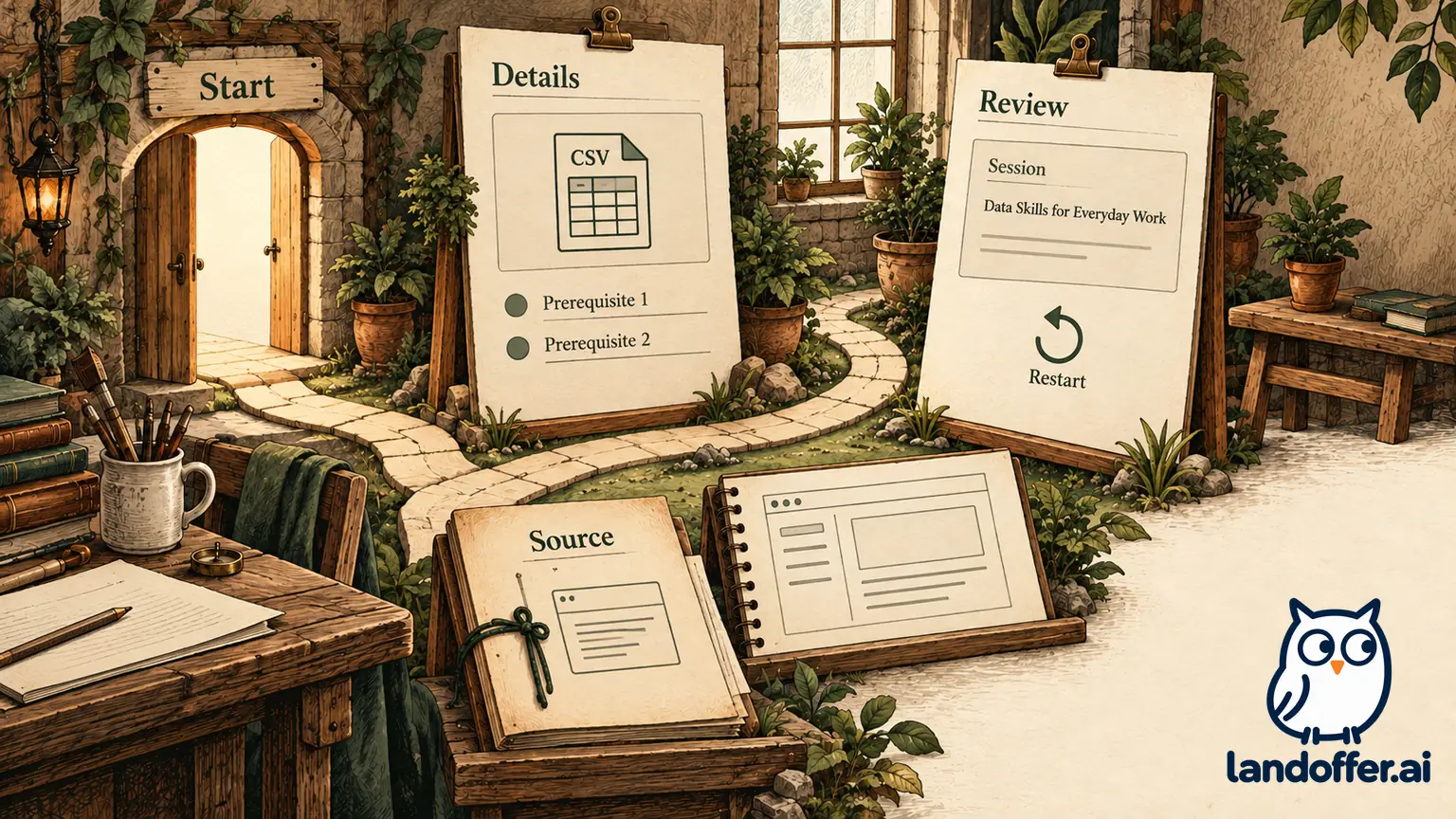
Odile's fictional exercise is a three-screen workshop finder. The intended review task is to follow a session choice, read prerequisites and inspect a sample review screen. Her handoff would name “Find a workshop session” as the starting point. An unlabelled link to a large working file would leave the reader to discover that path.
If the application specifically requests an editable design file, a prototype-only destination may not satisfy it. If it requests a portfolio URL, a bare source file may omit the contribution account. Follow the stated format and attach the explanation needed to understand the work. Keep a clear distinction between the requested deliverable and the most convenient link to copy.
Check whether the source file remains reachable
A presentation view does not always isolate the prototype from the design source. The sharing guide says prototype-only sharing is available on paid plans. On Starter, a prototype presentation can allow the viewer to open the editor and see the source file. Verify the current plan and route before describing a presentation link as source-restricted.
This matters when a file contains unrelated work. A polished starting screen does not establish that another page, draft, note or client asset is safe to expose. Review the whole material reachable through the proposed route. Use only content you may share, and retain any private employer work outside the candidate-owned exercise.
Odile excludes the original employer file from the example. Her new educational screens contain invented session text and no participant information. That decision allows the sample to describe a specific interaction without depending on permission to publish workplace designs. It does not imply that every design copied into a new file becomes candidate-owned or authorized.
Do not buy an upgrade before identifying the exact need. If permitted source exposure is acceptable and the existing route supports the review, a paid prototype-only feature may be unnecessary. If source isolation is required, check the feature and recipient behavior in the actual account. The documentation review here did not test either route.
Set the audience and permission deliberately
The sharing guide describes audience options and view or edit permissions, with plan and organization differences. Decide who needs access, which account they will use and what they need to do. Viewing a prototype does not ordinarily require permission to modify the candidate's original design file. Do not expand access simply because a reader initially encounters a sign-in screen.
A link limited to an organization may fail for an external recruiter. A link requiring an invited account can also fail if the reader signs in under a different address. If a named-user route is appropriate, establish the intended identity and test that route. Copying a link from the author's session only shows the author can obtain the URL.
Inherited permissions complicate a quick inspection of an invitation list. The guide explains that access can come from broader team or organizational arrangements. Inspect the relevant inheritance as well as direct invitations. Do not assume that the visible invitation list enumerates everyone with access, or that changing one invitation revokes every route.
Organization administrators may restrict public sharing. Treat that restriction as part of the route selection. Do not bypass it or publish employer material elsewhere to avoid it. For independently created candidate work, choose an allowed delivery arrangement and disclose its access requirement. If the requested arrangement is unavailable, provide a permitted alternative and explain its limits.
Record expiry and embedding as separate conditions
Figma's public-link expiration guide describes an Enterprise feature and organization settings that can require an expiry. It also explains that expiry of public access does not necessarily remove previously permitted private access. Record what expires and when rather than calling the whole file deleted.
An application can be reviewed after the day it is submitted. Check the actual link's settings and preserve a suitable readable backup. If a link is deliberately temporary, state that condition in the handoff and maintain the authorized route for the review window you have agreed. Do not assume an arbitrary hiring timeline or promise access beyond what the settings permit.
Embedding is another delivery context. Figma's embed guide explains that embeds respect the source's sharing permissions. Organization-limited content can require sign-in, and password-protected files have embedding limitations. Putting a prototype inside a portfolio page does not make its source permissions disappear.
Check the actual portfolio destination as well as the direct link. A frame that fails to load should not strand the reader without instructions or a backup. Distinguish a blocked embed from a broken prototype path. Odile's local exercise has no Figma embed or expiry setting, so neither behavior is presented as tested.
Inspect Odile's completed local flow
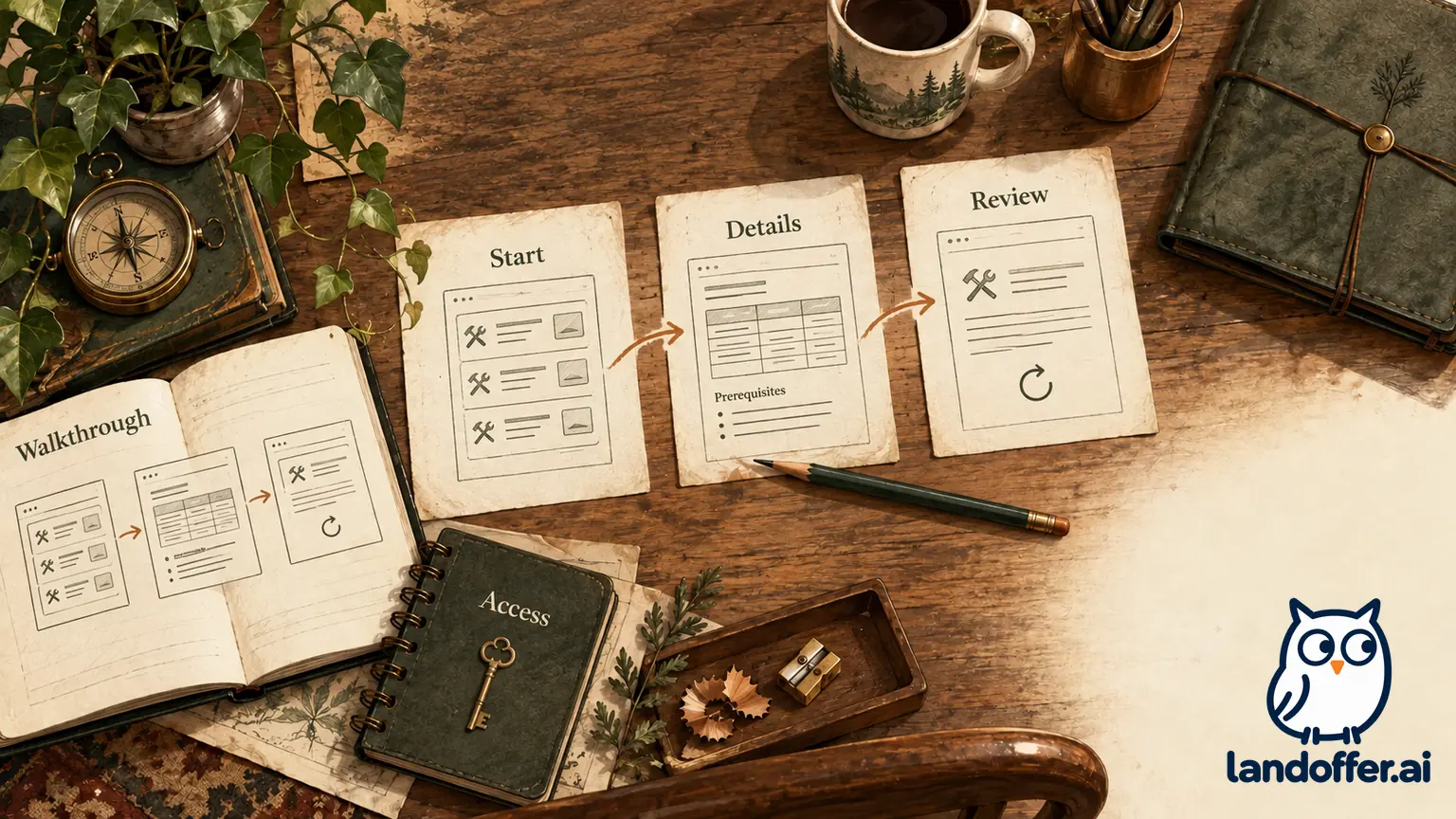
The original example uses four authored HTML files: three interaction screens and a static walkthrough. They were created for this guide and served locally. No files were imported into Figma. The completed path therefore demonstrates how to document and check an interaction handoff, while keeping the product-specific sharing checks unresolved.
| Screen | Reader action | What the screen establishes |
|---|---|---|
| Find a workshop session | Read the disclosure and open session details | The exercise and starting point are identified |
| Read the prerequisites | Inspect the requirements and open the sample review | The reader sees requirements before the review |
| Review the sample choice | Inspect the fictional session and restart | The path has a defined end and a return route |
| Static walkthrough and contribution | Read the three steps and reopen the start | A readable explanation remains available |
The fictional session is “Intro to data checks.” It asks the reader to bring a local CSV editor and says the examples use invented rows. The review screen explicitly excludes registration, email, payment and reservation. This avoids presenting a clickable educational exercise as a working booking service.
We opened the start, followed the details and review links, and returned to the start through its restart link. We also opened the static walkthrough from the start and checked its return link. Retained browser observations show the actual local destinations, screen text and corrected walkthrough path. They do not prove a Figma flow configuration, public permission, employer-network access or assistive-technology compatibility.
Odile's contribution account is equally limited: she authored the sample screens, organized the prerequisite step and prepared the walkthrough. No real users, research findings, design-system implementation or production outcomes are claimed. Describe the finished local path accurately; keep any unperformed usability study out of the account. Connect the inspectable contribution to the target role's responsibilities, using the authored path and its limits as evidence.
Write the handoff record before submitting
The record should contain the destination, intended scope, audience and observed result. Odile's completed version identifies the current local exercise and names the checks still needed for a Figma application link.
| Field | Completed record | Remaining check |
|---|---|---|
| Starting point | Find a workshop session | Confirm this is the actual Figma flow start if implemented |
| Path | Start, prerequisites, review, restart | Inspect the implemented interactions in the delivered version |
| Source scope | Original educational HTML only | Inspect all material reachable from the Figma route |
| Audience | No external recipient selected | Verify the intended audience and account |
| Permission | No Figma permission changed | Confirm view/edit and inherited access |
| Expiry and embed | Neither configured | Check current settings if the delivery uses them |
| Backup | Readable static walkthrough | Confirm the application receives the intended version |
A draft application sentence reads: “Original workshop-finder interaction exercise. Start at ‘Find a workshop session,’ read the prerequisites and review the sample choice. The static walkthrough explains my authored screens and the local path; no real booking or tested Figma share is included.” This wording is unsent and describes the actual exercise.
For a real Figma implementation, replace the local destination with the exact tested link and adjust the sentence to match the verified scope. Record the account context used for the access test, the check date and the starting screen. Record audience and permissions separately from authorship and design decisions. A successful view cannot establish authorship, and a clear contribution statement cannot establish access.
Repair the specific failure you observe
If the wrong screen opens, inspect the copied destination and intended starting point. If the file opens but the interaction stalls, check the actual implemented connections and return path. If access is denied, inspect audience, account and inheritance before changing the design. These failures need different repairs, so retain the observed symptom rather than labelling everything a broken link.
In the local exercise, an initial walkthrough check reached the details screen because the browser action used an outdated element index. We inspected the current destination, then followed the correct static-walkthrough link from the start. That repaired the verification action; it did not require a design or permissions change. The evidence retains the initial wrong target and the corrected path.
If a recruiter reports an access issue after submission, use the employer's permitted contact or correction route and provide an authorized fallback. Keep any proposed message specific to the exact destination and available replacement. Do not claim the recipient successfully viewed the replacement until there is evidence of that result. No recruiter was contacted for this guide.
Let the explanation carry the contribution
Include enough context for a reviewer to assess the prototype and your contribution. State the problem, your role, the path to inspect and the limits of the exercise. If the project was collaborative, separate your authored decisions from teammates' work. If it is a concept, identify it as a concept. A link with beautiful screens cannot supply missing provenance or validation.
Make the starting point easy to find. Keep the contribution account and walkthrough readable when the interaction is unavailable. Check the actual attachment or URL selected in the application field, and preserve the version the sentence describes. An access check of a later revision should not silently replace the submitted record.
Choose a design responsibility from recent roles on LandOffer, then deliver the permitted starting point, path and contribution account.