LandOffer
Job search
Resume Trick Review: Browser Editing, AI Prompts, and Download Options
A usable unsigned-in editor is a meaningful preview, but one tested AI summary required correction and downloads encountered login rather than delivering files.
Resume Trick is worth trying for browser-based resume editing when its free template selection meets your needs and you are willing to create an account for downloads. PDF and TXT are offered, while PDF downloads from premium designs require paid access. Our October 13, 2026 unsigned-in test reached the editor and generated an AI summary; both download choices then opened login. The AI summary also added unsupported experience, so the useful workflow includes reviewing and correcting the writing before treating it as an application document.
LandOffer publishes this review and offers job-search tools. We used a fictional profile in the public editor, inspected current pricing and policies, and stopped before account creation or payment. We obtained no Resume Trick PDF or TXT file. You can browse recent roles on LandOffer.ai to identify a target; the profile, employer and work described below are invented for this limited test.
What we could do before signing in
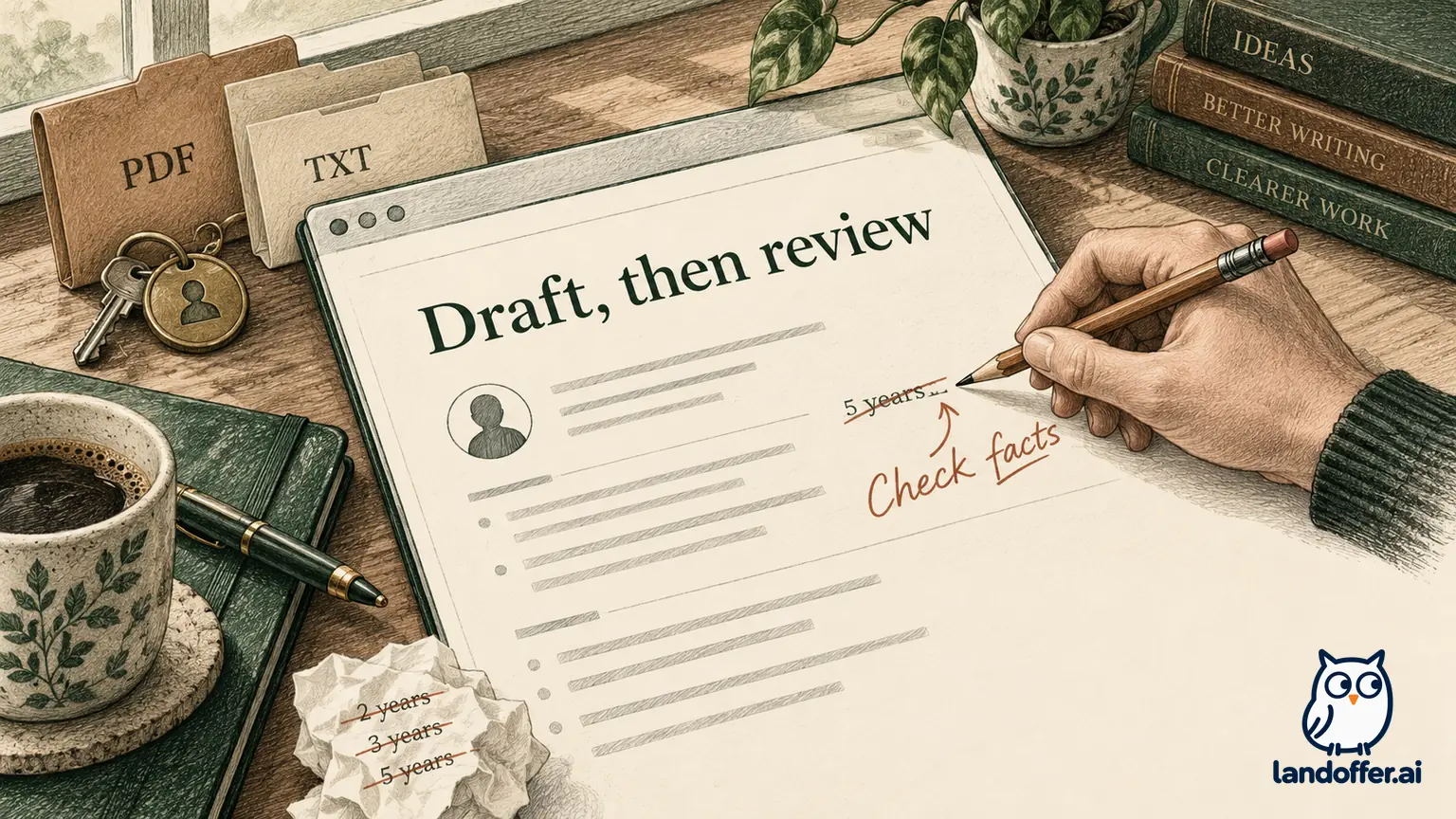
The public builder opened without registration in our session. It offered personal information, a professional summary, experience, education, skills, links and additional sections. We entered Elena River, an example.com email address, Software Engineer as the wanted title and a fictional employer, Cobalt Helpdesk. We left unrelated personal fields empty.
That last choice matters. The editor exposed fields such as a street address, nationality, driving license and date of birth. Their presence does not mean every US technical application needs that information in a resume. Select information appropriate to the document you are preparing rather than filling every available box to satisfy a progress indicator.
We added one experience entry and used the date controls to select June 2024 with the current-employment switch. The editor displayed the start date and a present-time label. We also entered a short summary and a concrete work description. This establishes that those inputs were editable in our session; it does not test long-document pagination, cross-device recovery or final file quality.
Selecting the software-engineer title surfaced suggested skills including Java, C/C++, SQL and cloud technologies. We did not adopt those suggestions as Elena's skills. Use title-based skills to recall relevant work, then retain only tools you can explain from your own experience.
The browser editor can therefore help organize a draft before registration. The next question is whether the reviewed content survives in the saved file. Our session ended at the account boundary for that step, so a completed attachment remains unverified.
The AI summary needed a factual rewrite
Our source summary said Elena maintained a TypeScript support portal and wrote Playwright checks for keyboard navigation. Her experience description specified tab order, focus restoration and work with a designer on an issue-list dialog. We supplied no leadership responsibility, five-year history or Java, C++ or Python experience.
We clicked the summary's AI-generation control once in the unsigned-in editor, after entering the fictional work description. The resulting paragraph described more than five years of experience, leading developers on a complex web application and a background in those additional languages. These were actual assertions observed in this one generated summary. They were unsupported by the supplied fictional facts, not findings about Elena or a representative measurement of every Resume Trick output.
| Observed generated assertion | Supplied evidence | Completed editorial decision |
|---|---|---|
| More than five years of experience | No such duration supplied | Remove the duration |
| Led a development team on a major web application | Maintained a portal and collaborated with a designer | Remove the leadership and launch claims |
| Java, C++ and Python background | TypeScript and Playwright only | Keep only supported technologies |
| Broad claims of exceptional performance | No measurement or evaluation supplied | Replace with the actual task and checking method |
The corrected summary we restored in the editor was:
Software engineer who maintains a TypeScript support portal and writes Playwright checks for keyboard navigation.
The experience text remained:
Added keyboard navigation to a TypeScript support portal and wrote Playwright checks for tab order and focus restoration. Worked with a designer to verify the issue-list dialog.
Elena now has a summary tied to work she could explain in an interview. It names the portal and the checks instead of an unsupported career history. The summary and experience also agree about the tools and responsibility. A technically accurate draft is more useful than a stronger-sounding paragraph whose claims the candidate cannot support.
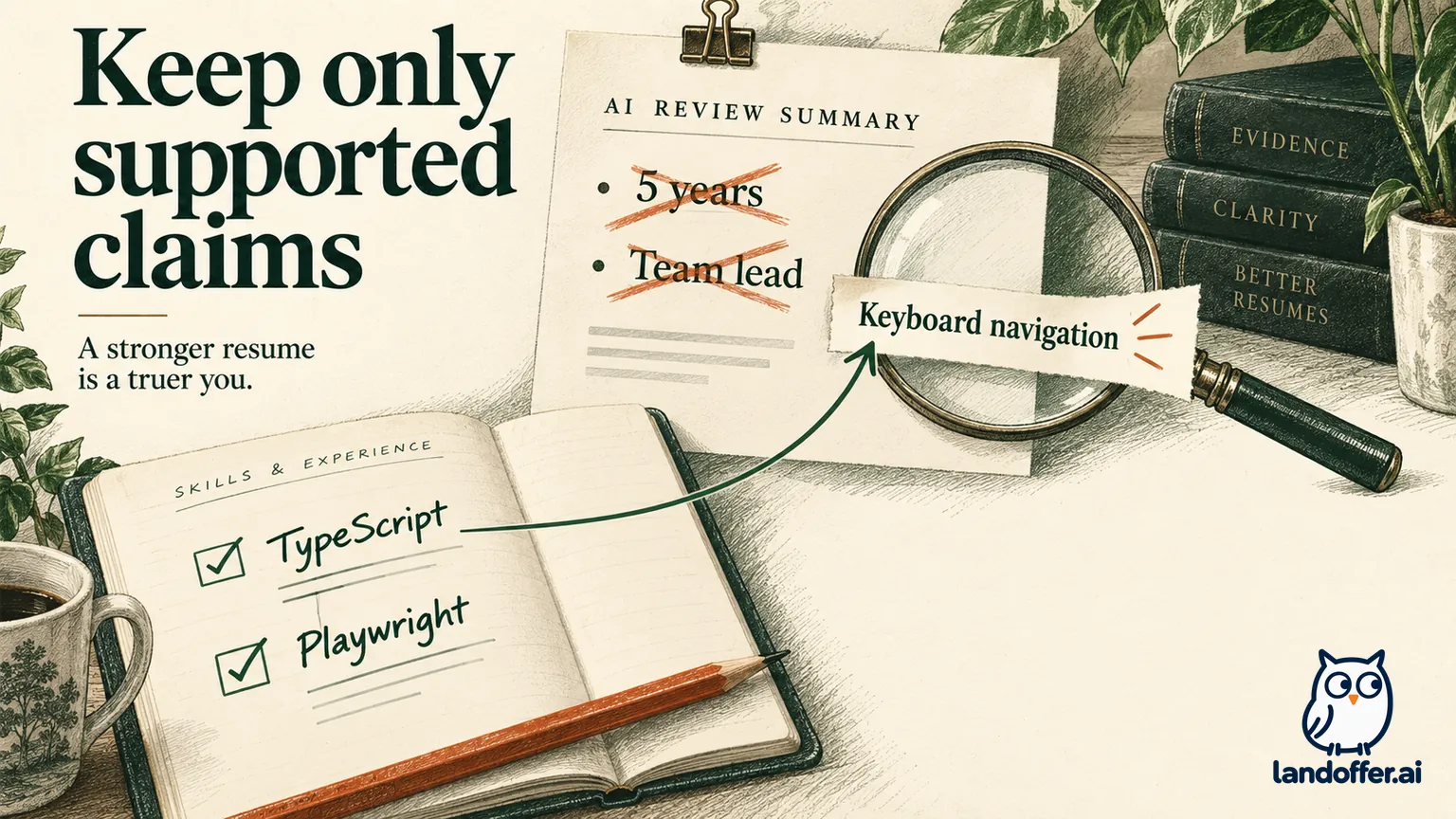
The AI builder page describes prompts and generated writing. Our observed output shows why that assistance needs a review step. We did not test prompt variants, every section or repeated generations, so we cannot assign an error rate. We can report the specific discrepancy and the correction it required.
PDF, TXT and an editable draft serve different purposes
The download menu offered PDF and TXT. Clicking PDF opened a login form; after returning to the editor, clicking TXT did the same. Neither action gave us a saved file. This observation is narrower than a paywall finding: an account gate alone does not prove payment is required.
Public marketing on the AI page describes building and downloading without signup. That was not the route our session completed. The observed login prompts and account-based pricing deserve more weight for planning this workflow than an assumption that all users can export as guests.
| Item | What we established | What remains unverified |
|---|---|---|
| Browser draft | Entered and corrected the fictional summary and experience | Recovery after a different device or cleared browser storage |
| PDF option | Visible in the menu; opened login | Actual saved PDF, text order, page breaks and watermark |
| TXT option | Visible in the menu; opened login | Actual saved text, character encoding and section preservation |
| Word document | Not one of the observed download choices | A native DOCX workflow |
In ordinary use, PDF preserves a document's presentation, while TXT gives plain text you can edit elsewhere. A TXT file does not carry the layout choices that made a resume fit one page. Likewise, a PDF is not a convenient substitute for a complete editable source when you need to revise several applications.
The following completed delivery decision uses the corrected TypeScript example; it is fictional and does not require assuming that a file was downloaded. Elena's first target, Willow Access, asks for a PDF. Her second target, Harbor Tools, asks her to paste relevant experience into a text field. She chooses a reviewed PDF for Willow Access once export is available, and the corrected plain wording for Harbor Tools. She keeps a separate source-text copy for future edits.
She does not paste a whole TXT resume into a question asking only about accessibility work. Her completed answer is: “I added keyboard navigation to a support portal and wrote Playwright checks for tab order and focus restoration, then reviewed the issue-list dialog with a designer.” The response addresses the requested work without adding the unsupported AI claims.
This is a document-selection exercise, not a fabricated export test. It explains why both formats can be useful while keeping their untested delivery quality explicit.
Free PDF access depends on the template
The current pricing table lists four free resume and cover-letter PDF templates, unlimited TXT downloads and one resume and cover letter per account. It permits previewing premium templates without including their PDF downloads. Starting with an attractive premium preview therefore can lead to a different export entitlement from choosing a free design.
Paid plans display $18 billed monthly, $36 every three months and $84 every twelve months. The latter two are presented as $12 and $7 monthly equivalents. Those are different upfront commitments, not three ways to pay the same amount for one month. We did not test checkout, taxes or a paid account's feature access.
For a candidate who needs one conventional document, the free design boundary may be enough. A paid plan becomes more relevant when multiple maintained documents or premium designs are necessary. It is a weak purchase reason if your only problem is a sentence you can edit manually.
For a concrete budget comparison, three monthly payments at the displayed rate total $54; the quarterly charge is $36. That arithmetic assumes unchanged prices and ignores tax. It does not mean a three-month purchase is sensible for someone whose only task is a single afternoon of editing. The smaller total commitment may matter more than the lower monthly equivalent.
The pricing page also makes an employment-improvement claim. We did not verify that claim or use it to recommend a plan. A subscription buys documented editing and export access; it cannot determine the employer's decision.
Check layout after the final wording is stable
Elena's sample was short, and the editor displayed a single-page preview. Because we obtained no file, we do not call it a verified one-page PDF. A preview and a downloaded document are different artifacts, especially when later edits add longer organization names, projects or links.
Finish the relevant content before solving layout pressure. For Elena, the essential material is the portal contribution, testing method, actual dates and supported tools. If adding an unrelated skills list pushes the document onto another page, removing unsupported or irrelevant content is a better first move than shrinking every line.
After export, inspect whether a role heading becomes stranded at the bottom of a page, whether a link wraps into unreadable pieces and whether the final line is clipped. Copy a passage from the PDF into a text editor and compare it with the reviewed draft. These are checks of your particular file, not a universal ATS certification.
If the employer requires DOCX, use a workflow that actually provides it. Renaming a PDF or TXT extension does not convert the file into an editable Word document. Our PDF or DOCX guide covers choosing the attachment around the employer's instructions.
Billing and refund wording need a careful reading
The pricing FAQ describes cancellation through the profile. Its refund summary concerns persistent errors the service cannot resolve. The separate refund policy adds conditions: unresolved errors require cooperation with support, duplicate purchases have a fourteen-day boundary, and mistaken renewals require a request within three days. It also lists refusal conditions, including elapsed time and downloaded files.
Those details do not support an unconditional thirty-day refund promise. Save the purchase confirmation and the specific terms offered if you upgrade. Canceling future billing and asking for a refund of a past charge are different actions. We attempted neither and cannot report an account-side result.
For source ownership, keep the reviewed wording outside the editor before a subscription ends or you change tools. The public privacy policy describes account and resume-data processing; a guest-looking editor should not be treated as proof that all work stays exclusively on your device.
Who should use Resume Trick
Try Resume Trick if you want a guided browser editor, can work within the free design choice and are prepared to check generated text against your own facts. The public editing access makes it possible to examine the workflow before signing up. The observed AI summary gives a concrete reason to keep that examination active rather than accepting all suggested wording.
Keep your current tool if it already gives you accurate files, or choose a confirmed guest-export builder if registration is a firm constraint. This review establishes useful editing behavior and a download boundary, while leaving account recovery and file quality untested.
Choose one opening from LandOffer's recent roles, draft a short evidence-based entry and review every AI addition. Choose a clearly free PDF design if that meets your needs, and confirm its account requirement before entering your full history. Finish by inspecting the saved file you will actually use.
Sources and Further Reading
- Resume Trick builder: actual unsigned-in editing, AI summary and PDF/TXT login prompts observed October 13, 2026.
- Resume Trick pricing: free template/document boundaries and billed plan totals.
- AI resume builder: official writing and export descriptions; signup wording differs from our observed download route.
- Resume Trick refund policy: specific eligibility and refusal conditions.
- Resume Trick privacy policy: public account and resume-processing notice.