LandOffer
Job search
Resume.io Review: Templates, Export Options, and Trial Renewal Costs
Review Resume.io templates, free TXT and template-specific Word exports, with a worked trial-renewal calendar and clear cancellation and refund limits.
Resume.io is a reasonable option when you want guided resume formatting and can match a paid export to a specific application. The free plan currently promises TXT downloads, while editable Word files depend on the template. The larger commitment is billing: the displayed $2.95 seven-day trial renews at $29.95 every four weeks unless canceled. Choose the required attachment first, then decide whether the available design and access period justify that commitment.
LandOffer publishes this review and offers job-search tools. We inspected Resume.io's public pricing, export help, cancellation guidance and terms on October 19, 2026. We did not purchase a subscription, enter checkout or test a vendor-generated file. Our examples are fictional planning exercises, with independently checked dates and arithmetic. Start with a real opening from recent LandOffer roles, so the employer's attachment requirement determines what you need from a builder.

Start with the attachment you actually need
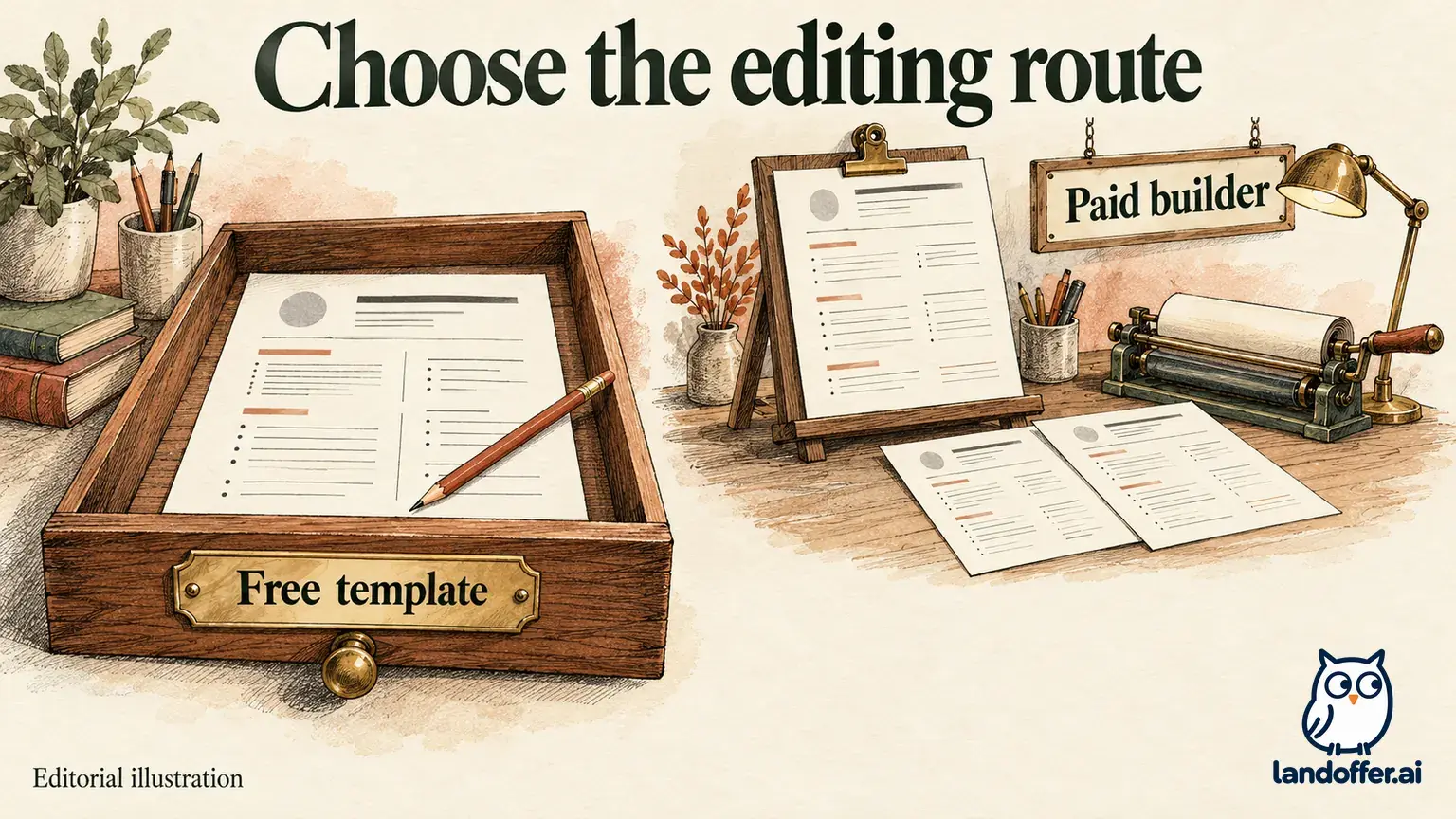
Resume.io's download instructions describe PDF, DOCX and TXT options. They also say free accounts can download only TXT. That distinction matters before you spend time polishing a design: being able to edit a resume in a browser does not establish that the account can download that layout in the file format an employer accepts.
A TXT file preserves words without the template's visual structure. It can provide useful source material for an employer's text field or for a document you format elsewhere. It is not a ready-made substitute for a requested PDF or DOCX attachment. A resume link is another delivery method; use it as the primary submission only when the application allows it.
The help article lists eight templates with DOCX support: Stockholm, New York, Sydney, Dublin, Athens (ATS), Brussels (ATS), Prague (ATS) and Shanghai (ATS). Treat that as a template-specific list. Paying for premium access should not be interpreted as a promise that every visible design has an editable Word equivalent.
If your application requires Word, begin within that documented set and check the actual download menu before committing to extensive layout work. If it accepts PDF, the relevant question is whether your selected plan provides the finished PDF you want. If you already maintain an acceptable document in Word or another editor, a new builder needs to solve a specific remaining problem.
Free-plan instructions disagree about Vancouver
The current pricing page lists one resume and one cover letter under Free, with TXT-only downloading. The download article agrees. However, an older free-use help article, shown as edited two years ago, still describes a free Vancouver PDF option.
That is an unresolved difference in the vendor's own documentation. We did not create an account to establish whether a particular visitor still receives the Vancouver exception. For a purchase decision, use TXT as the consistently documented free output and regard any free PDF entitlement as something the current account must demonstrate. An old help statement is insufficient evidence that your deadline can depend on it.
This does not make the free plan useless. You may value the guided content entry while keeping formatting in your own editor. But identify the extra work honestly: transferring text, rebuilding headings and spacing, and checking the resulting attachment. A free text export and a finished free designed document are different outcomes.
Vespera's completed format decision
Vespera is a fictional junior developer applying to three different openings. She has already checked each employer's instructions and has a factual master document outside Resume.io. The table below completes her format choice using the published export boundaries; it is not an observed Resume.io export test.
| Application requirement | Vespera's chosen route | What she has resolved |
|---|---|---|
| Upload an editable DOCX | Start with Stockholm from the documented Word-compatible set | Template eligibility comes before visual customization |
| Upload a PDF | Use an existing acceptable PDF; consider paid Resume.io access only for a specific formatting benefit | A new subscription is optional for this application |
| Paste resume text into the form | Use the free TXT path and review the pasted content | The task needs words rather than a designed attachment |
Her DOCX decision remains conditional on the selected template offering that download in her current account. She does not spend the trial merely to discover whether her favorite unsupported design has a Word button. For the PDF application, she keeps her existing document because its format and factual content already fit. The text-field application creates no reason to buy a designed export.
For each attachment, she checks the final file itself: her name and contact details, dates beside the correct employers, project qualifiers, links and page breaks. She opens the Word file in the editor the recruiter is likely to use and copies text from the PDF to check basic reading order. Those are candidate-side checks, not proof of universal applicant-tracking-system compatibility.
Vespera also keeps a short file register outside the builder. Her DOCX attachment is labeled with the target role and revision date; her PDF has its own matching entry; the pasted text is checked against the application preview. If she changes a project date in one copy, she updates the factual master before producing another attachment. This prevents a formatting experiment from becoming a second, inconsistent account of her experience. None of these records establishes a product version-history feature. They are her own way to distinguish the document she meant to send from the file actually attached.
The useful result is three completed choices rather than a verdict that every applicant should pay or every applicant should avoid paying. Resume.io's structured layouts can be attractive to someone who does not want to design a document from scratch. They add less value when the current attachment already works and the remaining task is correcting two lines.
Read the offer as a recurring payment schedule
The public page displayed a $2.95 seven-day trial followed by $29.95 every four weeks. A separate quarterly option displayed $49.95 at purchase and renewal every three months. These are the inspected dollar offers, not a promise about every visitor's currency, taxes or account-specific checkout. The page's country footer said International; billing help acknowledges location-dependent offers and currency conversion.
The distinction between four weeks and a month matters. Four weeks is 28 days, so a renewal date can move earlier within successive calendar months. The pricing FAQ uses monthly language, but the inspected offer card and billing help specify the four-week interval. Build your reminder from the actual subscription record rather than interpreting that label as the same date each month.
Do not assume every longer plan is nonrenewing. Billing help describes some six-month and yearly purchases that expire without renewal, plus one-time options in certain countries. The current quarterly card expressly says it renews. A policy for a different duration or location does not establish the terms of the selected offer.
Lysander's seven-day and 28-day calendar
Lysander is a fictional applicant considering the inspected trial for an October 19 start. Our date-only model adds seven days to that date, then 28 days between recurring payments. It excludes time zones, activation times, taxes, currency conversion and any successful cancellation. It is a planning example, not a charge history or a prediction of a particular account's deadline.
| Modeled event if the trial stays active | Date | Charge | Total paid |
|---|---|---|---|
| Trial begins | October 19, 2026 | $2.95 | $2.95 |
| First recurring payment | October 26, 2026 | $29.95 | $32.90 |
| Second recurring payment | November 23, 2026 | $29.95 | $62.85 |
| Third recurring payment | December 21, 2026 | $29.95 | $92.80 |
A single-resume purchase decision can feel finished once the attachment is saved, while the trial subscription is still active. By the second renewal, this modeled trial route has collected $62.85. That exceeds the displayed $49.95 quarterly purchase amount, but the two routes have different starting access periods and commitments. The calculation does not make quarterly access automatically the better purchase.

Lysander chooses the trial only for a defined task: finish and retain the required attachments during the initial access period. He puts a personal reminder on October 24, two calendar days before the modeled first renewal, so he has time to resolve account or email problems. That reminder is his buffer, not an official cancellation cutoff. He still needs the actual activation time, time zone and next charge date from his subscription record.
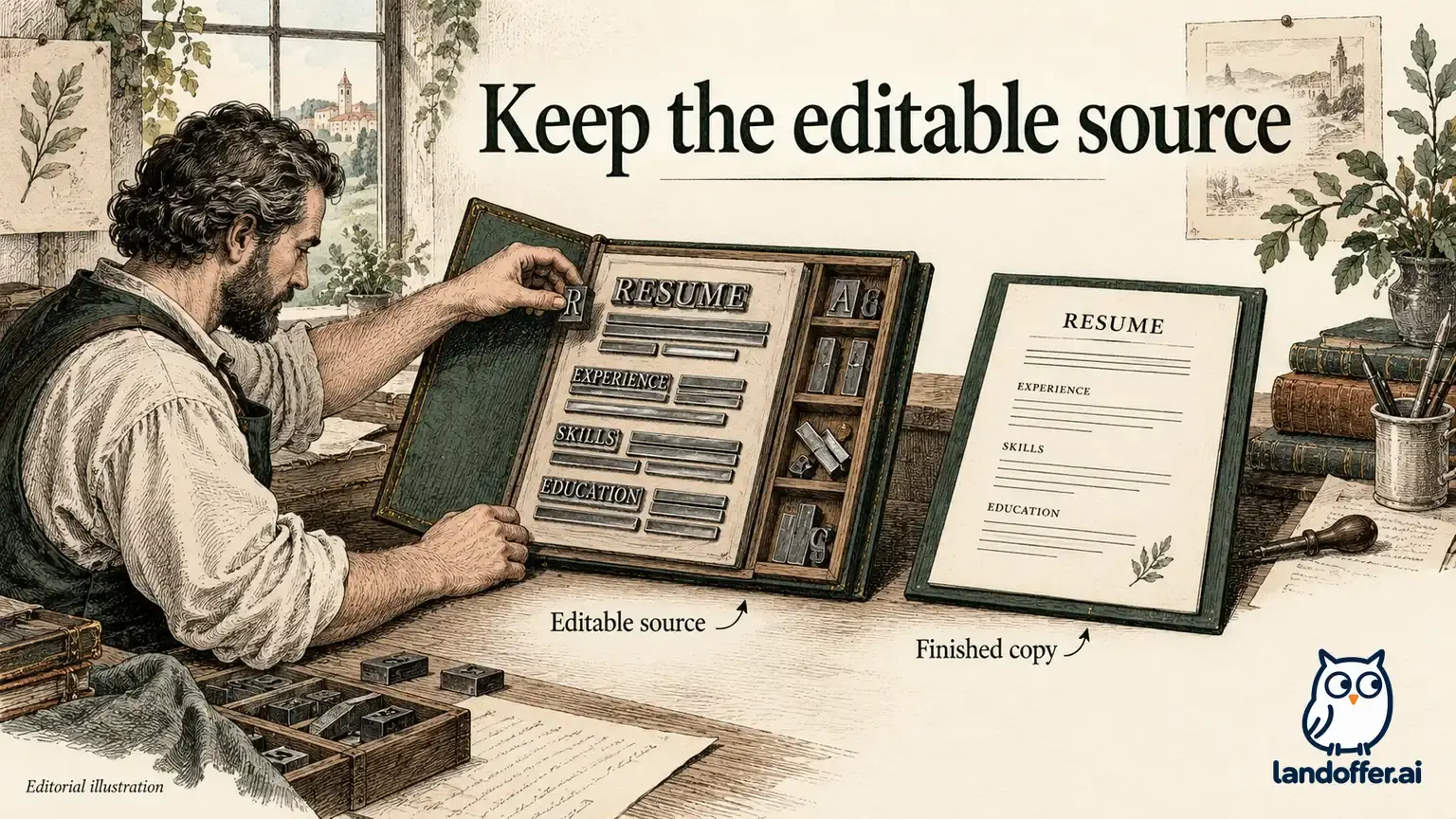
If he expects to return regularly for new target versions, he should evaluate the recurring plan as an ongoing expense. If he wants only one document, the relevant cost includes the risk of leaving that subscription active. Keeping an independent source copy gives him a way to revise wording later without depending on renewed access to the paid editor.
Cancellation has a confirmation step
The cancellation guide describes an account-settings route and a website route through the contact page's cancellation tab. The latter searches for an account by email and sends instructions that must be followed to confirm cancellation. Starting that process is not the same as completing it.
Use the email associated with the purchase, follow the confirmation instructions and retain the resulting evidence. If the account cannot be found or the email does not arrive, the guide directs users to try the account route or contact support. Leave time for that recovery instead of relying on a last-minute attempt immediately before a renewal.
The same guide distinguishes canceling paid access from permanently deleting account data. Its descriptions of retained downloads and access after cancellation also use wording that differs from the current four-week and TXT-only offer. We have not tested those entitlements. Save the attachments you need while access is established, and ask support about your specific plan if later access is important to the purchase.
Refund language also needs care. The pricing page advertises a seven-day guarantee, while the terms, updated May 21, 2026, contain general language excluding subscription refunds and discuss particular guarantees separately. The inspected pages do not establish that this guarantee covers an unwanted later renewal; confirm the applicable offer before relying on a refund. Keep the offer and receipt, and distinguish ending future billing from requesting money back.
Who should use Resume.io, and who should keep their editor?
Resume.io is a plausible fit when its guided layouts solve an identifiable document problem, the desired output is available for the selected template, and you are prepared to manage the chosen access period. Its published export help is specific enough to narrow the Word-template search before you begin. Use that documented list to narrow the design choices before comparing their appearance.
Keep your current editor if it already produces the required attachment and you want ongoing local control without managing another subscription. Consider the free text path when the task needs wording you can format elsewhere. Postpone payment when your decision depends on an unverified Vancouver entitlement, a Word export from an unsupported template or an assumed refund after renewal.
Before paying, resolve four connected details in the actual offer: the attachment format, compatible template, initial payment and recurring interval. Retain an independent factual source and a final attachment you can reopen. Then return to recent roles on LandOffer and tailor the checked attachment to the next relevant opening. A builder choice should follow the application requirement and the work you still need to do.
Sources and Further Reading
- Resume.io pricing: inspected trial, quarterly and free-plan offers; recheck the selected checkout.
- Resume.io download and DOCX-template guidance: format options, free TXT boundary and named compatible templates.
- Resume.io free-use guidance: older Vancouver PDF description, retained as a documented conflict.
- Resume.io billing guidance: recurring trial, other plan durations and currency limitations.
- Resume.io cancellation and downgrade guidance: account route, website/email confirmation and retention descriptions.
- Resume.io terms of service: dated payment, cancellation and guarantee provisions; account-specific outcomes were not tested.