LandOffer
Job search
Free Resume Builders That Let You Download a PDF Without Paying
OpenResume and ResumeForFree completed free PDF exports in our unsigned-in tests. Compare the saved files, account boundaries, and source-file trade-offs.
OpenResume and ResumeForFree both let us create a resume and download a PDF without paying or registering in our October 12, 2026 tests. OpenResume suits a straightforward single-column document. ResumeForFree also offers a local browser workflow and a downloadable Typst source file. Start with a short test document and download it before moving your whole work history.
LandOffer publishes this guide. You can browse recent roles on LandOffer.ai to choose a target description, then build the relevant resume. Our recommendations below concern exported files, not interview results. Maya Chen and every employer, school, and accomplishment in the test profile are fictional.
What counts as a free PDF download?
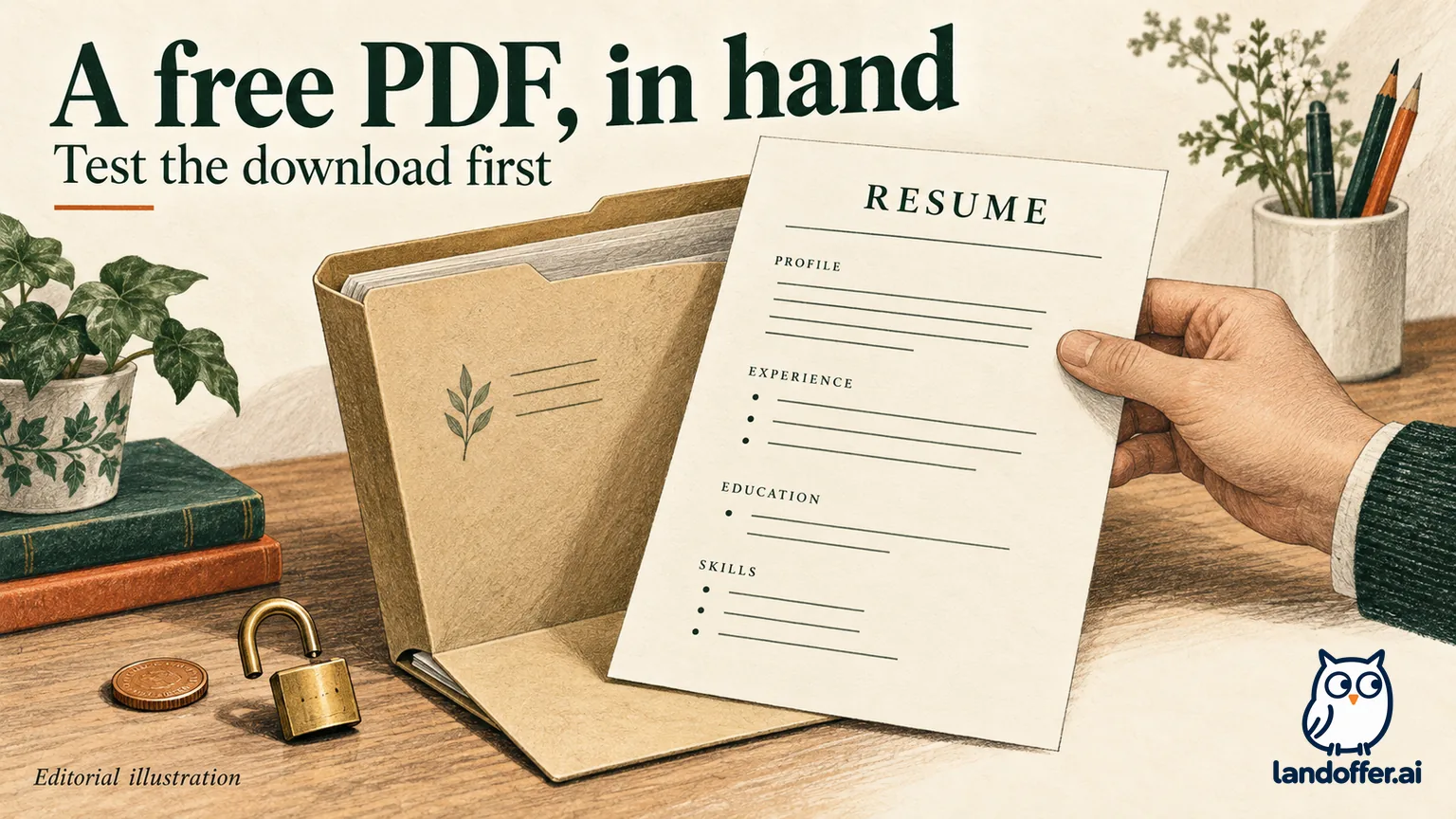
For this guide, free means you can save the actual PDF without paying, starting a paid trial, or supplying a payment card. A free editor, public resume link, screenshot, or TXT download does not meet that requirement. An account requirement is a separate restriction: a tool can charge nothing while still asking you to register.
A working editor is only the start; the saved PDF completes the test. We started blank documents, entered fictional content, used the download control, saved the resulting files, and inspected their pages and extracted text. Both shortlisted tools completed that path twice in an unsigned-in browser session. We did not upload resumes to employers or test recruiting-system field mapping.
This shortlist covers two completed export tests. It is not a market-wide ranking. The samples were deliberately short. Both contained the same identity, summary, employment record, education record, and core experience sentence; OpenResume additionally contained a project and skills. Their file sizes therefore are not a controlled comparison of compression or quality.
Two builders that completed the free export
The following results describe our saved files and sessions, not a permanent promise about every template, browser, language, or future plan.
| Builder and tested route | Payment and account at export | Actual downloaded result | Main reason to choose it |
|---|---|---|---|
| OpenResume: create from scratch, default layout | Neither requested | One-page Letter PDF; 16,897 bytes for the first export; no visible vendor watermark | A simple single-column resume with work, education, projects, and skills |
| ResumeForFree: blank English resume, local browser mode | Neither requested; optional cloud account prompt dismissed through its local-mode choice | One-page A4 PDF; 41,248 bytes for the first export; no visible vendor watermark | A local editing workflow with a separate Typst source download |
Both PDFs yielded the expected shared facts in pypdf 6.10.0 and pdfplumber 0.11.9; character differences are explained below. We rendered every page for visual inspection. We found no clipping or vendor watermark in these samples. OpenResume exported Letter and ResumeForFree exported A4 in our sessions. Check your intended paper size before filling a longer document, because a size change can move text onto another page.
OpenResume: a direct route to a simple document
OpenResume advertises a free builder without sign-up and says resume information is stored in the browser. Its published design approach favors a single column and omits a profile photo. Those are vendor descriptions; our observed result is the downloaded PDF described here.
The new-document path first offers an import screen, with a separate way to start from scratch. We used that blank path, entered Maya's information, and added one role, one school, one project, and a skills line. We left the optional proficiency circles unused. The editor showed font, color, size, and Letter/A4 controls rather than making us choose a paid template.
The download produced a one-page Letter file with the name, email, location, employment dates, degree, project, and skills visible. A second download after changing the theme color also completed without payment or registration. That makes it a reasonable starting point when your main need is a conventional PDF and you want to avoid an account.
The trade-off is a narrower design approach. If you need a highly designed portfolio document or a particular employer-supplied Word template, this test does not establish that OpenResume can deliver it. Save the source wording in a separate text document. Our PDF download test did not verify restoration of the editor state or its formatting.
ResumeForFree: local editing plus a source download
ResumeForFree describes browser-based PDF generation and optional cloud syncing. In our session, creating a named blank resume opened a cloud-save prompt. We selected the offered local browser option, entered the fictional profile, and continued without creating an account.
The distinction matters because an optional account prompt can resemble a required sign-up gate. Here, the local choice led to an editor and a working PDF download. We entered an experience description, selected employment months and years, and added the degree with its graduation date. The resulting A4 PDF kept those details together and showed no vendor watermark.
We also downloaded a .typ source file through the download-options menu and saved a second PDF. That source provides an additional artifact to keep with your content. It is Typst code, not a DOCX file or a confirmed one-click restore into the website. We did not test restoring it or compiling it independently.
Choose this route if the local-mode choice and source-file option fit your working habits. Skip it if you need an established account-based version history or a verified Word export and cannot confirm those needs in your own session. Its terms, updated April 25, 2026, describe ongoing development and make users responsible for backups. Our successful downloads do not establish future availability or an independent privacy audit.
Why FlowCV, Zety, and Resumake are outside this tested shortlist
FlowCV's current pricing page documents one free resume, unlimited PDF downloads, no watermark, and access to all resume templates. Additional resumes and AI features sit in Pro. That is a meaningful published free offering, especially if you want one editable resume in an account.
Our unsigned-in test reached a different boundary: after choosing Classic Clear, entering personal details, work, education, and skills, clicking download opened an account-creation screen. We stopped there. We did not retrieve a PDF, so FlowCV is a documented option to investigate, not one of our completed-export recommendations. The account screen does not prove a payment is required; it proves our no-account route ended before download.
Zety's pricing page distinguishes its free TXT download from paid PDF and Word exports. Its US page displayed a $1.95 trial for 14 days, followed by $25.95 every four weeks. If you want to spend nothing, a paid trial does not meet your requirement. We reviewed the pricing page and did not run a Zety checkout or export test.
Resumake's official site now says the service has closed and describes efforts to find a future maintainer. We did not find a working builder on that page. Older free-builder lists therefore are insufficient evidence that it is a usable download route today. A proposed return is not a completed export.
These exclusions are specific. FlowCV has an observed account gate plus documented free exports; Zety documents a paid-format boundary; Resumake reports a service closure. Treating all three as the same kind of paywall would give readers the wrong explanation and the wrong next action.
What the downloaded files actually preserved
Our second completed check concerned delivery quality. Maya's shared test record named Cedar Metrics as the employer, Software Engineer as the role, June 2024 through September 2026 as employment, and May 2024 as the degree date. The accomplishment described building a retry-safe import API and testing duplicate requests. None of these facts describe a real applicant.
| Saved-file check | OpenResume result | ResumeForFree result | Decision from the observation |
|---|---|---|---|
| Opens and renders | One Letter page, visually readable | One A4 page, visually readable | Both passed this short-sample check |
| Employer, role, and dates | Present together in the work section | Present together in the experience section | No missing shared record observed |
| Core experience sentence | Present in both local extractors | Present in both local extractors | Text survives these extraction tools |
| Character representation | Some words contain joined fi or fl characters in extraction |
Shared prose uses ordinary letter sequences | Inspect copied text, including character differences |
| Employer-system interpretation | Not tested | Not tested | No ATS compatibility verdict |
The character difference is small but useful. In OpenResume's extracted text, words such as “profile” and “workflows” contained typographic ligatures: a single character representing two letters. They looked ordinary on the rendered page. Normalizing those characters for our content check recovered the expected wording; we retained the original extraction alongside that comparison.
That finding is not evidence of an ATS failure, and it does not make the other file universally safer. It shows why “I can see the words” and “the copied text is identical” are different checks. If your own export has missing words or confusing order, revise the source or export configuration and check the new file.
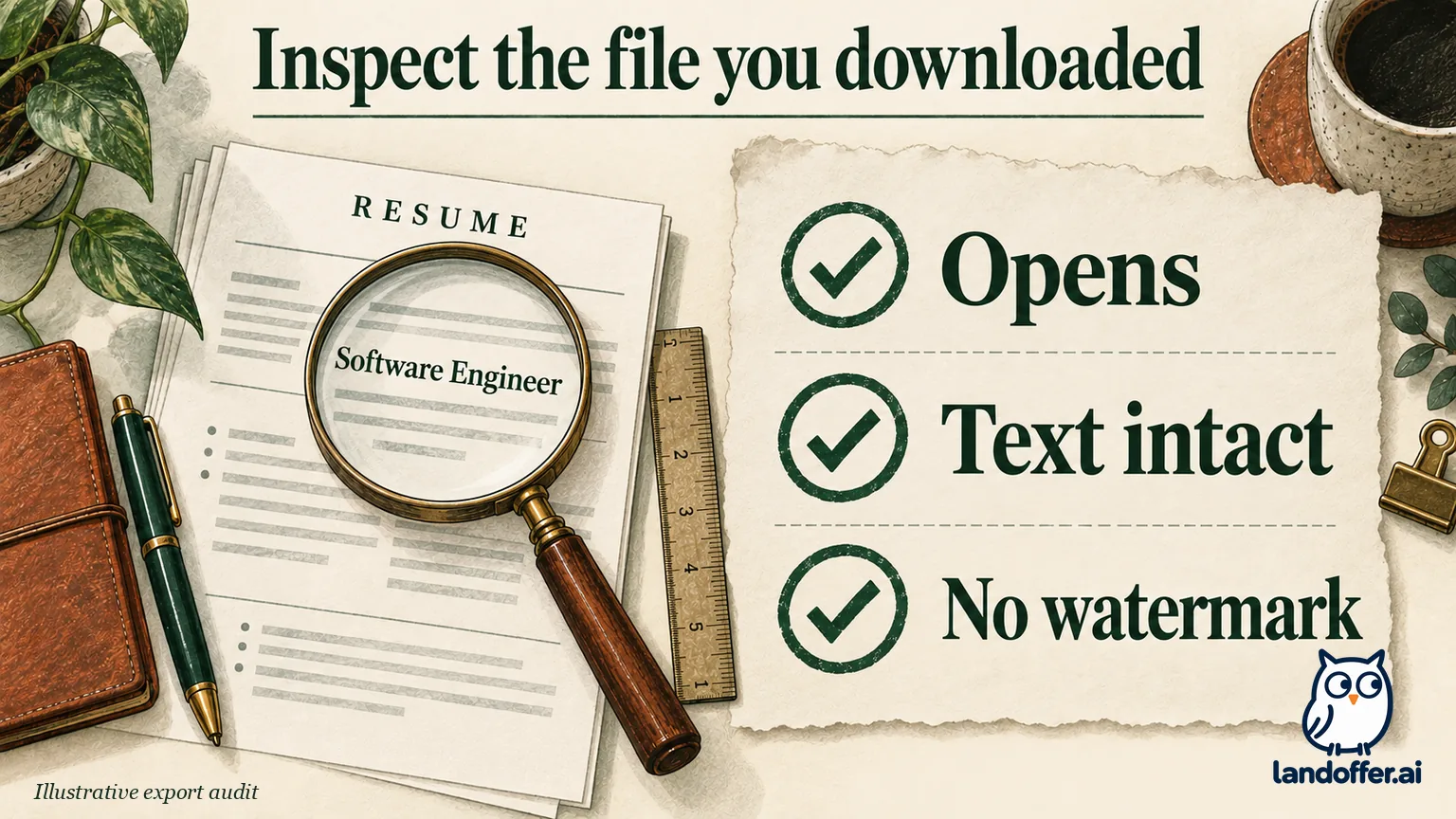
For this task, both first exports were usable test deliverables: saved PDFs with the expected shared content and no visible watermark. We did not measure accessibility tagging, multi-page behavior, every template, or employer parsing. Our separate one-column versus two-column resume test explains why local extraction findings should stay tied to the exact file and tool.
Keep a no-payment path when an upgrade appears
An upgrade prompt can concern the format, a second resume, an AI feature, or a design element. Identify the restricted item before deciding whether to pay. Removing an optional paid element only helps when that element causes the charge; it cannot turn a paid PDF export entitlement into a free one.
Suppose you have drafted truthful content in a builder whose free output is TXT. This is an illustrative recovery case, not a tested Zety migration. Save the permitted text, keep a separate copy, and enter the sections in a builder with a verified free PDF route. Rebuild headings and bullets, then check every date and claim. A text transfer preserves wording you verify; it does not preserve the old template automatically.
Our completed tests show the essential destination step: manually entered content reached a saved PDF in both shortlisted tools. They do not establish an automatic import from every competitor. If a decorated design triggers an upgrade, select a clearly free layout or remove the identified premium element, then attempt the download again before investing more editing time.
Keep the account decision separate. You may reasonably prefer FlowCV's documented account-based free plan. If you do, review the registration and storage terms yourself and verify the first download. There is no need to abandon a tool already meeting your needs merely because a different builder works without an account.
Choose the builder around the attachment you need
Start with OpenResume if a simple single-column PDF and no registration are your main constraints. Try ResumeForFree if you prefer its local editing path and want to retain a Typst source artifact. Neither recommendation depends on a claimed resume score or an employment outcome.
If the application requires DOCX, this PDF shortlist does not solve the attachment requirement. Follow the employer's instructions; the separate PDF or DOCX resume guide covers that decision. Likewise, a short sample fitting one page says little about your longer resume. Inspect the last page after adding your actual experience, rather than shrinking the font until it becomes difficult to read.
Keep three things together: your factual source text, the editable artifact available from your chosen workflow, and the exact PDF you intend to attach. Give the export a clear filename and reopen it from its saved location. Browser storage is convenient working space, but a browser reset or device change should not leave you without your content.
Choose one description from LandOffer's recent roles, check its attachment instructions, then enter a short truthful sample in a shortlisted builder and download it first. If the file opens, preserves your words, and meets the application's format requirement, finish that version and inspect the final export. The useful result is an accurate file in your possession before payment becomes a decision.
Sources and Further Reading
- OpenResume: official free, no-sign-up, browser-storage, and design descriptions; tested through its blank builder.
- ResumeForFree: official local-mode and PDF descriptions; tested through blank creation, two PDF downloads, and a Typst source download.
- ResumeForFree terms: development status, optional cloud storage, and backup responsibilities.
- FlowCV pricing: documented free PDF allowance and Pro boundaries; our download attempt stopped at registration.
- Zety pricing: current US TXT versus paid export distinction and trial renewal terms.
- Resumake: official service-closure notice and maintainer update.