LandOffer
Job search
Resume Genius Review: Free Templates vs. Paid Builder and Word Exports
Review Resume Genius free Word templates, paid builder exports and trial renewals, with a downloaded-template check and two completed applicant examples.
Resume Genius offers two ways to get an editable Word resume: download a free template and fill it yourself, or pay to export a formatted resume from its online builder. Its free builder download is TXT. The practical choice is whether you want a document you manage in Word or guided writing and formatting inside a subscription. Someone with a usable editable resume may need neither.
LandOffer publishes this review. We checked public documentation and downloaded the free White House template package on October 19, 2026; we did not purchase access or test paid exports. To ground your resume in an actual opening, browse recent roles on LandOffer.ai and note the employer’s requested attachment format before choosing a route.
Free templates and paid Word exports are different routes
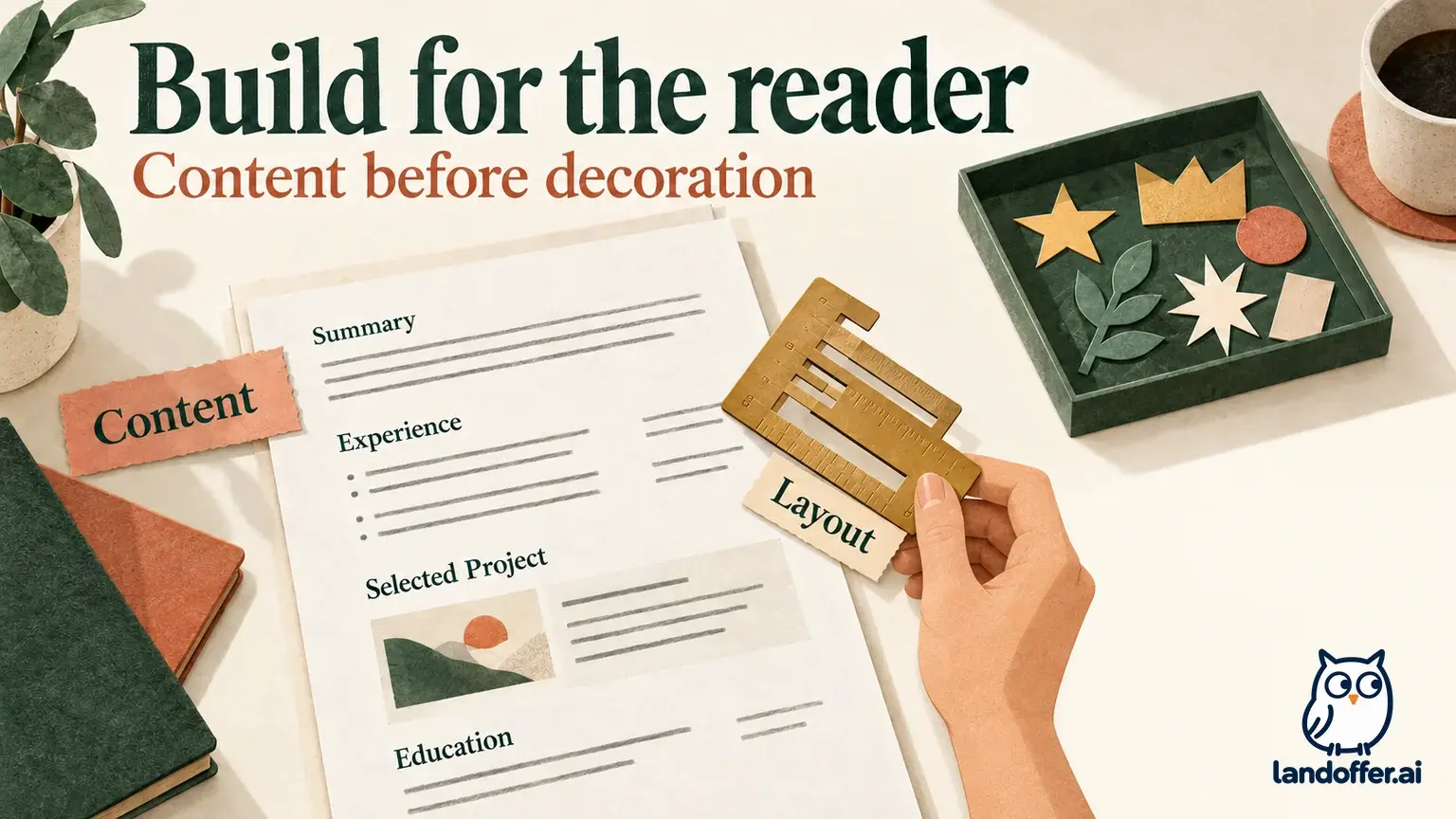
The official free-access explanation separates downloadable Word and Google Docs templates from PDF or Word output generated by the builder. That distinction is useful because both routes can end with a DOCX file, yet the work happens in different places.
With a standalone template, you supply the content and manage the formatting in your document editor. With the builder, you enter or revise information in the hosted tool and use its export options. Downloading a free Word template does not unlock Word export for a resume you created inside the builder.
| Route | Starting material | Work you still own |
|---|---|---|
| Download a free Word template | A sample document from the public library | Replace sample text, arrange sections, edit and save your files |
| Use the free builder’s TXT output | Unformatted resume text | Review the writing, transfer it to an editor and create the layout |
| Pay for builder Word/PDF export | A formatted file produced by the hosted builder | Verify the final file, retain copies and manage the subscription |
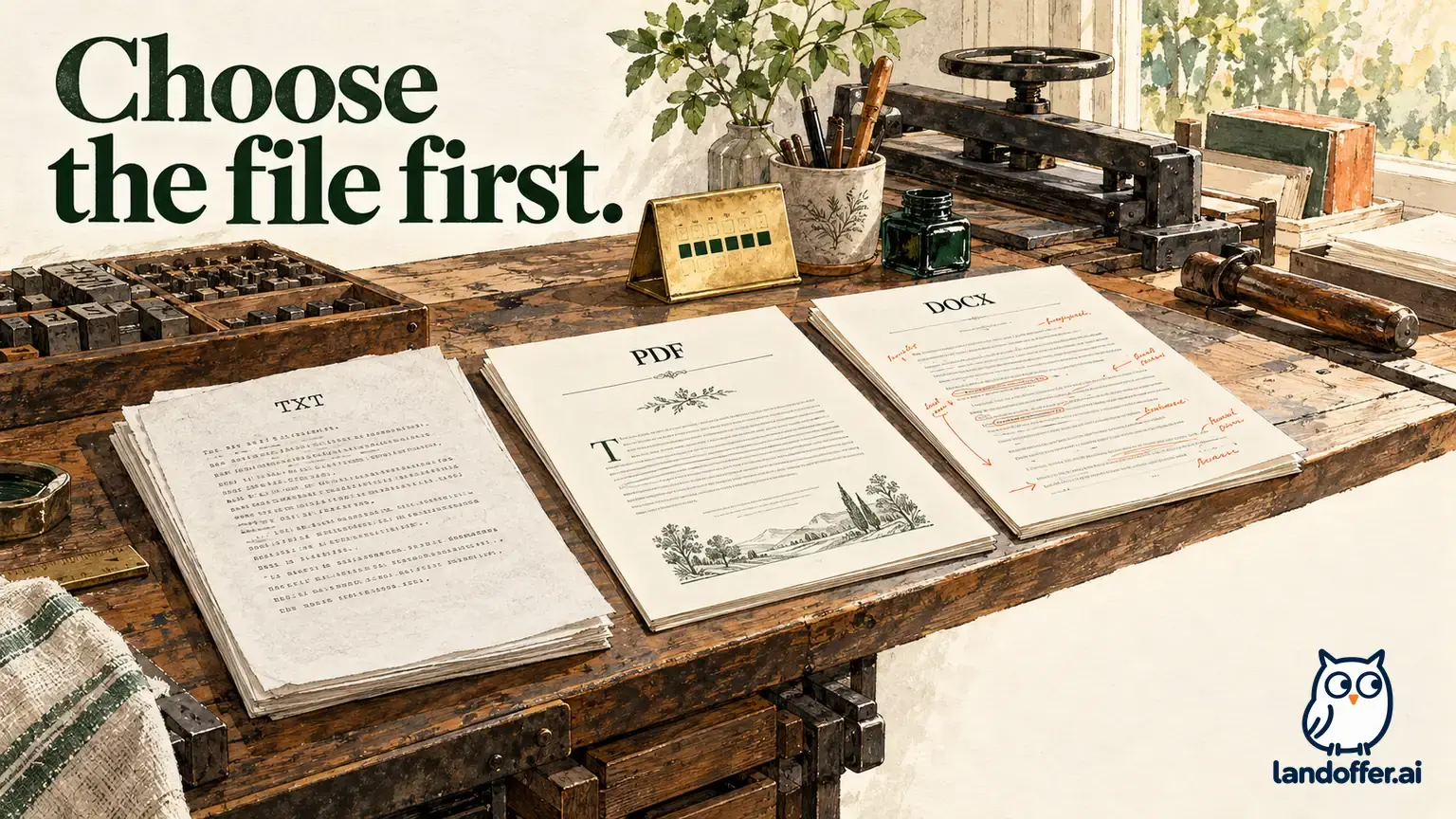
TXT gives you reusable text without the Word template’s visual layout. If your application requires DOCX, uploading TXT because it was the free download would miss the requested format. You could instead place that text into a Word document, format it and check the saved result.
The public library mixes free-download cards with premium designs that open the builder. Choose the Word download link when you want a file to edit yourself. An edit-in-builder button opens a different workflow, even beside a similar preview.
What the free White House download actually contained
We followed the Word link on the White House template card. The browser downloaded a ZIP without requiring signup or payment. The archive contained six DOCX color variants, font files and a font-installation readme. We inspected the documents’ underlying text; we did not install fonts or render them in Word.
This is a bounded observation of one public package. It supports the existence of a free editable document route. It does not establish that every template downloads the same way, that the files display identically in every editor, or that a paid builder export has the same structure.
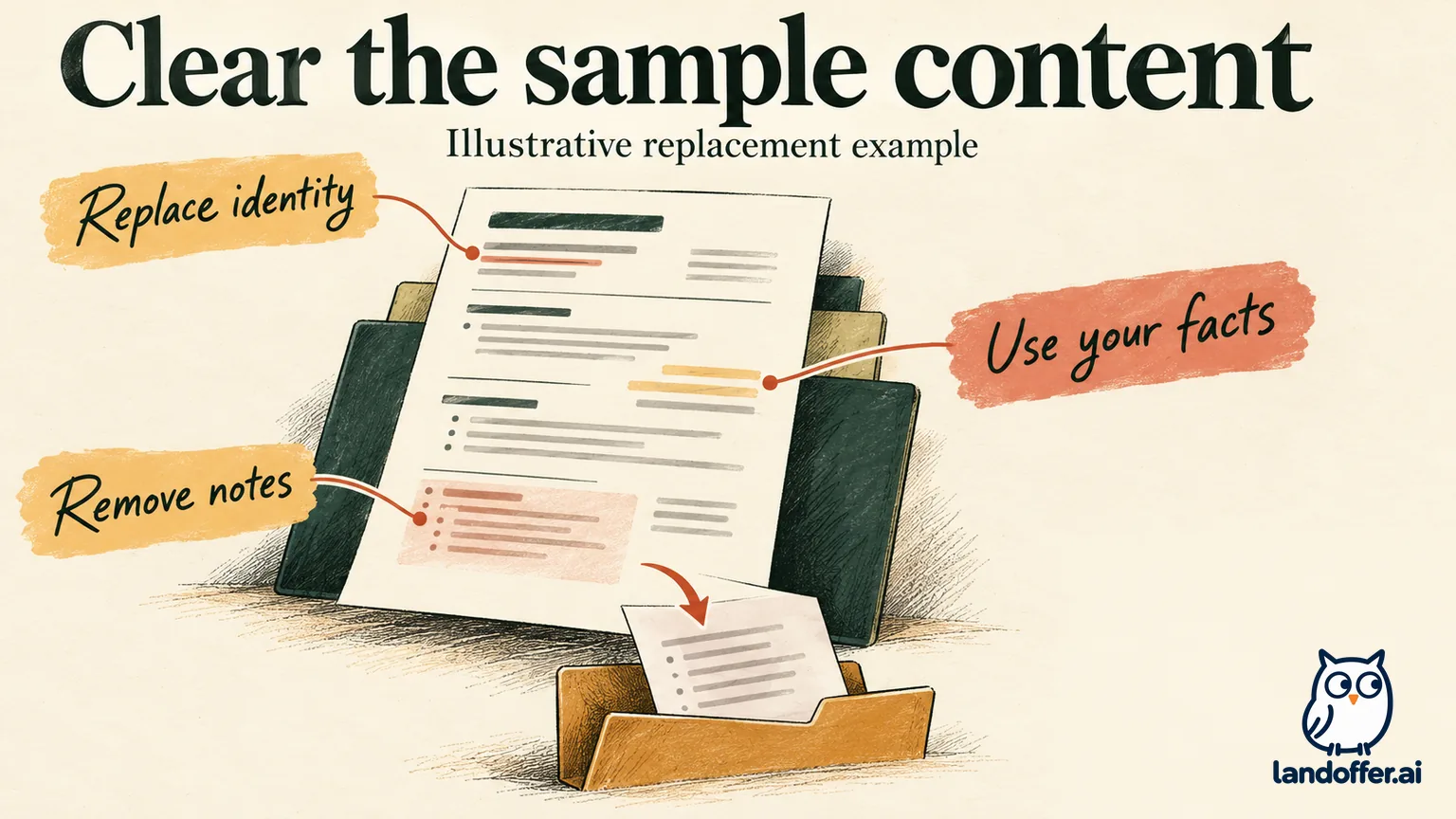
The sample was populated with a financial adviser’s background. It included investment-related achievements, education, language claims and additional instructional material. A downloaded resume template can contain far more than headings and empty spaces.
That matters for a technical applicant. An impressive sample accomplishment can be easy to overlook during editing. Check it against your own experience, along with every sample employer, date and qualification. Treat the sample as material to replace, then search the document for remaining references to its original occupation.
Rhea’s completed replacement register
Rhea is a fictional technical-support applicant. Her supplied facts are two years on an internal service desk, Windows account troubleshooting, ticket documentation and an associate degree in information technology. She has no investment-management experience and has not supplied language proficiency claims.
The following is our teaching example, based on the downloaded package’s content categories. It is not a builder-generated resume or a visually tested edited DOCX.
| Sample area | Rhea’s completed decision | Resulting content or action |
|---|---|---|
| Identity and contact block | Replace every sample identifier | Rhea’s name, own email and relevant professional link |
| Financial-adviser summary | Rewrite from her support experience | Internal service-desk experience and account troubleshooting |
| Investment achievements | Remove unsupported financial claims | Use a defensible support example below |
| Employers and dates | Replace with her actual history | One service-desk employer and its verified dates |
| Education and languages | Use her qualification; omit unprovided fluency | Associate degree in IT; no language claim |
| Later instructional material | Remove from application copy | Keep private notes outside the resume |
Her independently written starting line was: “Helped employees with computer problems.” Her revised line is: “Troubleshot Windows sign-in issues and documented attempted fixes and unresolved access errors in support tickets.”
The revision gives a reader concrete actions without adding a resolution rate, ticket volume or administrative privilege she has not established. If Rhea did not perform one of those actions, she would remove it. Good sample writing gives a structure; it cannot establish her experience.
Her handoff register is also explicit: Rhea-support-master.docx holds the editable source, Rhea-support-roleA.pdf is the planned application copy, and Rhea-roleA-notes.txt holds the job requirements and private editing notes. These are illustrative filenames, not files exported by Resume Genius in our test.
Before sending, Rhea still needs to open her actual saved documents, remove leftover sample material and inspect the page layout. The content register resolves what should be there. It does not prove the finished document is clean or that an employer’s system will read it correctly.
Decide what you need the builder to do
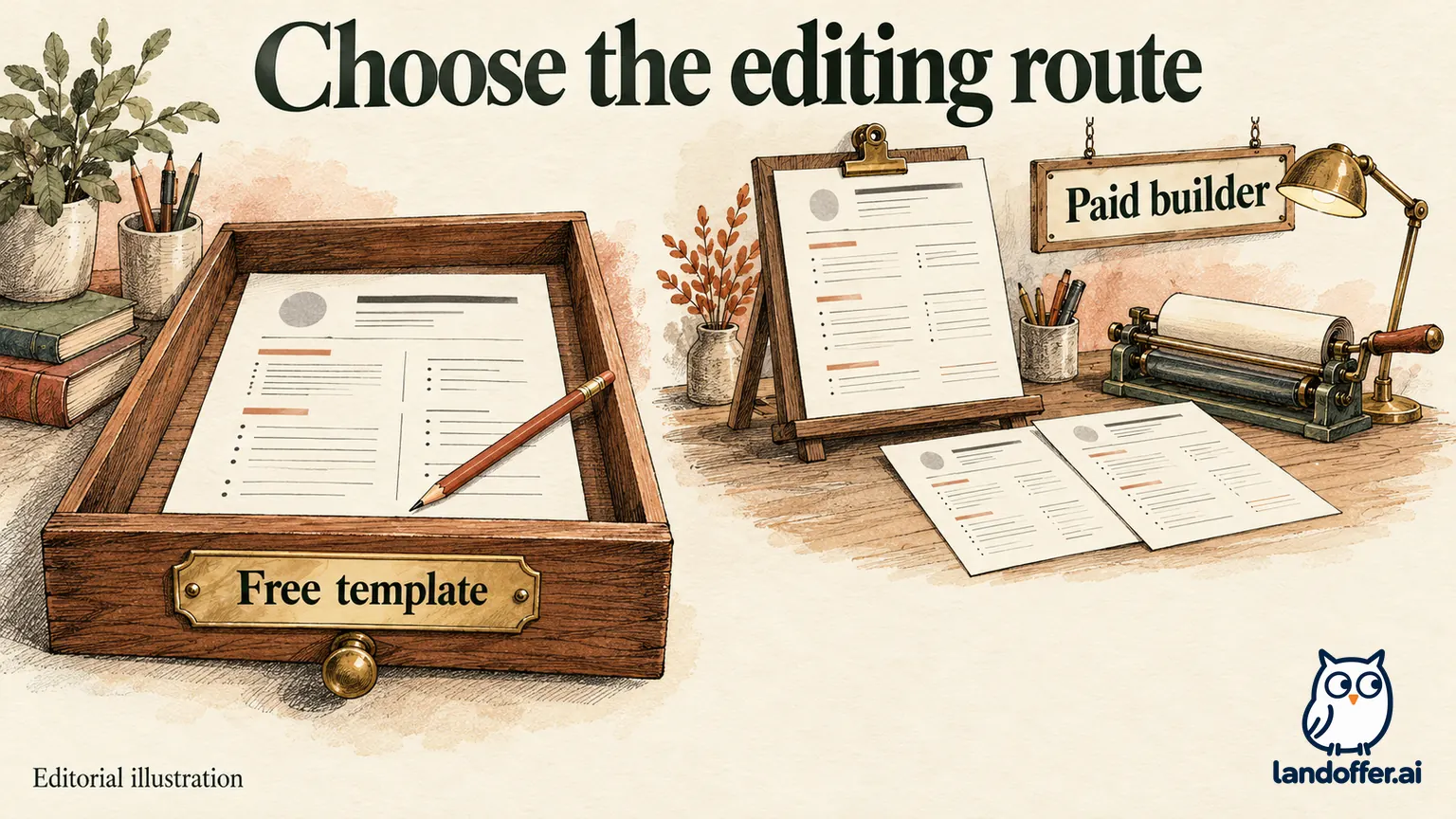
The builder route can suit someone who wants prompts and a hosted editing process rather than arranging a document from scratch. The free-template route suits someone comfortable doing the editing themselves. Those are workflow advantages; our research does not measure time saved or establish which route produces better writing.
The template library’s own explanation describes transferring free builder TXT into a downloadable template. That is a workable conceptual bridge between the routes. The transfer still requires decisions about headings, dates, bullet grouping and line breaks.
If you already have the right words, copying them through a builder may add work. If you are stuck describing an experience, guided prompts may help you produce a draft. In either case, compare the wording with your original facts before considering the document finished.
A suggested bullet can sound appropriate for a job title while overstating your responsibility. For a junior developer, assisting with a deployment is different from owning release approval. Preserve that difference when adapting suggested language. A stronger verb is useful only when it remains accurate.
Similarly, an ATS-friendly label is a vendor description rather than proof that a particular file will parse correctly in every employer’s system. Check the employer’s allowed formats, inspect any parsed fields shown during an application, and correct errors before submission. A template choice alone cannot establish application compatibility.
Evan’s choice: reviewer access before builder convenience
Evan is a second fictional reader. A career-center adviser wants an editable Word file to comment on, and an employer accepts PDF. Evan already has a complete draft, can edit in Word and wants to avoid an ongoing subscription. These constraints make the standalone template a reasonable first choice.
His completed route comparison is:
| Option considered | Fit for Evan’s situation | Decision |
|---|---|---|
| Free standalone Word template | Gives him an editable document to prepare for the adviser | Choose; replace sample content and check his saved file |
| Free builder TXT, then Word | Adds a transfer step to a draft he already owns | Skip for this task |
| Paid builder Word/PDF | Offers the desired documented export formats, with a recurring-plan obligation | Reconsider only if hosted editing solves a specific problem |
Evan’s decision does not depend on the free template reproducing a premium builder design. He needs a reviewable document, not an exact match to a preview. After the adviser’s edits, he can prepare a PDF in his document editor and inspect it before applying. That is an editorial workflow recommendation, not a tested Resume Genius export feature.
If Evan could not manage the document layout, the choice could change. He might value the builder’s formatting enough to buy access. He would first confirm the selected plan and make one usable Word/PDF pair while access is active. We have not tested whether a paid export preserves every layout detail when reopened in Word.
Read the selected renewal plan, not only the trial price
On our check date, the pricing page showed a $2.95 fourteen-day trial renewing at $23.95 every four weeks. Its annual option displayed $7.95 per month as an equivalent, with $95.40 charged upfront for twelve months and annual renewal.
However, the separate cost FAQ described the trial renewing into the annual charge. These official descriptions conflict. We cannot identify the plan selected for an individual customer without that customer’s checkout and confirmation.
For Evan, the consequence is specific: save the offer showing the renewal amount and interval before paying. A monthly equivalent is not permission to assume monthly installments. Four weeks means twenty-eight days, so a renewal date can move earlier within successive calendar months.
Here is an illustrative calculation using the pricing-page four-week offer, with an October 19 trial purchase. It assumes renewal after fourteen days and subsequent charges every twenty-eight days; taxes, time-zone cutoffs and account-specific offers are excluded.
| Event | Illustrative date | Cumulative charges |
|---|---|---|
| Trial purchase | October 19, 2026 | $2.95 |
| First renewal | November 2, 2026 | $26.90 |
| Second renewal | November 30, 2026 | $50.85 |
| Third renewal | December 28, 2026 | $74.80 |
| Fourth renewal | January 25, 2027 | $98.75 |
At the fourth renewal, this modeled total is $3.35 above the displayed $95.40 annual upfront payment. The access periods are different. This comparison does not establish annual savings for Evan, who may only need a short editing period, and it is not a billing receipt.
Save usable files before ending paid access
The cancellation FAQ directs users to the profile icon, My Account, My Subscription and Cancel Subscription. Follow the remaining instructions and retain the resulting confirmation. That is the documented route; we did not complete an account cancellation.
The terms of use, updated September 9, 2026, say cancellation takes effect at the end of the current paid term and describe later access as view-only, without downloading, printing or editing documents. Download your final Word and PDF files to storage you control while your plan permits it. A saved account document is not a promise of continued editing access.
Cancellation and refunds also serve different purposes. The pricing page promotes a fourteen-day money-back guarantee; the terms describe contacting support before the trial ends to request a refund and use discretionary wording. Do not treat cancelling renewal as proof that a refund was requested or granted. Use the official contact page if the account record or charge does not match the offer you retained.
Resume Genius is worth considering for its free document templates or for a guided builder workflow whose selected terms you accept. Keep your current editable resume if it already does the job. Browse recent roles on LandOffer.ai, open one relevant listing, and write down its required attachment format before choosing an editing route.
Sources and Further Reading
- Resume Genius: Free access, trial and annual pricing
- Resume Genius: Is Resume Genius free?
- Resume Genius: Downloadable templates and premium builder designs
- Resume Genius: Cost FAQ with different renewal wording
- Resume Genius: Subscription cancellation instructions
- Resume Genius: Terms of use
- Resume Genius: Contact and billing support