LandOffer
Job search
A Referral Was Submitted but No Application Appears: Verify the Handoff Before Reapplying
Separate an employee referral, a candidate profile and a completed application. Compare documented workflows and two completed fictional cases before deciding whether another submission is needed.
If an employee says they submitted a referral but no application appears, verify what their action created before applying again. You may still need to accept an invitation and complete a form, or the employer may already hold a record that your portal does not display. Match the job reference and email address, then ask which action remains yours.
LandOffer publishes this guide. You can browse recent roles on LandOffer.ai while keeping this application's history intact. This article addresses a referral that has already been reported as submitted; the separate referral timing guide covers when to ask. Public documentation was reviewed October 12, 2026; the cases below are fictional.
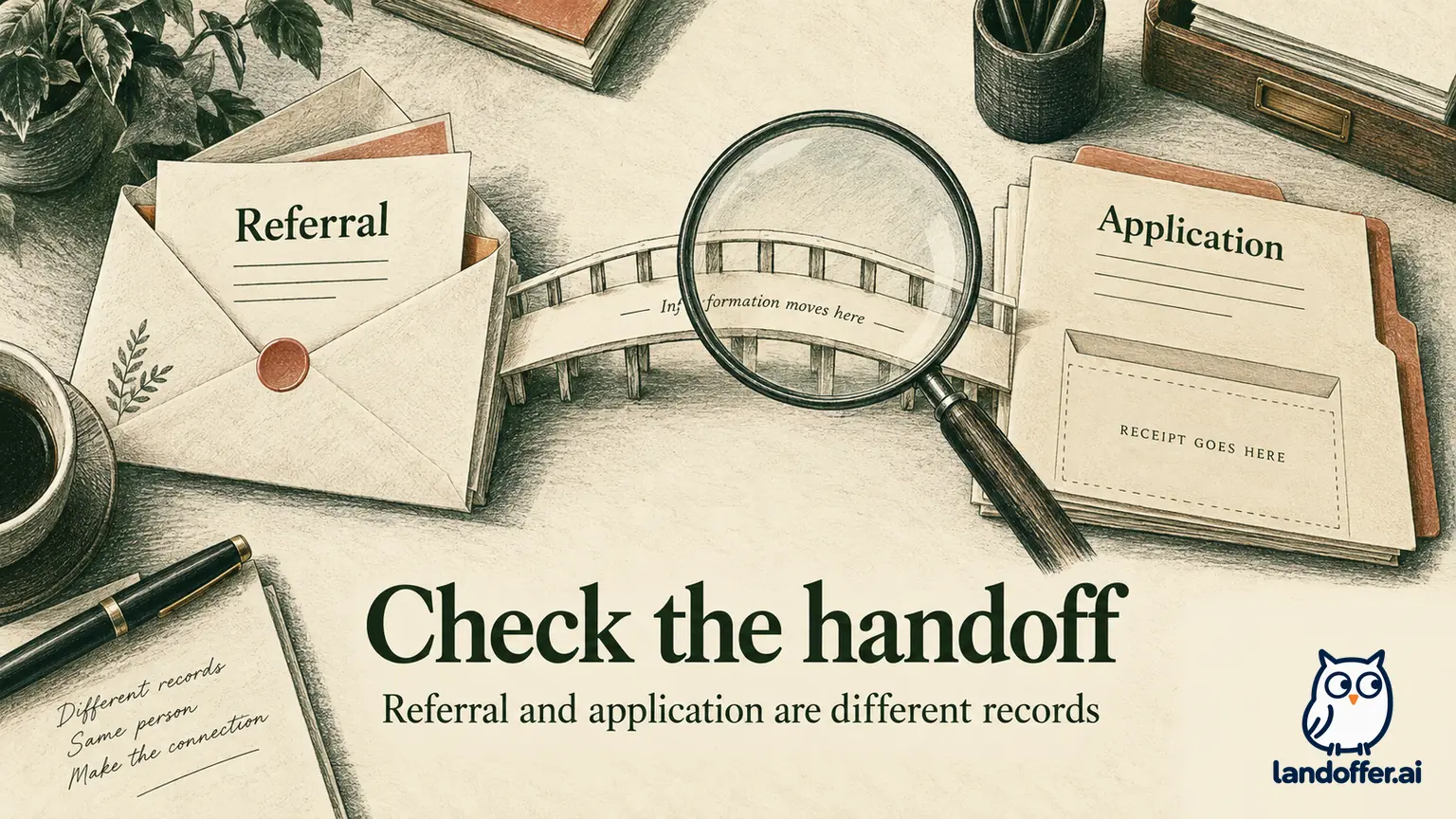
A referral report is the start of the investigation
“I referred you” can describe several actions: an employee entered your details into an internal system, shared a tracked link, forwarded your resume, or asked a recruiter to contact you. Those actions may be useful, but they do not establish the same application state. Ask what was submitted and what confirmation the employee received.
Keep three records distinct. The referral records who introduced or recommended you. The candidate record holds information about you. The application associates you with a particular opening and its required information. A single workflow can create more than one of these, while leaving another step for you to finish.
Your immediate question is therefore “What is my next required action for this role?” rather than “Why am I not marked applied?” The first question can reveal an invitation waiting in the wrong inbox or an existing record that needs supplemental answers. The second may encourage an unsupported assumption that a blank portal means nothing happened.
Do not change your email or create a new profile merely to produce a visible application. That can make it harder for the employer to match your information. First establish whether you are looking at the right account, job and application page.
Compare the documented employer workflows
Microsoft's careers guidance tells referred candidates to use the email address identified in the referral message, sign in or create a profile, and find the position under Action Center → Applications → Referrals. The candidate then completes the application. A referral-created talent profile is therefore not the same as a completed application in that documented process.
GitLab's referral handbook describes an employee submitting a referral to a specific requisition in Greenhouse and seeing it in My Referrals. That is an employee-side confirmation. It does not, by itself, tell you what a candidate-facing portal must display or whether the recruiter needs more information from you.
| Documented context | What the employee-side event tells you | What to check next |
|---|---|---|
| Microsoft referral invitation | A referral can initiate a candidate profile and invitation | Correct email, Referrals area, and the remaining application form |
| GitLab internal referral | Employee submitted a record for a specific requisition | Exact role, submitted details and recruiter instructions |
These examples show why the employer's process matters. They do not form a rule that all Microsoft-branded roles or every Greenhouse customer expose identical screens. Use the current invitation and role instructions if navigation has changed. If the documented area is absent, report that mismatch instead of creating another record to imitate the example.
There is also a platform-level distinction. Greenhouse's current Real Links integration documentation describes creating both a candidate and an application against the selected job when a referral is submitted through that integration. This describes the Real Links integration; it does not establish candidate-portal visibility or the behavior of other Greenhouse referral routes.
An empty portal does not expose the employer's whole system
Check the portal's documented scope before treating an empty list as a receipt failure. A third-party application dashboard and an employer's own candidate account may show different information. Logging into the same vendor name does not establish that you are viewing the record created by an internal referral.
MyGreenhouse's candidate FAQ says visibility depends on what the hiring company shares. It also lists third-party application routes and different email addresses as reasons an application may be absent. The FAQ directs application questions to the employer. That supports checking with recruiting; it does not prove that your missing item is safely recorded elsewhere.
Save the exact observation: “No application for role HX-204 is visible in this portal under this email.” Avoid changing it into “The company has no application for me.” The first statement is something you can inspect. The second requires evidence from the employer's records.
Look for invitations or requests for additional information as well as receipts. Greenhouse documents a job post request email that asks manually added candidates or referrals to provide application answers through a specific link. Receiving such a request can mean an existing record needs more information, rather than that you should start again from the public job page.
Match email, role and event before contacting anyone
Begin with the email the referrer used. Compare its spelling with the account you are checking and with the address named in any invitation. If you have a school address, personal address and alias, do not assume the employer treats them as one identity. Search the relevant inboxes and spam folders for the company, job reference and referral message.
Next, compare the role identifier. Two listings can share “Software Engineer” while differing in location, level or requisition. An employee may have submitted you for a related role, an older opening or a general talent record. Ask for the identifier so you do not troubleshoot one opening while your colleague checks another.
Then identify the event. Did the employee receive a referral confirmation, did you receive a link, or did you complete an application? Record the date and the person or interface that supplied the evidence. “Employee reports submission” is an honest state while you are waiting for a matching invitation or recruiter response.
Finally, review any previous application to the same role. If you already have a receipt, include it in the conversation. An existing-record correction may be the appropriate route. Do not withdraw a valid application just because you want the referral to appear beside it; withdrawal and reapplication rules belong to the employer.
Two completed cases with different outcomes
The following invented cases illustrate the decision. Neither is a report about a real candidate, Microsoft, GitLab or a tested employer account. The assumed employer responses are stated explicitly so the conclusion does not depend on guessing what an internal system did.
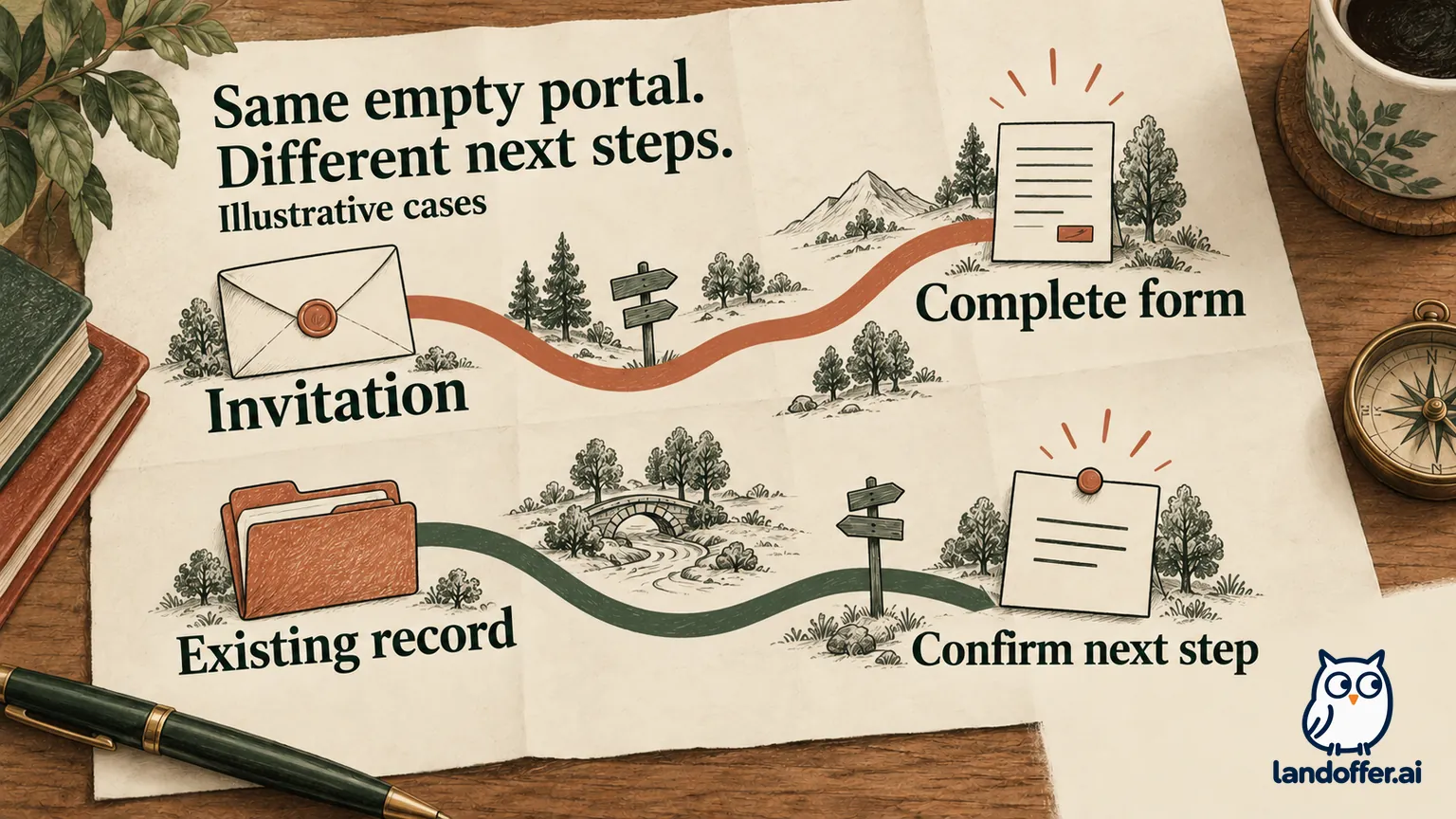
In case A, Inez is referred to Cedar Frame, role CF-228. Her colleague says the referral was accepted. Inez checks a candidate account associated with her personal email and finds no application. The colleague confirms that the referral used Inez's school address. In that inbox, she finds an invitation requiring her to complete the application.
Inez checks the invitation's employer destination and job ID, signs in through the instructed route, completes the remaining questions, and submits once. In this fictional case, the employer displays a confirmation for CF-228. Her final record distinguishes the earlier employee referral from her later application submission. The matching invitation explains her next step without assuming a system outage.
In case B, Omar is referred to Marlow Systems, role MS-731. His colleague confirms the correct email and role. Omar finds no application in the candidate dashboard and no invitation. Instead of creating a second application, he asks the recruiting contact to confirm the existing record and any remaining steps.
The fictional recruiter replies that Omar is already attached to MS-731 and sends a role-specific questionnaire for that record. Omar completes the questionnaire through the verified link and receives acknowledgment. His final state is “existing record confirmed; requested questionnaire completed,” not “new public application submitted.” The recruiter has resolved the record question without promising an interview.
| Check | Inez: invitation still required | Omar: employer record already exists |
|---|---|---|
| Initial observation | No application under personal email | No application in candidate dashboard |
| Identity finding | Referral used school email | Email and MS-731 matched |
| Decisive evidence | Matching invitation in school inbox | Recruiting confirmed existing role record |
| Completed action | Finished invited application once | Completed requested questionnaire |
| Final evidence | Role-specific submission confirmation | Recruiter acknowledgment of questionnaire |
| Action avoided | Creating a second personal-email profile | Reapplying merely to populate the dashboard |
The comparison explains the different next steps without treating one portal appearance as a diagnosis. In Inez's case, the missing handoff was an invitation she had not opened. In Omar's case, the missing information was confirmation of an employer-held record and the remaining questionnaire. Both conclusions depend on evidence introduced in the case.
Ask the referrer a question they can answer
Keep the first message brief and factual. You are asking the employee to verify their action, not to explain the entire applicant tracking system. Here is a completed, unsent example based on Omar's case:
Thanks for submitting the referral for Marlow Systems MS-731. I don't currently see that role in my candidate dashboard. Could you confirm the job ID and email you used, whether you received a referral confirmation, and whether the system said I should receive an application link or wait for recruiting? I haven't submitted another application while checking.
The message separates the employee's confirmation from your observation. It does not imply that the employee made a mistake. If they cannot see the next step, ask which official recruiting or application-support contact handles referral questions.
Avoid requesting screenshots of the whole internal candidate page. A confirmation of the role, email and instructed next step may be enough. If a screenshot is needed, it should exclude other candidates and internal information you do not need. Never ask the referrer to share login credentials or give you access to their employee account.
Escalate the record question without restarting the process
If the handoff remains unclear, write to the employer's designated contact with the exact role and application email. Include an existing application reference if you have one, plus the referral date as reported by the employee. Ask whether a record exists and whether you need an invitation, supplemental form or fresh application.
A focused request might say: “An employee reports referring me to MS-731 on October 12 using this email. I cannot see a matching application. Could you confirm whether I am attached to this opening and what action, if any, remains for me?” This gives support a concrete lookup rather than asking for a speculative explanation of the blank screen.
If the posting is approaching its deadline, state the displayed deadline and ask for the permitted route promptly. Do not wait a universal number of days on the assumption that every referral synchronizes at the same speed. The reviewed sources do not establish a general synchronization promise.
When an official instruction says to apply, follow that route while disclosing any previous submission. If no answer arrives before a deadline and you have not applied, consult the published application instructions; do not assume a pending referral extends the closing time. If you choose an ordinary permitted application route, keep the referral history and receipt for a later attribution question.
Record the resolution at the level supported by evidence
Useful final states include “invitation received, application incomplete,” “application submitted, receipt saved,” and “employer confirmed existing record, additional information pending.” A single “Referred” checkbox hides the next task. Keep the event and the remaining action in separate fields.
If the employer confirms an existing record, you do not need a second submission simply to make a dashboard look complete. If it confirms that no application exists and supplies a route, use it once and retain the resulting receipt. If the answer remains unknown, preserve that uncertainty rather than recording an invented application date.
With the handoff's next action recorded, browse recent roles on LandOffer.ai for the next suitable opening. Keep each role's referral evidence, candidate action and confirmation together. That gives you a useful history without assuming that a referral guarantees review, an interview or an offer.