LandOffer
Job search
Referred to Microsoft? Complete the Application and Verify the Referral Record
Use the current Referrals route to match the job and employee, then complete the candidate application. A worked Microsoft example separates role checks, submission evidence and unresolved attribution.
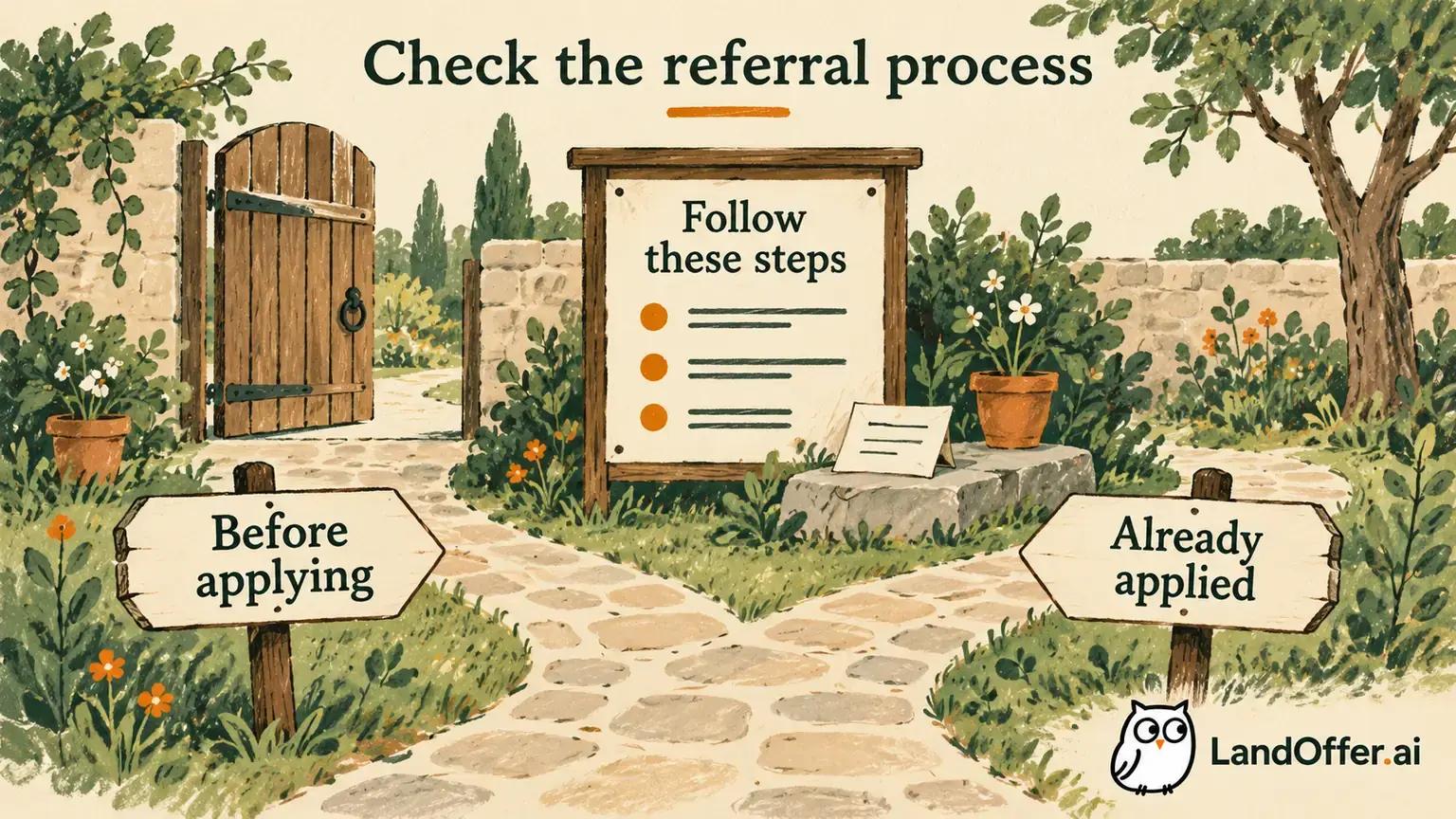
A Microsoft employee referral does not replace your application. Microsoft's current public instructions direct referred candidates to Action Center → Applications → Referrals, where they can check the job title, job-description link and referring employee. You still need to complete and submit the application for that role. Keep the referral event and your submission as separate records.
LandOffer publishes this guide and offers recent job discovery, so we have a commercial interest in job-search tools. We reviewed Microsoft's public guidance on October 19, 2026, without signing into a candidate account or testing a referral. The names, role identifiers, dates and results below are fictional teaching examples.

Find the referral before choosing the application
Microsoft's Hiring Process FAQ page gives the path Action Center → Applications → Referrals. Its referral answer names three useful pieces of information: the job title, a link to the job description and the employee who referred you. Use those details to identify the exact opening the referral concerns.
Begin in your own candidate profile through the official careers site. Compare the account you are checking with the details you gave the employee. If several email addresses are involved, ask which one was used rather than assuming an alias or a second profile will display the same record. This is a practical identity check; our documentation review did not test how Microsoft reconciles different addresses.
Open the linked job description and compare its identifier, location and required qualifications with the role you intended. A familiar title is not sufficient. Two Software Engineer listings may concern different teams, locations or levels, and an old bookmark may lead to another opening.
Check the employee's name against your original conversation. It helps you distinguish this referral from another introduction or recommendation. A visible name does not establish what the employee wrote internally or whether a recruiter has acted on the record. Check the information the candidate-facing page actually provides.
If your current account does not expose the documented route, record that navigation mismatch. Do not invent a replacement screen or create another account solely to make the menu appear. The FAQ describes the public process; it does not prove that every legacy record is visible through your current session.
Cleo resolves a same-title, different-role mismatch
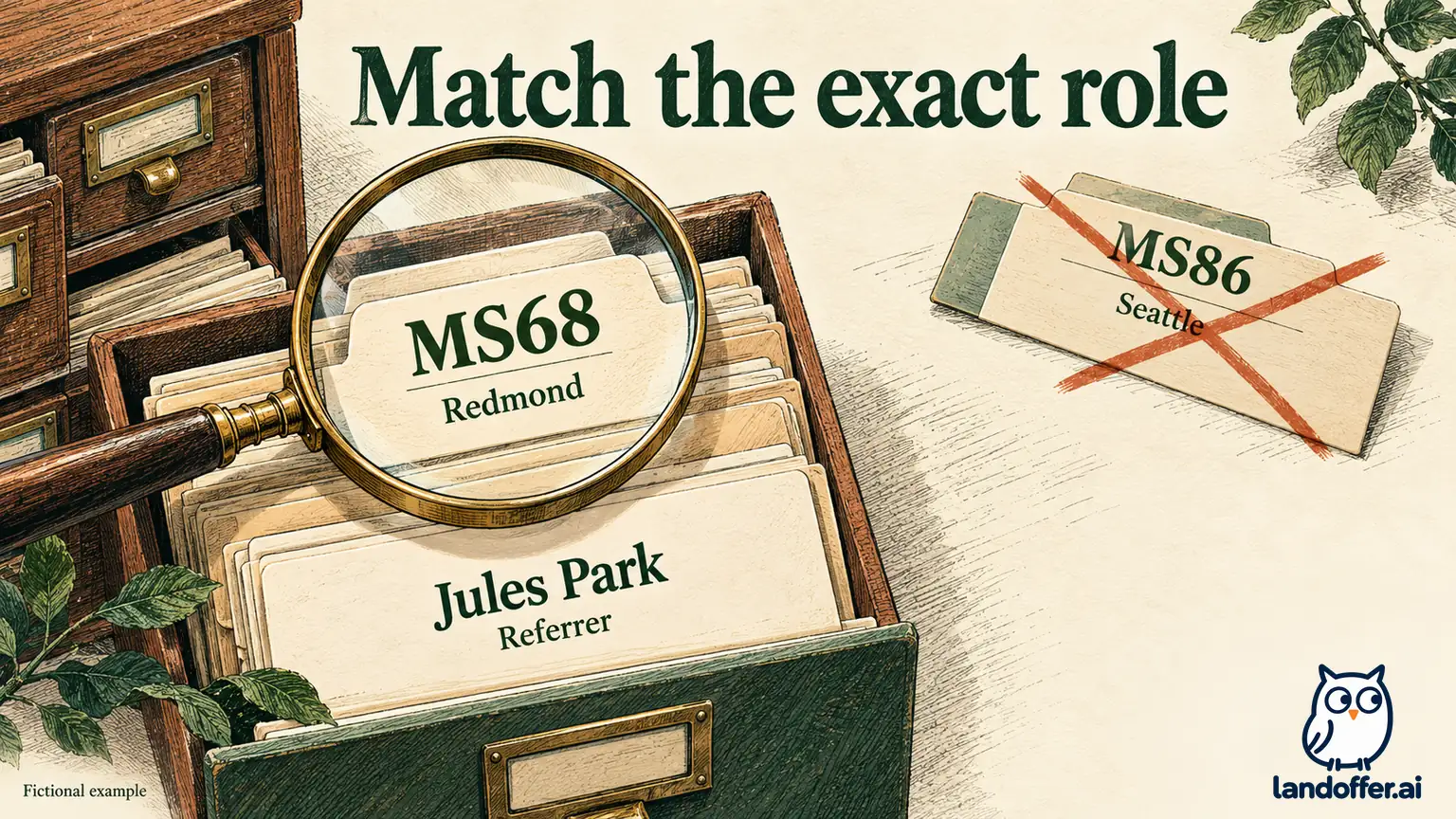
In this fictional exercise, Cleo Arden discussed an invented Software Engineer opening, MS68 in Redmond, with employee Jules Park. Jules reported submitting the referral on October 17. Cleo also has an older bookmark for a Software Engineer opening labeled MS86 in Seattle. These short identifiers are invented teaching labels, not live Microsoft requisition numbers.
On October 19, Cleo opens the bookmark and begins preparing the wrong role. Before submitting, Cleo returns to Referrals and compares the available information with the original discussion. In the example, the referral's job-description link identifies MS68, and Jules appears as the referrer.
| Cleo's check | Referral record in the example | Older bookmark | Completed decision |
|---|---|---|---|
| Job title | Software Engineer | Software Engineer | Title alone cannot resolve the choice |
| Job identifier and location | MS68, Redmond | MS86, Seattle | Use the MS68 description for this referral |
| Referring employee | Jules Park | Bookmark has no referral evidence | Match the visible employee to the discussion |
| Candidate application | MS68 still needs completion | MS86 was only being prepared | Finish the intended MS68 application |
Cleo stops preparing MS86 and reviews MS68 through the matching description. The result is a corrected role choice before submission. Cleo has not discovered that MS86 is invalid or unsuitable for everyone; it is simply a different opening from the one involved in this referral.
This check also prevents an inaccurate update to the employee. “I applied for Software Engineer” would hide which opening Cleo used. “I matched MS68 in Redmond in Referrals and am completing that application” describes the state at this point. Cleo keeps the original referral date without assigning it as the application date. The exact identifier also keeps a later receipt for MS86 from being filed as evidence that the MS68 application was completed.
Complete the candidate's remaining work
Microsoft's How we hire page separates application submission from later review. Its Submit application section asks candidates to create or sign into a profile, check their information, confirm the required qualifications, answer all required questions, upload a resume and select Submit. A referral record does not complete those steps for you.
Review the actual role before tailoring the resume. In Cleo's fictional MS68 description, the relevant work concerns implementing service interfaces and diagnosing integration failures. Cleo has evidence of those contributions. Cleo foregrounds that work while preserving accurate employment dates and job titles; the referral is not a reason to expand the underlying experience.
Check structured profile information separately from the uploaded file. Microsoft's Transparency FAQ tells candidates to review extracted and inferred information and amend it when it does not reflect their skills and experience. That is a review instruction, not an accuracy guarantee for the parser.
For example, Cleo's fictional profile imports a project-coordination bullet as a management skill. Cleo had coordinated a release but had not managed employees. In the exercise, Cleo corrects the profile representation and uses an accurate resume sentence: “Coordinated a service release with dependent teams, documented rollback steps and investigated integration failures with the release owners.” No unsupported team-management claim is retained.
Then read every required application answer in the context of MS68. A location preference appropriate for MS86 may not answer a Redmond-specific question accurately. A saved profile, uploaded resume or apparently complete form is still preparation until the submission step is completed.
Record the referral and submission as two events
Microsoft's How we hire guidance says a completed application produces an email confirmation, and candidates can track application status in Action Center. Use those documented signals to check your own result. This review did not measure email delivery times or establish that a missing message always means submission failed.
Return to Cleo's fictional case. After checking MS68, Cleo completes the required questions, selects CleoArden-MS68.pdf and submits on October 19. In this fictional outcome, a confirmation email identifies MS68, and Cleo can find its matching application record in Action Center. These are assumed teaching facts, not evidence from a real Microsoft account. The two-event ledger now has separate evidence for the referral and the candidate's submission.
| Event | Date in the example | Evidence retained | Conclusion supported |
|---|---|---|---|
| Employee referral | October 17 | Jules's reported action, later matched to MS68 in Referrals | Referral concerns the intended role |
| Candidate submission | October 19 | MS68 confirmation email and matching Action Center application | Cleo completed the application |
| Hiring-team decision | Not established | No screening or interview message in this exercise | No interview or selection claim |
The final result is “MS68 referral verified; application submitted October 19.” It is more useful than one Referred checkbox because it shows which task was completed on each date. The employee's earlier action did not establish that Cleo had answered the required questions.
Keep the selected resume export with the submission record. If the employee or a recruiter later asks which version was used, Cleo can identify it without treating a newer general resume as the historical attachment. The ledger need not copy the entire application; it needs enough information to distinguish the role, event and evidence.
If you only have the referral, leave submission unconfirmed. If you only have a submission receipt, preserve it while checking referral attribution separately. One missing signal should not cause you to erase the other event or invent its date.
Handle a missing referral or an application already sent
A referral missing from your current view leaves the record question unresolved. Record what is missing, such as “MS68 is not visible in Referrals under the account I checked.” Then confirm the exact requisition, account and employee-reported action. Ask whether the employee received a confirmation and whether there were candidate instructions. Avoid asking for access to the employee account or screenshots containing other candidates' information.
If you already submitted the intended application, retain that receipt. The public referral instructions reviewed here do not establish a universal way to add a referral afterward or guarantee that a second submission will attach it. Do not withdraw or duplicate an application merely to try to change attribution.
Here is a completed unsent inquiry for a different, unresolved situation using Cleo's fictional MS68 details:
Thanks for helping with MS68 in Redmond. I have a submission confirmation for that role dated October 19, but I cannot currently find the corresponding referral in my candidate account. Could you confirm the job identifier and email used for the referral, whether your submission was confirmed, and any next step shown? I have retained my application receipt and have not submitted another application.
This note is a teaching alternative to the resolved case above; it does not mean Cleo's verified referral later disappeared. It shows how to describe an existing application when attribution remains uncertain. Replace the example with your actual facts before using it.
For a technical account or record problem, Microsoft's FAQ directs candidates to Support in the careers-site footer and its form. Use that official route with the exact role, concise observation and relevant application reference. Save the request confirmation only after you actually submit it. A prepared form is not a submitted request, and submitting a support request does not guarantee referral credit or a hiring decision.
Keep legacy migration questions distinct
Microsoft's FAQ also contains New Recruiting System guidance about older applications. It directs those applicants to the legacy Action Center and describes invitations to reapply on the newer platform for candidates selected to move forward. That historical transition guidance is a separate context from checking a current referral.
Do not treat a new opening with a similar title as proof that an older referral or application moved to it. Preserve both identifiers and any official instruction connecting them. The FAQ's November 17 wording does not, by itself, establish a new transition happening this year or a current guarantee of access to every old record.
Our Microsoft careers-site migration guide covers historical receipts, old-versus-current identifiers and the limits of the legacy guidance. For the present task, use the current role's referral details and your actual submission evidence. Follow a reapply instruction only after verifying what record and action it concerns.
Verify completion without predicting the hiring result
A referral, a submitted application and an interview invitation are different stages. Microsoft's application-review guidance describes role-dependent screening and says individualized feedback is usually unavailable to candidates not selected for a screen or interview. The reviewed material does not establish a referral-specific response deadline or a guaranteed screening conversation.
After submitting, check Action Center for the actual application state and monitor the appropriate inbox for requests. Keep an outstanding attribution or technical question in your notes without converting it into a rejection, a review date or a promise that the employee can advance the application.
For Cleo's completed case, the next action is limited: retain the MS68 referral and submission evidence and respond to any real follow-up. Before starting another application, browse recent roles on LandOffer, identify the exact opening you intend and repeat the role check. Each opportunity should have its own application evidence, even when an employee helped you find it.