LandOffer
Job search
Is LinkedIn Premium Career Worth It for an Active Tech Job Search?
Evaluate LinkedIn Premium Career by outreach tasks, current US starting prices, InMail and Top Choice limits, trial terms, and a one-period usage review.
LinkedIn Premium Career can be worth paying for when you have a defined use for outreach beyond your network, additional job insights, or a limited set of paid application features. It is a weaker purchase when you mainly need to find suitable openings and submit applications, tasks available through free routes. Decide from the work you expect to do during one billing period, rather than treating Premium as a purchase of better hiring odds.
LandOffer publishes this guide and offers job search tools, so we have an interest in how candidates choose them. You can browse recent tech roles on LandOffer before deciding whether another subscription solves a search problem. This assessment uses LinkedIn's public documentation as checked on October 12, 2026. The examples are fictional; we did not buy Premium or test recruiter responses.
Start with a task the free account cannot complete
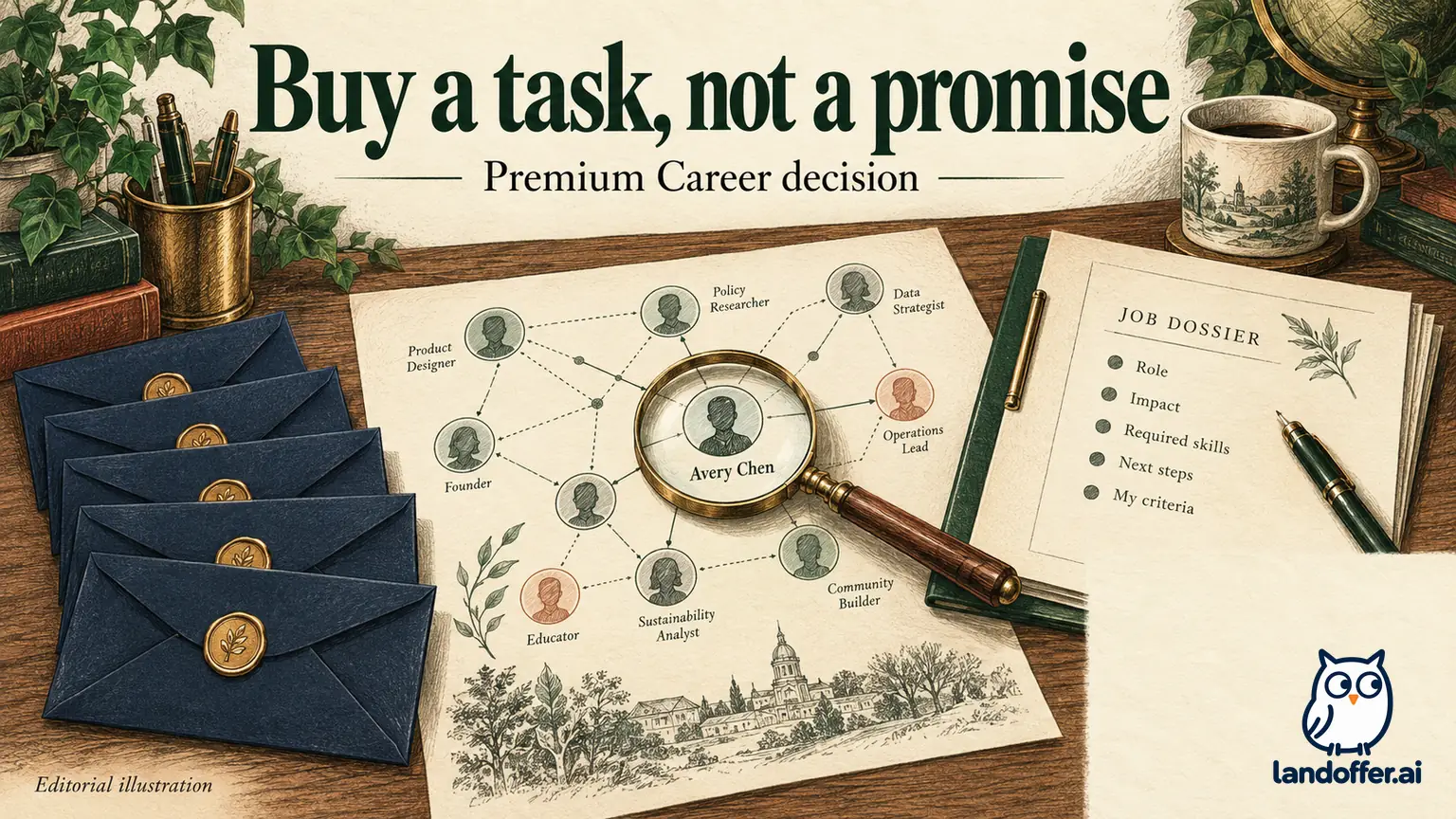
Write the problem in one sentence. “I want more visibility” is difficult to evaluate. “I identified two relevant hiring contacts outside my network and need to ask a specific question about their teams” is concrete enough to compare with paid messaging access.
LinkedIn's plan comparison shows job search and Easy Apply on Basic, while Career adds features including five InMail messages per month, expanded profile-view information, and job-related insights. Premium is not required simply because you are actively searching. LinkedIn plan comparison
Consider whether an existing connection, a public recruiting email, or the employer's careers page already provides the route you need. Use a contact method the employer actually invites, and avoid sending the same request through several channels at once. A paid message can be appropriate without being the only possible approach.
Your missing step may also be unrelated to access. If you cannot explain which role fits your experience or what you want to ask, additional messaging capacity will not resolve that. Finish the role research first. The subscription decision becomes easier when you can name both the intended recipient and the purpose of contact.
Read the price as a billing commitment
LinkedIn's Career page advertises US pricing starting at $39.99 per month or $239.88 per year. Actual offers can vary with location, taxes, eligibility, and promotions. Confirm the amount and billing period displayed for your account before buying. An annual equivalent of $19.99 per month does not mean you can purchase one month for $19.99. Premium Career pricing
The arithmetic below uses those advertised starting figures and excludes taxes or discounts. It assumes the annual charge covers a year and the monthly option is stopped before another unwanted charge.
| Expected paid use | Monthly charges | Annual charge | Decision implication |
|---|---|---|---|
| One month | $39.99 | $239.88 | Annual requires $199.89 more upfront |
| Three months | $119.97 | $239.88 | Monthly costs $119.91 less for this window |
| Six months | $239.94 | $239.88 | Listed totals differ by just $0.06 |
| Twelve months | $479.88 | $239.88 | Annual is cheaper if a full year is genuinely useful |
At these listed prices, six monthly payments roughly equal the annual charge. That arithmetic alone does not justify six months of access. An active search can change quickly: you may enter interviews, accept a role, or redirect your search. Pay attention to how much access you can reasonably use before considering the annual discount.
If you are unemployed or managing a tight budget, include the charge beside other search expenses. You do not need to buy access merely to feel that you are taking your search seriously. You can complete substantial research, resume preparation, and employer applications without buying every available tool.
Use InMail for a bounded question
Five monthly InMails are enough to make recipient selection matter. They are not a reason to contact five strangers just to use the allowance. Choose a recipient connected to the role and a question the posting does not answer. LinkedIn plan comparison
Consider Priya, a fictional backend engineer researching three teams. Her completed outreach decision looks like this:
| Potential contact | Relevant context | Priya's choice |
|---|---|---|
| Former teammate at Company A | Existing connection; knows her API work | Ask through their existing conversation |
| Engineering manager at Company B | Public profile identifies the team hiring for her target requisition | Consider one InMail with a specific scope question |
| Senior executive at Company C | No visible connection to the opening | Do not contact merely because a message is available |
For Company B, she writes: “Hi Jordan, I'm considering backend opening B-214. My recent work involved Python APIs and PostgreSQL query investigations. The posting mentions both feature delivery and service operations. Does this team expect the new hire to own the on-call rotation immediately, or join it after onboarding? Thank you for any context you can share.”
This message is illustrative and was not sent. It names a real decision Priya needs to make, offers relevant context, and asks one answerable question. It does not request a referral from someone who does not know her, imply an existing relationship, or repeat an entire resume.
If no reply arrives, Priya still has the posting and employer application route. Silence does not establish that the person rejected her candidacy or that the paid feature failed technically. Keep message delivery, response, application review, and hiring outcome as separate events.
Check eligibility before planning around Top Choice
LinkedIn's help documentation says Top Choice is available to selected Premium subscribers on eligible Easy Apply jobs. It describes three uses per month, resetting on the first day at midnight UTC without rollover. Do not assume every posting or account will display it. LinkedIn Top Choice guidance
A sensible use begins with an already suitable role. Read the duties, location, seniority, and work authorization requirements. If the feature is available, explain why that particular opportunity fits your demonstrated work. A short, specific explanation is more credible than a generic statement about being passionate about innovation.
Do not spend the designation to compensate for a major eligibility mismatch. A candidate who cannot meet a required on-site schedule does not solve that problem by marking the job as a favorite. Nor does a designation establish that a recruiter will read, prioritize, or respond to the application.
Treat LinkedIn's published response-lift claims as vendor marketing. We did not verify a causal effect for an individual applicant, and candidates who use a feature may differ from candidates who do not. Buy access to a task you can use, rather than converting a marketing statistic into your personal interview probability.
Turn job insights into questions, not invented qualifications
Use additional job insights to identify a question to investigate, such as how much incident ownership the role expects. They cannot reveal the employer's complete selection process. A fit label is a prompt to inspect your evidence, not a replacement for reading the role.
Suppose a fictional platform candidate sees a favorable fit signal for a role mentioning incident response. Her evidence is narrower: she participated in incident reviews but did not lead production response. The useful action is to state her actual contribution and investigate the expected ownership. Rewriting the resume to claim incident command would make the application less accurate.
Likewise, profile-view information can suggest that someone looked at your profile, but it cannot establish their intent. A recruiter might be sourcing, checking a reference, or visiting for another reason. Avoid building a follow-up strategy around a motive the tool does not show.
If your profile and resume disagree, correct them before using AI-assisted writing or outreach. Dates, titles, and scope should describe the same history across both. Paid drafting assistance can make inconsistent claims sound polished; it does not resolve which claim is true.
Worked review: what one paid period actually changed
Priya evaluates one fictional month of use with a task ledger. This is a decision example, not observed product performance. She records actions she controlled and information she actually obtained, rather than treating every interview as a subscription outcome.
| Planned task | Completed record | What it supports |
|---|---|---|
| Contact three relevant people outside her network | Three messages sent; one recipient answered a team-scope question | Some paid messaging access was useful |
| Investigate four shortlisted roles | One role removed because its stated location did not fit | Better targeting; location was also in the posting |
| Use Top Choice only for strong matches | One eligible role marked; no known response effect | Feature used, hiring value still unknown |
| Review renewal before the next charge | Next month mostly interviews and existing contacts | Cancel renewal unless new paid tasks emerge |
Her verdict is mixed and useful: one message resolved an uncertainty, but some research value came from freely available material. She does not credit Premium for every subsequent response. She also does not renew just because two InMails remain unused; unused capacity is not a future obligation.
Someone with a different search may reach a different decision. A candidate with a strong existing network may need little paid messaging. A candidate changing regions may have several specific contacts to research. The relevant comparison is the next set of tasks and their available routes, not which candidate is more serious about finding work.
If you already pay for another search tool, assign each subscription a distinct job. A resume editor may help organize evidence; Premium messaging may help reach a particular person. Buying both does not make their benefits additive if you never use one of them. Review the combined monthly spending and remove duplicated tasks from your plan.
You can also reach a useful decision before subscribing: prepare the recipient list, draft the questions, and identify the job IDs now. If those preparations produce only vague recipients or questions answered in the postings, keep researching through free routes. If they produce a small set of relevant conversations you cannot otherwise initiate, you have a concrete reason to evaluate a paid period.
Treat a trial and renewal as separate decisions
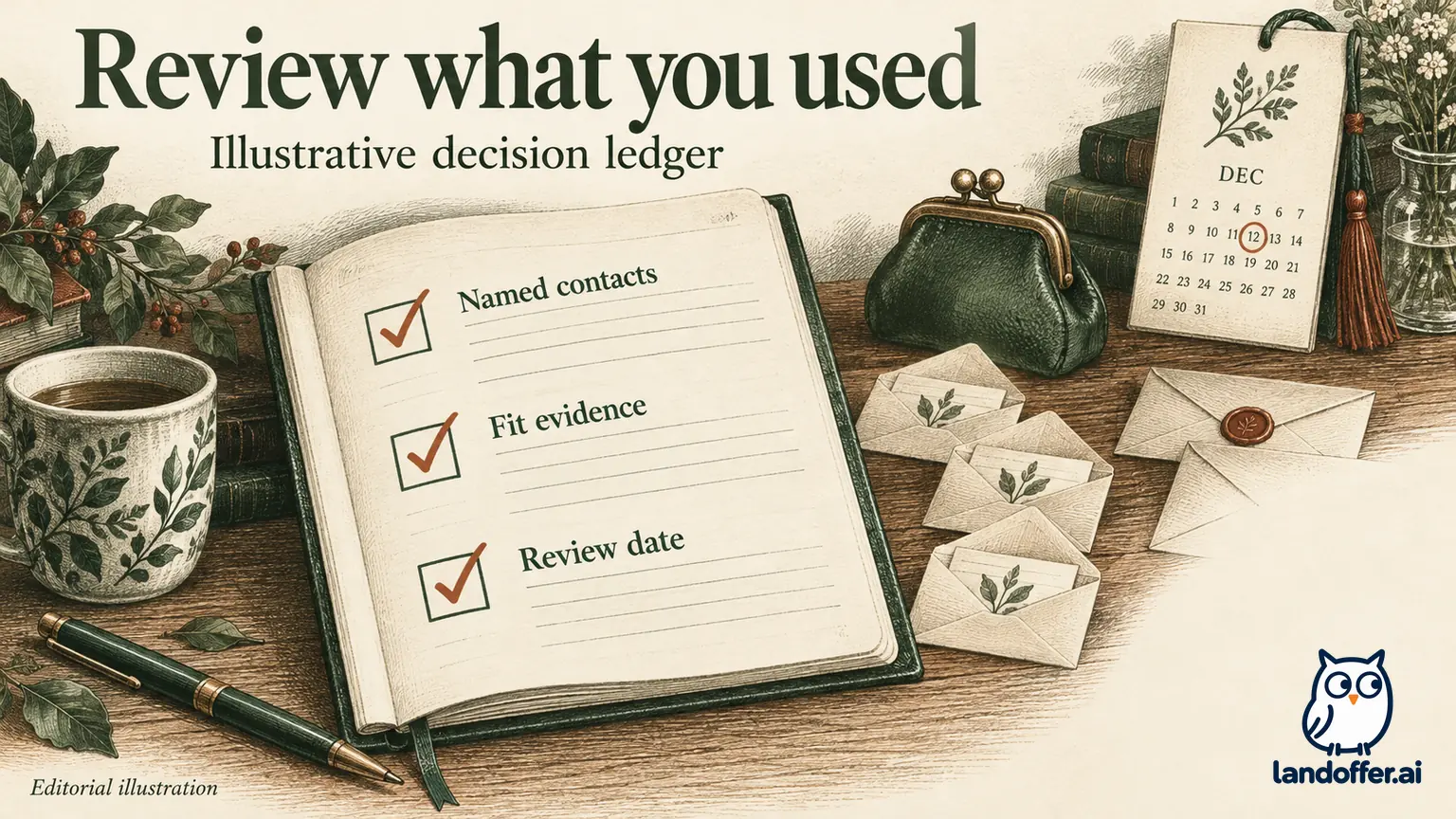
Trial availability and terms depend on the offer shown to your account. Do not budget around an assumed free month or assume a previously used trial is available again. LinkedIn's trial documentation says the subscription can convert to paid access after the trial, so record the actual charge date and purchase channel. LinkedIn trial information
The current cancellation help page distinguishes paid subscriptions from trials: paid access continues until the billing period ends, while canceling a free trial ends access immediately. It advises cancellation at least one day before the next billing date. Check the confirmation for your own purchase, especially if it was made through an app store. LinkedIn cancellation instructions
Set a review reminder before the one-day cancellation cutoff stated in LinkedIn's guidance, using your account's actual billing date. Record whether the status shows cancellation and when access ends. Deleting a mobile app or simply stopping use does not establish that renewal has stopped.
Keep your role notes and final application materials outside the subscription. A useful experiment should leave you with better decisions and accurate records, even if you choose not to pay again.
Make the decision from your next search week
Consider a short paid period when you can name relevant outreach recipients or paid insights you will use soon, and the charge fits your budget. Stay with free routes when your immediate work is finding suitable jobs, preparing evidence, and submitting carefully. Premium does not remove application limits or guarantee employer attention.
Start by selecting a recent tech opening on LandOffer. Read the employer's posting, identify one unanswered question, and determine who could answer it. Prepare the question and check the available contact route first. Browsing a role does not purchase Premium or send a message.