LandOffer
Job search
Ending LinkedIn Premium After a Job Search: Check Billing Channel and Benefit End Dates
Identify LinkedIn or Apple billing, separate paid-period access from trial cancellation, and retain your Basic profile with a clear follow-through record.
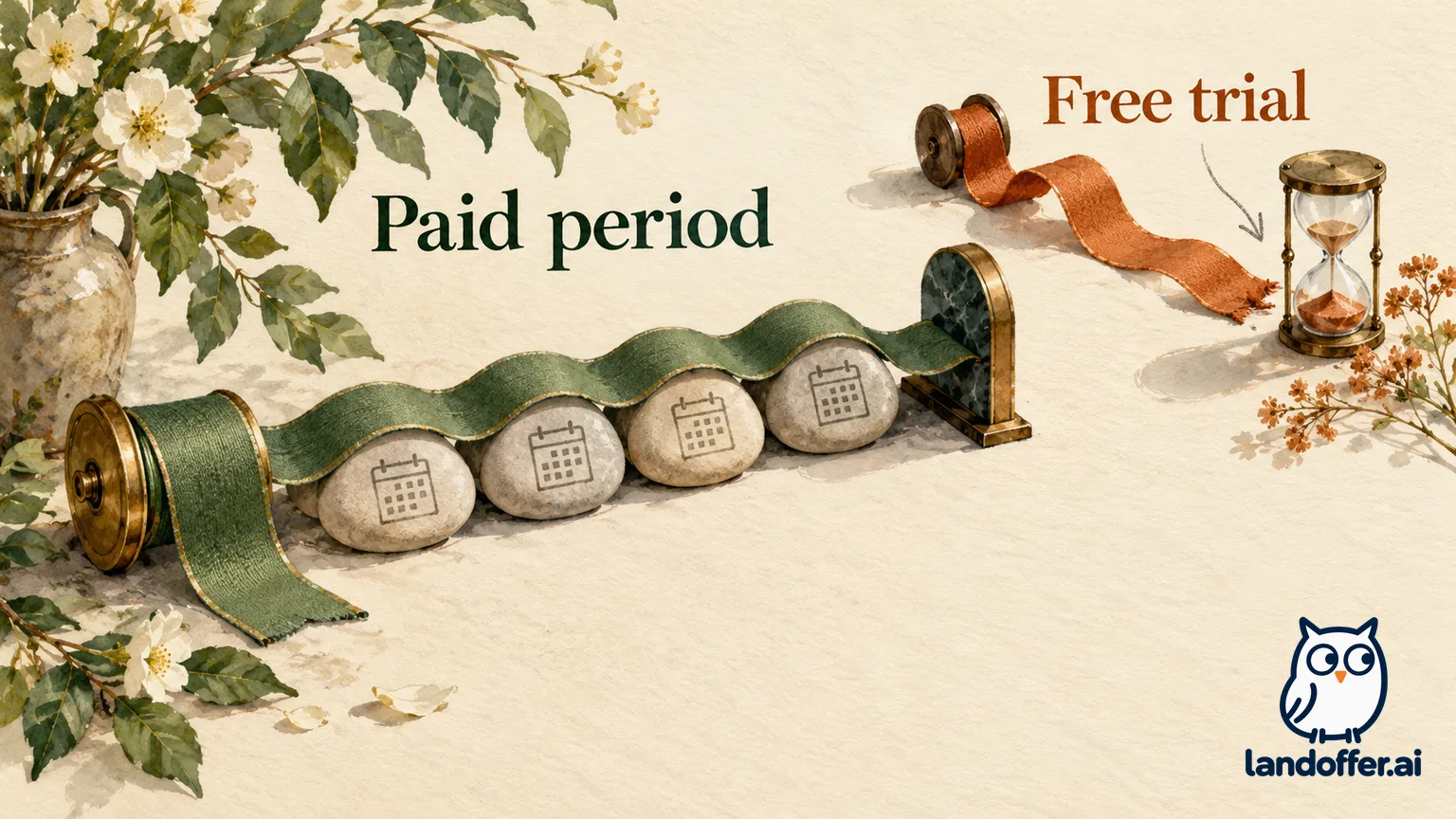
Ending LinkedIn Premium after a job search starts with two checks: who bills the subscription, and whether it is a paid period or a free trial. LinkedIn's specific cancellation guidance says paid access continues through the current billing cycle, while canceling a free trial ends Premium immediately. Using an iPhone does not establish who handles billing: the iOS app and an iPhone web browser can lead to different purchase channels.
You can return to a free Basic account and keep your professional presence. If you still browse roles through LinkedIn or LandOffer.ai, make a short record of the search work that depends on Premium before choosing the cancellation date. LandOffer publishes this guide; its job listings do not replace LinkedIn's paid features or manage your subscription.
This is a review of public help documentation checked October 22, 2026. No subscription, billing account or cancellation confirmation was tested. The examples below are fictional planning records, not screenshots or evidence that anyone canceled a real subscription.

Identify the seller before choosing a cancellation route
Start with the purchase record you can identify: the subscription receipt, the merchant and the account associated with that purchase. Device, app and seller answer different questions. Someone may subscribe through a browser on an iPhone, pay LinkedIn directly, and later look unsuccessfully in Apple's subscription list.
LinkedIn's cancellation FAQ explicitly distinguishes iOS mobile web purchases from purchases through the iOS app. Mobile web transactions are processed by LinkedIn; its instructions direct those users to desktop cancellation. Do not route every iPhone user to Apple.
| Purchase evidence | Route to investigate | What the evidence does not establish |
|---|---|---|
| LinkedIn processes the website purchase | LinkedIn's documented desktop subscription flow | That deleting the mobile app stops billing |
| Apple receipt identifies LinkedIn Premium | Apple-managed subscription instructions | That LinkedIn can issue the Apple refund |
| iPhone browser purchase processed by LinkedIn | LinkedIn desktop instructions | That Apple subscriptions will contain it |
| A different merchant or store appears | That provider's current official instructions | That either route in this guide applies |
Treat an unidentified charge as an unresolved channel question. Return to the purchase record when a route does not match the subscription. This gives you a specific merchant and account to investigate. Also distinguish multiple subscriptions: finding one inactive purchase does not settle another active purchase under a different account or billing channel. Match the product and purchase record before recording completion.
Follow the documented route without closing the account
For a direct subscription, LinkedIn's current cancellation guide describes a desktop path through Me → Premium features → Manage subscription under Plan Details. The flow continues in LinkedIn Admin Center, where Purchases → Active subscription → Cancel subscription → Confirm cancel identifies the relevant purchase and action.
These are published navigation instructions. Labels or availability in your account may differ. The desktop route is a useful starting point because the FAQ restricts direct-purchase cancellation to desktop or the Android app, while the main guide also presents mobile-browser instructions. For an iOS mobile web purchase, use the specifically documented desktop route instead of assuming the broader browser wording applies.
For Apple-billed Premium, LinkedIn has a separate Apple purchase guide. It describes starting in the LinkedIn iOS app and following the subscription-management prompts. Apple also provides its own device-specific route; either way, identify the Apple subscription rather than treating a LinkedIn account menu as proof of Apple's renewal state.
On iPhone, Apple's current instructions use Settings → your name → Subscriptions → the subscription → Cancel Subscription. Its public guide says that a missing cancel button or a red expiration message within the subscription means it is already canceled. A subscription missing from the entire list is a different problem: Apple directs readers to identify the Apple Account from the receipt or invoice, or determine whether another company bills it.
Do not delete your LinkedIn account as a substitute for ending Premium. Keeping Basic preserves the professional presence you may still need for colleagues and future searches. Handle the paid subscription through its purchase channel. App removal, signing out and deciding to stop searching are also different events from a completed cancellation.
Record renewal and benefit dates separately
A renewal date is about the next charge. A benefit end date is about access. A cancellation request date is about when you took action. Keeping separate fields prevents a common misunderstanding: paid features can still work after renewal has been stopped.
LinkedIn's main guide asks users to cancel at least one day before their next scheduled billing date. Apple asks users who do not want a trial to renew to cancel at least 24 hours before it ends. Start while there is time to identify the purchase and resolve a missing record. An attempted cancellation near the cutoff is still an attempt until the subscription state confirms the result.
For paid Premium, LinkedIn describes access through the current billing cycle. Its specific trial instructions say access stops immediately on cancellation. Some broader wording in its FAQ and refund page refers generally to features expiring at the end of the billing cycle. That general statement should not be used to promise remaining free-trial access against the explicit trial warning.
For an Apple trial, read the actual expiration or access message presented for that subscription before confirmation. The public Apple cancellation guide does not establish an account-specific LinkedIn trial access date. Do not infer a remaining trial benefit from the rule for paid subscriptions. If the documentation and the account's specific message disagree, retain the wording and ask the responsible billing provider to clarify; avoid filling the gap with an assumed date.
Worked record: an iPhone purchase billed by LinkedIn
The following completed planning record is fictional. Elodie has finished an engineering job search and wants to keep her LinkedIn profile. She remembers subscribing on her iPhone, but her invented purchase receipt identifies LinkedIn as the processor. Her example account record describes a paid period ending November 8. These dates and records are teaching inputs, not observations of LinkedIn billing.
| Record field | Elodie's completed entry | Decision supported |
|---|---|---|
| Device used at purchase | iPhone browser | Device alone does not select Apple cancellation |
| Purchase channel | LinkedIn mobile web, processed by LinkedIn | Use the direct desktop route |
| Subscription type | Paid Premium Career period | Apply the paid-cycle access distinction |
| Listed period end | November 8, fictional account record | Copy this date into the access field; do not infer a time |
| Planned action date | October 29 | Leaves room to resolve navigation before renewal |
| Current completion evidence | None; cancellation has not been performed | Status remains planned, not canceled |
| Account preference | Keep Basic profile and connections | No account-closure step is needed |
Her finished private handoff note reads:
I will manage this purchase through LinkedIn on desktop because the receipt identifies LinkedIn mobile web billing. My paid period is listed as ending November 8. I will record the actual confirmation wording and benefit end date after completing the subscription flow. Until then, renewal status is unverified. I intend to retain my Basic account.
The useful result is a resolved route with an honest outstanding task. Elodie does not label the subscription canceled merely because she knows the intended path. Nor does continued paid access after a future confirmation necessarily mean the cancellation failed. She would compare the recorded renewal state and benefit date rather than test cancellation by repeatedly opening a Premium feature.
Worked record: an Apple trial with no remaining need
Conrad's second fictional case starts from an Apple receipt naming LinkedIn Premium and a trial ending November 3. He has finished the Premium-specific research he intended to do. He wants to stop renewal, keep his profile and avoid relying on paid tools for follow-up. There is no real Apple Account, transaction or cancellation in this example.
His completed decision record separates the plan from the later evidence:
| Question | Completed planning answer | Follow-through boundary |
|---|---|---|
| Who manages this purchase? | Apple, based on the fictional receipt | Use the matching Apple Account's subscription record |
| Is remaining paid access expected? | No; this is a trial | Do not borrow the paid-cycle continuation rule |
| When is the planned review? | October 29, before the November 3 example end | Check the stated cutoff rather than waiting for a reminder |
| What work remains? | Reply to existing conversations and maintain a role list | Record these in a personal search plan without assuming Premium access |
| What would show renewal stopped? | Subscription-specific cancellation or expiration information | A missing item in the list would require account/channel investigation |
| What is the current status? | Planned; no confirmation exists | Do not write “canceled” in the tracker |
His finished continuity memo reads:
Apple is the identified billing channel. I am prepared for Premium trial access to stop when cancellation takes effect and will read the subscription's exact access message. My remaining search work does not require new Premium activity. I will keep my Basic profile. If the subscription is absent, I will resolve the receipt's account and merchant rather than assume renewal is off.
This case changes the preparation order. Elodie can plan around a documented paid period; Conrad has already removed dependence on trial features before proceeding. Neither example supplies a fabricated confirmation, refund entitlement or guarantee about an account's unseen settings.
Keep the search work you still need
LinkedIn's FAQ says Basic retains the profile, connections and other data. It also describes losing Premium capabilities such as additional job insights, expanded profile-view information, LinkedIn Learning access and accumulated InMail credits. It says those accumulated credits cannot be credited back after cancellation. Promotional or retired-plan pricing may also be unavailable when resubscribing.
Use this boundary to review your ongoing work. A course, saved research habit or planned outreach may depend on something you are about to lose. Finish the useful preparation that is available to you, keep your own notes and respect other people's information. Avoid speculative messaging simply to consume credits before they expire.
A small continuity record can be more helpful than a broad export. Note the roles you still intend to investigate, the employer's original vacancy link, the next follow-up you owe and where your own application documents are stored. Keep only information you are entitled to retain. The purpose is to preserve your decisions without assuming paid tools remain available indefinitely.
Ending Premium also does not answer every other LinkedIn question. Profile visibility, search privacy, existing connections and future applications have their own controls and context. Reassess those separately when necessary instead of treating a subscription change as a universal privacy reset.
Cancellation and a refund are separate questions
Stopping renewal does not establish that a previous charge will be refunded. LinkedIn's refund policy describes possible Premium refunds within seven days of a charge without Premium usage, notes that a previous refund may affect eligibility, and lists jurisdiction-specific provisions. Apple purchases have to be handled by Apple. Those conditions require the relevant provider's assessment; this guide does not determine an individual's entitlement.
If a charge appears after you believed renewal had stopped, compare the merchant, product, account, charge date and confirmation first. Preserve the relevant records privately. A second purchase, an unresolved cancellation or a different billing channel calls for different follow-through; the appearance of a charge alone does not establish its cause.
Your final record should name the product and billing channel, quote the subscription’s renewal status, copy its stated benefit end date and keep any refund inquiry in a separate field. If a field is unknown, retain that uncertainty and ask the identified provider about that specific field. For example: “Does this subscription renew again, and what is its stated access end date?” This is wording you can adapt, not a message sent on your behalf. Afterward, browse recent roles on LandOffer.ai if your search continues, and check each employer's original posting before acting.