LandOffer
Job search
Experian Verify Employment History: Request Your Record and Check the Employer Coverage
Use the Experian Verify employee route, check employer and file coverage, and prepare a precise access or correction request without assuming all jobs appear.
Use Experian Verify’s official employee route to request or review the employment information it holds about you, then check which employer and period each entry covers. A personal record is not a guaranteed list of every job you have held. Confirm employer participation and file availability before treating a missing role as an error or assuming a prospective employer has received a verification.
This LandOffer guide reviews public official sources checked October 23, 2026. We inspected the employee entry, FAQs, support information, and employer guidance without signing in, supplying identifiers, or requesting a real report. The completed examples are fictional. Browse recent roles on LandOffer.ai for a separate shortlist; LandOffer does not verify employment or need your report, income history, or identity documents.

Start in the employee route for this specific service
Experian’s Verification Fulfillment portal page separates employees, commercial verifiers, social-service verifiers, and employers. Its employee section conditionally offers verification data, request history, and privacy controls when the employer uses Experian Verify. Choose that employee route for your own information, rather than registering as a verifier to examine yourself or someone else.
The current Experian Employer Services contact page also separates employment and income access from personal credit support and W-2 or tax-document access. Its employment entry links to the employee portal on voie.experian.com. A login for a different Experian product does not establish that you have accessed this employment record.
We opened the public employee login page and saw email and password fields, registration, and password-recovery options. We entered nothing and did not test identity checks, account recovery, a report download, or privacy controls. Use the links from the current official page and your employer’s instructions rather than an access code copied from another organization’s flyer.
Experian’s FAQ describes initial registration using an employer-provided code and personal information, with employer-enabled single sign-on possible. It says employees can access their own verification report for free. Follow the applicable route yourself; do not send credentials or identity information to LandOffer or paste them into a public troubleshooting message.
Confirm coverage before interpreting missing history
The CFPB directory entry, last modified January 30, 2025, identifies Experian Verify as an income and employment verification service. Its own-record guidance is conditional: a current or former employer is a client, and the company has a file on you. That does not establish a complete lifetime employment database for every person.
There is a separate verifier-side distinction. Experian’s FAQ describes researching information when it is not already available for a verification request. A service offering that research is not proof that your employee account already contains every past job. Distinguish the data already in your employee file from information a verifier may commission the service to research.
Check the legal employer or payroll entity as well as the name you used in everyday work. A staffing company, worksite client, and consumer-facing brand may be different organizations. Check the source entity before treating a different employer name as an error. Do not change truthful application history merely to make it resemble the labels in one reporting service.
For an absent employer, record the missing period and ask whether that employer supplies information through this service. The result may be an unresolved coverage question. It is not evidence that you never worked there, that the role was invalid, or that a hiring company has made a decision about it.
Request the record without confusing it with another action
If the employee portal route is available to you, follow its current instructions to establish access and obtain your information. If access is unavailable or the employer code is unclear, use Experian Verify’s product-specific support route or the employer’s established HR/payroll contact to ask how to proceed. An employer-specific access problem should go to the listed employee support route; a verifier account is a different role, not an access workaround.
The current Consumer Support page links to a copy of the Employment Report and lists verification support contact information. Confirm the current channel and any required identity procedure before transmitting documents. An initial inquiry can ask for the secure process without attaching an identity document, full report, or payroll record.
Reviewing your record, requesting a verification for another organization, disputing a field, and changing privacy controls are different actions. Experian’s FAQ describes generating your own verification; that does not establish what a particular recipient will accept or which service a prospective employer has ordered. Follow that organization’s actual instructions rather than assuming your personal download completes its screening requirement.
Likewise, merely locating a report link does not mean a request was submitted. Record the state actually reached: access instructions found, identity verification pending, request submitted, or report received. Our observation stops at public pages: the employee login loaded, but no identity check, account access, request, or report download was performed.
Completed coverage review: Tessa separates the payroll entity from the worksite
Tessa is a fictional data-platform engineer. She is reviewing three periods in her own invented work history. The employer names, coverage statements, and report observations below are stipulated teaching facts, not real Experian records or results from an account we opened.
| Work-history item | Evidence stipulated in the case | Tessa’s completed finding |
|---|---|---|
| Current role under the Maple Quay product brand | Employer HR identifies Maple Quay Payroll LLC as the legal employer and confirms use of Experian Verify; the assumed report names that entity | Entity label is reconciled under the case facts; do not replace it with the product brand merely for consistency |
| Prior placement at Lake Frame Analytics | Her retained employment agreement names a separate staffing employer; no corresponding entry is found in the assumed report | Ask the staffing employer about its verification route; the worksite name alone does not resolve coverage |
| Earlier work for a small independent studio | No employer participation confirmation and no entry in the assumed file | Coverage remains unknown; retain the truthful period and appropriate personal records |
Her finished review note reads: “The current payroll-entity label is explained by the employer’s stipulated confirmation. The placement requires a staffing-employer coverage inquiry. The studio period has no confirmed service coverage. I have one reconciled entity label and two open coverage questions, not two disproved jobs.”
That result gives each absence a different next question without inventing a database search. For the placement, she identifies the entity on the agreement before asking which service it uses. For the studio, she asks whether a verification source exists rather than assuming that the absent row can be recovered with a different login code.
Her personal review record contains the employer/entity, period being checked, source of the participation statement, observation, and next owner. It contains no account password, access code, SSN, or income amount. A local consistency check counted the three distinct outcomes only; it did not validate employment, coverage, or a report.
Tessa’s review is complete as a bounded coverage assessment. The two inquiries remain unperformed, and the example supplies no response from either former employer. Her application should continue to describe her actual work accurately while any required verification follows the requesting organization’s process.
Compare the actual fields and their update context
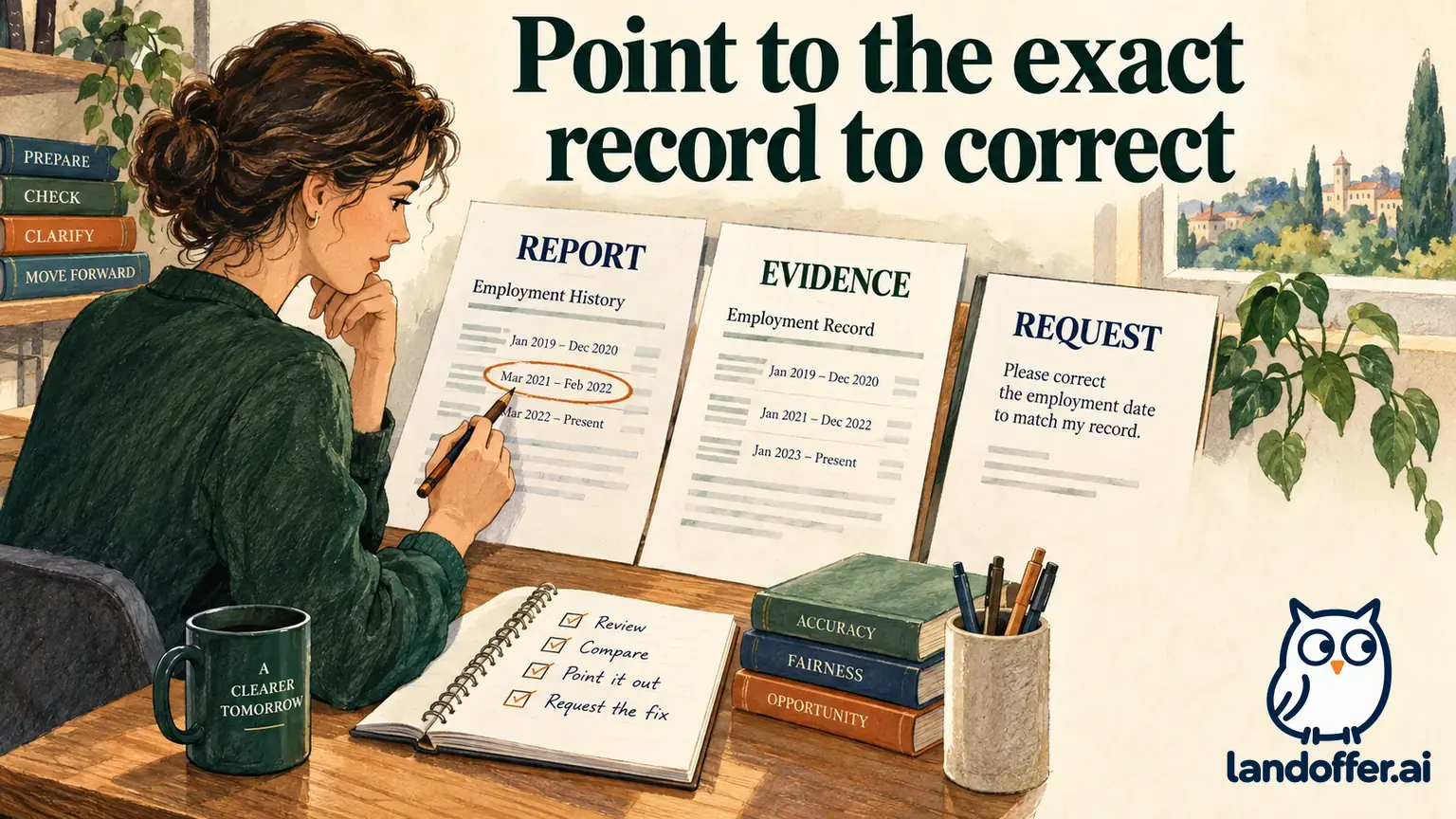
For fields present in your record, compare like with like: employer entity, employment status, job title, relevant dates, and any income period shown. Those are review categories, not a promise that every report has the same labels or populated fields. Keep the original field value beside the comparison document so support can identify exactly what differs and why you are asking.
A pay period and an annual salary rate answer different questions. A final paycheck date may differ from a last day of employment. A payroll title may differ from a recruiting title. Identify the meaning of the field before asking the provider to change it. This article supplies no salary inference or employer selection judgment.
Update timing also needs context. Teachers College’s employer-specific FAQ describes weekly job and employee updates and payroll refresh aligned with paychecks. Experian’s general FAQ describes a different broad update cadence. We cannot determine your record’s freshness from either statement alone. Ask which employer feed, period, or correction is reflected in the actual record.
The Teachers College page also tells its employees to contact Experian support about incorrect or missing information, with the support team contacting the college when needed. That is a useful named-employer route, not a universal promise that every discrepancy will be resolved instantly or every employer follows that exact workflow.
Completed request and correction drafts: Owen keeps the stages separate
Owen is an independent fictional software engineer with invented Stone Lantern Services. In the first stipulated state, he wants to review his own employment report but does not know the access route. He prepares this complete, unsent support inquiry without attaching identifiers:
Subject: Employee route to request my own Experian Verify record
Hello Experian Verify Support,
I would like to review the employment information held about me for Stone Lantern Services. Please confirm the current employee process for requesting my own report and how I should obtain the employer-specific access instructions if required.
If identity verification or supporting documents are needed, please direct me to the appropriate secure channel and current requirements. I have not included identity numbers, account credentials, payroll documents, or attachments in this initial inquiry.
Thank you, Owen
A separate later state is expressly stipulated for teaching, not presented as a response to that message: Owen has a fictional report dated November 10, 2026. Its job-title field says Payroll Specialist, while his employer-issued role-change letter identifies Software Engineer effective September 1. He prepares a narrow review request rather than editing the report himself:
Subject: Review of job-title information in my employment report
Hello Experian Verify Support,
I am reviewing my own report dated November 10, 2026 for Stone Lantern Services. The job-title field shows Payroll Specialist. My employer-issued role-change letter identifies Software Engineer effective September 1, 2026.
Please review this apparent discrepancy, confirm what the reported field represents, and explain the applicable correction or dispute process if the value is inaccurate. I can provide the relevant employer document through the secure channel you specify and can ask the employer’s payroll team to review its source record.
Please confirm the request reference and how I will receive the investigation result or updated record. I have not attached my full report or identity documents to this draft.
Thank you, Owen

The completed asset has two separate purposes: obtaining the correct access procedure, then identifying a specific field and supporting evidence once a report exists under the hypothetical facts. Neither message was sent. No report was obtained, correction approved, employer contacted, or updated value verified during our work.
The CFPB directory explains that inaccurate or incomplete consumer-report information can be disputed with the reporting company and the company that supplied it. This guide helps organize the question and evidence; it does not decide an individual legal claim, promise a resolution date, or tell an employer how to treat a pending application.
Keep the outcome limited to what you have verified
Save the report date, reviewed entities, reconciled fields, missing coverage, and any actual request references privately. A submitted inquiry is not a corrected file. When an updated file is actually received, check its date and the particular field you queried; retain any other unresolved coverage or data question separately.
Ask the prospective employer which screening provider and process it uses if that is relevant to your application. Experian’s brand, a request-history entry, or your own record does not establish that the hiring team ordered, received, or approved a particular verification. Keep the personal review and employment decision separate.
Choose the next action from your record: locate the employee request route, ask the relevant employer about coverage, or prepare the exact field and evidence for review through official support. Keep the records private while continuing your broader search on LandOffer.ai.
Sources and Further Reading
- Experian Verify: Employee and verifier entry routes.
- Experian Employer Services: Product-specific employee support.
- Experian Verify: Frequently Asked Questions.
- Experian Verify: Consumer Support and Employment Report route.
- CFPB: Experian Verify directory entry.
- Teachers College: Wage and employment verification FAQs.