LandOffer
Job search
Get Your Work Number Employment Data Report Before Verification: Check Coverage and History
Use the official employee disclosure route, compare coverage and field meanings, and review request history without treating the EDR as an employer verification.
Get your own Employment Data Report (EDR) through The Work Number's official employee site before relying on assumptions about what it contains. Compare the employers, dates and income fields with your records, then review the listed data requests separately. A missing job does not establish that you never held it, and a request entry does not reveal an employer's hiring decision.
The EDR is a personal consumer disclosure. The official report page explicitly says it is not a verification and cannot be used for verification purposes. This guide reviews public instructions and a published sample; we did not access anyone's account, obtain a personal report or submit a correction.
LandOffer publishes this guide. You can browse recent roles on LandOffer.ai while reviewing your own employment records privately. LandOffer does not provide employment verification or need a copy of your EDR, identity documents or income history.

Start with the current employee report route
The Consumer Financial Protection Bureau's directory identifies The Work Number as an employment and income reporting service operated by Equifax Workforce Solutions and lists a free report upon request. That is a useful starting point for checking your own file rather than buying an unrelated screening product.
The current employee report page offers Register and Log In entries, plus alternative request methods. Use that public entry to find the applicable route. We did not test registration, identity checks or a logged-in report download, so this article does not prescribe private screen labels or promise immediate access for every person.
Keep the distinction between requesting your own disclosure and arranging an employer's verification. The first helps you examine information about yourself. It does not replace whatever authorized process a prospective employer uses.
If you cannot complete the online route, use the alternatives linked from the employee page. Follow the current form's instructions rather than treating an old search result or saved PDF as the latest process.
Check the current request form before sending documents
The employee page currently links a request form revised February 2026. We opened both pages. Its email instructions require returning the completed form and proof documents through the secure email channel. If you have not received that channel, it says to request a secure email from EDR@equifax.com first.
Do not interpret the email address alone as an instruction to attach identity documents to an ordinary message. The current form supplies the document requirements and communication choices. Read those instructions before choosing a route.
The form also has an option limiting the displayed Social Security number to the last four digits. That display choice is different from the information required to establish identity for the request. It should not be treated as permission to omit required validation fields.
This matters when comparing versions. An older report-request PDF can still be discoverable online, but its wording may differ. Use the form linked from the current employee page and check its printed revision, not just the filename.
We have not completed, signed or sent either the request or its electronic-communications consent. This review establishes what the public documents say, not the outcome of a particular identity check.
Read coverage before interpreting an absence
The Work Number's FAQ says it receives data from employers, payroll providers and third-party administrators that choose to use the service, and reports that information as received. Read the disclosure alongside the sources that supplied its data.
A missing employer is a coverage question before it is an explanation of your career. Check which entity employed or paid you, whether the record may use another employer name and which period you are comparing. Do not remove truthful work from your application simply because it is absent from this disclosure.
The February request form identifies a limited set of employers for which an employer-assigned alternate identifier is needed. That is a specific condition, not evidence that every missing job can be restored by entering an arbitrary code.
The published sample, carrying a 2023 copyright, illustrates employer sections, income summaries and requester entries. It also explains that some pay breakouts may show “Data not provided.” Missing information is different from a stated zero.
Treat that sample as an explanation of structure, not a preview of your exact current interface or a guarantee that every field will be populated. Your own report and its accompanying explanations are the records to review.
Worked example: Rae separates a mismatch from a coverage gap
Rae is a fictional software candidate. The following assumed report entries and private documents are invented teaching material. All amounts in this example are USD. No real employer, salary, report or verification decision is represented.
Rae compares three jobs and one income field:
| Item | Assumed report observation | Comparison and completed decision |
|---|---|---|
| HarborSampleSystems | Termination date June 27, 2024 | Own company separation record says June 28; identify that field for clarification |
| NorthlaneSampleLabs | Active; original hire July 1, 2024 | Matches the assumed employment record |
| SmallSampleStudio contract | No employer section found | Coverage remains unresolved; retain the contract and invoices |
| Northlane's 2024 base earnings | 48,000 | Compare the reporting period with the 96,000 annual rate before alleging an error |
The Harbor entry presents a narrow question. Rae can identify the employer section, field and one-day difference. Before calling it an error, Rae checks that the two documents mean the same thing by the date being compared.
The studio row presents a different problem: there is no corresponding section to compare. Rae records the absence without turning it into a conclusion that the contract never happened. The private employment history remains intact while the contributing-source question is investigated.
The matching Northlane row also stays in the review. It shows that Rae is checking fields individually rather than treating the entire disclosure as either correct or unusable. A single discrepancy does not establish that every other entry is wrong.
This completed table produces three different outcomes: a field to clarify, a matching record and an unresolved coverage gap. None is a hiring result.
Compare amounts using the same period and meaning
Rae's income example assumes a 96,000 annual base rate and six months of base earnings at 8,000 per month. Six times 8,000 equals 48,000. We checked six times 8,000 equals 48,000 in a local fictional fixture; we did not measure The Work Number's database.
An annual rate and earnings for part of a year are different measures. Their unequal amounts do not, by themselves, establish an error. In this example, the earnings cover July through December 2024 after the assumed July 1 start. That six-month period explains the difference.
The comparison would need more work if one value included bonuses, overtime or a different date range. Identify the field's label before comparing it with an offer letter, pay statement or tax document. A figure labeled net pay should not be silently treated as gross earnings.
Keep the original values visible in your private review note. Write the period, unit and supporting document beside each one. That lets you ask about a specific period or pay field without losing the original comparison.
Rae does not change the report's 48,000 figure to 96,000 just to make it resemble the annual offer. The completed review says that these assumed figures are consistent under the example's conditions. If those conditions were wrong, the comparison would need to be revisited.

Review requester history as a separate set of facts
The official report page describes a listing of parties that requested data during the past 24 months. Record the displayed organization and date before interpreting the entry. A company name alone may not tell you the purpose of the request or how it relates to a current application.
Rae's fictional review contains these two entries:
| Assumed request entry | Context Rae can establish | What remains unresolved |
|---|---|---|
| ExampleLendingRequestor, August 20, 2026 | Rae recalls a separate loan application | No conclusion about employment screening follows |
| ExampleScreeningRequestor, October 10, 2026 | No matching context established yet | Ask which screening company is being used and seek clarification through the official channel |
The CFPB recommends asking which employment-screening companies are being used so you can check the relevant reports. That is more useful than guessing from the prospective employer's public brand name.
For an unfamiliar requester, record the organization and date and ask for context. The entry alone does not prove unauthorized access. Likewise, a familiar requester does not establish what a recruiter read, whether the information was complete or what decision followed.
Keep the report's history window in mind. An absent older request is not evidence that no request ever occurred. This disclosure is not a complete lifetime audit of every employment check or every reporting service.
Rae's completed result is a context note for one entry and a specific unanswered question for the other. The example does not invent a response from Equifax or an employer.
Prepare a field-specific correction request when needed
The official dispute page provides a route for information you believe is inaccurate or incomplete and describes investigating it with the data provider. Its public guidance identifies supporting documents, including company-issued records and recent pay statements.
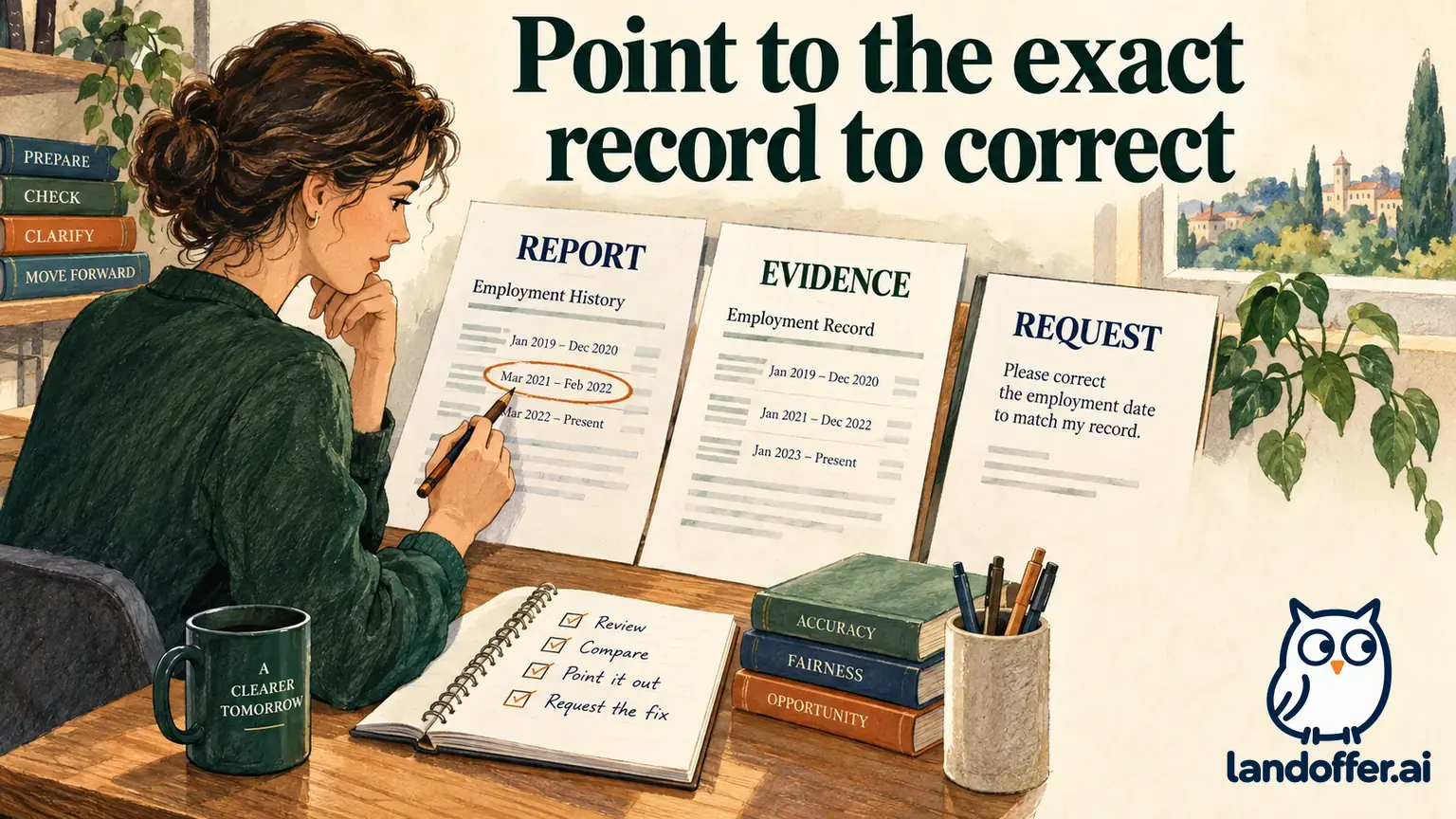
The linked mail dispute form, revised March 2026, organizes corrections by employer and field. It distinguishes original and most recent hire dates, termination date, status, title and pay details. That structure helps explain why “my history is wrong” is less useful than identifying a particular entry.
For the fictional Harbor issue, Rae prepares an unsent note: the assumed report shows June 27, 2024 in the termination-date field; the company separation document shows June 28, 2024; please review the field and explain whether the dates refer to the same event.
The note states the observation and the evidence without claiming that a correction has already been approved. Rae would follow the official channel's identity and document requirements, keeping sensitive material out of public posts and ordinary recruiting messages.
The CFPB also describes disputing inaccurate or incomplete information with the reporting company and the company that supplied it. This article does not determine a legal claim, promise a correction date or predict how a pending employment decision will be handled.
A data freeze is a separate choice. The FAQ says it can prevent verification through The Work Number and may slow an application process. Viewing a disclosure, correcting a field and restricting access are different actions; this guide has performed none of them on a personal account.
Finish with a private review record
Keep a dated copy of your review that distinguishes matches, suspected discrepancies, absent coverage and unexplained requests. For each unresolved item, identify the supporting document and the next question. Do not silently convert an uncertain field into a confirmed correction.
Use the EDR to understand your own information, then follow the employer's authorized verification process. Do not present the personal disclosure as a verification or assume that it is identical to the report an employer receives.
If an item remains unresolved, prepare its supporting evidence through the official route. Otherwise, retain the completed private review. Keep the disclosure private while continuing your wider job search on LandOffer.ai. The review can improve your understanding of the records; it does not establish an employer's screening or hiring conclusion.
Sources and Further Reading
- The Work Number: View Your Employment Data Report — current employee access and disclosure limits
- The Work Number: Employee FAQs — data sources and separate access choices
- Equifax: Employment Data Report request form — revised February 2026, secure email instructions
- Equifax: Public Employment Data Report sample — illustrative 2023 document
- The Work Number: Dispute Your Data — correction process
- Equifax: Employee Data Dispute mail form — revised March 2026
- CFPB: The Work Number — free disclosure and consumer-report review information