LandOffer
Job search
Before Sending a Word Resume: Remove Comments, Tracked Changes, and Hidden Data
An actual synthetic DOCX before-and-after and a completed release-review scenario separate hidden-data checks from visible layout and unfinished decisions.
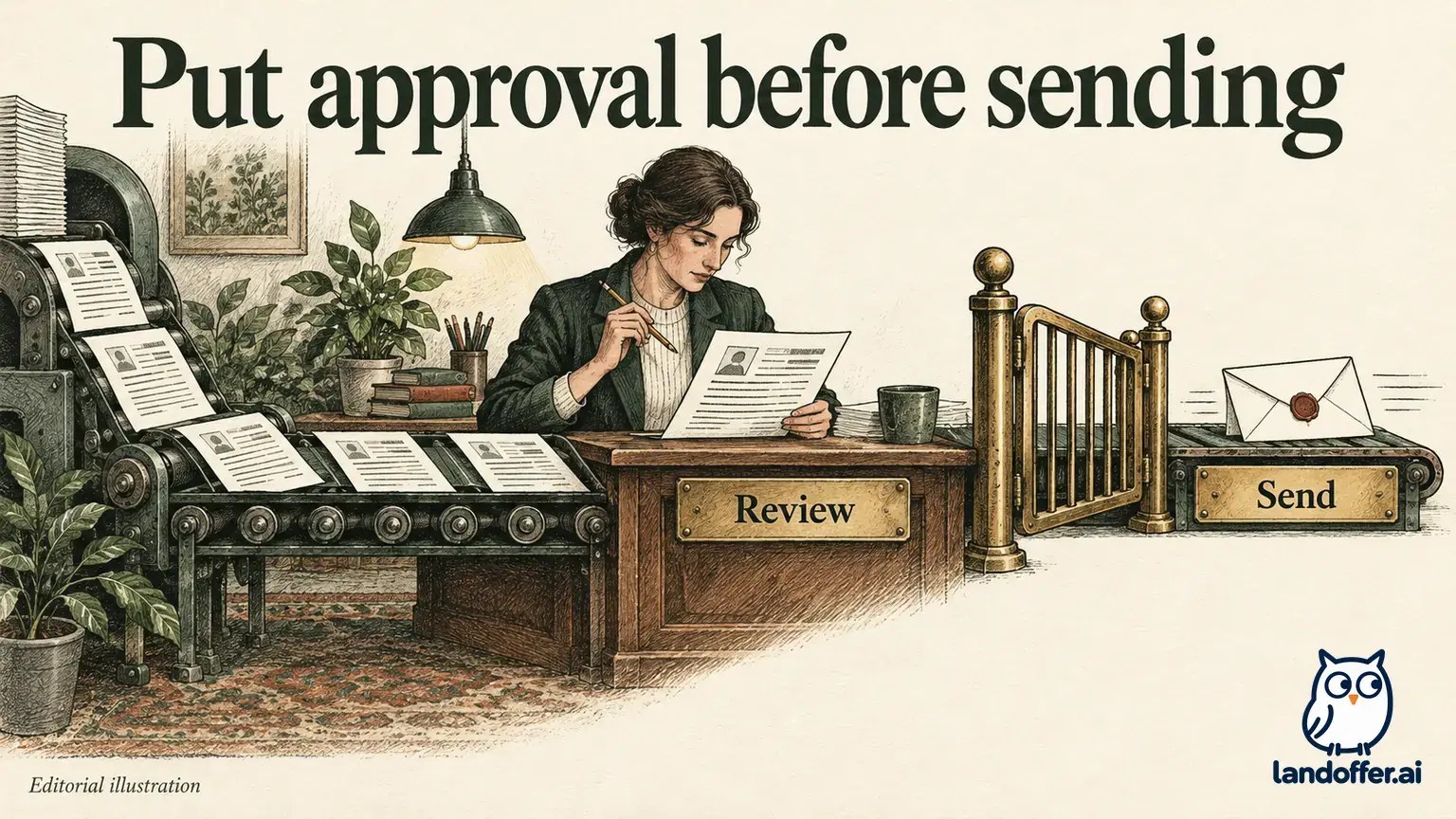
Before sending a Word resume, preserve the original and work on a separate delivery copy. Review its wording changes, delete unintended comments and inspect it for hidden information. Save and reopen that copy, then check its visible layout. Choosing No Markup or turning tracking off does not remove earlier revisions.
This guide checks official Microsoft sources on October 21, 2026. Its executed example uses an original, harmless synthetic DOCX, not a private resume. The file package was inspected and a separate cleaned copy was rendered locally; Word's graphical Document Inspector was not run. The release-review scenario is fictional and its handoff note remains unsent. LandOffer publishes this guide and offers job-search tools; browse recent roles while keeping each application document accurate and reviewable.
Preserve the original before making irreversible choices
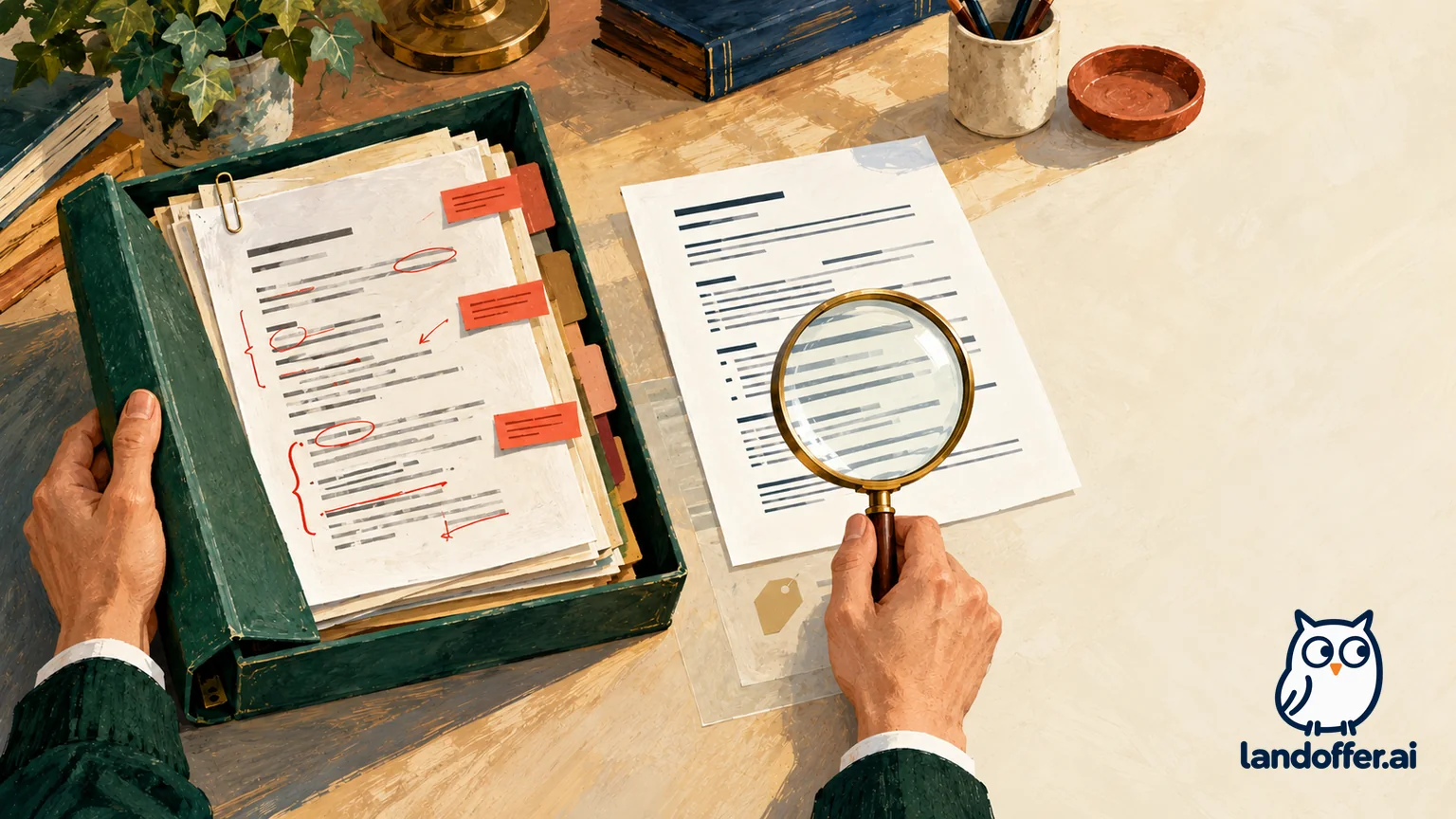
Make a separate delivery copy before accepting changes or removing information. Microsoft specifically recommends using Document Inspector on a copy, because removed material may not be recoverable. Keep the original available for your own reference without confusing it with the attachment you intend to send.
Review content decisions before treating cleanup as a mechanical task. A deletion may remove a genuine achievement; an insertion may introduce an incorrect date or unsupported number. Decide which wording is accurate, then accept or reject the relevant changes. Do not accept every proposed edit simply to make the markup disappear.
Keep the working file separate from the copy you will attach. Open the copy you will actually attach, not a preview of an older document. After cleanup, save it, close it and reopen the same file. If you edit it again, repeat the affected checks. The point is to verify the outgoing content, rather than to maintain an elaborate naming scheme.
Removing a comment may also remove a reminder you still need. Resolve the issue or preserve an appropriate private note before deleting the comment from the delivery copy. Keep the delivery copy pending while a reviewer's factual question remains unanswered, even if its page layout is finished.
Resolve revisions and comments rather than hiding them
Microsoft's tracked-change guidance says changes must be accepted or rejected to remove them. No Markup temporarily changes the display. Review each change in context, or use an all-changes action only after you have established that every included decision is correct.
The separate accept-tracked-changes guide explains that earlier revision marks can remain even when tracking is off. It also identifies deletion through the comment's actions menu for modern comments. Treat stopping future tracking, deciding existing edits and deleting comments as separate tasks.
Look beyond the first visible page. Check the whole document for unresolved edits and comments, including material you may have filtered out of the current view. Then reread the resulting sentences without revision marks. An accepted replacement can change grammar, punctuation or the meaning of an achievement even when the document remains visually tidy.
Do not remove information the recipient actually requested without deciding how to handle that requirement. For example, a deliberate reviewer collaboration is different from an ordinary application attachment. This guide addresses a final resume intended to be read without your editing discussion; it does not assume every shared Word document should lose its revision history.
Choose a supported inspection route before claiming cleanup is complete
Microsoft's platform-specific inspection page documents the desktop File → Info → Check for Issues → Inspect Document route. Choose the categories to inspect, review the findings and reinspect after any intended removals.
The same page states that Word for Mac has no Document Inspector; it describes manual property review through File → Properties instead. It also says viewing or changing document properties is not currently available in Word for the web and points users to the desktop app. Do not promise that a browser or Mac ribbon contains the Windows inspection workflow.
The broader Inspector guide lists comments and revisions, properties, headers and footers, hidden text and custom XML among Word inspection categories. It also documents limits: hidden-font checks do not detect white text on white backgrounds, and invisible-object checks do not detect objects covered by other objects. A successful automated check therefore needs a separate visible-content review.
Choose removals thoughtfully. A header may contain the name and contact information that belong on your resume. The goal is to remove unintended material, not to erase every category indiscriminately. If the application or document type prevents a check you need, record that limitation and use an appropriate supported review route before sending.
Worked synthetic DOCX: a preserved original and a checked cleanup copy
This article created an original one-page document titled “Synthetic resume inspection fixture.” Its visible text names a fictional candidate and explicitly says it is teaching content, not an employment record. No personal resume, account or cloud document was opened.
The original package deliberately included one comment, one tracked insertion, one tracked deletion and one hidden-text run. It also contained fictional creator and last-editor values, one custom property and three package entries under the custom XML directory. Those entries are package components, not three independent customer records. There were no external relationships or digital-signature parts in this fixture.
The wording decision was explicit: retain “Built a local synthetic example.” and discard “Old draft wording.” The separate-copy transformation accepted that insertion, removed the deletion, deleted the seeded comment and references, removed the hidden run, cleared the two named author properties, and removed the custom-property and custom-XML components with their associated references.
These are actual package-level observations:
| Named check | Original synthetic file | Separate cleaned copy |
|---|---|---|
| Comment part | Present | Absent |
| Tracked insertion and deletion | One of each | Neither remains |
| Hidden-text run | One | Zero |
| Creator and last-editor properties | Fictional reviewer/editor values | Both cleared |
| Custom property | One | Absent |
| Custom XML package entries | Three | Zero |
| External relationships and signature parts | None found | None found |
| Intended replacement sentence | Inside tracked insertion | Retained as ordinary text |
The saved package-check script passed six local assertions, including checks for the selected final text and the original file's unchanged SHA-256 hash. The cleaned file also reopened successfully through the bundled python-docx library. That verifies this small fixture and its named constructs; the script is not a general-purpose sanitizer for arbitrary resumes or every Word feature.
Both final files were rendered through the bundled DOCX renderer using LibreOffice, producing one page each. The original showed its revision markup; the cleaned copy showed the intended final sentence without that markup. Both page images were inspected. An inherited decorative title rule discovered during the first render was removed before the final render; initial artifacts were retained as diagnostic history.
The hidden note was not visible in the page render even before cleanup. Its absence from a screenshot would therefore have been insufficient evidence that it had been removed. The package check established that the named hidden run was gone. Comments and properties likewise require appropriate content checks beyond an attractive page image.
This exercise did not operate Word's interface, run Document Inspector, validate a digital signature or inspect a real recruiter's attachment. Its cleaned copy is a synthetic teaching artifact. The result demonstrates why content checks and rendering answer different questions, without claiming that all possible hidden data has been eliminated.

Worked release review: a tidy page can still be held
Fictional candidate Maren has a separate outgoing resume copy. The following scenario is stipulated, not an observation of a private document. She has reviewed the proposed experience wording, accepted or rejected the edits, deleted the comments and visually checked the saved document. Her template, however, also contains features she has not finished reviewing.
Her completed release ledger records decisions rather than treating “looks clean” as a universal pass:
| Review item in the fictional scenario | Evidence available | Decision before sending |
|---|---|---|
| Final wording and visible page layout | Reviewed after saving | Retain the copy for remaining checks |
| Comments and tracked changes | Reported removed in the scenario | Recheck if any further editing occurs |
| Custom XML | Reported present; purpose and effect of removal unresolved | Hold; determine what it contains and whether removal changes needed content |
| Digital signature | Signature status not checked | Hold; establish whether one exists and what the intended edit affects |
| Linked or embedded content | Source and included information not reviewed | Hold; inspect the relevant content and destination before release |
| White-on-white text or covered objects | No separate manual review recorded | Hold; do not infer absence from an automated result |
| Final outgoing attachment | Not yet selected or sent | Keep transmission pending |
Maren's decision is to hold the file. The unresolved items do not prove that a disclosure exists; they mean she lacks the evidence needed for the intended release. She does not erase unknown components at random, assert that a signature remains valid, or treat a link as checked because its displayed label looks familiar.
Her complete unsent handoff note reads:
I have finished the wording review and saved a separate resume copy. Comments and revision decisions are recorded as completed in my review notes, and I have checked the visible layout. I am holding the outgoing attachment while I review the remaining custom XML, signature status and linked or embedded content. I will also check for visually concealed material that an automatic inspection may miss. No file has been sent. After those questions are resolved, I will reopen and check the exact attachment again before release.
The note identifies completed work and unfinished decisions without pretending that a tool has certified the document. In your own review, replace the fictional statuses with actual findings. If your document contains no such feature and you have checked that fact, record absence; if you have not checked it, preserve the unknown.
Recheck the final file after the final edit
Once cleanup is complete, reread the resume for accurate employment dates, titles, achievements and contact details. Inspect the saved layout for broken bullets, missing characters, shifted lines and unintended blank pages. Removal of editing material can change spacing even when the words you wanted remain.
Keep the intended delivery format in view. If an employer requests DOCX, inspect that DOCX. If you additionally create a PDF, review the exported PDF separately; a screenshot or PDF view does not prove what remains inside the Word package. Do not assume a format change repairs unresolved content decisions.
Avoid uploading a private resume to an unfamiliar checker simply because the service promises to find hidden data. Use a review route appropriate to the document's sensitivity and your available tools. A local check should still describe its scope honestly instead of claiming compatibility with every object, add-in or protection feature.
Select the actual final file only after its review is complete. The preserved working original is useful for recovery and comparison, but it is not automatically the file you want a recruiter to receive. If a last-minute edit changes wording or document features, repeat the checks that edit could affect before attaching it.
As you compare recent roles on LandOffer, keep the outgoing resume focused on supported qualifications. Preserve your original, finish the revision decisions and reopen and verify the actual outgoing copy's contents and appearance after its final edit.