LandOffer
Job search
Before Paying for Interview Prep, Check Your University and Alumni Access
Check the specific campus resource, eligible status, activation route and end condition before buying interview preparation you may already have.
Before paying for interview prep, check the resources attached to your university, department and alumni status. A campus license may already cover lessons, recorded practice or peer preparation. The useful check is specific: whether your current status qualifies, which tool and features are included, how to activate them and when access ends. A working school email can help with activation, but the named institution and resource determine eligibility.
This guide reviews public institutional instructions checked October 20, 2026. We inspected pages from Penn, USC, Georgetown and UC Santa Cruz, including native browser checks; we did not log into a campus account, retrieve an organizational code or activate a benefit. The worked cases are fictional. Start with the requirements of a real position from recent roles on LandOffer.ai, then identify the preparation you need before comparing purchases.

Find the benefit through the institution that sponsors it
Search the career center's resource directory, your school or program's career page, the alumni office and any authenticated resource library the institution names. A department may sponsor a tool that the central career center does not list prominently. An alumni page may also offer a different route from the student sign-in page.
Use the official institutional page as the starting point. A vendor's university-partner page can establish that an academic offering exists, but a logo does not show that every student, postdoc, employee or graduate receives the same license. Aced's university page describes courses, practice and institutional analytics; the actual eligibility and sponsored package still need confirmation through your institution.
Separate a full sponsored account from a student discount or public free tier. They can lead to the same product while creating different access and billing arrangements. If your campus page supplies a special route, use its current instructions instead of assuming that registering at a retail checkout will recognize your affiliation automatically.
Write down the resource name and the office that sponsors it so an access question reaches the right team. Exponent may now appear as Aced, while older campus links still use the previous domain. A name change is a reason to check the current route, not proof that a benefit ended. Conversely, a page remaining online does not prove that a particular account still has an active license.
Four current examples show why eligibility needs a careful read
Penn's Aced resource page explicitly limits its sponsored resource to current students and postdocs. It describes technical-interview preparation across areas such as software engineering, data science and product management, with a campus-linked account route. An alumnus should not treat the university's broader career support as evidence of continued access to this particular subscription.
USC's Big Interview page distinguishes students from graduates. Students use USC single sign-on; graduates obtain an organizational code from the Alumni Handshake resource library before creating a profile. The public page also describes learning, question practice and AI feedback. We verified the instructions, without opening the restricted code or establishing an individual graduate's entitlement.
Georgetown's Graduate Career Center states that Grad Hoyas retain access to partnership platforms for one year after graduation, naming Big Interview, Resume Worded and Interstride. That is a time-limited digital-tool benefit on a graduate-career page. It does not establish the same terms for every Georgetown program or every other alumni service.
UC Santa Cruz's alumni page makes a different distinction. Big Interview curricula and interview preparation appear among resources for all alumni, while one-to-one career coaching is listed as an additional resource for recent alumni within two years of graduation. Its account instructions separately require a UCSC email address for initial Big Interview activation and explain the university email's one-year retention arrangement.
These examples should change the questions you ask. A time window for coaching is not necessarily the time window for digital tools. An email-retention period is not necessarily a license-expiration date. Read each service under its own heading. That prevents a coaching deadline or email policy from incorrectly excluding an alumni digital resource.
Worked entitlement check: three similar-looking access problems
The following completed checks apply the published rules to fictional cases. They determine what the public evidence supports; none represents a successful login or a response from a campus office.
| Case | Relevant evidence | Completed assessment | Appropriate next action |
|---|---|---|---|
| Lian is a current Penn postdoc seeking technical-interview lessons | Penn names current postdocs as eligible for its Aced resource | Status matches the published eligible group; account activation remains unverified | Follow Penn's official resource route and confirm the needed course opens |
| Rina completed a Georgetown graduate program fourteen months ago | Graduate Career Center lists partnership-platform access for one year after graduation | Outside that page's stated window; an old working email does not extend it | Ask about any separate alumni option before relying on the old license |
| Arun is a UCSC alumnus four years after graduation and cannot receive a first-time activation email | UCSC lists Big Interview for all alumni but separately requires university email to activate | This may be a credential or activation problem, not evidence that the digital benefit expired | Use the university's email or career-support instructions; do not assume a new retail subscription is required |
The important outcome is different in each row. Lian has an eligibility match but still needs to verify the actual resource. Rina has a published time boundary that the scenario exceeds. Arun has an activation dependency and should investigate it separately from alumni eligibility.
Arun also falls outside UCSC's stated two-year recent-alumni coaching group. That does not contradict the digital-resource listing for all alumni. The completed assessment therefore preserves two conclusions at once: the page supports investigating Big Interview activation, while it does not support claiming the recent-alumni coaching entitlement.
This prevents two opposite mistakes: buying a duplicate product because a sign-in fails, and assuming continued access because a familiar account or email still works. The public page establishes a route and stated boundary. A successful login can then show account access, while the feature itself and sponsoring office resolve package or eligibility questions that remain.
Verify included features before treating a campus account as a replacement
Once you enter through the authorized route, inspect the feature you need rather than stopping at a successful dashboard login. For interview prep, that might be a specific course, recorded-answer practice, a coding environment, peer matching or an appointment with a career adviser. Open the relevant lesson, practice mode or appointment description. A recognizable product logo on the dashboard does not demonstrate access to every paid feature.
Distinguish feedback types. A recorded response with automated delivery feedback does not establish a human technical interviewer who will challenge your system-design assumptions. A campus career-coaching appointment may help structure a behavioral answer without providing the specialized evaluation you want for a senior infrastructure round. Confirm the actual appointment scope instead of assuming either capability is included or absent.
For a sponsored course, check the relevant track and any usage boundary shown in the account. For appointments, check your eligible period, booking route and available session type. We did not establish universal session counts, AI allowances or paid-coaching inclusion across the institutions reviewed here.
Also identify the end condition. It might be graduation, a fixed post-graduation period, a department's sponsorship period or a change in your status. Put the verified date or condition beside the resource name. Do not turn an undated vendor marketing page into a promise of permanent access.
Worked purchase decision: pay for the uncovered task
Consider a fictional recent UCSC graduate, Tessa, eighteen months after graduation, preparing for a data-role interview. Her needs are a clear behavioral project story, repeated recorded practice and an expert review of how she explains a SQL solution. The public alumni page supports investigating Big Interview access and the recent-alumni career-coaching route for her status.
For this teaching case, assume Tessa follows the correct route and confirms that the interview curriculum and recorded practice she needs are available. Assume a campus appointment is also available for career coaching, without a confirmed SQL-specialist evaluation. These are explicit scenario inputs, not campus-account observations made for this article.
| Preparation need | Confirmed within the fictional case | Incremental purchase decision |
|---|---|---|
| General interview structure and behavioral practice | Relevant campus curriculum opens | Skip a second general-prep membership bought for the same lessons |
| Repeated recorded answers | Required campus practice feature is available | Use it before buying another recording tool |
| Feedback on project-story structure | Eligible campus career appointment is available for that scope | Use the appointment with a specific story brief |
| Expert evaluation of SQL explanation and trade-offs | Not established in the campus package | Consider a single specialist mock devoted to that remaining task |
The completed recommendation is to reject the duplicate general membership and reserve any paid purchase for the SQL-specific feedback gap. The specialist session brief is concrete: evaluate whether Tessa defines the result grain, explains join assumptions and can defend the query when the interviewer changes one requirement. It does not request another broad interview course.
This recommendation does not assume that campus resources are lower quality or that a paid coach is automatically better. It compares what the candidate already has against the remaining work. If the campus office can supply the same SQL evaluation, the proposed additional session becomes unnecessary too. If access ends before the interview, Tessa must reassess the replacement need rather than relying on the earlier overlap decision.
No price or savings figure is invented here. A retail purchase costs money, but an avoided advertised price is not a measured saving if the candidate would never have bought it. The practical output is a smaller, defined purchase brief, with duplication removed before requesting a quote.
Resolve access questions without losing the preparation target
When instructions are unclear, give the sponsoring office a narrow description: your status, graduation date if relevant, the named tool, the official route you followed and the access problem. Ask whether that resource is available to your group and whether there is a different alumni or departmental route. You do not need to send a password or a private interview recording to explain a basic entitlement question.
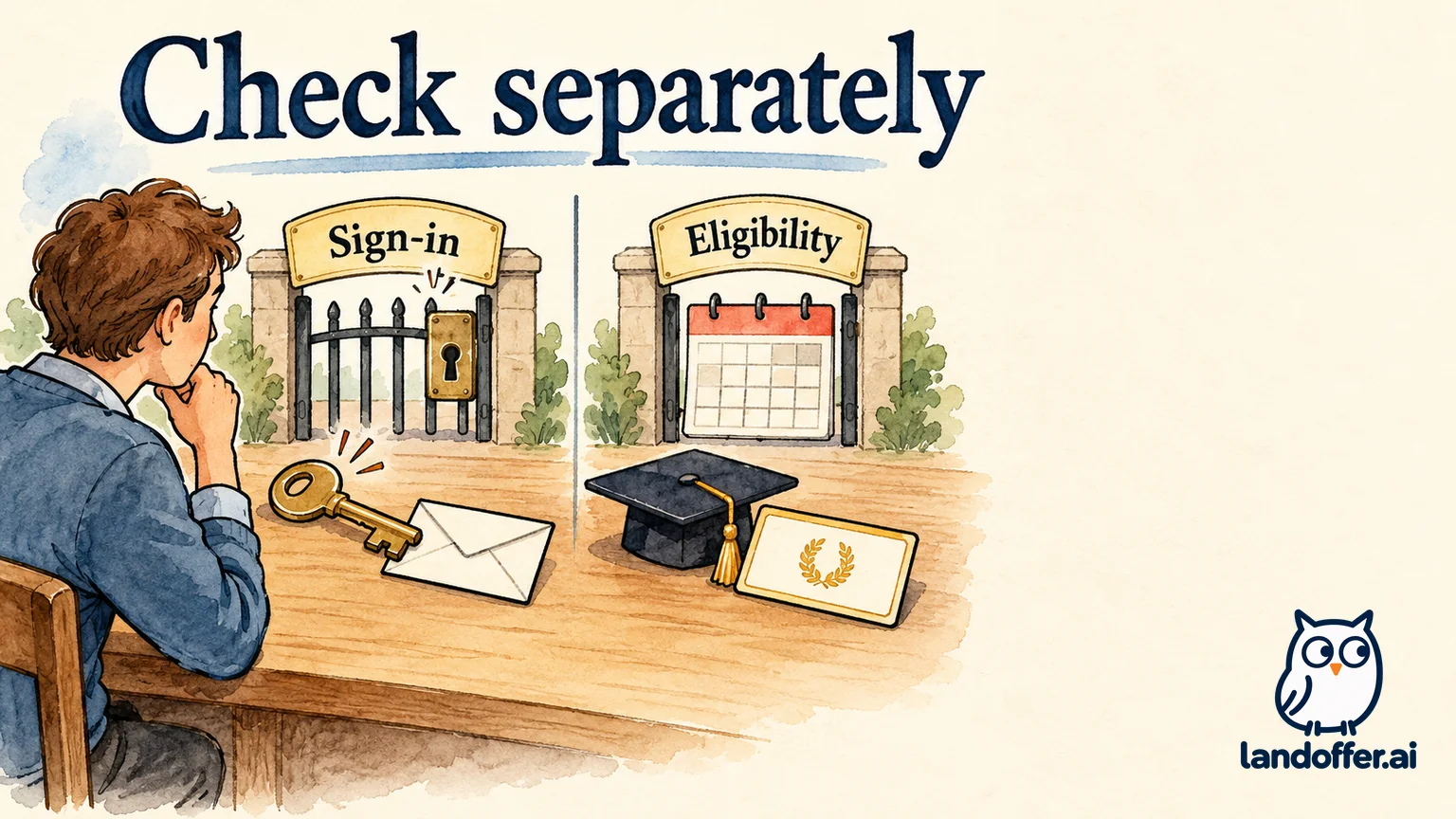
Keep entitlement, credentials and content fit as separate notes. “I qualify but cannot activate” calls for different support from “my eligibility period ended” or “I can log in, but this package lacks the feature.” Those descriptions tell the office whether the question concerns eligibility, sign-in or a missing feature.
If you already pay for a personal plan, check its renewal and cancellation terms before assuming that campus access replaces the next payment. Account linking, access migration and progress transfer are provider-specific; we did not test them. Avoid creating a second paid account merely to experiment with an institutional link.
Funding also does not settle how practice recordings or account activity are handled. Review the tool's privacy settings and the institution's instructions before uploading sensitive work examples. Aced's university offering describes usage analytics for sponsoring teams, but that general description does not establish exactly what a particular institution sees about an individual student.
Use access as a starting point for better practice
The purpose of the check is to find preparation you can actually use. Select one role-relevant exercise, attempt it independently and identify the feedback you still lack. A sponsored course is valuable when it closes a gap; an unused library or a generic membership label does not establish readiness.
LandOffer publishes this guide and offers separate job-search tools. Choose a responsibility from recent roles on LandOffer.ai, map it to an available resource and request one observable correction in your next practice session. The posting helps select a skill; it does not establish the employer's exact interview format. When describing what you learned in applications, distinguish practice from professional results; our software-engineer resume-bullet guide explains how to keep contribution and evidence clear.
Sources and Further Reading
- Penn Aced resource — current-student and postdoc eligibility.
- USC Big Interview — separate student and graduate access routes.
- Georgetown Graduate Career Center alumni tools — one-year post-graduation platform access.
- UC Santa Cruz alumni career resources — digital tools, recent-alumni coaching and account-activation distinctions.
- Aced for universities — institutional offering and analytics description.
Public instructions checked October 20, 2026. Individual account access, available appointments and package entitlements were not tested.