LandOffer
Job search
Testlify Assessment Breaks: Plan Between-Test Pauses Without Losing Timed Work
Plan permitted breaks between tests, leave room before invitation expiry, and distinguish saved progress from an unverified recovery after a timed interruption.
Plan Testlify breaks between completed tests, before starting the next timed test. Closing a browser during an active test does not pause its countdown. A permitted break does not extend invitation access. Plan both the remaining test blocks and the time when the invitation expires.
Before beginning, identify the employer’s deadline, the test sequence and an uninterrupted period for each timed section. Keep the invitation available privately for the supported return route. LandOffer.ai can help organize your wider search while you reserve assessment time around the instructions for this specific application.
This guide reviews official public Testlify help checked October 22, 2026. The timelines and messages below are fictional administrative examples. No assessment, private invitation, account or candidate answers were accessed, and no recovery behavior was tested.

Keep the test timer separate from invitation expiry
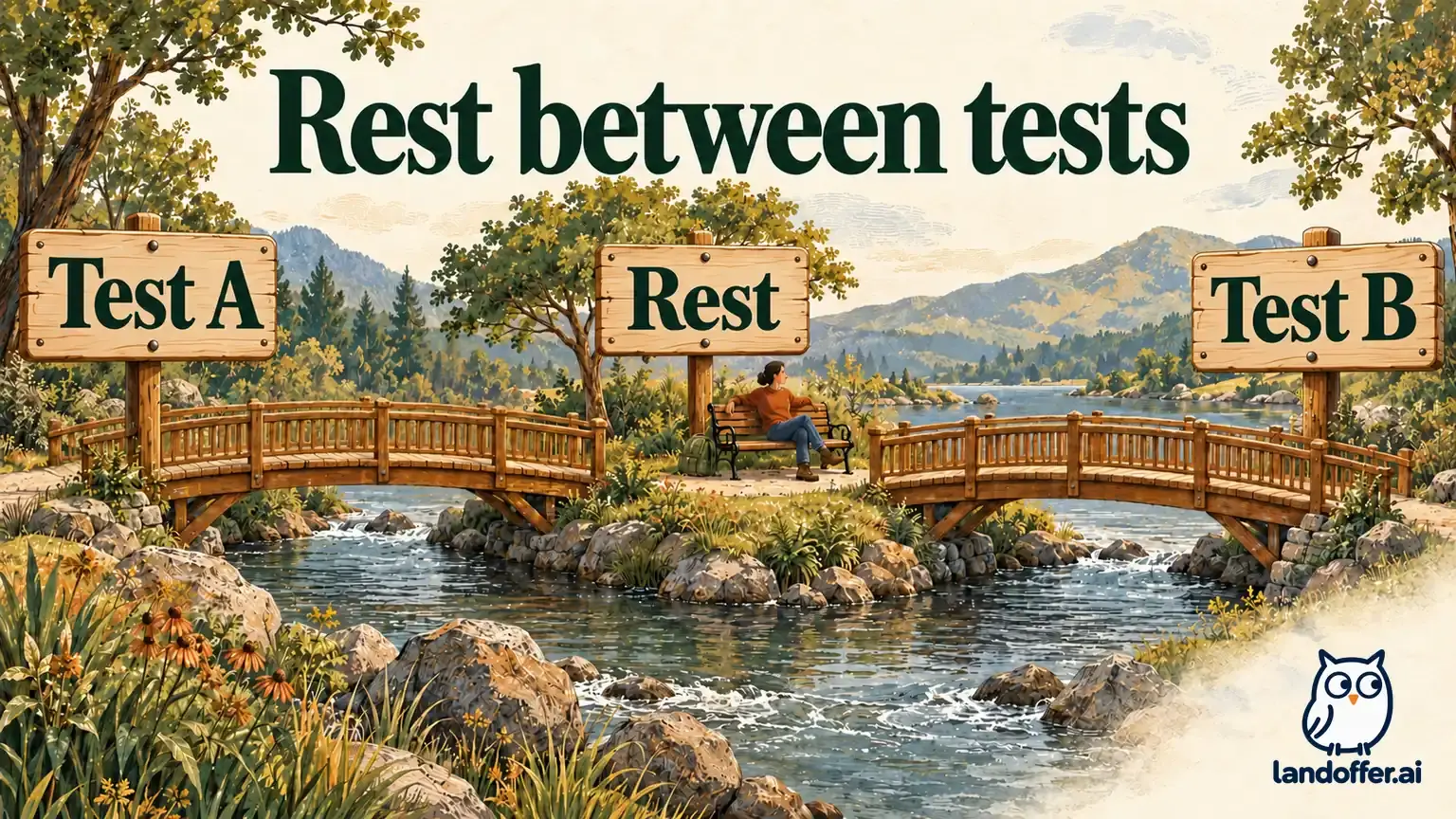
Testlify’s break guide, updated July 11, 2026, permits breaks only between tests. It says the timer does not run at that boundary, while an active test keeps counting down if the browser closes. The documented return route is the next-test control or the original invitation or reminder link.
The same guide says an expired assessment cannot be resumed. It notes a narrow exception: a candidate already in a test when the deadline arrives can finish that active test. That is not permission to leave other tests unfinished and return after expiry.
The employer-facing invitation-expiry guide, updated July 13, 2026, explains that validity can be a number of days from invitation or a specific date and time. Expiry is enforced automatically; attempts may also be limited. Check access and attempt permission separately; reopening an available link does not establish that another attempt is allowed.
Record the stated deadline and time zone so a planned return does not accidentally fall after invitation expiry. If the invitation gives a date without enough timing information for your plan, seek clarification before relying on a last-minute return. Do not invent a local-midnight interpretation or treat an automated reminder as an extension.
Find a real between-test boundary
A quiet screen, a slow question or an inactive-looking tab is not evidence that a break has started. Identify the point where the current test is complete and the next test has not begun, following the displayed instructions. Do not deliberately close an active test to see whether it pauses.
Testlify’s complete candidate guide says the welcome screen shows test count, question types and an estimated completion time. It also describes section time limits and completing a started section in one sitting. Use that information to plan uninterrupted blocks rather than treating an overall estimate as a single flexible clock.
Before taking a break, distinguish three facts: the section you finished, whether a new section has started, and the time still available before invitation expiry. If the visible state is unclear, avoid assuming that a countdown has stopped merely because you are no longer interacting with it.
You may want water, a short stretch or a few minutes away from the screen. Schedule that pause at an allowed boundary. If you know you must leave at a particular time, do not start another test unless its full required block fits. A planned interruption is easier to handle before a timer starts than after it is running.
Worked example: a complete multi-test schedule
Fictional planning case: Delphine Ward has an invented assessment for a software quality role at Juniper Vale Systems. The invitation deadline is October 27, 2026 at 11:00 a.m. Pacific. The following durations are assumptions supplied for this example, not Testlify defaults or a prediction of any employer’s assessment.
| Time, Pacific | Completed planning entry |
|---|---|
| 8:55–9:10 | Reserve 15 minutes for the required entry and setup steps before any timed test |
| 9:10–9:24 | Test A: reserve its full assumed 14-minute block |
| 9:24–9:32 | Eight-minute break only after A ends and before B starts |
| 9:32–9:50 | Test B: reserve its full assumed 18-minute block |
| 9:50–10:00 | Ten-minute break only after B ends and before C starts |
| 10:00–10:22 | Test C: reserve its full assumed 22-minute block |
| 10:22–10:30 | Reserve eight minutes for remaining instructions and completion confirmation |
| 10:30–11:00 | Leave a 30-minute margin before invitation expiry; this is planning slack, not extra test time |
The three test blocks total 54 minutes. The two breaks add 18 minutes, so the test-and-break sequence spans 72 minutes. Setup and closeout bring the reserved session to 95 minutes, from 8:55 to 10:30. A “54-minute assessment” shorthand would miss the pauses and administrative work Delphine has chosen to reserve.
Her completed plan note reads: “Finish each started test without a planned interruption. Take breaks only at the permitted transition. Return through the current assessment route. Aim to see completion confirmation by 10:30, leaving the 11:00 expiry margin intact.”
Now move the first test to 10:15 while keeping those durations and breaks. A ends at 10:29; B begins at 10:37 and ends at 10:55. The second break would put C’s start at 11:05, after expiry. That plan fails even though no individual test has been assigned more than its stated duration.
The correction is to arrange enough earlier uninterrupted time or ask about the deadline before starting. It is not to assume that being “in progress” before 11:00 preserves access to every remaining test. An employer-approved change would need its own confirmation; a request for more time is not the change itself.
A disconnection is not a scheduled break
The candidate FAQ, updated July 17, 2026, says completed questions remain saved during connectivity loss, but the timer continues. Its accidental-closure guidance says to reopen the emailed link only while the test duration remains available; it does not promise recovery after that timer expires. Invitation expiry remains a separate limit.
Keep that saved-progress statement narrow. Completed questions and text you were still typing are different states. If you did not observe a save or submission confirmation for the current response, record that uncertainty instead of saying everything was saved or everything was lost.
A return through the same invitation is also different from starting again. Do not create a second identity, repeatedly begin a new attempt or assume a fresh link resets time. The employer’s attempt and access settings determine what is available; technical interruption does not establish authorization for a retake.
If the countdown expired while you were disconnected, report the sequence accurately. Do not relabel the outage as an allowed break or claim that time must be restored. Report the incident time, last visible countdown, completed section and any missing confirmation; leave recovery or reassessment permission to the administrator.
Worked example: an incident record with explicit unknowns
Fictional incident case: Sylvan Reed is taking an invented assessment for an application support role at Copper Meadow Software. No real test was opened. The record models a network interruption and contains no questions, response text, invitation token or personal contact information.
| Field | Completed incident record |
|---|---|
| Active test | Test B; assumed 20-minute duration, started at 12:40 p.m. Pacific on October 28 |
| Invitation expiry | 1:30 p.m. Pacific that day, distinct from the active test’s assumed 1:00 end |
| Last known state | At 12:45, the displayed test timer showed 15 minutes remaining |
| Reported interruption | Browser indicated loss of connectivity at 12:45; connection returned at 12:49 |
| Completed work | Earlier questions had been completed; no claim about their quality or score |
| Current response | Text had been entered, but no save or submission confirmation had been observed |
| Return attempt | No return action has been taken in this fictional record; actual available state remains unknown |
| Arithmetic only | Four elapsed minutes would leave roughly 11 minutes of the original active block, assuming uninterrupted countdown; this is not a verified recovered timer |
| Administrative next step | Use the supported current-invitation route if still available; ask the administrator about recorded status if access or completion is unclear |
Sylvan prepares this full UNSENT message to the assessment administrator:
Subject: Test B interruption — request to confirm recorded status
Hello Assessment Team,
During the Application Support assessment, I saw 15 minutes remaining in Test B at 12:45 p.m. Pacific on October 28. My connection then dropped and returned at 12:49. I understand that the test timer may have continued during that interval.
Earlier questions had been completed. For the response open at the interruption, I had not seen a save or submission confirmation, so I cannot confirm its recorded state. Could you check the assessment status and advise on the permitted next step if the current invitation does not allow me to continue?
I have not assumed that the deadline or attempt allowance has changed. The invitation lists a 1:30 p.m. Pacific expiry. I can provide browser and device details through your approved support channel without sharing question content.
Thank you, Sylvan
The completed output is an incident explanation that separates observation, arithmetic and uncertainty. It does not assert a completed submission, an extension, a new attempt or a hiring decision. The unresolved fact is what the system recorded. The administrator can then explain which next step the process permits.

Troubleshoot the right stage of the process
Testlify’s launch-failure guide, updated July 11, 2026, covers problems before an assessment launches. It recommends checks such as a single refresh, a current browser and stable connectivity, and asks for the assessment name, error evidence, browser, device and approximate incident time when requesting help.
Do not turn a pre-launch checklist into a claim that restarting a device or clearing browser data pauses an already running test. First identify whether the failure happened before launch, at a between-test transition or during a timed section. That distinction changes both the time risk and what support needs to investigate.
When documenting an error, exclude question content, private answers and full access URLs from public posts. If an approved support channel needs a screenshot, limit it to the relevant error and review what personal information it contains. Do not send an invitation token or authentication code as ordinary troubleshooting text.
Ask the employer or test administrator about expiry, rescheduling and attempt permissions. Describe technical symptoms to the support channel specified for the assessment. Neither a pending support request nor an apparent connection recovery establishes that a deadline has been extended.
End with confirmation, not an assumed finish
After the final test, follow any remaining instructions and look for the displayed completion confirmation. Reaching a planned end time is not evidence that every required section was submitted. Record the observed completion message and its time, keeping question content and answers out of the administrative note.
If a reminder arrives later, separate that email from the recorded completion state rather than immediately starting again. Ask about an unresolved mismatch through the authorized channel. Assessment completion and the employer’s application decision remain different events.
Reserve uninterrupted blocks, leave deadline margin and use each allowed transition deliberately. While waiting for employer follow-up, continue reviewing recent roles on LandOffer.ai instead of treating a break, resume screen or completed test as a promised hiring outcome.
Sources and Further Reading
- Testlify: Taking breaks — updated July 11, 2026; boundaries and return route.
- Testlify: Invitation expiry — updated July 13, 2026; employer access settings.
- Testlify: Candidate FAQ — updated July 17, 2026; connectivity, saved progress and timer limits.
- Testlify: Complete candidate guide — updated July 11, 2026; assessment sequence and confirmation.
- Testlify: Launch-failure troubleshooting — updated July 11, 2026. Public sources checked October 22, 2026.