 LandOffer
Job search
PDF or DOCX Resume? Follow the Application Instructions and Check the Result
Employer file requirements decide first; export and field checks decide next.
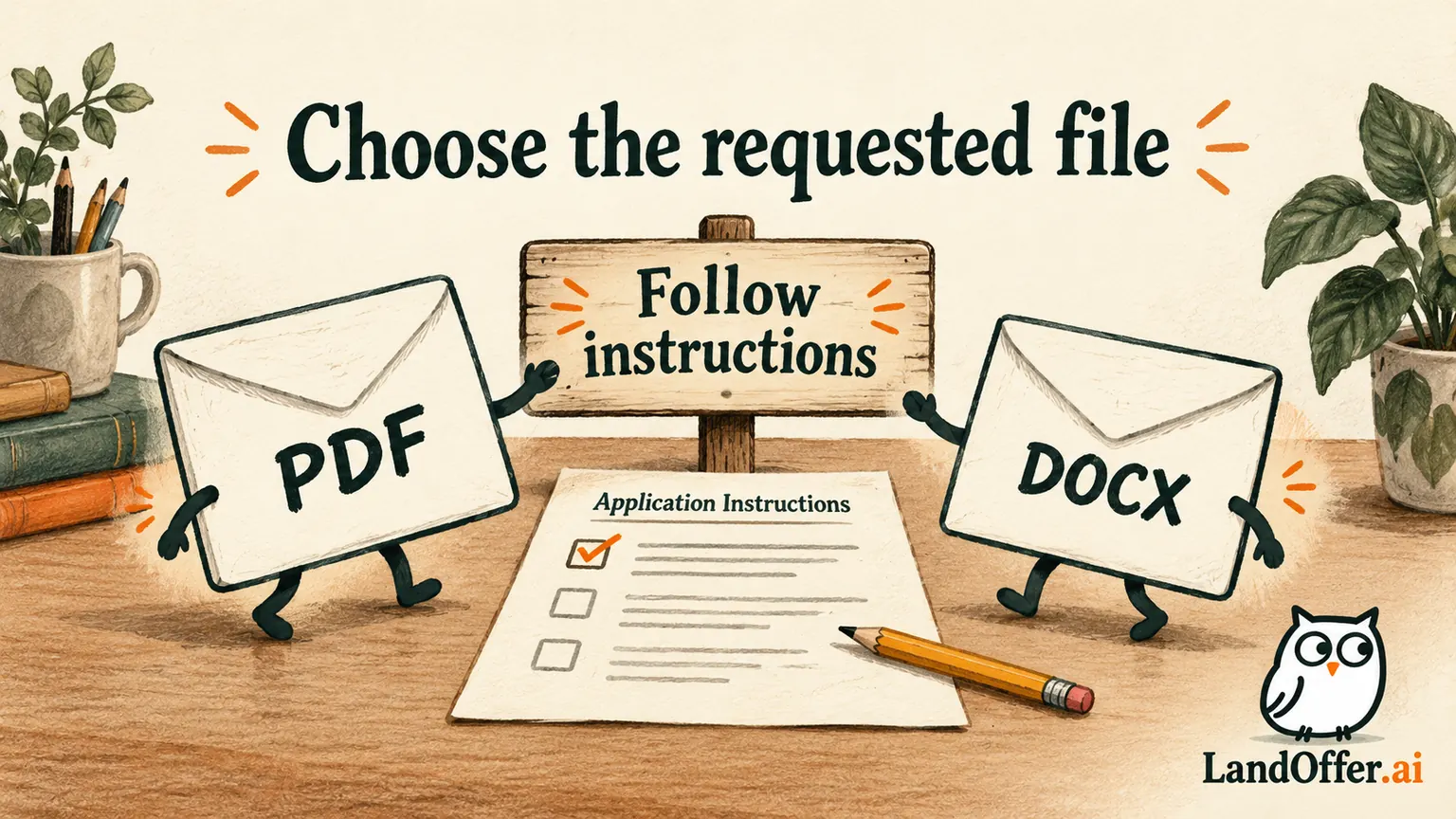
Follow the application's requested resume format first. If it accepts both PDF and DOCX, choose a clean export you have checked, then review any information the application reads from it. There is no permanent best format for every employer, parser or document. A file can open successfully and still contain misplaced dates, missing text or the wrong resume version.
Choose a role from LandOffer's recent jobs and inspect its actual attachment instructions before exporting. LandOffer publishes this guide. Official guidance was reviewed October 8, 2026. Owen Park, the sample applications and the repair below are fictional teaching cases. They are not employer uploads or measured ATS comparisons.
Distinguish four separate checks
The first question is file acceptance: does the form allow the extension and size? A file picker might restrict what can be selected, or the page might state a requirement that is narrower than the picker. Follow the written requirement. Being able to select a file does not establish that it is the requested attachment.
The second is appearance: do headings, bullets, spacing and page breaks remain readable after export? PDF is commonly used to preserve a document's appearance across devices. Microsoft's export guidance describes that purpose and gives export instructions. It does not establish acceptance by every recruiting system.
The third is text reading: can the intended text be selected and extracted, and in a sensible order? An image of a resume and a text document are different inputs even when they look similar. A readable screen preview alone cannot show whether a parser receives all the words and relationships.
The fourth is field association: if the application imports details, are the employer, title, dates, education and contact fields connected correctly? All words might be present while a date belongs to the wrong experience. Review visible populated fields against the resume. Acceptance, appearance, extraction and association answer different questions.
Read the instructions before choosing an export
Look for the required extension, maximum size, password or encryption restrictions, naming instructions and whether a separate cover letter is requested. Do not infer a universal rule from another employer's application. If the form explicitly requests DOCX, a polished PDF is not a substitute merely because you prefer its layout.
If the instructions are ambiguous, inspect the application's own help route or ask through the specified contact when the question matters. Save the requirement with the role record so you can choose the correct export when you return. Keep the employer's request distinct from general resume advice.
Do not confuse a file-upload limit with a parsing limit. Greenhouse's employer-side parsing guide says it cannot parse resumes above 2.5 MB. That specific documented limit concerns parsing in the described workflow. It is not a universal maximum attachment size for every employer or every application route. The source describes Greenhouse Recruiting's employer-side import, so keep that context beside the limit.
A company's form may accept several attachments and assign them different purposes. Check that the resume goes into the resume field. A cover letter or portfolio export selected under the wrong label can satisfy an upload control while leaving the requested document absent.
Compare three completed format decisions
Owen maintains a simple working resume about application billing services. He has a current editable source and exports only after choosing the version for a role. The following application rules are invented inputs for teaching.
| Fictional application instruction | Owen's completed choice | Checks before proceeding | Reason |
|---|---|---|---|
| Harbor Desk requests DOCX, maximum 5 MB | Current role-specific DOCX | Reopen it; check page breaks, comments and filename | Explicit format requirement controls |
| Stonebridge accepts PDF or DOCX, maximum 3 MB | Text-based PDF exported from the current source | Inspect all pages, select text and review imported fields if shown | Preserves the checked presentation while retaining readable text |
| Fern Systems requests PDF, maximum 1 MB | Simplified text-based PDF with unnecessary imagery removed | Check size, every page and all required text | Required format and size both matter |
Owen does not claim that the Stonebridge choice will parse better than DOCX. He chooses an export he can inspect. For Fern, he removes a decorative image instead of turning the whole resume into a compressed screenshot. The output remains a document containing the intended text.
These choices resolve three different requirements. They also show why changing the extension manually is not a conversion. Renaming a PDF to end in .docx does not create a Word document. Use the source application's actual export or save operation and reopen the resulting file.
Export from one source of truth
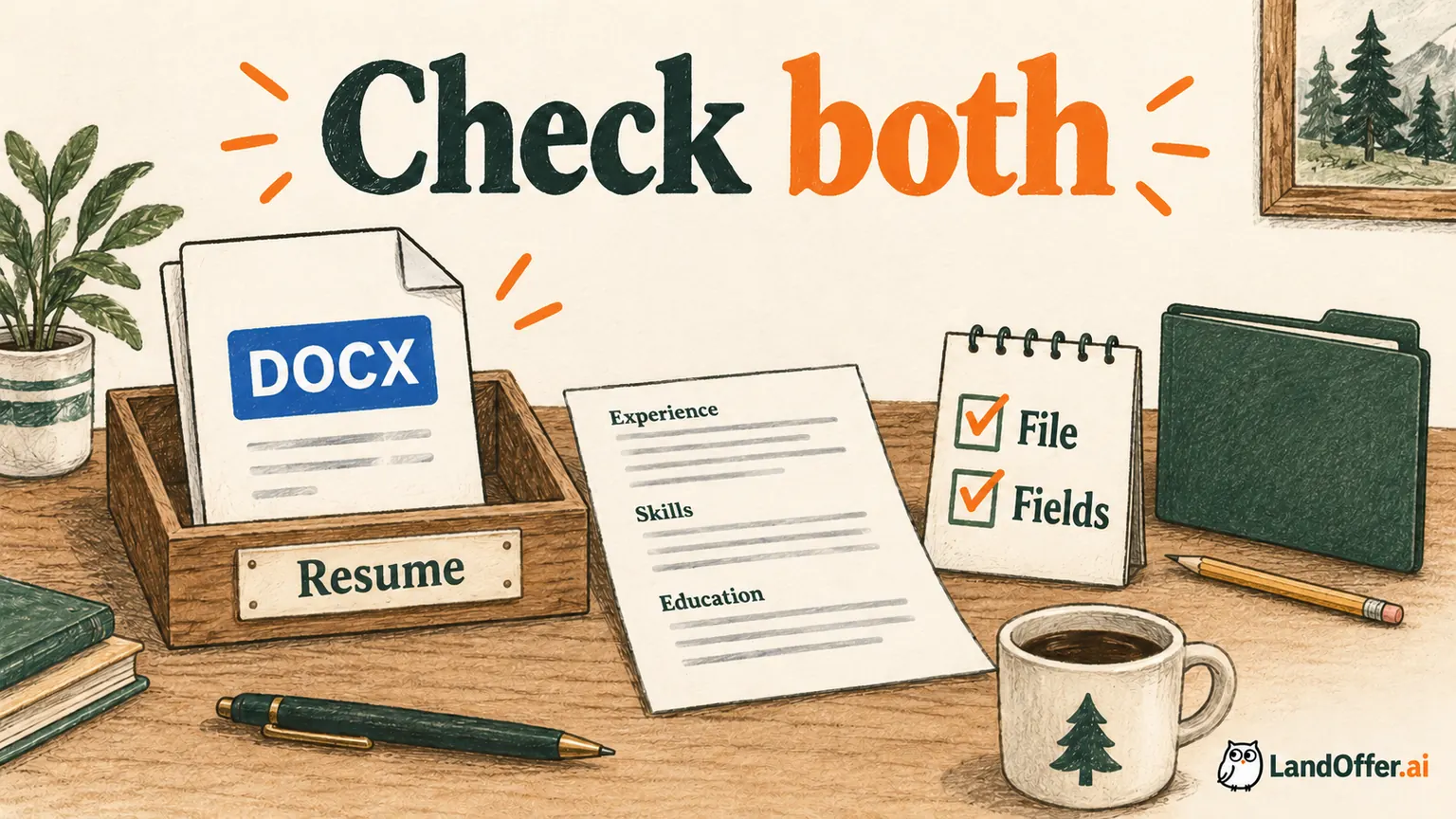
Keep one editable source for the selected resume version, then create the requested export from it. Editing an old PDF while also changing a separate DOCX can produce two documents with different facts. Check the content even when the filename says “final.”
Use a filename that helps you distinguish the person, role or purpose and version without disclosing private notes. Owen's working choices are Owen-Park-Backend-2026-10-08.docx and the corresponding PDF when needed. The date identifies an export version; it does not alter his employment dates or imply employer review.
Reopen the exact file from its saved location. Check contact details, links, titles, employment dates and the final page. A correct preview inside the editor does not prove the chosen export preserved the layout. Harvard's resume guidance specifically recommends checking that formatting translates when converted to PDF.
For editable files, inspect comments, tracked changes and hidden review notes before sharing. For PDFs, inspect visible pages and document information when relevant. Use the application's controls rather than assuming that saving under a new name removes every artifact. The amount of inspection should match the document you actually created.
Check readable text without overclaiming the result
Try selecting a sentence in the exported PDF and copying it into a plain-text editor. Inspect the text, not only whether copying was possible. Does the sentence remain intact? Do headings and dates appear in a useful order? Do unusual glyphs become missing or substituted characters?
You can also use a local extraction tool for a more repeatable check. Save the exact file and extraction output. This can reveal missing text or reading-order problems in that tool. It does not reproduce every employer's parser, ranking logic or configured screening criteria.
Greenhouse documents several formatting patterns that can produce partial or failed parsing, including columns, tables and contact information in headers or text boxes. That supports simplifying risky structures and checking the actual result. It does not establish that every DOCX succeeds or every PDF fails, nor that a third-party resume score measures extraction correctly.
If the document consists of a scanned image, recreating a clean text source may be more useful than switching extensions. If ordinary words become separated letters, inspect character spacing and the export settings. The repair should address the observed defect rather than rely on a format slogan.
Review the application's visible interpretation
After selecting the file in a real application you intend to complete, inspect the filename and any preview. If the form populates employment or education fields, compare them with the exact exported resume. Check whether a missing or incorrect value can be corrected through the available controls.
Do not assume the application stores every edit in the same place. A visible employment field and the attached document can contain different values. Correct the field where appropriate and keep the attachment accurate. Changing one should not become a reason to leave a known error in the other.
If a parser skips information, that alone does not establish rejection. Greenhouse's guide describes a workflow where a resume can remain attached and details can be entered manually after an unsuccessful parse. That is official behavior for the described employer workflow, not a promise about your application's specific interface.
Use the support route when the required field cannot be corrected or the file remains unreadable. Preserve the actual message and relevant role reference. Avoid repeatedly submitting an application to experiment with formats. An unsent form review and a real submitted application carry different consequences.
Repair a wrong-file selection before submission
In this fictional example, Harbor Desk requires DOCX. Owen initially selects Owen-Park-General-2026-09-20.pdf from a recent-files list. The attachment appears in the form, but it is the wrong format and an older general version. The upload control accepting it does not resolve either mistake.
He removes the attachment and opens Owen-Park-Backend-2026-10-08.docx from the intended folder. He confirms that the billing-service experience and current contact details are present. He selects that file in the resume field and checks the displayed filename again before continuing. He expects Owen-Park-Backend-2026-10-08.docx, not the older General PDF.
The fictional form has imported the older job dates into an experience field. Owen compares the field with the current source and corrects it through the form's controls. He then returns to the attachment area to confirm the DOCX is still selected. The completed repair covers both document identity and the visible interpretation.
No submission or employer result is claimed. The useful output is a current requested-format attachment with checked fields. If Owen cannot confirm the new file replaced the old one, he pauses the submission step and resolves that uncertainty. Seeing an upload icon can feel reassuring, but Owen still needs the current filename and fields to agree before that reassurance is useful.
A damaged export deserves a different decision from an ordinary format preference. Suppose Owen's DOCX reopens with a heading stranded on a second page. He returns to the editable source, removes an unnecessary blank paragraph and exports again. He does not choose PDF merely to conceal the pagination problem when Harbor Desk requests DOCX. The requested document should itself be readable.
If a PDF exceeds a stated limit, he first inspects what made it large. A decorative photo may be removable; required text is not. If compression damages small text or turns the document into an unreadable image, the smaller byte count is not a successful repair. Owen keeps the original source, creates a simpler export and rechecks its pages and text. The decision follows the observed defect and the employer requirement together.
Keep format decisions proportional
When both formats are accepted and your export looks clear, contains selectable text and produces correct visible fields, you do not need endless conversions. Keep the editable source, save the chosen attachment and proceed with the rest of the application review. Format is one part of accuracy, not a substitute for relevant evidence.
When a concrete problem appears, change one thing and check again. A simpler layout, corrected contact placement or removal of unnecessary imagery can be more informative than simultaneously changing font, columns, file type and wording. Preserve the earlier file if it helps explain what changed.
The document's contents remain your responsibility across formats. Check that an AI-assisted export has not added a title, skill, metric or employment period. A technically readable file can still communicate inaccurate experience. The requested extension never makes an unsupported claim acceptable.
Choose a suitable posting from LandOffer's recent roles, record its attachment instructions and export one current version. Reopen that exact file, then compare any imported fields before submitting. When instructions and observations disagree, resolve the specific conflict instead of treating either PDF or DOCX as a universal answer. Browsing and export review prepare the attachment; submission remains your separate choice after the full application is checked.
Sources and Further Reading
- Greenhouse: Unsuccessful resume parse: employer-side parsing limits, formatting risks and partial-import correction.
- Microsoft: Save or convert to PDF: official Office export instructions and presentation purpose.
- Harvard MCS: Creating a strong resume: factual language and checking PDF conversion.