LandOffer
Job search
Resume Builders for a Bilingual Job Search: Separate Translation from Localization
Choose a resume builder for multiple language versions, and distinguish literal translation from adapting each application to the employer and market.
A bilingual job search can benefit from separate language versions instead of one mixed-language resume, but the posting decides what to send. Keep one fact-checked record of your work, then create a separate copy for each language and target role. A translation feature can change the words; localization means checking whether the title, credentials, dates, examples, and document choices make sense for the employer who will read them.
Start with the posting. If it asks for an English resume, submit an English version and list your other language ability where it is relevant. If the role requests two languages, make each version readable on its own and keep the underlying facts consistent. Choose a builder that lets you review the result. This guide compares documented language and editing controls; it does not test translation quality or guarantee that a file will parse in an employer's system. LandOffer publishes this guide. You can browse recent roles on LandOffer.ai and follow each employer's application instructions.

Translation changes language; localization checks the application
Translation tries to carry the meaning of a sentence into another language. Localization asks whether that wording and document suit the target job, audience, and application process.
A literal translation can turn an unfamiliar job title into a more senior title, map a degree to a credential the candidate does not hold, or replace a technical term with a false friend. A polished rewrite can also add ownership, scale, or outcomes that were not in the source. Check each version against the original facts before you make it sound more natural.
Localization is specific to the application. Read the posting and form instructions for the requested language, document type, file format, and any required fields. CareerOneStop's US resume guide recommends emphasizing experience related to the job goal and using terms from the posting. That is useful selection guidance, not a claim that matching a phrase guarantees an automated-screening result. A role in one country or company may have different instructions from another, even when both postings use the same language.
A resume is not automatically subject to the translation rules for a government filing or transcript. Follow the instructions for each submission; do not add a certification claim because a builder suggests it.
Pick a builder for the control it actually documents
The pages document features, not tested outputs. Language support may refer to the editor, labels, generated text, or documents you write yourself. Check what each product saves and exports before uploading a real resume.
| Tool | What its public guidance says | What you still need to check |
|---|---|---|
| Europass | Its CV page says you can build, store, and share CVs in multiple languages and create more than one CV from a profile. The FAQ says the profile and CV editor do not translate content you already entered. | Europass's main page currently says 31 languages while the FAQ says 29. Check the language list in the editor, then translate and review each field yourself. Its familiar format in Europe does not mean every employer requires or prefers it. |
| Kickresume | Its Help Center lists six preset document languages and explains how to edit labels manually for other left-to-right languages. It also documents duplicating a master document. | The help page does not establish right-to-left support or the quality of a generated translation. Try a copy with non-Latin characters and inspect the PDF before using it. |
| Canva | Canva's AI Resume Builder page describes Translate as a Pro feature with more than 100 language choices. It also says to review generated resume suggestions. | A large language count is not evidence of market-specific localization. Check line breaks, text direction, characters, and whether the design exports in the format the employer requests. |
| Enhancv | Its resume translation page claims 30 languages and describes localization controls. | These are vendor claims, not a test of the output. Enhancv’s feature page lists 30 languages, while another product page gives a different language list. Verify the current editor choices and each suggested convention. |
| LinkedIn Help says you can create a secondary-language profile and must add or translate your own content. The feature is documented for desktop, not the mobile app. | A profile can help present your background in another language, but it is not the file attached to an application. Create and check the resume the employer actually requests. |
Use the table to choose a test, not a winner. Compare saved-profile reuse, translation scope, editable labels, and export quality against your needs; these controls determine how much correction you will do by hand. If the employer supplies a form, use it instead of forcing the application into a builder’s layout.
Keep one fact record and create separate versions
Before translating, list the facts that must stay fixed: official employer and job names, dates, locations, degree names, tools, scope, and results you can support. Keep the original title beside any explanatory translation. Note which phrases are technical terms, product names, or internal titles that should not be translated. You do not need to paste confidential work material into a builder to create this reference; use information you are allowed to share.
Fictional example 1: an English-only software role. Mariana is a software engineer who speaks Spanish and English. Her fictional source record says her official title was “Ingeniera de Plataforma,” from March 2023 to August 2025, and that she coordinated releases of a payment service and documented alert-handling steps with the team. The target posting requests an English resume and mentions deployment coordination.
A fact-preserving English entry could read: “Platform Engineer (official title: Ingeniera de Plataforma), March 2023–August 2025. Coordinated releases of the payment service and documented alert-handling steps with the team.” The explanation helps a reader understand the title while preserving the official wording. It does not promote Mariana to an engineering manager or claim that she designed the deployment system. If an application form asks for the official job title, Mariana can enter the title from her employment record and use the resume bullet to explain the work.
Mariana creates a separate English copy because that is the language the employer requested. She does not place a full Spanish translation after every bullet. Her Spanish version remains available for roles or contacts that request it; it is not automatically attached to the English application.
Localize the evidence, not the candidate's history
A useful localized version can change sentence order and vocabulary while keeping the evidence intact. Preserve the meaning of technical terms, but use the phrasing the target posting uses when it describes work Mariana actually did. If a term has no clear equivalent, keep the original term and add a short explanation rather than inventing a local title.
Dates deserve a separate check. Numeric formats such as 03/04/2025 can mean different days in different conventions. Use a clear month name when the resume allows it, such as “March 2025,” and enter exact dates in a form when it asks for them. Do not convert a month-year history into fabricated day-level precision. Retain the same start and end period in every language version.
Credentials also need human review. A translated degree name is an explanation, not an automatic equivalency assessment. Keep the institution and official credential identifiable. If an employer asks for a specific local equivalency or a formal evaluation, follow that separate instruction and do not let a resume builder imply that one was completed.
The second version is a completed teaching example, not a real candidate or product result.
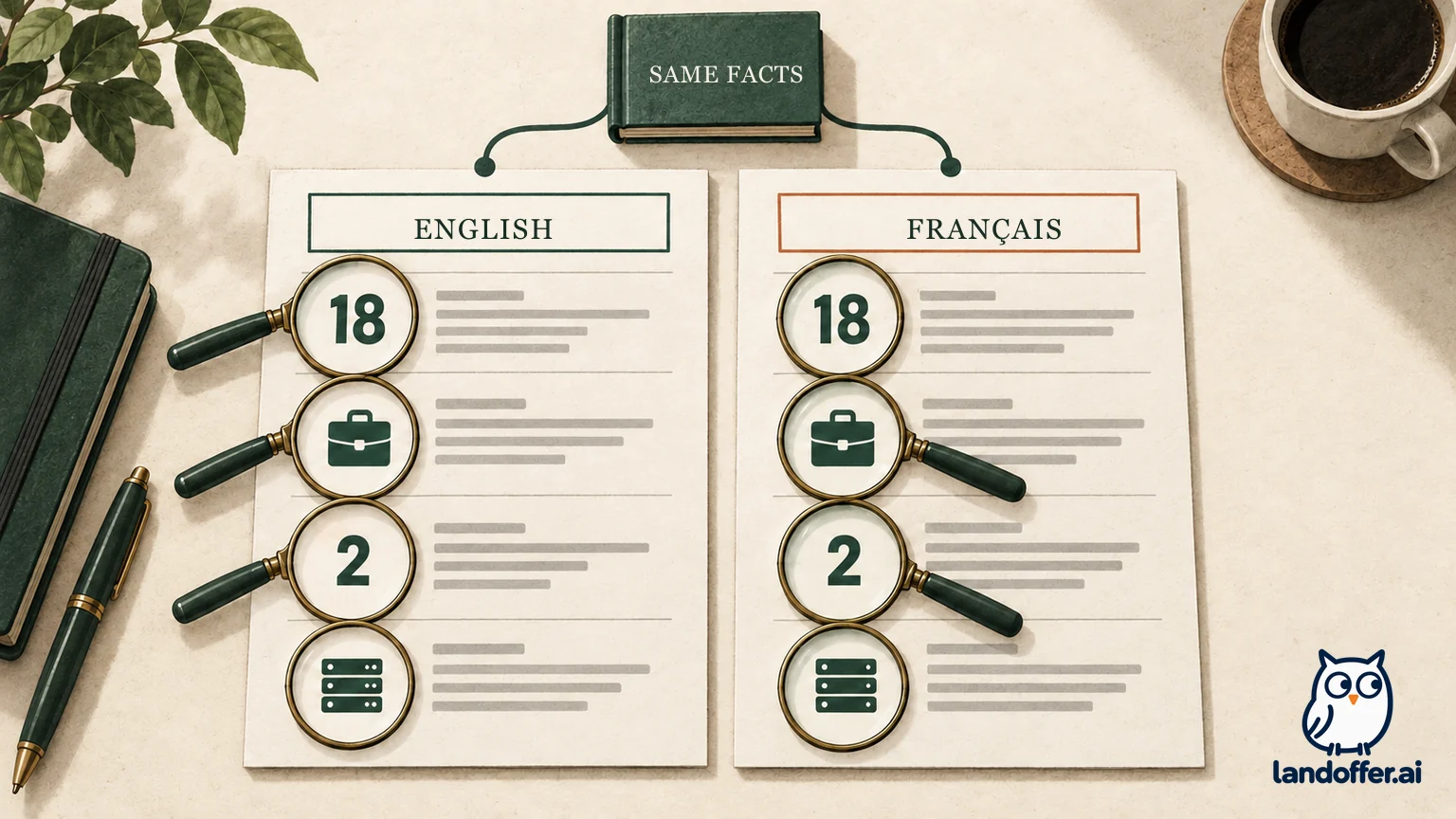
Fictional example 2: a role that requests English and French. Dana is applying for a technical support engineer job whose posting says the team writes customer guidance in both languages. Dana's source record says she resolved about 18 support tickets per week, wrote troubleshooting notes for two product releases, and escalated defects to software engineers. These details are the same in the English and French copies.
| Application record | English version | French version |
|---|---|---|
| Role evidence | “Resolved about 18 support tickets per week and wrote troubleshooting notes for two product releases.” | Draft: “Dana a traité environ 18 tickets d’assistance par semaine et rédigé des notes de dépannage pour deux mises en production du produit.” Dana has a fluent reviewer confirm the wording. |
| Scope boundary | Escalated defects to engineers; did not claim to own the product roadmap. | Keeps the same escalation responsibility; does not upgrade it to product management. |
| Language statement | “English: C1 reading and writing; B2 spoken interaction.” | “French: B2 reading and spoken interaction; C1 writing.” Fictional self-assessment against CEFR descriptors, not test results. |
| Version control | Saved as Dana-Technical-Support-Engineer-English.pdf. | Saved as Dana-Technical-Support-Engineer-French.pdf. |
The table shows the record Dana needs to complete, not a machine-generated translation. Dana checks that the French sentence says “about 18” and “two releases,” not a larger volume or a wider responsibility. She also checks with a fluent reviewer if she is unsure about technical phrasing. A role's language requirement is not a reason to overstate her proficiency.
Describe language ability by task
“Bilingual” is a useful shorthand, but it can hide uneven skills. You might read technical documentation more comfortably than you negotiate a customer issue aloud, or write well but need more time with an unfamiliar accent. Describe the parts that matter to the job when you can do so accurately.
The Council of Europe's CEFR self-assessment grid separates listening, reading, spoken interaction, spoken production, and writing. If you use CEFR levels, compare your ability with its descriptors and identify them as self-assessed unless you hold a relevant test result. A level is not a credential by itself, and employers may use their own assessment.
For example, Dana's fictional record might say: “English: professional writing and customer support; French: strong reading, conversational speaking, and reviewed customer-facing writing.” That is more useful than calling both languages “native” when that is not true. If a job requires a formal certification, provide it only if you have it and the instructions ask for it.
Check the exported file before you apply
A finished-looking preview can feel ready when a deadline is close, but it is not the file an employer receives. Use this short review on each language version:
- Match the posting. Confirm the requested language, resume or CV type, file format, naming convention, and any application-form instructions.
- Compare facts. Put both versions beside your fact record. Check employer names, titles, dates, degree wording, tools, quantities, ownership, and outcomes.
- Review the translation. Read every sentence for meaning and technical terms. Ask a trusted fluent reviewer about phrases you cannot verify yourself. A spell-check pass is not a localization review.
- Check the layout. Open the exported file on another device or PDF reader. Inspect page breaks, wrapped bullets, accents and other characters, section order, columns, and any right-to-left text if relevant. Do not assume the editor's direction or template survives export.
- Check the text layer. Select and copy the PDF text into a plain-text editor. Confirm the sections and reading order remain understandable. This is a basic file check, not a guarantee about an employer's parser.
- Separate versions. Give each file a clear language and role name. Remove comments, hidden drafts, or the wrong language copy before attaching it.
- Recheck the application. Open the uploaded file from the application preview, if available, and confirm its language, role, and filename. Keep a note of the version you sent with that application.
Choose the simplest workflow you can verify
For one-language postings, a master plus a reviewed target-language copy may be enough. For roles requesting multiple languages, keep distinct files and track the version each posting requires. Editable labels may matter more than a high language count if title control is your priority.
If the translation changes a credential, title, number, or responsibility, stop and correct it before polishing the prose. If a template makes the file hard to read, switch to a simpler layout or the employer's form. If the job requests one language, send that version and list other language skills where they help the role. Use the employer's wording and instructions as the final check; the builder is an editor, not the hiring authority.
Before you pay for a plan, verify that the needed translation or export option is included, what file type it provides, and whether you can keep separate editable copies. You can also use a standard editor and a fluent human reviewer. Choose a workflow that lets you explain every sentence you submit.
You can also browse recent roles on LandOffer.ai.
Sources and Further Reading
- Europass CV builder and Europass FAQ: CV creation, language counts, profile reuse, and the FAQ's statement that existing content is not translated.
- Kickresume Help Center: document language options, manual label changes, and duplicate documents.
- Canva AI Resume Builder: public description of resume suggestions and Translate access.
- Enhancv Resume Translation: vendor-described translation/localization controls and stated language coverage.
- LinkedIn Help: Create a profile in another language: secondary-language profiles and member-managed translation.
- Council of Europe CEFR self-assessment grid: separate language activities and self-assessment scales.
- CareerOneStop Resume Guide: Work Experience: role-relevant experience and use of terms from a job posting.
Official product and guidance pages checked October 13, 2026. Product features and language counts can change. Fictional examples illustrate a method; no candidate or product test is represented.