LandOffer
Productivity & Workflows
Power Query Refresh Breaks After a CSV Changes: Inspect the Schema Before Rebuilding the Report
A fictional hours-report repair and actual offline CSV checks distinguish missing columns, conversion exceptions, silent field omission, and output validation.
When a Power Query refresh breaks after a CSV changes, compare the incoming columns with the assumptions in Applied Steps before rebuilding the report. Find the first failing step, inspect header promotion and type conversion, and review steps that select or remove columns. Keep the last validated report clearly identified while you investigate; successful loading does not establish that required fields, records, and totals survived.
This LandOffer guide uses a fictional hours report and actual offline checks on invented CSV files. We reviewed Microsoft's public guidance on October 25, 2026. We did not open Excel, execute Power Query, refresh a workbook, change a connection, or operate a scheduled refresh. The Python results below establish header, row, key, and numeric checks on the saved fixtures only.

Preserve the reporting baseline and capture the error
Identify the last report whose inputs and totals were reviewed. Record its reporting period, source version, and validation status. Retain it through the team's approved process rather than overwriting it while experimenting. If colleagues still need it, explain that it is the last validated version and which new period remains unverified. Do not present old data as a successful current refresh.
Capture the exact error reason, message, and details, together with the query and step where it first appears. Also record which CSV was supplied and when. A filename reused each week is not enough to distinguish the previous input from the changed one; a retained approved copy or other source-version reference makes the comparison more useful.
Microsoft's data-source error guidance recommends saving the error and inspecting query steps. A schema change is one possible explanation. File availability, connection, authentication, and other issues can also break refresh. Check that the source is accessible before treating every failure as a renamed column.
Agree the investigation boundary with the report owner and source owner. A copied query or approved test workbook can isolate changes, but check its source and load destination before running anything. Copying a query does not itself establish that all connections or downstream effects are isolated. In this article, no workbook copy or account action was performed.
Inspect the earliest divergence in the step sequence
Read the source preview, then progress through Applied Steps in order. Compare the last usable output with the first failing or misleading output. A later chart error may be downstream of an earlier transformation assumption; rebuilding the chart would leave that assumption unresolved.
Microsoft's data-types documentation explains that automatic detection for unstructured sources can add header-promotion and type-conversion steps based on an initial inspection of values. Inspect those generated assumptions. A header row moved beneath an export note can make a header-promotion step use the wrong row. A previously numeric field can contain new text that cannot be converted under the chosen type.
A missing column and an invalid cell value are different problems. Microsoft's Power Query error guide distinguishes step-level errors from cell-level errors. A step referring to a column name that no longer exists can fail; a conversion can instead expose errors in particular cells. Record the actual boundary rather than treating all visible errors as the same condition.
Review selection steps even if they do not fail. A step keeping a fixed set of columns may exclude newly added fields without announcing that the report is incomplete. Decide with the report owner whether a new field is required, optional, or intentionally excluded. Ask the report owner to confirm the required output fields before accepting the load.
Completed diagnosis: the CSV contract changed in four ways
The following report, people, source-owner decisions, and Power Query observations are fictional. The CSV fixture files and Python checks are real local editorial artifacts. Analyst Laila maintains an internal hours report; source owner Tomas supplies the export, and report owner Quinn approves its definition.
The earlier CSV contains TicketID, Team, Hours, and LegacyFlag. It has three records: T1 has 2 hours, T2 has 3, and T3 has 4, for a total of 9. The changed CSV contains TicketID, Team, HoursWorked, and Region. T1 now has 2.5 hours, T2 has 3, and T3 contains the literal text NA. Region contains West for T1 and T2, and East for T3.
Tomas confirms within this fictional case that HoursWorked is the renamed hours field, LegacyFlag has been retired, and Region is a new reporting dimension. He has not yet supplied a valid numeric value for T3. A similar-looking column name alone would not establish equivalence; that mapping needs the source's intended meaning.
Here is Laila's completed diagnostic record for the stipulated query:
| Query boundary | Earlier assumption | Changed input and consequence | Proposed repair or decision |
|---|---|---|---|
| Source and Promoted Headers | First row contains the four expected headers | Header row is still first; HoursWorked and Region appear | Preserve the correct promotion; do not promote again |
| Changed Type | Hours is a numeric column | Hours no longer exists, so its reference is obsolete | Map the confirmed rename before downstream typing, or update dependent references consistently |
| Numeric conversion after name repair | All hours values are convertible | T3 contains NA rather than a number | Retain T3 as an exception pending the source owner's correction |
| Removed Columns | Remove LegacyFlag | LegacyFlag is absent in the new schema | Review the obsolete removal step rather than deleting unrelated steps |
| Fixed keep-column selection | Keep TicketID, Team, and Hours | New Region would be excluded | Add Region to the agreed output contract after Quinn's review |
This record separates the first name-reference failure from the conversion issue that becomes visible after it is addressed. Continue checking later steps after the first error is repaired. It also captures an omission that might not raise an error at all: a new field lost through a fixed selection.
The last validated report remains labeled as the previous input's result. Laila does not replace it with a two-row report that excludes T3, or with a three-row report that silently turns NA into zero. The current reporting period remains pending while Tomas resolves the exception and Quinn approves the changed dimension.
Repair the contract rather than suppressing the symptom
Choose a consistent place to reconcile the confirmed rename. One approach is to normalize HoursWorked to the report's existing Hours name near ingestion, then review all dependent references. Another is to adopt the new name throughout the query and its consumers. Select the approach that fits the report contract and document it; half-updated references make the next failure harder to explain.
Retain the raw hours text and TicketID in the diagnostic comparison before converting the measure. Preserve the raw NA alongside its record key and reason for rejection. The error is information about an unresolved value. Removing its row changes coverage, and replacing it with zero changes meaning. Neither choice is justified solely by a desire for a clean preview.
Review the retired-column step specifically. An obsolete removal of LegacyFlag can be revised when its purpose is understood. Deleting a sequence of steps until the preview loads might also remove filters, joins, or exclusions that the report depends on. Record each changed step and why it still satisfies the required output.
For Region, Quinn's fictional decision is to retain the new field and make its allowed values visible in the review. The owner does not infer that every additional source column should automatically appear in the report. A changed export may contain fields irrelevant to the report, so added-column handling needs an explicit rule rather than an all-or-nothing reflex.
Types also need business meaning. An identifier containing digits may need to remain text so leading zeros survive. Dates and numbers require appropriate interpretation of the source format and locale. In this small fixture, TicketID is text, the hours measure accepts decimal values, and Region is text. No date parsing or locale behavior was tested locally.
Completed reconciliation: account for every input record
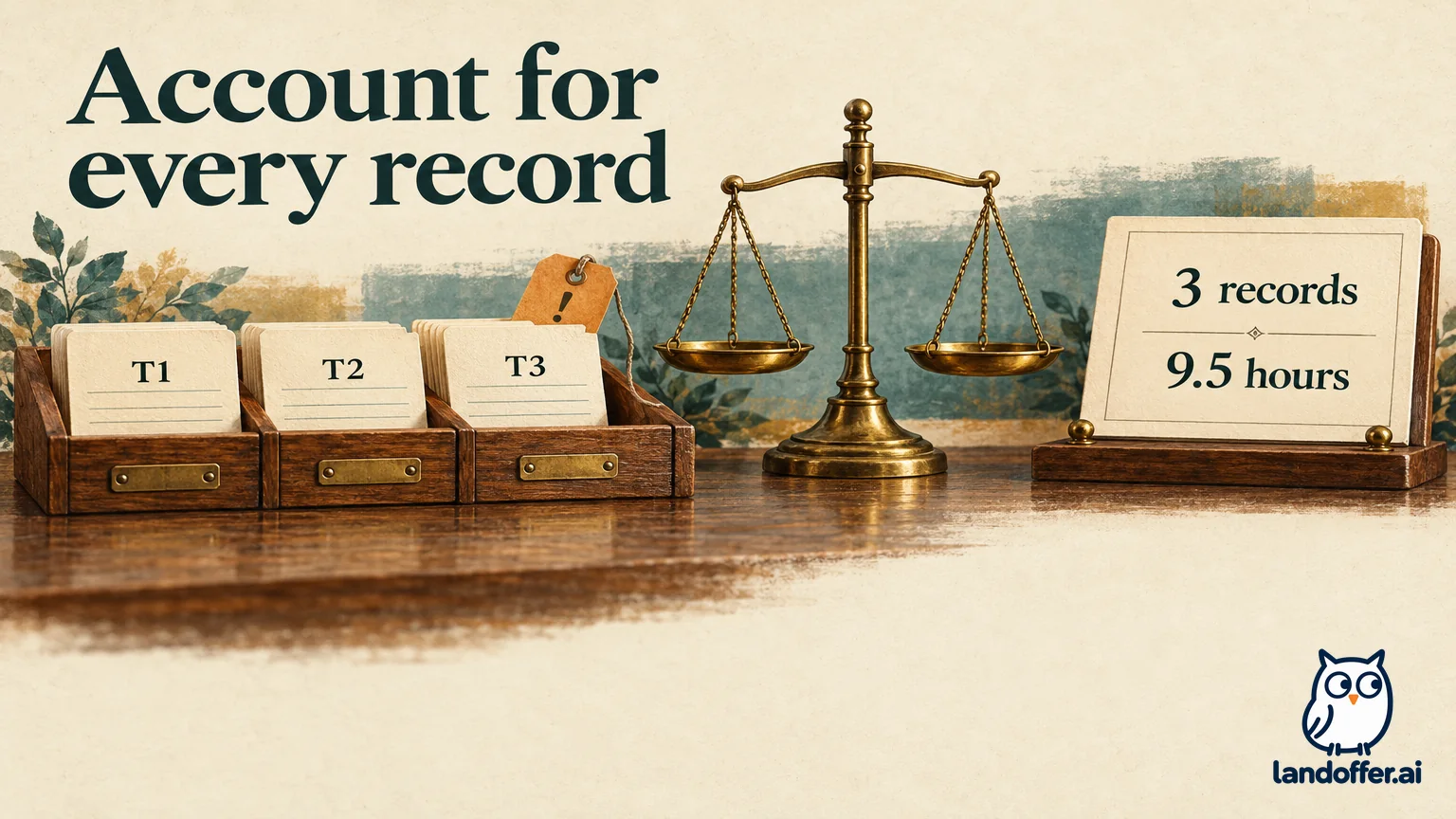
For the fictional correction, Tomas is stipulated to supply T3's hours as 4 and confirm that T1's change from 2 to 2.5 is intentional. Those are stipulated source-owner decisions, not values inferred by our script. The corrected fixture therefore totals 9.5 hours. Comparing it with the old total of 9 reveals an explained change; forcing the new result back to 9 would be another error.
We executed a Python check using the standard CSV reader and decimal arithmetic. It compares headers, counts records, identifies the changed file's unconvertible T3 value, and checks the corrected file's keys and total. It does not run Power Query M, evaluate Applied Steps, or establish that an Excel workbook will refresh correctly.
| Actual offline fixture check | Observed result | Interpretation and limit |
|---|---|---|
| Input row count | Previous, changed, and corrected files each contain 3 records | No fixture row was silently discarded |
| Header comparison | Hours and LegacyFlag disappear; HoursWorked and Region appear | A rename is a candidate until the fictional owner confirms it |
| Changed-file numeric check | T3 is the only conversion exception; valid values sum to 5.5 | This is a partial sum, not the full report total |
| Corrected-file key check | T1, T2, T3 are present once each | No missing or duplicate fixture key |
| Corrected numeric total | 9.5 hours | Reflects the stipulated T3 correction and T1 increase |
| Region check | East and West present | Confirms fixture values, not every future allowed value |
Laila's completed repair-review record says: “Normalized the confirmed hours rename in the proposed test transformation, reviewed the retired-column removal, and retained Region in the output definition. T3 was held as an exception until the source correction. Offline corrected-source checks account for all three keys and 9.5 hours. Excel query execution and downstream report validation are still pending.”
That record intentionally distinguishes a completed local reconciliation from a completed workbook repair. The next authorized test must check the actual query output, not just these inputs. Compare loaded row count, key coverage, types, exceptions, and control totals with the agreed source. Then check any grouping, joins, worksheet formulas, pivots, and charts that consume the result.
A report can preserve the overall total while misclassifying a team or losing a dimension. Validate the relevant group subtotals and key fields as well. If a transformation intentionally filters records, reconcile included and excluded populations explicitly rather than requiring the final row count to equal the input blindly.
Release the refreshed report only after the relevant checks
Before replacing the last validated report, retain the source version, changed-step notes, owner confirmations, and actual query-output checks. Identify which test environment and Excel experience were used. If no authorized refresh has happened yet, leave that status pending. A passing Python fixture check is supporting evidence for a narrow data contract, not permission to distribute a refreshed workbook.
Ask the source owner to communicate future field renames, removals, and type changes before the report depends on the export. Keep a concise expected schema and exception policy alongside the query's normal documentation. Specify whether new fields require review, how missing required fields are reported, and who can approve a changed measure definition.
Start with the first changed assumption, repair it deliberately, and continue through the remaining steps and reconciliation. LandOffer's workplace guides cover related operational handoffs; the result here is a report whose source contract and validation evidence are understood, with unresolved checks clearly recorded.