LandOffer
Job search
OpenResume Review: A Free Resume Builder with Local Browser Storage
Review OpenResume’s free PDF builder, browser-local saving and import limits, with a completed recovery inventory and an observed public parser example.
OpenResume is a useful choice for a straightforward resume PDF when you want to edit without creating a builder account or buying download access. Its browser-local approach is also its main maintenance trade-off: the working resume is not an account-backed archive you can assume will follow you to another device. Keep an independent copy of your factual text and finished files. This review combines current public controls and source inspection checked October 19, 2026, a bounded check of the official parser’s public example, and our separately documented October 12 PDF export tests.
LandOffer publishes this review and also provides job-search tools. Start with the attachment instructions for a concrete opening, such as one from LandOffer’s recently posted jobs. A conventional PDF can suit that task; an employer-required Word document or editable template changes the choice. OpenResume’s free access is valuable when its output and local editing routine fit the application you need to complete.
What the free builder actually offers
The official OpenResume site describes a free, open-source builder with no signup. It deliberately favors a single-column document and omits a profile-photo option. This is the project linked to xitanggg/open-resume; similarly named websites and third-party forks can have different features and data practices.
The current editor exposes profile information, work, education, projects and skills, plus an optional custom section. We observed controls for section visibility and ordering, theme color, fonts, font size and Letter or A4 paper. The preview and Download Resume link were available without an account prompt. We left the existing fictional test resume unchanged during this inspection.
These controls offer a fairly direct way to maintain a restrained document. You can decide which experience belongs in the resume without first choosing from a large template catalog. The limited design approach also matters when the format is prescribed. If an employer supplies an editable template, keeping that template can avoid recreating required fields in a builder whose evidenced output is PDF. A visual portfolio may need different design controls as well.
The evidenced download route is PDF. We did not establish DOCX output or a managed collection of independently saved resumes. If the employer requires an editable file, retain your existing compatible document rather than assuming that a free PDF download solves the format requirement.
What our completed download tests establish
Our separate free-PDF-builder study records two OpenResume exports completed on October 12, 2026, without payment or registration. The deliberately short fictional resume produced a one-page Letter PDF. We inspected the rendered pages and checked the expected content with two text extractors; a second download after a theme-color change also completed.
Those saved files support a concrete free-export observation. They do not establish every future browser session, long resume, language or employer parser. We are reusing the dated test evidence here, rather than presenting a visible download link as a newly completed export or repeating the experiment just to change its date.
The earlier test also found typographic ligatures in extracted text, while the rendered words looked ordinary. That is a reason to inspect both the page and its readable content. It is not evidence that an employer rejected the file. OpenResume’s claims about particular recruiting systems remain product descriptions, not compatibility results we independently measured.
Local saving is a working copy, not a recovery service
The official storage implementation serializes the current resume and settings into browser storage. Its related initialization code reads saved state, while a change listener writes updates. The reviewed code saves one current resume and its settings. It does not show a collection of independently recoverable earlier versions, and we did not test a version-history feature.
The current import page made that distinction visible. Because our browser already contained the fictional test resume, it offered a continuation route and warned that a new resume would override existing data. We observed that warning without replacing the saved document.
Browser persistence also has a scope. MDN’s localStorage documentation explains that storage belongs to a site origin and normally persists across browser sessions. Private-browsing storage is cleared when the last private tab closes, and browser policy can prevent persistence. A different device or browser profile does not supply the original working state merely because you visit the same URL.
We did not clear site data or simulate a failed save. The public source catches storage errors; an open editor alone therefore does not confirm that every change was saved. Save the factual text and a usable final PDF outside the browser before replacing a resume or moving devices. Those files preserve different parts of the work.
Elena’s completed plan for moving to another laptop
Elena is a fictional data analyst moving her resume work to a new laptop. She has a PDF she could send today, but expects to revise the document for later applications. Her completed decision is to retain three different artifacts before changing her editing environment. This is an independently authored recovery example, not a tested OpenResume restoration.
| Retained artifact | Filled contents in Elena’s example | Purpose |
|---|---|---|
| Factual source text | Current role: February 2023–Present; project: “Compared monthly order totals with the source ledger and documented discrepancies”; selected portfolio link | Rebuild accurate content without relying on memory or PDF extraction. |
| Finished application PDF | The inspected version for her current application, with the role date and project included | Preserve an attachment she can still use while rebuilding. |
| Design note | A4, Lora, 11-point text; custom heading “Selected Analysis”; projects before education | Reapply intended settings and section order. |
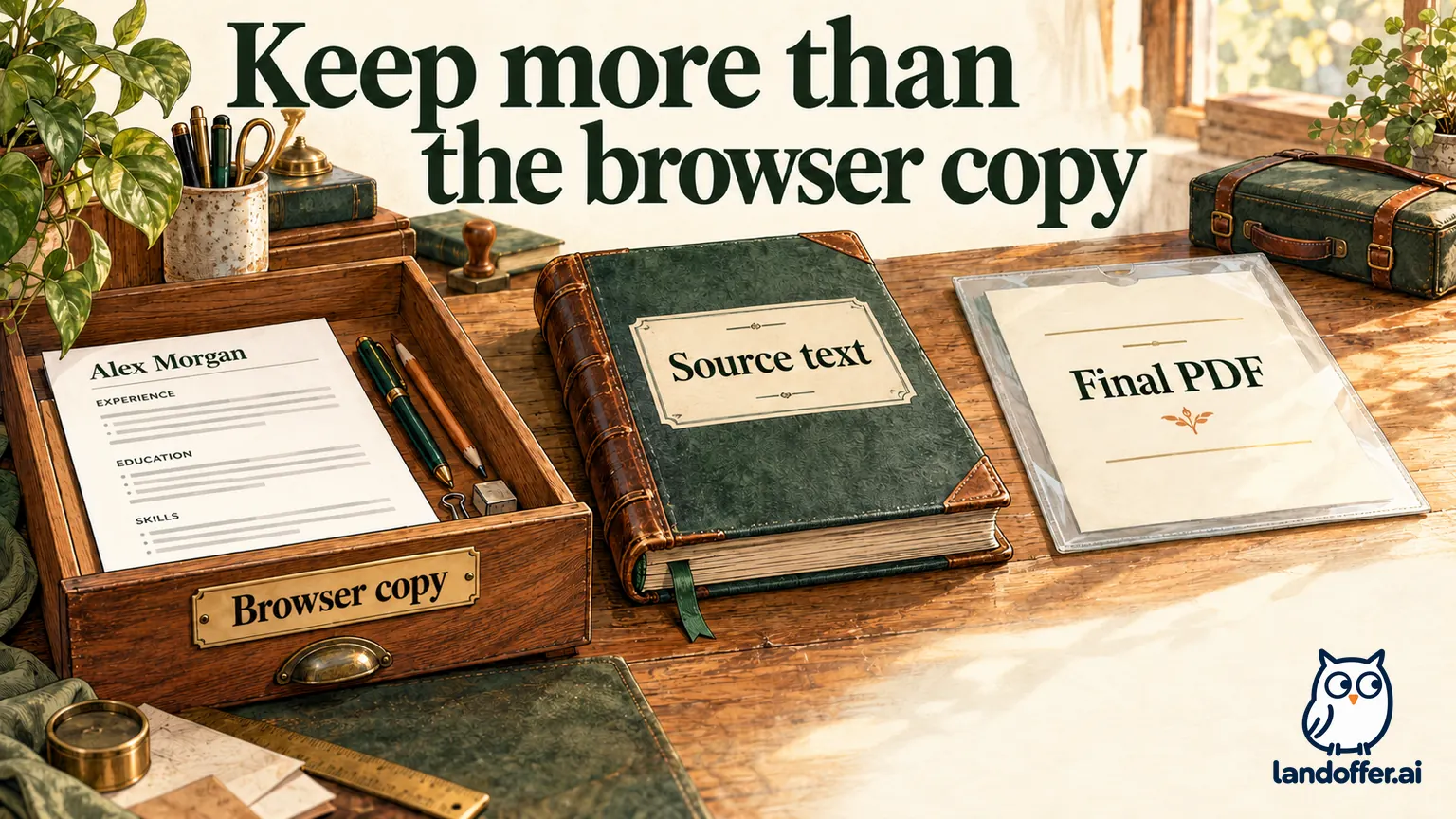
Her source text is the authority for the employment date and project wording. The PDF records the deliverable she inspected. The design note records choices that a text source alone would not explain. None of these is represented as a full structured backup produced by OpenResume.
Elena chooses to rebuild and inspect the new working document from those retained materials. If she uses PDF import as a starting point, she will check its fields and settings against the inventory. She does not treat opening the website on the new laptop as recovery, or assume that reimporting an attachment restores the exact editor state.
She also gives the current application PDF a role-specific filename before preparing another version. Changing the working resume for a second opening should not erase her record of what she sent for the first. Her outside source retains the complete project wording, while each finished attachment records the selected content for that application. This is a file-management choice she controls, not a version-history feature we observed in OpenResume.
The result is a defined way to continue editing while retaining a sendable file. It does not prove that an actual migration succeeded. Someone who needs several independently editable role versions or automatic cross-device access should evaluate those requirements separately instead of depending on one browser’s current state.
Importing a PDF reconstructs a resume
The official import component accepts a PDF, runs the parser and stores the resulting resume with newly initialized settings. When prior data exists, it adjusts section visibility according to the parsed sections. This is source-level evidence; we did not perform a new import or establish byte-for-byte equivalence between that public source and the deployed application.
The practical distinction is between extracting content from a PDF and restoring a previous editing session. The importer is not documented here as a full editor-state restore. Prior font choices, custom heading names, section order and other design decisions should not be assumed to return exactly as before.
For Elena, importing her final PDF might reduce retyping. It would still leave a review task: compare the current-role date, project text, selected link and intended layout with the retained inventory. If an important section is absent or assigned incorrectly, bring it back from the source rather than rewriting the facts to fit the imported result.
This distinction also explains why a saved attachment and an editable source serve different purposes. A final PDF can remain usable for an application while its text is inconvenient to reconstruct. Keep the document you intend to send and the information you need to edit again.
A completed check of the public parser example
The parser playground shows a provider-selected sample alongside several stages of extraction. Its documentation says the algorithm is designed for single-column English resumes. We inspected the default public La Verne example, downloaded its source PDF, read and rendered its single page, and compared it with the visible grouped text and final structured result table. No personal resume was uploaded.
The comparison produced a useful distinction. Some source details reached the final fields. Other source material was present in the readable text but absent from the final structured display.
| Sample item | What we observed | Completed interpretation |
|---|---|---|
| Name | Leo Leopard appeared in the source PDF and Name field. | This field was recognized for this example. |
| Education date | “Expected Graduation: June 2016” appeared in both places. | The displayed field retained the expected-date wording. |
| Dean’s List entry | Present in the PDF and grouped text, absent from the final field table. | Readable text did not establish complete field coverage. |
| Campus activity | Present in the PDF and grouped text, absent from the final field table. | Keep the source available when reviewing reconstructed content. |
The source also groups two roles as volunteer experience, while the final display places them under work experience and retains their volunteer job titles. That is a category mapping to review, not a reason to relabel unpaid work as employment. A reader importing a similar document should preserve the truthful context in the title, section or description. The field’s location alone does not decide how the experience should be represented to an employer.
Our completed decision is to use this playground as an inspection aid, while checking meaningful content against the source. The result is not a blanket finding that OpenResume cannot handle honors or activities. It is one observed display for a vendor-selected example, and it does not establish what every imported file or employer system will do.
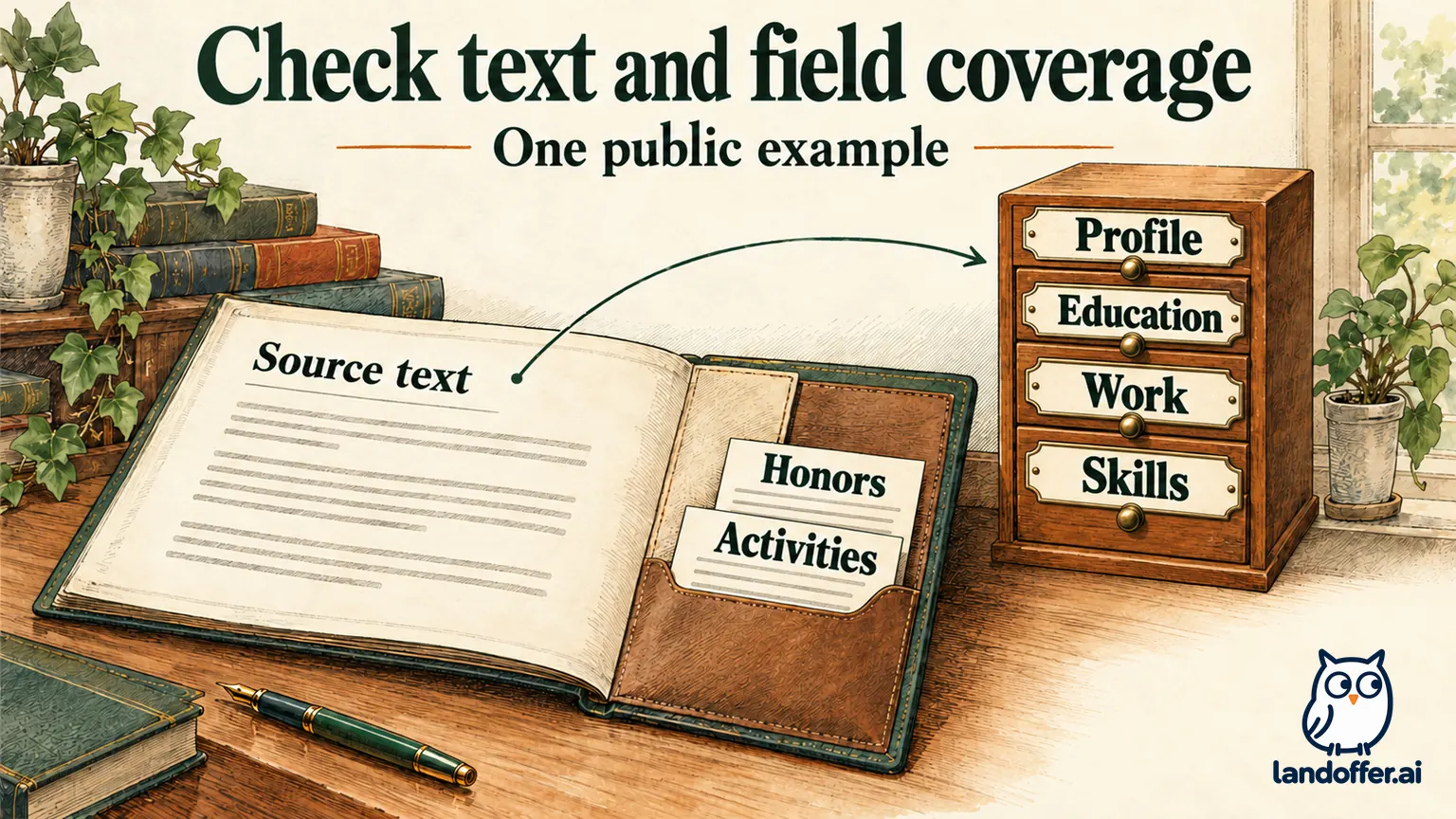
For an imported resume, the next useful check is coverage beyond the contact fields. Seeing a correct name and email is useful, but it does not confirm that every achievement, date or section has become an editable field. Inspect the content that matters for your application, including material outside the most conventional sections.
Where the privacy and maintenance claims stop
OpenResume describes resume processing and storage as browser-local. That reduces the need to create a builder account for this workflow. It does not make local storage a permanent backup, protect every shared-device situation or establish that no third-party traffic occurs anywhere on the website. We did not conduct a network audit or security assessment.
The public source makes the project inspectable and describes local development. Most applicants do not need to run their own installation to decide whether the hosted editor suits a simple PDF. Conversely, open source does not remove the need to maintain your working data or verify the actual file you send.
Choose OpenResume when its current PDF route, restrained layout and browser-local routine fit your needs. Keep a conventional editor when you require a particular editable format, familiar collaboration or a source document you already maintain well. Seek a separately verified document workspace if independent versions and recovery are recurring requirements.
For your next recent role, read the attachment requirement, preserve the factual source and inspect the finished file. If you choose OpenResume, retain the factual text, inspected PDF and necessary design notes outside the browser. Keep the current sendable file available while you prepare and inspect the next version.
Sources and Further Reading
- OpenResume homepage, builder and import route — current official positioning, controls and existing-data warning.
- Official repository, storage implementation and import component — public source inspected for persistence and reconstruction behavior.
- Parser playground and its public sample PDF — bounded example inspected October 19, 2026.
- MDN localStorage reference — browser persistence and scope.
- Our dated free-PDF-builder test — accepted October 12 export observations reused with their original limits.