LandOffer
Job search
Official or Unofficial Transcript for a Job Application? Check the Required Format and Delivery
Choose the transcript version a job application requires, check degree and coursework details, and confirm whether to upload a copy or use direct delivery.
Use the transcript version and delivery method specified for the exact job application. An unofficial copy may be accepted initially, while a later verification requires an official record. A requirement for direct delivery from your school is different from an upload field asking you for a copy. Check the application stage, institutions covered, required information and recipient before ordering or attaching anything.
LandOffer publishes this guide and offers job-search tools. Official employer, government and registrar guidance was checked on October 13, 2026; the document examples below are fictional. We did not access student records, order a transcript or test an application upload. You can browse recent tech roles on LandOffer.ai, then keep each role's document requirements with its saved description.

Read the requirement as a document-and-delivery instruction
Find the instructions for your current stage, rather than assuming that every mention of a transcript means the same thing. Record whether the employer wants an unofficial copy, an official copy uploaded by you, a school-issued document sent directly, or a certified unopened paper copy. Write down the required version, covered institutions, delivery route and deadline. If the wording simply says “transcript,” leave the version unconfirmed and ask which record the employer accepts at this stage.
Also record the deadline and what must have happened by then. An upload deadline, a transcript-order deadline and a deadline for the employer to receive a school-issued record are different. A payment receipt proves neither that the school released the transcript nor that the employer matched it to your application. Ask about ambiguity before the date becomes urgent.
In the current USAJOBS transcript guide, the announcement determines whether a copy or certified record is needed. The guide says an unofficial copy is often usable at initial application, with official documentation potentially required later. That federal guidance is a starting point for reading a vacancy, not permission to replace an explicit official-transcript requirement elsewhere.
Use NIST as a specific employer example
NIST's education and transcript guidance accepts unofficial transcripts at application and official transcripts after selection, before a final offer. It requires readable identifying and academic details, including name, institution, courses, grades, credit hours and degree conferral where applicable. It also explains when education documentation is required and says a diploma alone is insufficient.
The same NIST page asks for records for multiple degrees and institutions contributing to a degree, with the degree-conferring record included. It requires documents for each application; a previous upload does not establish that a new application includes them. Use those instructions when applicable to a NIST vacancy. They do not establish that every private employer needs every college transcript or follows the same sequence.
If your degree is still in progress, describe it accurately in the application and provide the record requested. Do not change an expected graduation date into a completed degree to match a job requirement. Where a completed degree is required, a transcript that lacks conferral information needs clarification; your resume wording cannot make that evidence appear.
Confirm what your school can issue
Go to your institution's registrar instructions. An unofficial student-portal view, a school-issued electronic transcript and a sealed paper transcript can have different ordering paths and uses. Check access, processing, recipient details and whether recent grades or a degree have posted before selecting a document.
For example, the University of Washington registrar offers official electronic and mailed transcripts through Parchment and advises checking the unofficial record for grades and degree conferral before ordering. It also distinguishes the student-record name used for transcripts from names that may appear in other university systems. These are UW procedures; use your own school's current instructions rather than copying another institution's process.
If your record contains an error or an old name, ask the registrar about its correction process and tell the employer what needs clarification when relevant. Keep the original document. Do not edit a school-issued degree date, grade, name or course entry yourself to make the file look current. A truthful explanation and the institution's corrected record are different from an altered transcript.
Direct delivery is more than an official-looking PDF
Read the recipient requirement separately from the file format. Hope College's registrar guidance says official transcripts should go directly to the receiving organization and distinguishes secure electronic delivery from ordinary email. It says an electronic transcript ordered to yourself has an Issued to Student watermark, and printing its official PDF makes the printout unofficial. These are that institution's stated procedures, not a claim that every school's PDFs behave identically.
If an employer wants school-to-employer delivery, do not assume that forwarding a PDF you received yourself satisfies it. Confirm the accepted service or route, recipient and matching information. A recruitment inbox, hiring manager's email and document-verification address are not automatically interchangeable.
For paper delivery, establish whether the envelope must remain sealed and where it must go. For electronic delivery, check whether the employer expects a secure service link, a document sent to a named recipient or a file uploaded by the candidate. Keep any original electronic record intact; if an application cannot accept it, ask for an approved alternative rather than removing protections or labels by assumption.
A completed document check for a fictional graduate
Consider Nia, a fictional recent graduate who transferred from River College to Cedar University. She is preparing an application to the fictional NorthPier Systems role NP-309. Its constructed instructions accept unofficial transcripts for the initial application, request records from both institutions contributing to the degree, and say official direct delivery may be requested later. This example does not describe a real vacancy or determine Nia's qualifications.
Her first folder contains a Cedar transcript downloaded on May 15, 2026, before degree conferral, and a cropped River screenshot. The Cedar file still describes a degree in progress. The River image omits part of the course and credit information. Nia marks the May file “before conferral” and the River screenshot “incomplete.” Neither goes into the selected application packet.
In the fictional check, she replaces the application copies with complete unofficial records obtained on October 12. Cedar's record now shows the degree awarded on June 5, 2026; River's complete record includes the missing coursework and credits. She keeps the older files in an archive and labels them unsuitable for this application. These are described example records, not reproduced academic documents. The dates establish the fictional sequence; we have not inspected Nia's files, made a real upload or evaluated her eligibility.
Her completed matrix reads:
| Requirement for NP-309 | Selected record and check | Decision |
|---|---|---|
| Cedar degree and coursework | Current unofficial record; degree and June 5 conferral shown | Prepare this copy for initial upload |
| River coursework contributing to the degree | Complete unofficial record; course and credit details readable | Prepare this copy for initial upload |
| Full pages and grading information | All record pages and supplied legend retained | Exclude the cropped screenshot |
| Later official verification | Direct-delivery recipient and timing not yet provided | Wait for a request specifying recipient, route and deadline |
Her files are named Nia_Cedar_Unofficial_2026-10-12.pdf and Nia_River_Unofficial_2026-10-12.pdf. The names distinguish institution, version and retrieval date; the school-issued contents establish the academic facts. The later download date is not the degree date, and neither filename claims an unofficial copy is official.
Check the selected files in the actual application
For a real application like Nia's, review each file before attaching it. Read the pages at a usable zoom, including course titles, credit hours, grades and any degree information the employer requires. Check that the first or last page was not omitted and that the institution and your name are visible. Hope's registrar notes that its portal's unofficial Print button can omit the student's name, so even an authentic download needs a content check. Follow your school's supported export instructions if a required detail is missing. Do not type that detail into the transcript yourself.
Then inspect the application's document list or preview, if available. Confirm which filename is attached to the transcript category for the correct job. A file sitting in a profile library may still need to be selected for that application. If two institutions are required, check both attachments rather than assuming the second upload preserved the first.
If the application permits only one file, read its instructions for combined records. Ask the employer how to supply multiple institutions if that is unclear. Do not drop a required institution just to fit a field, and do not combine or re-save a protected official document without establishing an accepted route. Keep the source records and label any permitted application copy clearly. If the instructions allow removal of an unnecessary personal identifier, confirm the accepted approach first and preserve the original; keep required academic information intact. Do not alter an authenticated official file on the assumption that its verification will survive.
For Nia's fictional application, the completed preparation record lists the two current unofficial PDFs and excludes the May file and cropped image. Submission remains a separate step. She would record the final confirmation and selected documents after submitting; this article does not claim that a fictional upload or employer review actually happened.
Hold an official order when the recipient is unknown
Theo, another fictional candidate, receives instructions requiring an official transcript sent directly from his school. He has a self-addressed PDF but no confirmed employer recipient. His next action is to clarify the destination, not to forward that PDF and mark the requirement complete.
He can adapt this unsent message using the verified candidate-contact route for the employer:
Subject: Transcript delivery details — Software Engineer SE-427
Hello recruiting team,
The instructions for SE-427 require an official transcript sent directly from my institution. Before requesting it, could you confirm the accepted electronic delivery service or paper route, the recipient address, and the application reference I should include for matching?
Please also confirm whether the stated deadline is for receipt of the transcript, and whether any additional institution's record is required. I currently have a copy issued to me and have not treated it as satisfying direct delivery.
Thank you, Theo
He records the recipient and delivery route as unconfirmed and leaves the order status Not ordered. If the employer replies, he updates those fields from the instructions and checks his registrar's process. He does not invent a destination or assume an unanswered inquiry extends the deadline.
Track release, delivery and employer receipt separately
Once an official order is appropriate, preserve the order reference, requested institution, recipient, document type and any processing condition, such as waiting for degree conferral. Record whether the school has released it and what the delivery service reports. If the recipient retrieves a document, preserve that notice without equating it with a completed qualification review.
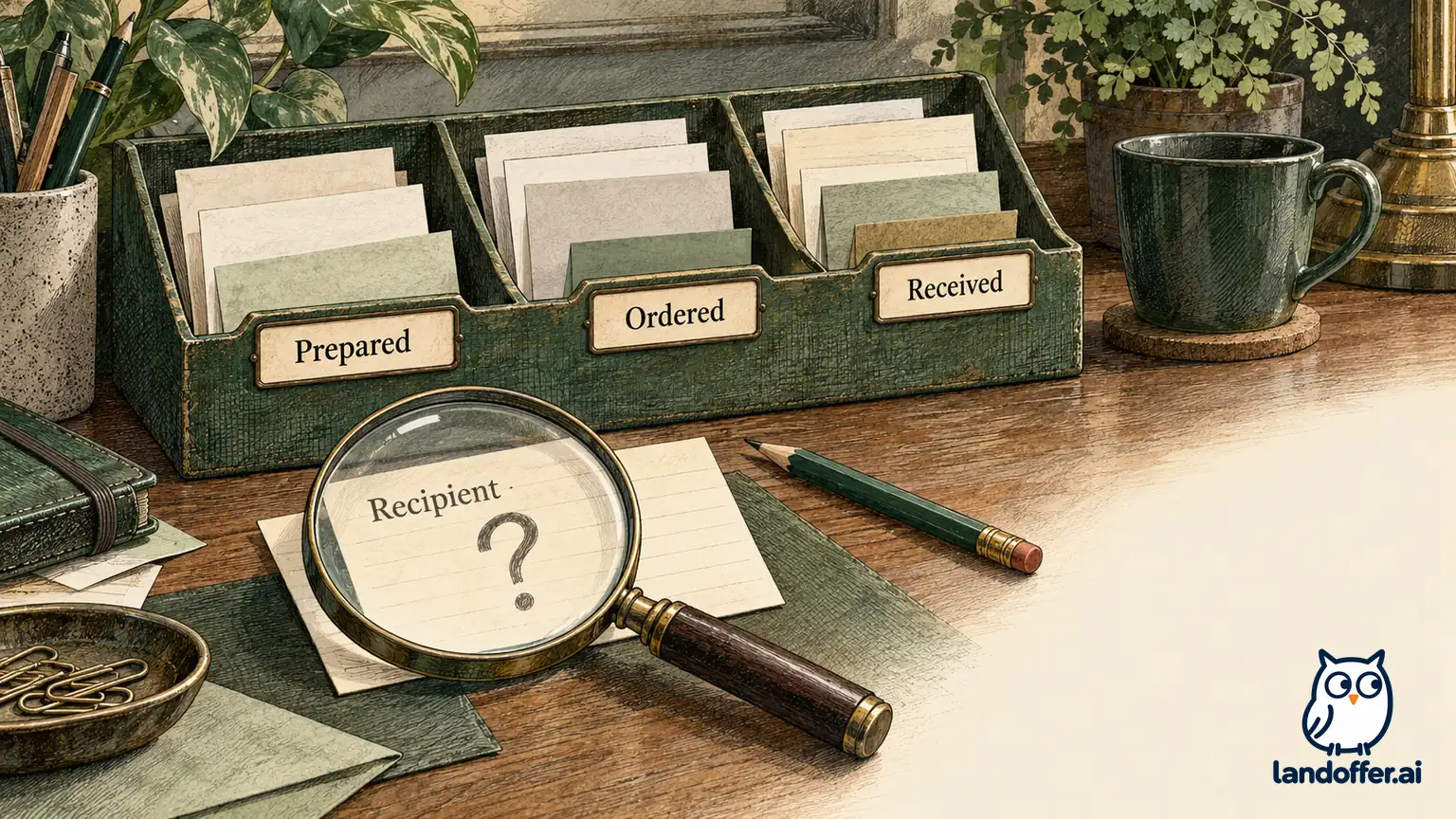
Your tracking states can be simple: prepared, ordered, released, delivered, and employer receipt confirmed where that confirmation exists. Date each status and identify its source: your preparation note, a registrar update, a delivery-service notice or an employer response. Leave a later state unconfirmed until there is evidence for it. If the employer says the transcript is missing, compare the intended recipient and reference with the order details before buying another copy. A corrected destination or matching reference may be the unresolved issue; do not assume it is merely a failed upload.
Keep the resume and application education entries consistent with the record. A pending degree, an awarded degree and transferred coursework describe different facts. Where a transcript cannot establish something the employer requires, ask what additional evidence is acceptable. A diploma, enrollment letter, transcript or credential evaluation serves its own purpose; none should be substituted automatically for another requested document.
For Nia, the initial packet is ready for a final application review, with official delivery left as a conditional later task. For Theo, the order remains on hold pending specific recipient instructions. Both have a next action supported by their records. As you review more recent LandOffer.ai jobs, repeat the check against each new employer's instructions instead of reusing a document label as proof that every requirement is satisfied.