LandOffer
Job search
GPA and Transcript Requests in Job Applications: Report the Right Number and Scale
Report the GPA the application actually requests, together with the scale and academic scope that make the number meaningful.
Report the GPA the application actually requests, together with the scale and academic scope that make the number meaningful. A cumulative GPA, a major GPA and a semester GPA are different records. Start with your institution’s transcript and grading explanation; do not substitute the highest available number or invent a conversion because a form assumes a four-point scale.
LandOffer publishes this guide. When you browse recently posted jobs, check each role’s education and document requirements before ordering records. The examples below show how to transfer a supported GPA into a form, handle an incompatible scale and distinguish a transcript you can upload from one the institution must deliver.
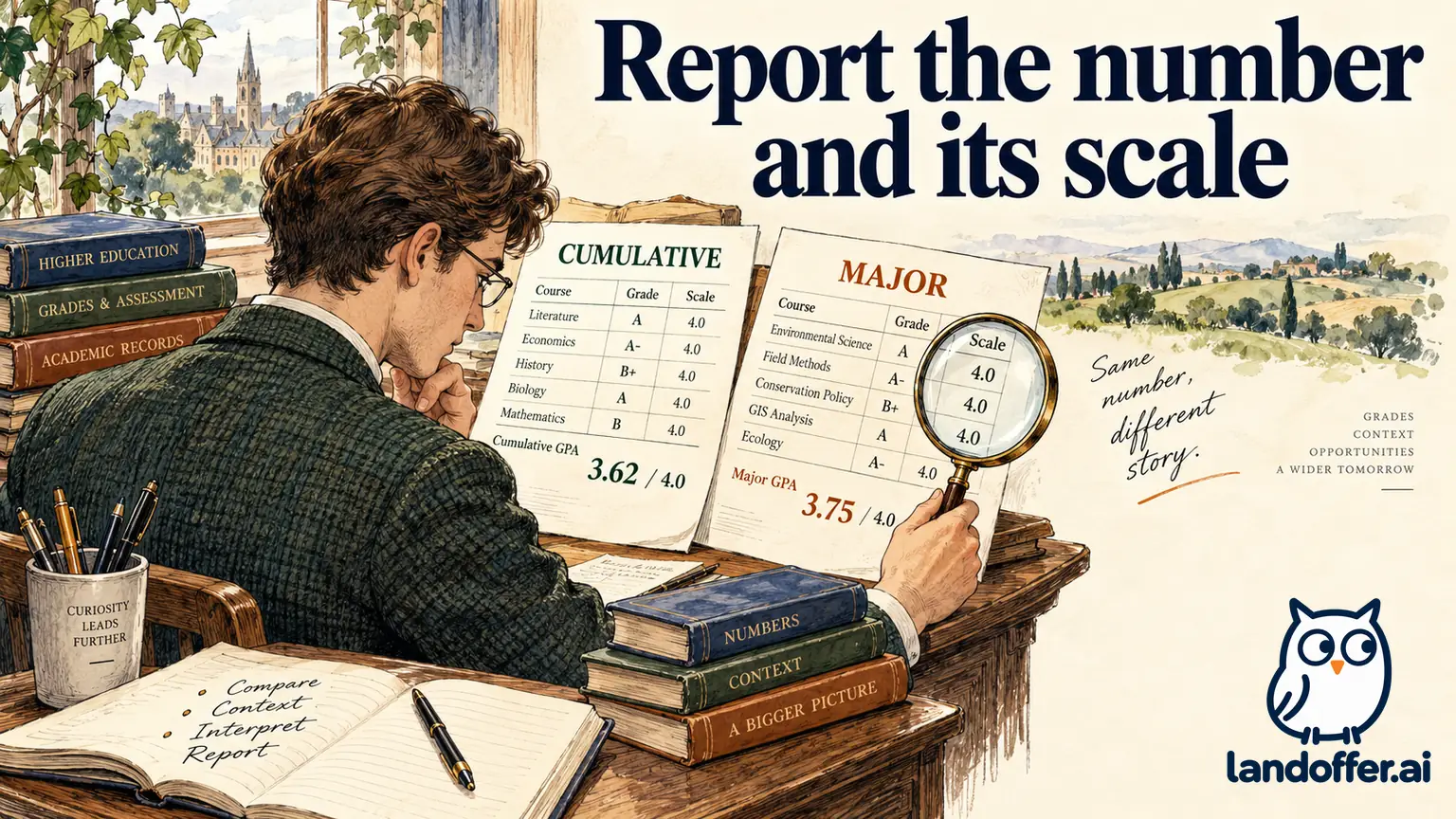
Read the GPA field before choosing a number
A GPA needs its academic scope and grading scale to be interpretable. Look for four details: the institution or program, the period covered, whether the employer requests cumulative or major performance, and the grading scale. Read help text beside the field as well as the job announcement. A separate maximum-scale box changes what belongs in the numeric box.
“Overall undergraduate GPA” should not silently become “GPA in my best semester.” A field inside one school’s education entry should not automatically receive an average across several schools. If the employer requests a calculation covering specified courses, that is a different task from copying a transcript’s existing cumulative value.
Institutional methods can differ. Stanford’s public calculation guide describes a 4.3 scale and weighting by course units; it also lists particular grading exclusions. That is a useful warning against assuming that every institution uses the same denominator or treatment of grades. Stanford’s method does not authorize conversion of a different institution’s grades. Stanford’s GPA guide
Use the most authoritative record that answers the specific question. If your transcript and degree audit disagree, ask the registrar what each number represents. The University of Washington notes that total credits and cumulative GPA can differ between its transcript and degree audit. That institutional example supports checking the source, rather than choosing whichever display looks stronger. UW degree audit explanation
A completed field map for cumulative and major GPA
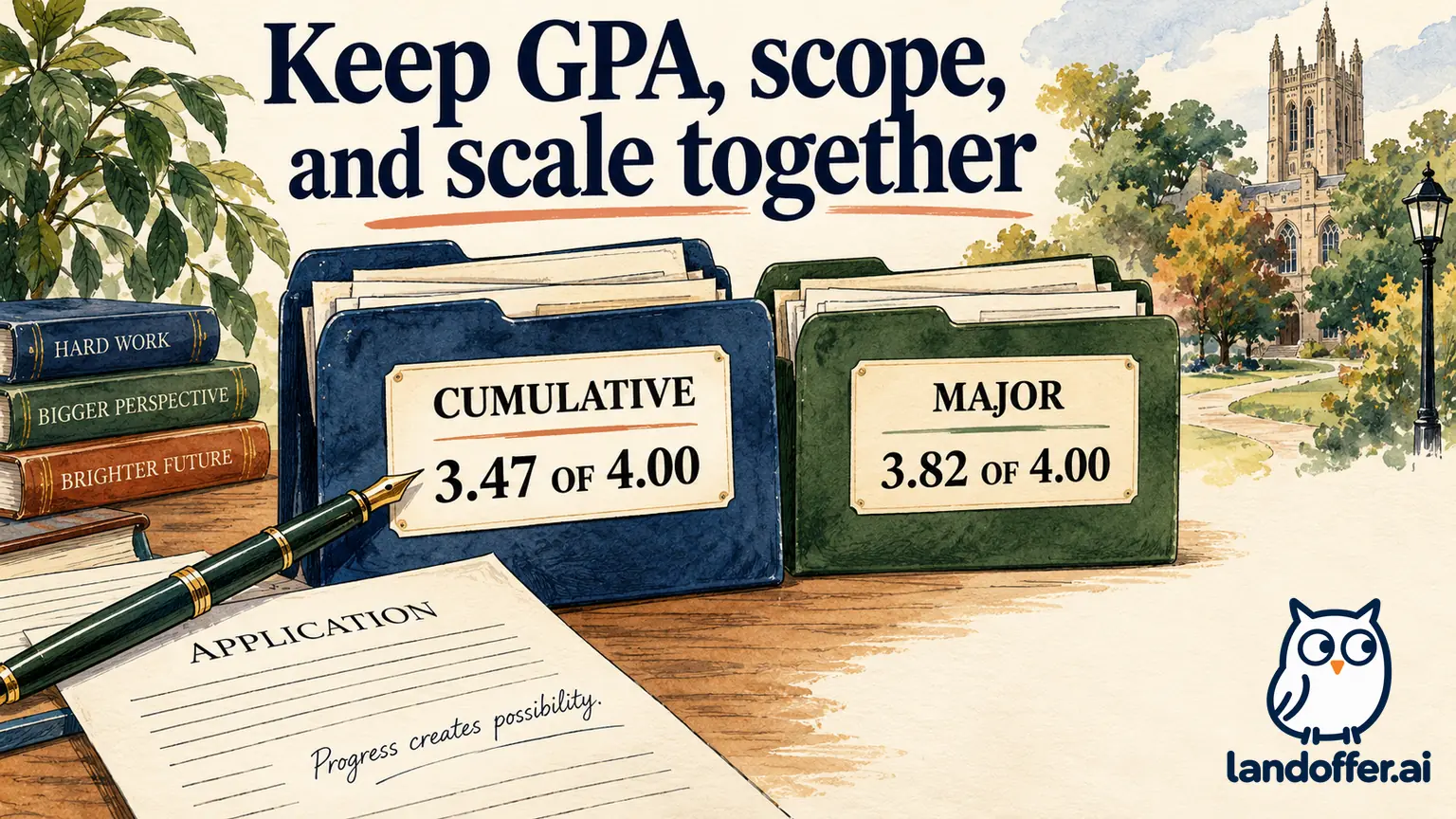
The following candidate, institution and application are fictional. Maya’s current transcript shows a cumulative GPA of 3.47 on a 4.00 scale. A separately identified departmental record shows a major GPA of 3.82 on the same scale. Her application expressly requests cumulative undergraduate GPA and provides a separate scale field.
| Item | Verified teaching input | Maya’s completed entry |
|---|---|---|
| Institution | Cedar College, bachelor’s program | Cedar College |
| Requested scope | Cumulative undergraduate GPA | Cumulative value selected |
| Transcript value | 3.47 | 3.47 |
| Maximum scale | 4.00 | 4.00 |
| Major GPA | 3.82, separately identified | Not substituted for cumulative GPA |
| Record version | Transcript retrieved October 12 | Version retained with application notes |
Maya’s completed answer is 3.47 / 4.00, cumulative undergraduate GPA. If the form separates value and scale, Maya enters 3.47 and 4.00 in their respective fields. She does not type the entire sentence into a numeric-only box. If the employer later asks for major GPA, she can provide 3.82 with its correct label and supporting record.
Maya’s resume currently says “Major GPA: 3.82/4.00.” That statement need not be changed into a cumulative claim merely to make two numbers match. She checks whether the resume label is prominent enough to prevent confusion. Consistency means that each number retains its true meaning, not that every document displays an identical number.
Removing “major” from the resume while retaining 3.82 beside the cumulative field would obscure what that number represents. A better edit preserves the distinction or omits the optional major GPA if it distracts from the required record. Neither choice changes the underlying cumulative result.
Before submission, Maya opens the actual attachment and checks the institution, her identifying information, all requested pages and the cumulative line. She does not rely on a filename such as “latest transcript.” This final check connects the numeric answer to the document the employer will actually receive.
Handle rounding, missing GPA and unfamiliar scales
Report the displayed precision when the form accepts it. Do not turn 3.47 into 3.5 merely because the rounded figure seems more attractive. If the employer expressly asks for one decimal place, follow that instruction and keep a note of the original value. If the interface unexpectedly truncates or rejects your entry, check the saved result before certifying it.
A school that reports percentages, classifications or pass/fail outcomes may not issue a comparable GPA at all. “Not issued” is a different fact from zero. A numeric field that accepts only 0–4 does not establish a valid method for converting another grading system. Multiplying a percentage by four and dividing by one hundred is not an institution-authorized equivalency simply because it produces a number that fits.
Where available, select a truthful “not applicable” or other-scale option and explain the original record in the permitted field. If there is no truthful option, ask the employer how to proceed. Do not assume that 0, 4.0 or a blank will be interpreted as a technical workaround. The meaning of a required field belongs to the employer’s instructions, not your guess about its software.
If a conversion is specifically required, identify the requested method or evaluator, the courses covered and the source scale before calculating anything. Keep the original result alongside any authorized converted result. An online calculator’s output does not become your university’s official GPA by being pasted into an application.
A completed response to an incompatible form
This second example is fictional and illustrates an unresolved interface mismatch, not an employer’s actual policy. Arjun’s university reports a final average of 72 on a 100-point scale and does not issue a four-point GPA. The application requires a numeric GPA between 0 and 4 and offers no scale field or explanatory option.
Arjun first checks the transcript legend and the university’s academic-record guidance. Those records establish the original percentage; they do not establish an approved four-point conversion. He then prepares this message to the recruiting contact listed on the verified posting:
I am completing the application for Data Analyst, requisition DA-208. My university reports a final average of 72/100 and does not issue a four-point GPA. The required GPA field accepts only 0–4 and has no other-scale option. Should I provide the original result through another field or use a specific conversion method you designate?
His completed decision record is concise: original result verified; conversion not supplied; employer instruction requested; certification not yet completed. That is a useful result even though there is no invented number to enter. He keeps his application text locally while awaiting the required instruction, subject to the actual portal’s save options and deadline.
If recruiting supplies a method, Arjun records the instruction and applies it only to the relevant application. He does not store the converted result as a universal GPA for every future employer. If the employer allows an explanation or alternative document, he follows that route and preserves the original scale.
The approaching application deadline does not establish a valid four-point conversion for Arjun’s 72/100 result. When time is short, his message can add the closing date and ask for a permitted alternative before it passes. He should not describe the application as submitted while a required field or final certification remains unfinished.
Determine which transcript the employer will accept
Read whether the request is for an unofficial copy, an official transcript, a complete academic history or proof of a particular degree. These requests can require different documents and delivery routes. A student-portal PDF may be useful for an allowed unofficial upload while still failing a requirement for direct institutional delivery.
USAJOBS provides one concrete federal example: the job announcement determines whether a copy or certified record is needed, and an unofficial transcript may be acceptable initially even when an official record is required later. Those instructions should not be extended to every private employer. USAJOBS transcript guidance
Check the role’s instructions for the recipient, acceptable file format, required pages and deadline. Ask whether the transcript must show a conferred degree or can show current coursework. A document that predates graduation may accurately show grades while failing to establish a later award. Order a record that shows the required award; renaming a pre-graduation file cannot add a missing conferral.
Keep the institution’s original file intact. If redaction is allowed or requested, follow the recipient’s specific directions and make a separate copy; do not remove grades, pages or other substantive material to improve how the record looks. For an official delivery requirement, ask the issuer and recipient about permitted handling before altering anything.
Check the attachment and preserve an honest trail
Before uploading, open the file on the device you are using. Check that text is legible, pages are complete, and the document belongs to the correct school and applicant. Verify that the selected file is a transcript rather than a tuition statement, degree plan or screenshot of a single semester. A successful upload animation does not prove that the content is correct.
After upload, inspect the filename and preview if the form provides one. If the interface lets you download the attached file, compare it with the intended document. Do not assume a profile attachment automatically follows every application. Check the specific application’s document list and final review screen.
For direct delivery, retain the order confirmation, requested recipient and delivery status separately from the application receipt. “Ordered,” “sent,” “downloaded” and “accepted” describe different events. If the employer has not confirmed acceptance, label that uncertainty accurately rather than treating the transcript vendor’s payment receipt as proof of completed review.
If you discover a mistake after submitting, use the employer’s stated correction route. Identify the requisition and the precise correction: for example, cumulative GPA should read 3.47/4.00, while the resume’s 3.82 refers to major GPA. Avoid silently creating a duplicate application unless instructed; a second record may not correct the first.
Questions to settle before you submit
Can I report my major GPA because it is higher? Only when the field asks for major GPA or expressly permits that distinction. A separately labeled optional detail does not replace a required cumulative answer.
Should I average GPAs from two colleges? Not without instructions defining the calculation. School-specific cumulative numbers may cover different credits and rules. Ask what record or combined method the employer wants.
What if my school does not calculate GPA? Use a truthful supported option or request an alternative. Do not represent a missing GPA as a zero or invent a four-point equivalency.
Is an unofficial transcript always enough? No. Follow the employer’s document and delivery requirements; federal application guidance is an example, not a universal permission.
What should I keep for the next application? Retain the source record, date, scope and scale. Re-read the next form before reusing any number, especially a converted result or an old transcript.
Before applying to another role, review fresh listings on LandOffer, note the education evidence requested and prepare the matching record. Before certifying, verify the GPA’s scope and scale, inspect the requested transcript and resolve any required field that cannot represent your record.
Sources and Further Reading
- Stanford: How Do I Calculate My Grade Point Average? — Institution-specific scale and calculation example.
- University of Washington: Degree Audit Reporting System — Why audit and transcript totals can differ.
- USAJOBS: Transcripts — Federal document requirements and official versus unofficial copies.