LandOffer
Job search
Build a Notion Job Application Tracker with Separate Roles, Interviews, and Next Actions
A documented three-database design with a locally checked fictional two-role, four-interview model and a completed relation-repair and next-action example.
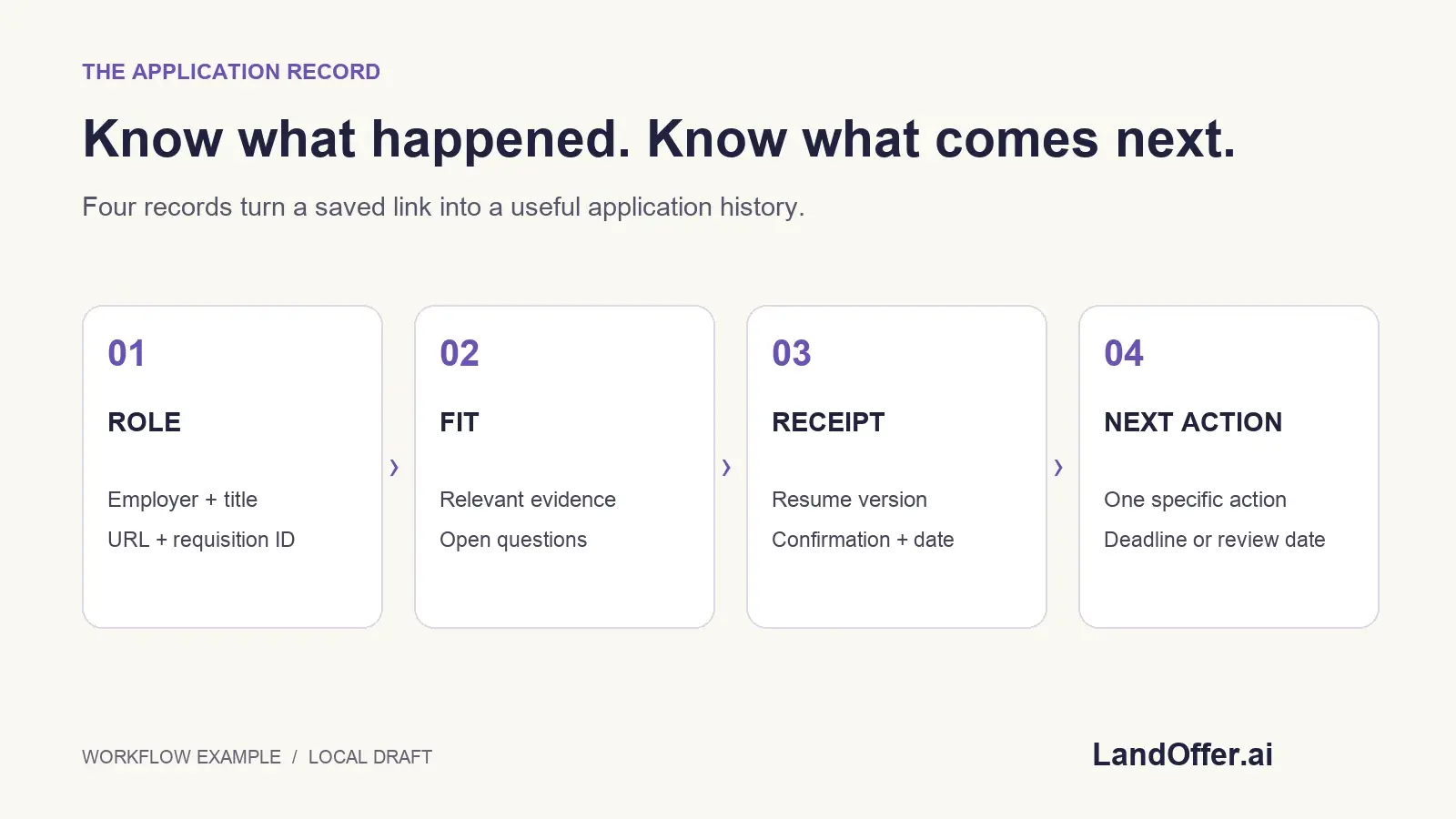
A useful Notion job application tracker lets you answer three questions without reconstructing your inbox: which role is this, what happened in its interviews, and what should I do next? Give each role its own record, then link its interviews and tasks. Two applications at the same company can have different rounds, document versions and next steps.
This guide builds a concrete three-database design from Notion's public documentation checked October 20, 2026. We verified a fictional relationship model locally in Python; we did not create a Notion workspace, import data or test an authenticated template. Use recent roles on LandOffer.ai to find opportunities, then record each specific opening and its original employer source in your tracker.

Start with records that have one clear meaning
Create three databases: Roles, Interviews and Actions. A role row represents one application opportunity, an interview row represents one event for that role, and an action row represents one task you intend to complete. Company is a property of the role, rather than the identity of every application at that employer.
Notion's database introduction explains that database items are pages with properties and different views. Use that structure for a small, maintainable system. You do not need a separate database for every company, a purchased template or an AI-generated summary to distinguish two requisitions.
Use stable, readable page names such as Fable Systems — Backend Engineer — BE-21. Preserve the requisition number and original URL separately. If a title changes slightly across a board and an employer page, check whether it is the same requisition before creating another application record.
Decide what each status means before moving applications between stages. Saved means you retained a lead; submitted needs your submission evidence; interviewing needs an actual invitation or completed conversation. Moving a card yourself records your interpretation. It does not create an employer receipt, scheduled meeting or hiring decision.
Set up the three databases and their properties
In Roles, use the page title for the identifiable opening, Text for company and requisition, URL for the employer source, and Status for your application stage. In Interviews, add a round name, a Date with time where needed, an event state and a notes page. In Actions, add a task title, Due date and Open/Done state.
These are our design choices using the types in Notion's property guide. Keep an interview’s scheduled time separate from your preparation deadline so finishing preparation cannot be mistaken for completing the conversation. A preparation deadline is an action; the conversation itself is an interview event.
For an interview appointment, store the agreed time and timezone from its actual invitation. A date without a time may be adequate for a self-imposed task but can be ambiguous for a meeting. A copied calendar link is not evidence that a time was accepted; preserve the confirming source in the relevant event record.
Start with minimal notes. Record the purpose, format, preparation question and outcome supported by the communication. Avoid collecting sensitive personal details, confidential assessment questions or private information about interviewers just because a template includes space for them.
Connect each interview and action to the correct role
Use a Relation property named Role in Interviews and select the Roles database. Limit that property to one page. Turn on the corresponding relation in Roles, naming it Interviews. Repeat this pattern for Actions: one Role per action, with the reverse property named All actions in Roles.
The relations documentation describes selecting related pages, an optional two-way relationship and a one-page limit. The limit prevents selecting two roles in that property; it does not verify that the chosen role is correct. Review the requisition when making the link.
Add a second relation in Roles called Selected next action, pointing to Actions and limited to one page. This is a deliberately maintained pointer, separate from All actions. It should identify one open task belonging to this role. It is not an automatically calculated queue.
Then add a Rollup called Next due: choose Selected next action as its relation, Due as the related property and Show original as the calculation. With one selected action, the displayed date belongs to that task. If the pointer is empty, the display is empty; it does not mean the application has no outstanding work.
Do not take the earliest Due across All actions and assume it is your next open task. A completed task can have the earliest historical date. The selected pointer makes your choice explicit. You must update it manually whenever the next task changes.
Worked model: two roles at the same fictional company
Here is the first completed asset. Fable Systems, its requisitions, interviews and dates are entirely invented. These are not employer communications or events we attended. The local model contains two roles and four interviews, with the relationships below.
| Role page | Requisition | Interview records assigned | Current selected action |
|---|---|---|---|
| R21 — Fable Systems Backend Engineer | BE-21 | I1 recruiter screen; I2 technical discussion | A1: review bounded API debugging example, due October 21 |
| R22 — Fable Systems Data Engineer | DE-22 | I3 recruiter screen; I4 pipeline exercise discussion | A2: review requested availability response, due October 20 |
The interview history is separately completed:
| Interview | Correct role | Stipulated event time, Pacific offset | Event state |
|---|---|---|---|
| I1 — recruiter screen | R21 / BE-21 | October 19, 2026, 10:00, UTC−07:00 | Completed |
| I2 — technical discussion | R21 / BE-21 | October 22, 2026, 14:00, UTC−07:00 | Scheduled |
| I3 — recruiter screen | R22 / DE-22 | October 19, 2026, 15:00, UTC−07:00 | Completed |
| I4 — pipeline exercise discussion | R22 / DE-22 | October 23, 2026, 11:00, UTC−07:00 | Scheduled |
The completed decision is to keep both application stages as Interviewing while retaining separate preparation tasks. Finishing BE-21's screen does not mean DE-22's screen occurred, and a technical round for one requisition does not become the other role's appointment.
The Python fixture checked that each role has two interview records and that every selected action is open and belongs to its parent role. It also checked the displayed next dates. Those checks validate the two-role fixture and the ownership/date rules we defined. They do not test Notion’s interface, synchronization or notifications.
Create useful views without duplicating the history
Create an Active roles view that excludes your closed stages. Create an Open actions view filtered to Open and sorted by Due ascending. Keep an Unassigned interviews view for rows whose Role relation is empty; this makes incomplete linkage visible instead of losing the event in a role-specific view.
Notion's view guide documents filters, sorts and combinations of AND/OR conditions. These settings change the displayed subset. They do not create separate copies of the underlying applications or prove that an item hidden by a filter was deleted.
For a role page, a linked Interviews view can show events where Role contains that exact role page. Configure the specific page explicitly in this initial design, then test that BE-21 shows I1/I2 and DE-22 shows I3/I4. Do not assume a duplicated filtered view has automatically changed its relation target.
The linked-data-source guide distinguishes linked views from their underlying source. That is useful for a dashboard: present the same records in different contexts while keeping the original event history. Editing a source record through a linked view still changes that record; this is not a sandbox copy for trying out factual changes.
Repair the template that links every interview to one role
Notion's database-template instructions contain a relevant warning: a relation value filled into a template is reused for pages created from it. If an Interview template has Role set to R21, new interviews can all inherit that same existing role, regardless of their titles.
For this design, create an interview-notes template with headings such as Purpose, Preparation and Outcome, but leave Role unfilled. Assign the correct role after creating each event. Keep employer-specific dates, selected actions and requisition links out of the generic template unless the fixed relationship is intentional.
Here is the second completed asset: a repair of the fictional model. We simulated the faulty template by assigning all four interviews to R21. Its count became four, while R22's became zero. The two recruiter-screen titles were not enough to distinguish the applications; the Role relation still pointed to R21.
| Record checked | Faulty relation | Repaired relation | Reason |
|---|---|---|---|
| I1 recruiter screen | R21 | R21, unchanged | Belongs to BE-21 |
| I2 technical discussion | R21 | R21, unchanged | Belongs to BE-21 |
| I3 recruiter screen | R21 | R22 | Belongs to DE-22 |
| I4 pipeline exercise discussion | R21 | R22 | Belongs to DE-22 |
The completed repair changes only I3 and I4. The local check returned two interviews per role and retained all four events. No interview was deleted or retitled to disguise a wrong link. Correcting the template prevents the same fixed default in future records; it does not retrospectively repair previously created pages.

Update the next action without rewriting what happened
Continue the repair example with a separate state change. Suppose the fictional job seeker finishes A2, reviewing the availability response. Mark A2 Done, retain it in R22's All actions history and change R22's Selected next action to A4: check technical session instructions, due October 23.
The expected Next due display changes from October 20 to October 23. R21 stays on A1, due October 21. We verified that transition in the local model. It requires an explicit pointer update; marking an action Done alone is not described here as triggering a Notion automation.
We also tested a wrong selection: pointing R22 at R21's A1. The local validator rejected the mismatch. Notion's one-page relation limit does not enforce this cross-database ownership rule for you. Open the selected action and check its Role and state during your review.
Completing a drafting task should not falsely record a sent message. A2 concerns reviewing an availability response; no email was sent in this exercise. Similarly, completing preparation does not complete the scheduled interview. Preserve those distinctions so your next action remains useful without inflating progress.
Keep the tracker private and preserve a recoverable record
Notion's sharing guide describes page access, invitations and web publication separately. It also notes that a default teamspace is broadly accessible within its workspace. Check the actual Share state and parent location before storing personal search notes in a work workspace. Before sharing with a mentor, review access to the dashboard and its related records.
A filtered view is a presentation choice, not a confidentiality boundary. Someone's access depends on permissions, not merely which columns you chose to show. Share only the material needed for the intended review and check related pages before assuming that a dashboard hides the rest of your search.
Keep an independent record of the schema, identifiers and relationship pairs. Notion's relation documentation says CSV exports represent relations as plain-text URLs and cannot simply be reimported to restore database relationships. The local CSV fixtures accompanying this example therefore document the model; they are not advertised as a one-click relational Notion import.
Before relying on your own tracker, check two same-company roles, a missing relation, a wrong relation and a completed next action. Confirm that each page shows its own interviews and selected task. Then maintain it from actual communications and receipts while continuing your role search through LandOffer.ai. A trustworthy tracker makes the next decision visible without claiming to perform the application or interview for you.