LandOffer
Job search
Moving Your Resume Out of Teal: Preserve Versions and Master Facts Before Deleting Data
Save each application version and rebuild a complete editable master. Check PDF export limits, shared work history and the records you need before removing source data.
Moving your resume out of Teal starts with deciding what you need to preserve. A PDF keeps an application document you can inspect and send. An independent editable master keeps the career facts you will need for future applications. Preserve each tailored PDF and the complete editable master before considering an overwrite or deletion.
This guide checked Teal’s public documentation on October 22, 2026, including help articles dated July 27, 2026. We did not access a private account, export a user’s documents, import data or delete anything. The worked records below are fictional editorial examples. LandOffer publishes this guide and provides recent technology job listings for researching the next version you actually need.

Preserve the document and the facts behind it
Keep the exact file used for each application, an independently editable master, and an inventory connecting those files to their purposes. They answer different questions. “What did I send?” requires the specific submitted file. “What can I use next?” requires more than the selected facts that fit that application.
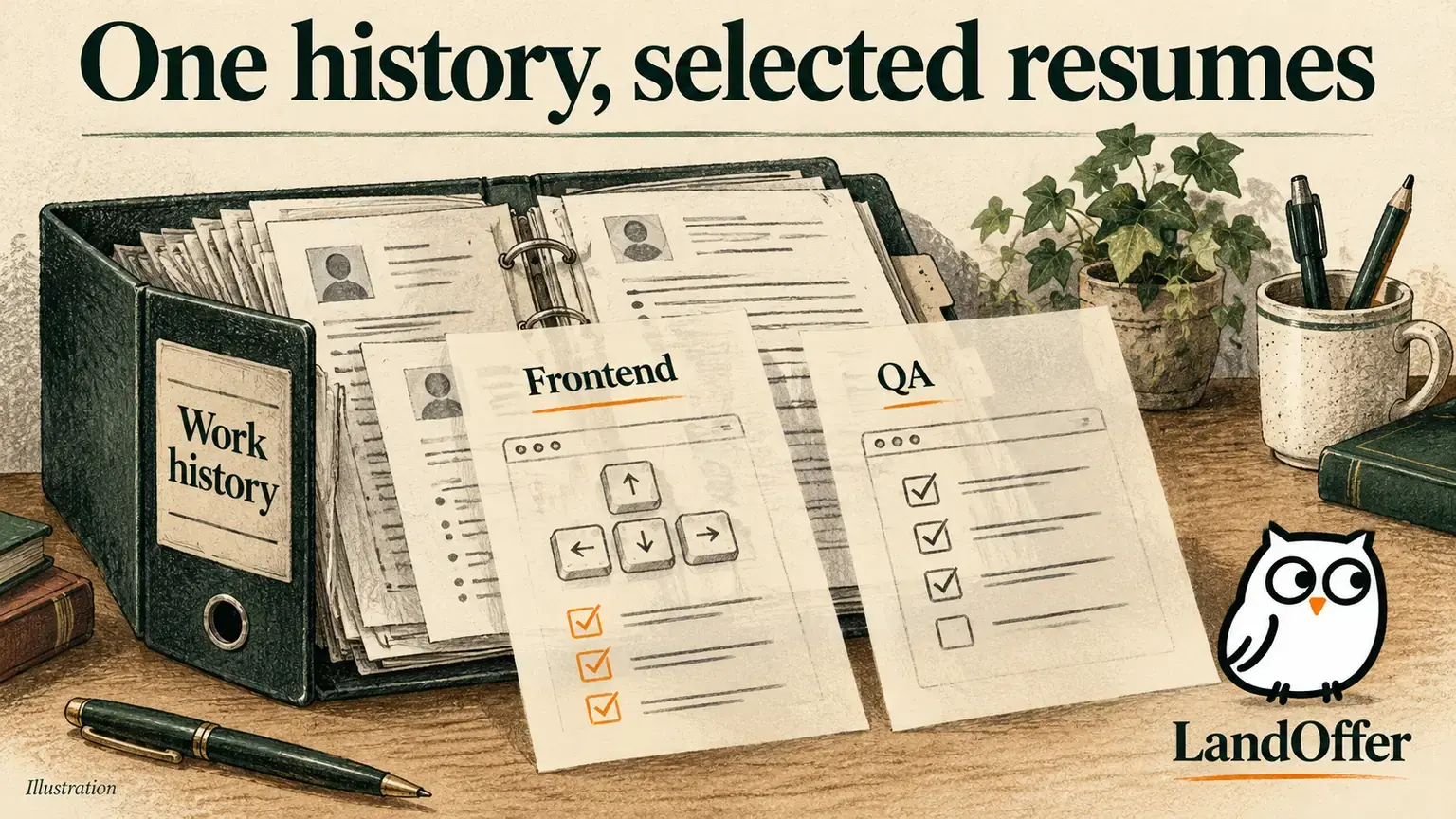
A software resume focused on backend services might omit an earlier test-automation role, a relevant course or an older project. A second version for developer tooling might include those items and omit something else. Saving whichever PDF is currently open does not establish that you have preserved every useful fact across the builder.
The master can be a locally editable document or another private format you can maintain independently. Keep role titles, employers, dates, project ownership, relevant skills and evidence notes organized. Exclude secrets, customer data and confidential employer files. Record that an accomplishment needs verification rather than improving it with an invented number during migration.
What Teal currently says about export
The official export instructions describe opening a resume and using Export PDF. The available choices are the resume, cover letter, or both. Selecting both produces one combined PDF; separate copies require selecting the individual document options.
The same help article says PDF is currently the only export format and describes DOCX export as a hoped-for future addition. Do not plan a migration around an available Word export. Support for importing a Word file is a separate capability and does not establish a Word download, editable source archive or lossless round trip.
The public help article describes an Export Guide for checking resume sections, analysis and job matching; we read the documentation without entering the private export flow. Its scores are product guidance, not proof that your archive is complete or that an employer will accept the document. Check the actual saved file yourself: open it, read the first and last sections, inspect page breaks and confirm that it contains the intended version.
There is also a workflow detail worth checking before export: the documentation describes a Move job to applied toggle that can change the connected Job Tracker entry. Saving a file and submitting an application are different actions. Review that option so an archival download does not create an inaccurate application record. We did not test or change it.
Inventory versions before changing shared history
Teal’s resume-syncing explanation says multiple resumes use the same underlying work history. The interface can offer saving changes across resumes and deleting content from all resumes. That makes a version list different from a collection of isolated backups.
Before editing to simplify the move, list the versions you need to retain. For each, note its purpose, target role, last review date, whether it was submitted and which cover letter belongs with it. Preserve the submitted file unchanged when available; create a separate working copy for corrections. Do not label a reconstructed version as the exact file previously sent.
Then review the full work-history content, including entries excluded from particular application views. An exported application PDF only shows what that view includes. A shared fact may matter to several versions, while a hidden project may matter to none of the current exports. Use the inventory to identify omitted projects and roles while you can still consult the source history. That reduces the chance of reconstructing a fact from memory after removal.
Worked example: complete a version-preservation record
Maeve is a fictional backend developer preparing to maintain her documents outside the builder. These are invented records, not exports from an actual Teal account. She has two role-focused versions and one older application copy. Her review produces this completed inventory.
| Record | Preserved item and purpose | Remaining check |
|---|---|---|
| Backend version | Maeve-Backend-2026-10-22.pdf, current services-focused application copy | Open locally and compare every section with that version |
| Developer-tools version | Maeve-DevTools-2026-10-22.pdf, includes test tooling omitted above | Check project ownership and its companion letter |
| Earlier submitted application | Original sent PDF retained unchanged in a dated application folder | Keep separate from today’s corrected working copy |
| Cover letter | Separate resume and letter files planned for the developer-tools application | Confirm the letter names the intended employer |
| Excluded history | Earlier QA role and internal documentation project copied into the editable master | Verify dates against her own permitted records |
| Private source master | Maeve-Master-2026-10-22.docx, complete factual working record | Reopen independently and compare with both current versions |
Her completed reconciliation note reads: “The backend application omits the QA role; the developer-tools application includes it. Both refer to the same employment dates. The master retains the QA role, the documentation project and the evidence note for the service rollout. The original submitted PDF remains unchanged. Today’s corrected version is named and stored separately.”
She finds that an old bullet says she led the entire rollout, while her notes support ownership of integration tests. Her master entry becomes: “Owned integration-test coverage for a service rollout, worked with the release lead on failure cases, and documented the test handoff.” She leaves the reliability improvement unquantified because she has no verified measurement.
Her decision record is: “Archive inventory drafted; deletion remains on hold. I still need to open the actual saved files, verify the employment dates and compare the developer-tools letter. A list of intended filenames is not proof that the files exist or contain the right content.” Her filled reconciliation record gives her a review list; the actual downloads and checks remain outstanding.

Build an editable master without assuming perfect conversion
If you no longer have the original editable source, reconstruct it deliberately. Work from the exported documents and the complete facts you can still inspect in the builder. Copy text into your chosen private editor, then restore headings, dates, bullets and links. Keep the PDF as a visual reference while reviewing the editable document.
Copying text may produce merged bullets, broken reading order or missing link destinations. Those are checks to perform, not defects we observed in a Teal export. Do not assume an online converter will preserve everything, and consider what information you would transmit before uploading a resume to another service.
Verify content before polishing the new layout. Read contact details character by character, check employment dates and distinguish an earned credential from a course in progress. Open portfolio links and inspect their destinations. Compare the end of each page with the next page, inspect the final bullet under each role, and reconcile every role in the master with the inventory. A clean first page cannot establish completeness.
Keep a private record of where uncertain facts came from and what still needs review. Store the master and its backup where you can retrieve them independently. A second filename in the same temporary download folder is not a meaningful recovery plan if that folder is your only retained copy.
Worked example: audit the editable replacement
Oren is a different fictional developer rebuilding a master from his own permitted notes and two application documents. This paper example illustrates review decisions; it is not a tested PDF conversion or account export. He completes a six-item content audit before deciding whether the replacement is ready.
| Check | Finding in the fictional reconstruction | Completed correction or decision |
|---|---|---|
| Role dates | Backend entry ends in June; his retained employment record says July | Correct master to July and flag older application copy as historical |
| Bullet separation | Test ownership and release coordination appear as one sentence | Separate his test work from the release lead’s responsibility |
| Link destination | Portfolio label remains but the editable copy has no link | Restore the public portfolio URL and include it in the final link check |
| Omitted experience | Earlier support-tool project is absent from both selected applications | Add it to private master with factual scope and tools |
| Credential status | Training is listed under Certifications without an earned credential | Move it to Training; do not invent certification or completion |
| Quantified result | A remembered time-saving estimate has no supporting record | Keep it out of application text pending verification |
His reconstructed master excerpt reads: “Backend developer, August 2023–July 2026. Maintained service integration tests and documented failure-case coverage for release handoffs. Earlier project: built an internal support-tool prototype and recorded known limitations. Training: cloud fundamentals course in progress; no certification claimed.”
His review note is: “The content corrections are recorded. The portfolio destination must still be opened from the saved editable file and the final PDF. I have not checked page breaks in the new editor. The unsupported time-saving estimate stays in private verification notes, outside the application version.”
His release decision is to keep the source account available while completing those checks. He will create the next application from a copy of the master and compare that output with the reviewed facts. Neither an attractive layout nor a successfully opened PDF resolves the remaining link and pagination checks. No file has been uploaded, submitted or deleted in this example.
Understand overwrite, re-import and deletion separately
Teal’s re-import and overwrite guide distinguishes appending information from starting over. Re-import adds missing information and can create duplicates requiring manual review. It does not promise separately isolated work histories for each imported document.
Overwrite removes all existing resumes and resume data, according to that guide. Do not use it as a harmless test of whether your new file imports correctly. The import instructions describe DOCX/PDF, LinkedIn URL and pasted text; accepted input formats do not prove complete reconstruction of previous versions, choices or history.
The Delete All Resumes article warns that clearing resume data cannot be undone. It also says the action is not completed until new resume data is imported, and cancelling within the re-import menu cancels the deletion process. Preserve both parts of that description: cancelling an unfinished workflow is not a promised restoration method after completed deletion.
These resume-data instructions do not establish account deletion, subscription cancellation or the retention rules for every other Teal feature. Decide whether you need any destructive change at all. If your goal is simply independent editing, verified external copies may accomplish it without clearing the source immediately.
Finish with a recoverable working set
Before treating the move as finished, reopen the master in its independent editor, open each retained application file, check links and dates, and confirm where the backup lives. Keep submitted copies separate from working versions. Record unresolved facts so they do not quietly become confident claims during the next round of tailoring.
Use a current role description on LandOffer to choose which verified facts belong in your next application copy. The master should remain complete. Record which files opened successfully, which facts still need checking and where the backup can be retrieved. Keep source removal on hold until the retained working set meets your own review requirements.
Sources and Further Reading
- Teal: Export Your Resume & Cover Letter, July 27, 2026; PDF-only and combined/separate document instructions.
- Teal: Can I Have Multiple Resumes That Aren’t Connected?, July 27, 2026; shared history and version selection.
- Teal: Re-Import or Overwrite Your Resume Data, July 27, 2026; append, duplicates and all-resume overwrite.
- Teal: Deleting All Resumes, July 27, 2026; irreversible warning and unfinished workflow cancellation.
- Teal: Import Existing Resume or LinkedIn Profile, July 27, 2026; supported inputs, without round-trip guarantees.