 LandOffer
Job search
Teal Review: When a Resume Builder and Job Tracker Fit Your Search
A documentation-based Teal review with sourced free and paid boundaries, a resolved Resume Syncing example, and the export control that can change tracker status before submission.

Teal fits a search where the hard part is keeping job descriptions, resume choices, and follow-ups connected. Its free plan includes unlimited resumes and job tracking; Teal+ mainly expands writing, analysis, keyword visibility, and design. Start free if organization is your bottleneck. Paying makes more sense when those expanded resume tools address work you repeat.
This is a public-documentation review checked October 8, 2026, not a signed-in product test. We did not measure parsing, writing quality, employer compatibility, or hiring results. LandOffer publishes this review and offers job-search tools. You can browse recent roles on LandOffer, but our ownership does not establish a performance advantage over Teal. All candidate examples below are fictional.
What Teal connects, and why that matters
Teal combines a resume builder with a Job Tracker. Its useful organizing idea is a comprehensive work history from which you choose relevant material for each application. The resume you build for one role need not contain everything in that history.
That approach suits a software candidate applying to frontend and testing roles using different parts of the same internship. It is less compelling when you already have two polished files, an accurate spreadsheet, and no trouble connecting them. Moving that routine introduces import checks and another place to maintain.
Teal also advertises a job board and application autofill. It would be inaccurate to describe its current offering as a tracker only. However, this review's recommendation rests on the documented resume-and-record workflow, not on verified discovery relevance or application automation. Evaluate those additional features separately if they drive your purchase.
The central buying question is whether having the posting beside your resume choices helps you decide what to show and remember what you sent. A long feature list does not answer that question. The worked example shows how fewer loose files can make the next application easier to reconstruct.
The free-versus-paid boundary, with a real pricing discrepancy
The Teal vs. Teal+ help page, dated July 27, 2026, and the pricing page agree on the main distinction: saving more jobs or creating more resumes does not require an upgrade.
| Search task | Free Teal | Teal+ | Buying implication |
|---|---|---|---|
| Create resumes and track jobs | Unlimited | Unlimited | Neither volume alone justifies payment. |
| Choose resume templates | 10 templates | Full library | Pay for a specific design need. |
| Inspect job-description keywords | Top five | Full list and custom keywords | Expanded visibility matters when the limited view hides useful detail. |
| Review resume analysis | Basic recommendations | Basic and advanced recommendations | Feedback depth is separate from writing accuracy. |
| Use stage-specific email templates | One per stage | Unlimited | A larger library matters only if you use it. |
| Generate summaries and cover letters | Two credits each | Unlimited | Repeated drafting can exhaust the free allowance. |
| Generate resume bullets | Limited; published counts conflict | Unlimited | Confirm the account allowance before budgeting around it. |
The conflict is specific: the pricing page lists 10 free bullet-generation credits, while the help page lists five. We cannot resolve the account's actual allowance without an authenticated check. This does not undermine the agreed unlimited tracking/resume boundary, but it prevents a confident promise about the exact free AI cap.
The listed USD plan totals are $13 every seven days, $29 every 30 days, and $79 every 90 days. These are different billing commitments. The weekly plan is not $13 per month. Four seven-day periods cost $52, while the listed 30-day plan costs $29; choose based on the period you expect to use.
Teal's terms say subscriptions renew automatically unless canceled before renewal. Cancellation takes effect at the current period's end and does not automatically produce a refund. Verify the cancellation banner in account settings. The terms also mention an annual billing option, but the pricing page reviewed did not display an annual total; we do not supply one.
Completed plan decision: Nina, our fictional candidate, wants to save 18 roles and prepare frontend and QA resumes. She can manually edit bullets and does not need additional templates or a full keyword list yet. Her decision is free Teal, because her named tasks fit its documented core. If she later needs repeated generation and expanded analysis, the paid boundary changes; saving more jobs still fits the free plan.
Resume Syncing changes how you manage versions
Teal's multiple-resume explanation says resumes depend on a shared work history. Creating a new resume gives you that history to customize, rather than a separate imported career record. Selection checkboxes let you choose what appears.
The edit controls are explained in Making Changes Across Resumes. For an existing item, “Save to all resumes” applies an edit across versions. Leaving it unchecked keeps the edit local; another version can show an “Update Available” comparison. Entirely new resume details are added to all resumes automatically.
Use the difference deliberately. A corrected employment date is a fact every relevant version should share. A summary emphasizing frontend accessibility may belong only on one version. Because the guide says new details are added across resumes, check each version's selected content and final export after adding an item. Do not assume a new detail is automatically appropriate for every role.
Importing another file also needs care. Teal's re-import guide distinguishes appending missing information, which can create duplicates, from overwriting, which removes existing resumes and data. Overwrite is a restart, not the ordinary way to create another targeted version. Keep your original files before choosing either operation.
This is a meaningful reason to use or skip Teal. Shared content reduces repeated factual maintenance, but you must understand the edit's reach. Candidates who require entirely independent career histories may find a conventional file system easier to reason about.
A completed two-role workflow with different edit decisions
Nina's fictional evidence folder contains her May 2026 software engineering graduation record, an internship letter, and project notes. Her internship ended in June 2026, although the old resume says May. She implemented React keyboard-navigation improvements, checked the changed interactions using the keyboard, and wrote Playwright smoke tests for a staging build. She did not own a production testing program or measure a revenue result.
She saves two fictional postings: Alder Apps' Frontend Engineer, AA-31, and Mosaic's QA Engineer, MQ-12. She checks each employer's current posting and copies its description into the tracker record. Teal documents extension bookmarking and manual entry; this example assumes she uses the manual route so she can check the contents herself.
She then prepares two resumes from the shared history. The frontend version selects the keyboard-navigation work; the QA version selects the smoke-testing work. Both retain the accurate internship title and dates. These completed choices apply Teal's documented selection model; they are not screenshots or results from an account.
| Item | Nina's completed choice | Result to preserve |
|---|---|---|
| Incorrect end month | Correct May to June and save across resumes | Both current versions show June 2026. |
| Frontend summary | Save role-specific wording without applying it to all resumes | AA-31 emphasizes React accessibility. |
| QA summary | Keep its testing emphasis when reviewing the available update | MQ-12 retains Playwright and staging scope. |
| Frontend export | Save nina-AA31-frontend-v1.pdf |
A fixed file representing the selected content. |
| QA export | Save nina-MQ12-qa-v1.pdf |
A separate fixed file for the second role. |
Her frontend summary reads:
Software engineering graduate with internship experience implementing React keyboard-navigation improvements and checking accessible interactions.
Her QA summary reads:
Software engineering graduate with internship experience writing Playwright smoke tests for a staging build.
Neither claims leadership or a measured business gain. The difference is relevance, not an invented career change. Nina checks the available update in the QA version rather than accepting the frontend emphasis merely because it is newer.
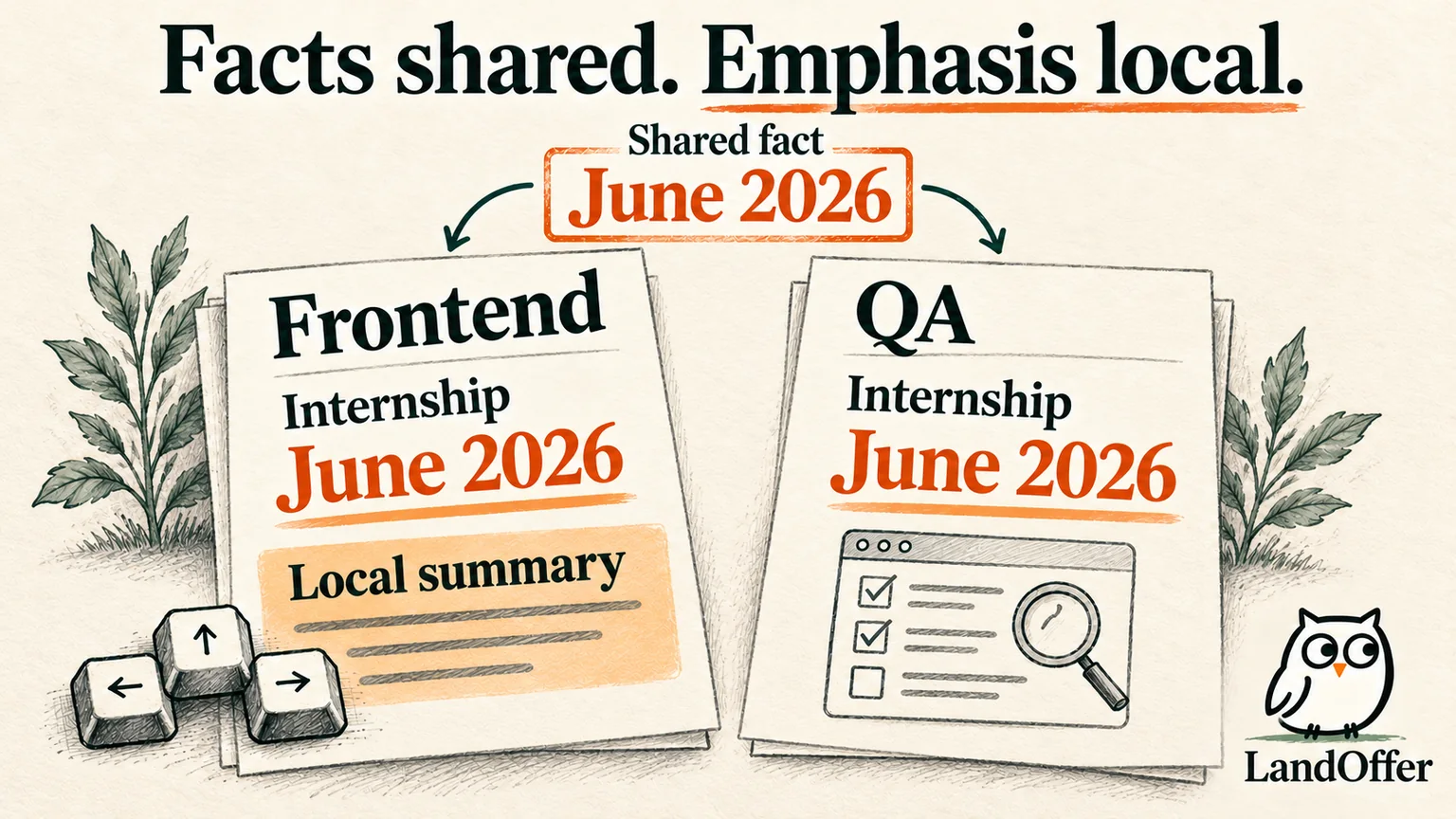
The result is two job-specific documents with one corrected shared fact. Nina stays on the free plan for this worked case. She has used content selection and careful editing to complete the task without assuming that AI generation is necessary.
Keyword feedback should guide a question, not invent an answer
The Job Matcher guide lets you select a bookmarked role, search its job-board source, or add a description manually. It shows included and missing keywords and offers actions to add skills or generate bullets. That makes the connection between the chosen posting and the current resume concrete.
Teal's tailoring guide also distinguishes content already in the master resume but toggled off. For Nina, a missing Playwright term in the QA version could be a selection problem: she has the experience and can include it. A missing production-ownership requirement is different. Her staging work does not establish production ownership.
A higher Match Score reflects the tool's comparison; it is not an employer's hiring probability. Ask why a term is missing before using a suggested addition. The tool can expose a relevant experience you omitted, an unclear description, or a genuine qualification gap. Classifying the gap helps you decide whether to select a bullet, clarify it, or reconsider the role. Only the first two can be resolved by editing.
Teal's resume-building guidance warns that AI suggestions may contain placeholder metrics. Replace those with real supported figures or remove the metric. “Improved accessibility by 40%” would require a defined measurement Nina does not have. Naming the interactions she changed is useful evidence without that number.
Exporting a resume can change the tracker before you apply
This detail deserves attention before trusting an Applied count. Teal's export instructions document a “Move job to applied” toggle in the export guide. Turning it on updates the connected job's tracker status during export. A downloaded PDF does not establish employer receipt.
In Nina's case, she leaves the toggle off while exporting AA-31. She keeps AA-31 at Applying until she submits through Alder's employer portal and sees a confirmation naming that requisition. Only then does she record Applied, linking the submitted PDF and noting the confirmation. MQ-12 remains Applying because she has prepared its file but has not submitted it.
Her completed record therefore contains one Applied role and one Applying role, despite two exports. This example is a planned teaching workflow, not a claim that we submitted applications. Its result follows from separating a file operation from the employer event.
If you already used the toggle early, reconcile the record with what happened at the employer. Correct the stage and add a note instead of submitting again to make the tracker seem accurate. The tracker guidance also documents notes, follow-up dates, resume attachments, and Menu → Export Report. These help preserve context, but a tracker export is not a backup guarantee for every attachment.
Teal currently documents PDF-only resume export. Selecting resume and cover letter together produces one combined PDF; export them separately when an employer asks for separate files. Open each final file to check selected sections, dates, and page breaks. If editable DOCX is a requirement, this documented export boundary may rule Teal out.
Who should keep Teal, upgrade, or use something simpler?
Try free Teal when you repeatedly lose the connection between a posting, its tailored resume, and your next action. Its shared-history model and unlimited tracking are useful documented reasons to consider it. Upgrade for an expanded capability you can name, after the free workflow proves useful. Paid analysis does not remove fact checking.
Keep your existing system if it already preserves those connections. A spreadsheet and well-named files may serve a narrow search with less setup. For repeated form entry, our Simplify Copilot review addresses a different starting problem. Teal's autofill page uses submission language, but we did not verify its controls or plan access; this review does not promise final manual approval in every mode.
Before importing sensitive material, read Teal's privacy policy. It describes processing career content and sending content to third-party AI providers for applicable features. This review is not a security audit. Export useful records before leaving, and retain the actual files you submitted outside a changing editor.
For your next application, identify whether you need better records or more writing assistance. Browse recent roles on LandOffer, open one employer posting, check its requirements, and connect it to one accurate resume and next action. Use the tool that makes that small workflow easier to maintain.
Sources and Further Reading
- Teal pricing and Teal vs. Teal+ — plans and conflicting bullet-credit counts.
- Teal terms — renewal and cancellation.
- Resume Syncing and multiple resumes — edit scope.
- Re-import or overwrite — import consequences.
- Job Matcher, tailoring, and building a resume — selection and AI limits.
- Resume export and application tracking — PDF controls and records.
- Teal privacy policy — content handling.