LandOffer
Pay & Benefits
Missing or Incorrect W-2: Build a Payroll Correction Request and Track the Response
A completed fictional withholding discrepancy, secure payroll request and response timeline show how to preserve evidence and distinguish current IRS next steps without filing a tax return.
For a missing or incorrect W-2, first confirm the tax year and employer, then send payroll a specific request identifying the missing document or disputed box and the records supporting your concern. Track acknowledgment, investigation, promised delivery, and receipt separately. If the employer does not resolve it, use the IRS's current missing-or-incorrect-form process rather than treating an unanswered payroll request as permission to invent replacement figures.
This guide from LandOffer.ai focuses on the request and evidence trail. Its employee, correspondence, dollar amounts, and correction timeline are fictional. No employer was contacted and no tax return or substitute form was prepared. The IRS guidance below was checked on October 25, 2026; use the instructions for your actual tax year and filing circumstances when deciding how to file.

Identify the tax year and the kind of problem
Start with the year printed on the document, not the year you downloaded it. A 2025 W-2 typically concerns wages paid during 2025 even though you obtain it in 2026. The IRS's W-2 and W-3 instructions explain that the reporting year follows when wages were paid. A late-December work period paid in January can therefore belong to the following year's form.
Keep the relevant dates distinct. IRS Topic 154 currently references February 2, 2026 for forms unavailable in the 2026 filing season. For tax-year 2026 W-2s, the 2026 employer instructions give a general employee-furnishing deadline of February 1, 2027. These are employer document dates, not your personal income-tax-return filing deadlines. Do not move a 2025 correction request onto the 2027 calendar.
Next decide whether the form is unavailable, available but apparently incorrect, or merely inaccessible through an old payroll login. Ask for the relevant document and delivery route if it is missing. Identify the disputed information if you have a copy. Check the issuing employer before interpreting an empty portal result; an old employer login may show a different record set.
Verify the issuing legal entity using your employment and payroll records. A trade name, payroll processor name, or different employer entity can explain why an expected document is hard to locate, but do not assume the explanation without payroll confirmation. Keep full EIN details in the protected evidence copy rather than a broadly shared tracker.
Compare like-for-like records before alleging an error
Collect the original W-2, relevant payroll statements, and any annual payroll summary or adjustment notice. Confirm that the records cover the same employer, tax year, and category. A year-end statement may omit earlier payments after a payroll-system change, so ask whether it represents the complete year.
Compare the specific box you are questioning with its corresponding payroll measure. Gross pay, taxable wages, federal income tax withheld, and take-home pay are different quantities. Use the federal-withholding measure for a Box 2 comparison; a bank-deposit total measures money received after payroll deductions. If an adjustment or unexplained classification prevents a direct comparison, ask payroll to reconcile it instead of supplying a correction as an established fact.
Our fictional employee, Riley, downloads a 2025 W-2 on February 3, 2026. Box 2, federal income tax withheld, shows $13,400. A same-entity, full-year payroll withholding summary shows $14,400. Riley has not filed a return in this scenario. The $1,000 difference is a question for payroll, not a calculated refund, tax liability, or conclusion about what belongs on a real return.
Completed asset: the discrepancy and evidence record
Riley's completed record separates the amount under review from checks that still need an employer response. No real taxpayer identifier or employer document is reproduced.
| Item reviewed | Fictional evidence | Classification and next action |
|---|---|---|
| Tax year | Original W-2 and annual payroll summary both say 2025 | Same-year comparison; exclude an older 2024 file |
| Issuing employer | Employment record and payroll summary identify the same fictional legal entity | Ask payroll to confirm entity coverage and any year-end adjustments |
| Federal withholding | W-2 Box 2: $13,400; annual payroll measure: $14,400 | $1,000 unexplained difference; request reconciliation |
| Available document | Original W-2 has been downloaded | This case concerns content, not a missing original |
| Filing stage | No return filed in the scenario | Keep future filing decisions separate from payroll correspondence |
| Identity details | SSN and EIN absent from this shared example | Use payroll's approved secure verification channel if needed |
For a missing-form case, the completed entry would instead state the year requested, delivery methods checked, employer contacted, and whether payroll says a form was issued. Avoid filling a “corrected amount” column when there is no document to compare.
For an address-only problem, describe it accurately rather than insisting that every error requires the same filing procedure. The employer instructions say an address-only error, with all other information correct, does not require filing a W-2c with SSA solely to correct that address. Payroll should select the applicable correction or reissue method. An employee request should describe the error and ask for the appropriate document, not direct an unfamiliar employer filing process.
Send a complete payroll request through the approved channel
Use a known payroll ticket system, verified employer portal, or established payroll contact. State the tax year and employment context, name the disputed box, and identify the supporting records. Ask for acknowledgment, a case owner or reference, and a date for the next update. A requested service date is your follow-up target, not a federal correction deadline.
Here is Riley's finished fictional request, written for an approved secure payroll ticket. It was not sent.
Subject: 2025 W-2 Box 2 reconciliation request
Hello Payroll,
I downloaded my 2025 W-2 on February 3. Box 2 shows federal income tax withheld of $13,400. My 2025 full-year payroll withholding summary for the same employer shows $14,400. Please investigate the $1,000 difference and confirm whether any year-end adjustment or reporting explanation accounts for it.
I have provided the original W-2 and the relevant payroll summary through this ticket's approved secure upload. Please confirm that the summary covers all 2025 payments from the issuing legal entity and tell me which figures payroll determines are correct.
If the W-2 needs correction, please provide the appropriate corrected document through the secure payroll channel and explain which boxes changed. Please acknowledge this request and identify the case owner or reference. Could you provide a status update by February 12, or let me know the expected review date?
I have not filed my return. I can complete any required identity verification through the approved payroll process; I have not included a full SSN in this message.
Thank you, Riley
The phrase “provided through secure upload” belongs only in a real request after you have actually uploaded the material there. If you have not done so, name the documents you can supply and ask for the approved route. Use the approved secure route for the full W-2 and limit the request message to the information its recipients need.
Keep sensitive evidence separate from the status log. A shared log usually needs the tax year, disputed box, case reference, owner, dates, and status—not a full SSN, EIN, home address, or unredacted tax form. When supplying information to the IRS, verify the official contact channel and provide what that process requires; privacy-conscious tracking should not prevent legitimate identity verification.
Completed asset: track the response through document receipt
This timeline is a finished fictional example of a resolved document discrepancy. The employer responses are invented teaching material, not an observed service standard or a promise about correction speed.
| Date | Event and retained evidence | Status and next step |
|---|---|---|
| February 3, 2026 | Riley downloads original 2025 W-2 and records the comparison | Potential discrepancy identified; preserve original |
| February 5 | Secure correction request and evidence submitted in the scenario | Requested; February 12 is a requested update date |
| February 6 | Payroll acknowledges case P-204 | Under review; acknowledgment is not a correction |
| February 12 | Payroll confirms $14,400 is the correct withholding and promises a corrected document by February 20 | Correction promised; keep delivery pending |
| February 20 | Riley receives a fictional W-2c showing Box 2 previously reported $13,400 and correct information $14,400 | Compare year, employer, identity and changed fields; retain original and correction |
Our local consistency check confirmed $14,400 minus $13,400 equals $1,000 and that the fictional corrected amount matches the stipulated payroll control. Its chronology checks do not verify a real payroll record or tax outcome. No return was filed or amended in the exercise.
A useful fictional follow-up before delivery is: “Thank you for acknowledging case P-204. Please confirm whether reconciliation is complete and whether the February 20 delivery target still applies. I will keep the case open until I receive and check the corrected document.” That asks for a concrete state rather than treating “we are looking into it” as completion.
When the corrected document arrives, compare its tax year, issuing employer, and previously reported and corrected Box 2 figures with the original and payroll's explanation. Investigate any other changed fields rather than assuming only the requested box was updated. Keep the document trail. Receipt by the employee does not independently prove what SSA has processed or whether a previously filed return needs amendment.
Use the IRS route if employer follow-up does not resolve it
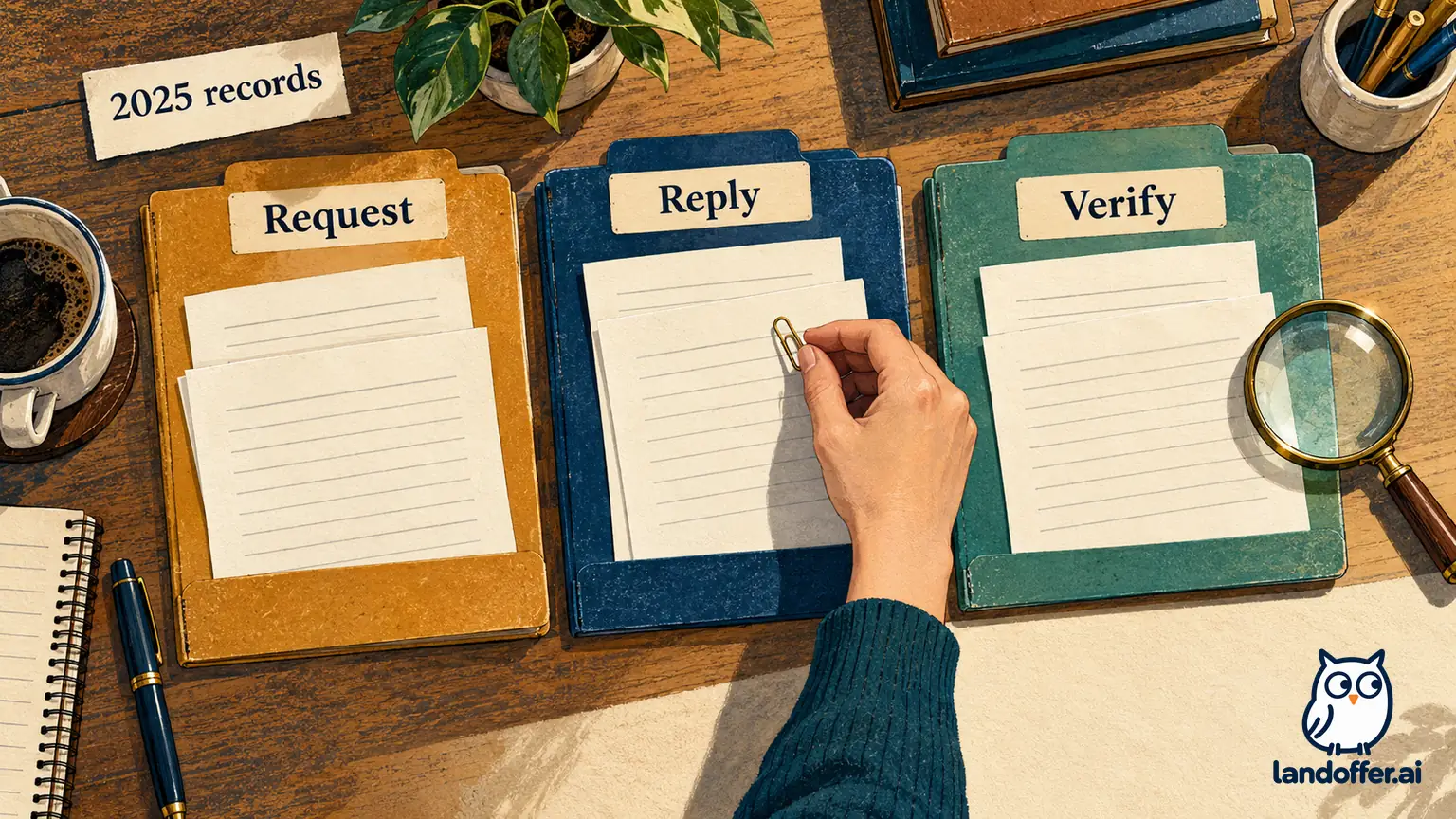
The IRS's missing-or-incorrect-W-2 page directs employees to contact the employer first. If the missing form remains unavailable after employer contact by the end of February, its next step is calling 800-829-1040. For an uncorrected form after February, it also describes an IRS Taxpayer Assistance Center appointment. Keep the dates and results of your employer attempts ready.
The IRS says it will request the missing or corrected form from the employer. For an incorrect form, its letter requests a corrected W-2 within ten days. That is not a guarantee that your first payroll email will be resolved in ten days. If you are addressing an older year's unresolved issue now, identify that tax year and prior contact history rather than waiting for another February as though the case were new.
Prepare the information listed on the current IRS page for that official contact, including your identity and employer details. Keep it out of an ordinary shared follow-up sheet. This article is about organizing the request and records; the IRS or a qualified tax professional can address how the facts affect your actual filing situation.
Distinguish an employer correction from a substitute or amended return
The IRS describes Form W-2c as a correction to previously filed wage statements. It is different from Form 4852, which taxpayers or representatives use as a substitute in specified missing-or-incorrect-form circumstances. Do not label your own spreadsheet a W-2c or assume you can issue the employer's correction yourself.
Topic 154 explains the substitute-form route when the missing or corrected document does not arrive in sufficient time to file. It also says that if a later form differs from the estimates used on a filed return, Form 1040-X is required. The appropriate action depends on what was filed and what changed; payroll acknowledgment alone does not answer that question.
The current IRS incorrect-W-2 FAQ includes special limitations for qualified overtime compensation and qualified tips: figures reported on Form 4852 cannot determine those deductible amounts. Read the current instructions rather than treating a general substitute-form explanation as sufficient for every deduction. This guide does not calculate those amounts or complete a tax form.
Keep filing and extension deadlines on a separate check from payroll's promised response date. If a deadline is approaching, consult the current IRS instructions or your preparer while continuing to document the employer request. A pending support ticket is not a completed filing decision.
Record the document received, the employer's explanation, and the fields checked before marking the payroll discrepancy resolved. Keep any separate filing or agency-processing question visible. For further workplace reading, visit LandOffer.ai.
Sources and Further Reading
- IRS: If You Don't Get a W-2 or Your W-2 Is Wrong — employer contact and IRS follow-up.
- IRS Topic 154 — 2026 season reference and substitute/amended-return distinctions.
- IRS:2026 General Instructions for Forms W-2 and W-3 — tax-year 2026 furnishing date, payment-year rule and correction procedures.
- IRS: About Form W-2c — corrected wage statements.
- IRS: About Form 4852 — substitute-form purpose.
- IRS: Incorrect or Missing W-2 FAQ — current limitations and next-step guidance.