LandOffer
Job search
Kaggle Portfolio for Job Applications: Show Your Contribution and Make the Notebook Usable
Present a Kaggle Notebook with clear attribution, a bounded personal contribution and an honest reviewer path through versions, data and execution evidence.
A Kaggle portfolio link is useful in a job application when the reviewer can identify your contribution, read a coherent result and understand what would be needed to run the work. A public Notebook does not by itself show which work you did, whether the reviewer can access its data, or whether that version ran successfully.
Choose the work you want the Notebook to demonstrate before polishing its appearance. Compare a few recent data and software roles on LandOffer.ai, then check the employer's own requirements. This guide reviews current public Kaggle documentation and one public educational Notebook viewer. Its portfolio examples are fictional; no account, fork, dataset download, publication or Kaggle execution was performed.
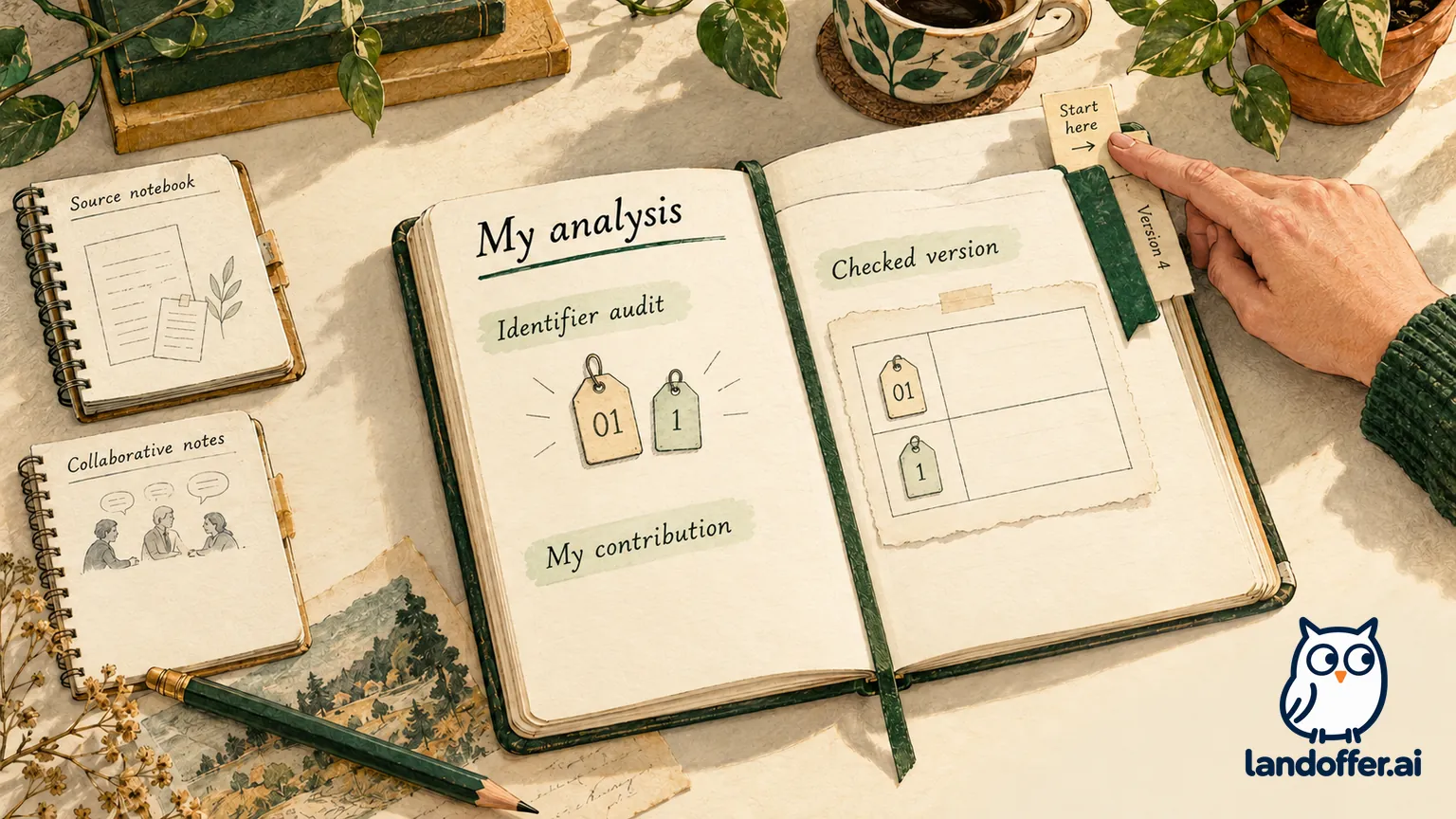
Separate your analysis from the material you started with
Kaggle's Notebook documentation describes copying a public Notebook to experiment with its code and collaborating with other users. Both are useful ways to learn. Neither tells an employer which decisions or implementation belong to you.
Put a short contribution statement near the beginning. Identify the starting Notebook, dataset and collaborators where relevant, then name the analysis you added or changed. State the work you actually did: writing a workflow, correcting a join, designing an evaluation or explaining an existing result.
“Adapted from a public tutorial; I added the identifier audit and corrected the station join” gives a reviewer a concrete area to inspect. “Built an end-to-end analytics platform” would require substantially broader evidence. An interface showing you as an owner or editor cannot replace the contribution statement.
Credit should follow the work. Keep the original source link and relevant attribution, describe teammates' responsibilities, and make your changes easy to locate. A fork with a new title and the same conclusions gives little evidence of your own reasoning. A correction with an explained cause gives you a specific piece of work to discuss.
Make the first screen explain the decision
The opening should tell a reviewer what question you addressed, what you contributed, what the analysis supports and where its limits begin. Follow it with a small number of meaningful headings rather than a long sequence of unexplained code cells.
For an analyst role, explain definitions and the decision behind a chart. For an ML role, identify the evaluation setup and what the metric measures. For an engineering role, show the assumptions and failure checks around the code you own. These are editorial choices based on the job's duties, not Kaggle hiring requirements.
Keep the distinction between demonstration and deployment visible. An exploratory Notebook may show careful data handling without being a production service. A competition result may show work under a particular metric without establishing effectiveness on an employer's data. Present what the artifact can support and leave broader claims out.
Explain the purpose before the code so a reviewer can assess its relevance without executing the whole Notebook. Saved outputs and concise interpretation can make the argument readable; execution instructions serve a separate, deeper inspection.
Worked example: audit a fork and claim the correction
Tessa is a fictional applicant for a junior data-analyst role. She started from a tutorial that loads station data and makes a chart. In a three-person study project, one teammate prepared the observations and another designed the chart. Tessa investigated why totals changed after joining station labels to observations.
The original tutorial, people and project below are invented. Assume the team has checked the relevant reuse conditions; this example does not determine rights for a real Notebook or dataset.
| Component in the fictional Notebook | Contribution owner | Tessa's application decision |
|---|---|---|
| CSV-loading structure and introductory plot pattern | Original tutorial author | Attribute and link the starting material; do not list these as her implementation |
| Observation preparation | Teammate responsible for source preparation | Describe the shared project and teammate's role |
| Presentation chart | Another teammate | Do not imply that changing its caption makes the visualization hers |
| Identifier audit, corrected join and explanation of changed totals | Tessa | Make this the selected evidence and link readers to that section |
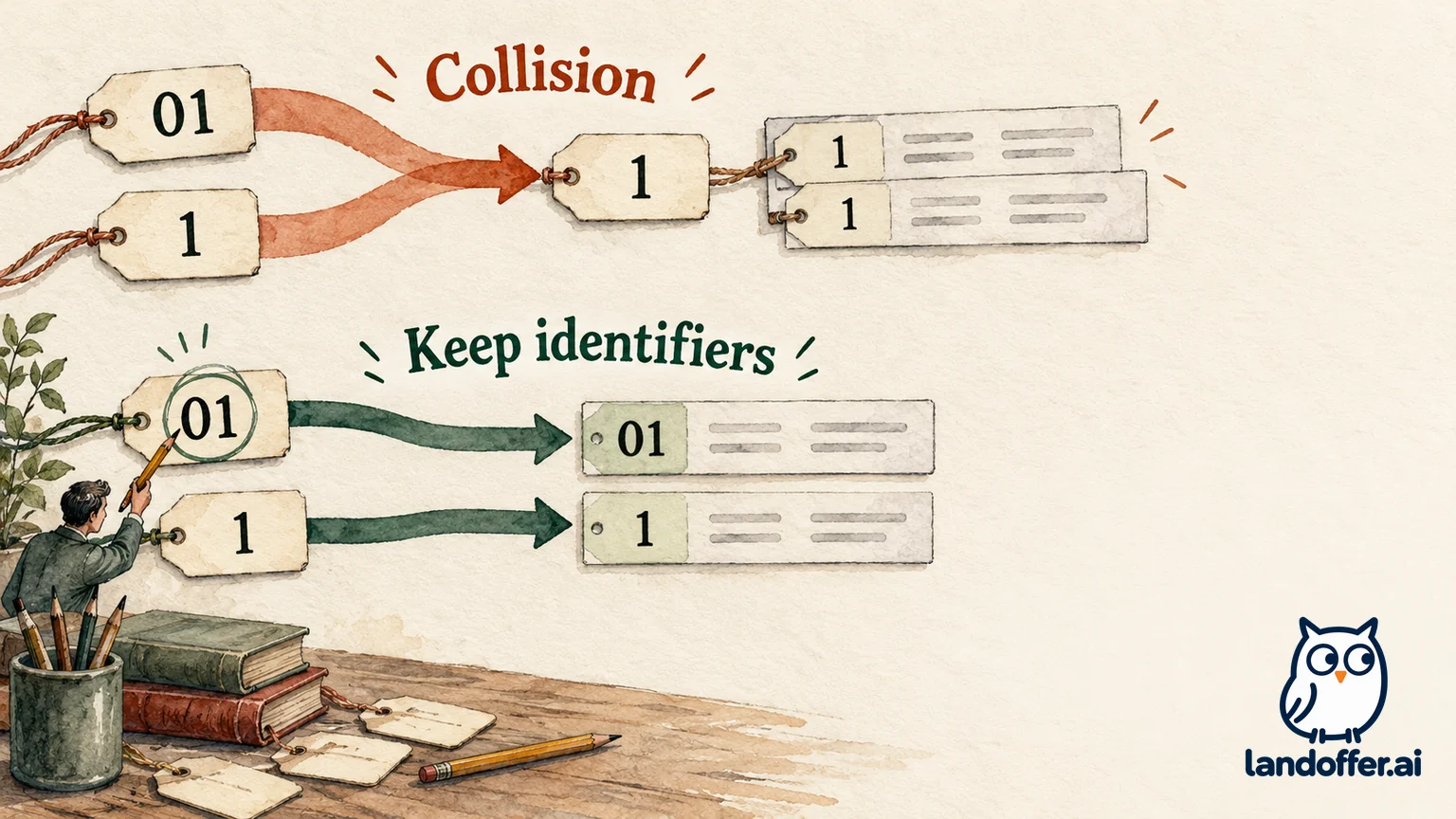
Her finding becomes concrete through a tiny synthetic fixture. The station table has identifiers 01, 1 and 02, assigned to North, South and West. The observations have those same identifiers with counts of 7, 11 and 5. They should produce three labeled rows totaling 23.
The faulty approach converts identifiers to integers before joining. That collapses 01 and 1 into the same key. Each of those two observations now matches two station rows. The join produces five rows and a total of 41: twice 7, twice 11, plus 5. The inflated total comes from the join, not new observations.
Tessa preserves the identifiers as strings, checks that the station keys are unique, and checks that each observation matches exactly one station. The corrected fixture yields three rows totaling 23. These are illustrative inputs and outputs, not measurements from a public dataset. We independently checked this small arithmetic example locally; it was not run on Kaggle.
Her completed contribution statement reads:
This team study extends an attributed tutorial. I investigated identifier collisions, replaced an integer-key join with a string-key join, and added checks for unique station keys and unmatched observations. In the synthetic fixture, that prevents duplicated matches: five joined rows become the expected three. Source preparation and chart design were teammates' work.
The statement directs the reviewer to Tessa’s identifier audit and three checks without claiming her teammates’ preparation or chart design. It also avoids claiming that preserving strings solves every identifier problem. Whitespace, inconsistent source formats and legitimate repeated observations would need their own treatment. The key-uniqueness check belongs on the station lookup, not automatically on an observation table that may contain repeated measurements.
Check the Notebook version and its execution separately
Kaggle documents versions as snapshots and describes Save & Run All as a separate, top-to-bottom execution. It also notes that the viewer normally shows the latest version. Record which version supports the result you discuss rather than assuming a stable title points to unchanged work.
Kaggle's current official CLI documentation explicitly distinguishes a saved version without execution from a run: its no-run option is described as equivalent to Quick Save in the web interface. A saved version is evidence of saved work; a claim that its code completed needs execution evidence for that version. No CLI commands were executed for this review.
Identify the version, data sources and environment associated with your result. If you change code or inputs, revisit the execution claim. If you only edit prose, confirm that the interpretation still describes the same computation. Do not attach a successful-run label from an earlier version to unexecuted changes.
In the public educational Notebook inspected for this article, the viewer exposed separate Notebook, Input, Output and Logs tabs, a version selector, collaborator roles and a license. The linked Kaggle Learn exercise is an older teaching resource, not a job-application benchmark. That observation establishes visible review surfaces for one Notebook; it does not show that every portfolio will render or run successfully.
Treat data access and publication rights as separate checks
Kaggle's Dataset documentation says Notebook and dataset sharing are distinct. A public Notebook can use a private dataset without making the underlying dataset public. The reader may therefore be able to inspect the analysis while lacking the data needed to reproduce it.
That distinction does not make displayed outputs safe to publish. Inspect tables, charts, logs and generated files for information that should remain private. Do not expose employer or customer material simply to make a portfolio easier to run. A separately designed synthetic demonstration can be preferable, provided it is labeled and does not reproduce restricted records.
Check the Notebook's license, each dataset's stated conditions and any applicable competition rules. Kaggle's active Terms of Use, dated June 22, 2025 when reviewed, retain content-rights restrictions even where copying or downloading is technically possible. A visible Copy & Edit control is not a blanket permission for every use of every attached input.
If reuse conditions are unclear, resolve them before republishing files. Linking to the original source and crediting it are useful, but attribution alone does not settle permission. This is a publication check, not a legal opinion about a particular license.
Worked example: choose the version a reviewer can use
Tessa now prepares an application link for the fictional station analysis. Her goal is a readable demonstration of the identifier correction, with honest reproduction limits. The following is a completed planning case, not a test of a live Kaggle account.
| Review checkpoint | Fictional evidence available | Completed decision |
|---|---|---|
| Ownership at the top | Tutorial credit, teammate responsibilities and Tessa's join section are stated | Keep this contribution statement before the analysis |
| Version 4 | Finished execution against synthetic data version 2, with matching code, outputs and interpretation | Select this known result as the application artifact |
| Version 5 | Code changed to use a different input path; saved without a completed execution | Do not describe version 5 as tested or present its changes as verified |
| Data access | Synthetic data version 2 is intended for public review; the newer input is private | Keep the public demonstration separate; do not promise access to the private input |
| Reviewer navigation | Conclusion identifies the collision; join section explains the correction; input and execution details are recorded | Give a short route through those sections, with the exact selected version identified |
Her finished application note is: “Station-label join audit, version 4: see the contribution statement, identifier example and corrected totals. Uses synthetic data version 2. The later input-path changes are not part of this reviewed result.” She would copy and verify the selected version's actual viewer URL before sending it; no fictional Kaggle address is supplied here.
The decision is to use version 4 for the described result and hold version 5 out of the application until its access and execution questions are resolved. This does not mean every older version remains available indefinitely or every latest-version link preserves the intended view. The exact link still needs an access check.
A reviewer who only reads should understand Tessa's reasoning. A reviewer who wants to run the analysis needs the specified inputs and environment. Keeping those two paths distinct avoids requiring an account, accelerator or private-data invitation just to understand the work. Do not promise that every reviewer can execute it without additional access.
Verify the final link without inflating the claim
Before using your own link, inspect the intended public view without relying on owner privileges. Confirm the selected version, contribution statement, readable outputs, data references and limitations. If viewing requires sign-in or permission, state that requirement in the application note and provide a separate readable summary only when you have the right to share its contents.
Keep the application description aligned with the artifact. “Audited a join and explained the duplicated matches” is a specific piece of analysis. Votes, copies, collaborator status or a polished chart are different facts; none establishes that you performed work you did not do or that an employer will value it.
Choose one Notebook that supports a responsibility in the role, then give the reviewer a clear place to start. Use LandOffer.ai to continue comparing opportunities against the work your portfolio actually demonstrates.
Sources and Further Reading
- Kaggle Notebook documentation — forks, collaborators, versioned execution and environments; current public rendered body read October 20, 2026.
- Kaggle Dataset documentation — separate sharing settings, public/private data and dataset license descriptions.
- Kaggle official CLI: Kernels commands — saved-without-run versus executed versions; documentation review only, no commands run.
- Kaggle Terms of Use — active June 22, 2025 version observed; copying functionality does not remove applicable content restrictions.
- Public Kaggle Learn exercise viewer — bounded observation of version, tabs, collaborators and license; no fork, download or execution.