LandOffer
Job search
Before Signing a Job Application Certification: Check Facts, Consent, and Attachments
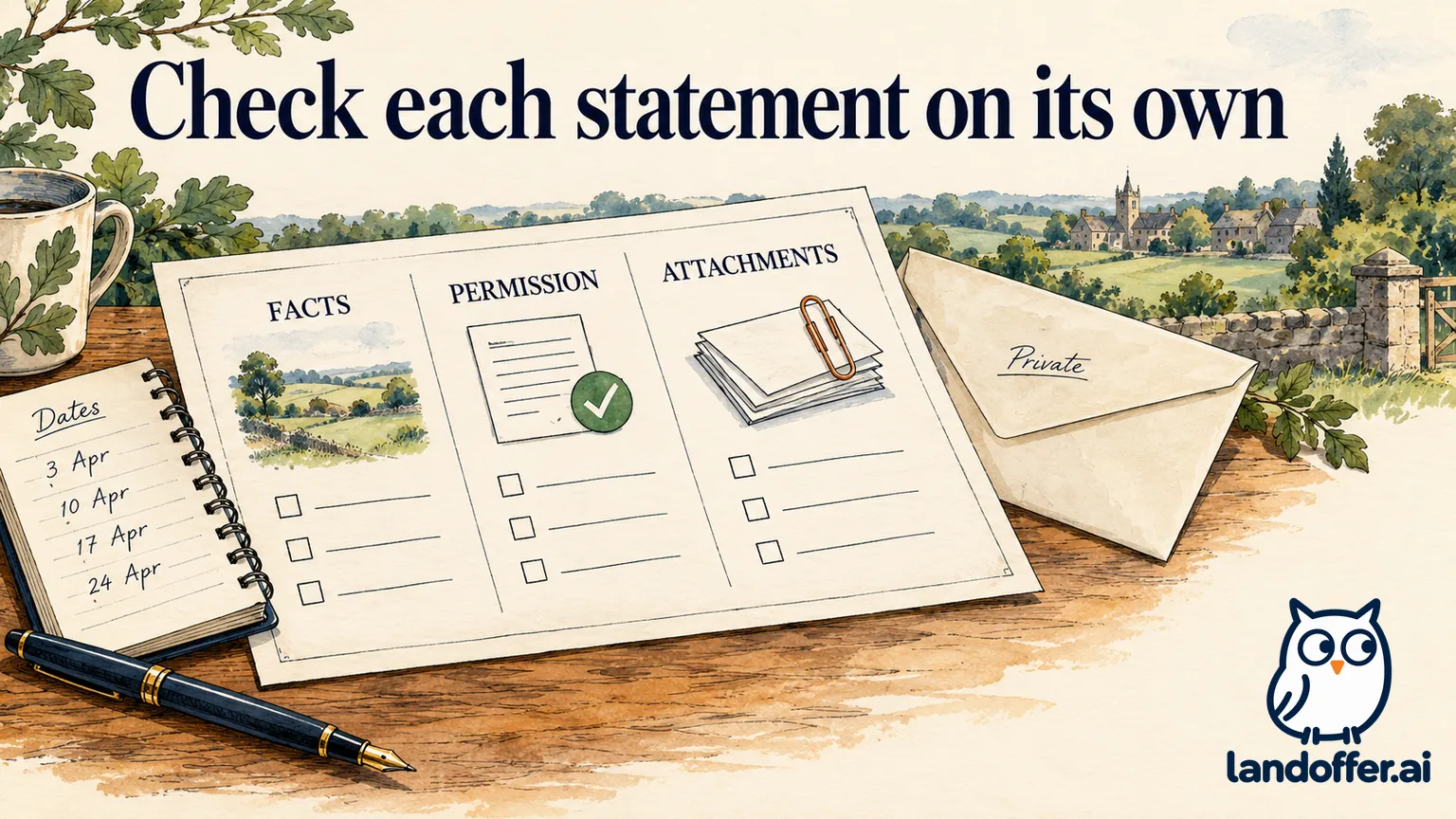
Before signing a job application certification, read each statement and compare it with the application you are actually submitting.
Before signing a job application certification, read each statement and compare it with the application you are actually submitting. Verify facts, review the scope of any permission, open the selected attachments and resolve material uncertainties before checking an agreement box. A polished resume or completed profile does not establish that every field, consent and document in this application is correct.
LandOffer publishes this guide. When you browse recently posted jobs, keep the posting and required documents together so the final review has a clear reference. The examples below demonstrate a practical certification check. They do not interpret an individual agreement, establish that a clause is enforceable or replace advice about rights you are being asked to waive.

Separate the statements beside the signature
An application’s final section may contain several different statements. One may certify the accuracy of your information. Another may authorize verification. A linked privacy notice may describe data handling. Other terms may concern the employment relationship or a dispute process. Read each statement separately before treating the final checkbox as complete.
Identify whether each statement asks you to confirm a fact, authorize an action, acknowledge a notice or accept a term. Then identify its object. Confirming the truth of an employment date is different from permitting someone to contact a former employer. Acknowledging receipt of a privacy notice is not automatically the same as agreeing to every separate term displayed nearby.
An official example shows why this distinction matters. California’s STD. 678 application, revised July 2026, includes a certification about supplied information and authorization for identified employers and educational institutions to release information to the state. Its stated consequences concern that particular state application. The California form establishes that state-specific example; another employer’s actual wording must be read independently. California STD. 678
Read incorporated links and attachments before deciding. If a statement refers to “the above terms,” scroll back and identify which terms it covers. If the document cannot be opened or a sentence is unclear, request an accessible copy or explanation. A broken link does not tell you what the unseen agreement says.
Check facts against records, not confidence
Review names, employment dates, employer identities, job titles, degree status, licenses and the answers to required screening questions. Compare them with records appropriate to each fact. A resume can be an organizing aid, but it may omit details a form explicitly requests or use shorthand that needs clarification.
Look closely at information transferred from a saved profile or generated draft. An ongoing degree can become an awarded degree if a status field is lost. A contract assignment can become direct employment if the client’s name replaces the actual employer. A rounded duration can become a false exact start date when an application requests day, month and year.
Mark unsupported details as unresolved in your private review. Do not replace an unknown date with the first day of the month simply to remove a validation error. Ask what precision or explanation the employer accepts. If the interface offers a truthful approximate-date option, use it according to its instructions; otherwise, obtain the missing fact or guidance before certifying it.
Review claims of ownership and results in narrative answers. “Supported the migration” should not become “led the migration” because a writing tool selected a stronger verb. A plausible metric is still unsupported if you did not measure it. The final certification concerns the submitted representation, regardless of which tool or template produced the words.
A completed fact-and-attachment audit
The following example is fictional. Jordan is applying to an operations analyst role, requisition OA-641. The invented form asks for accurate employment and education information and a resume attachment. Jordan’s first review finds three inconsistencies before the final checkbox is selected.
| Item | Draft submitted for review | Supported correction |
|---|---|---|
| Employment period | January 2022–June 2024 | February 2022–June 2024, checked against employment records |
| Degree | Master’s completed | Master’s in progress, expected May 2027 |
| Project contribution | Led a company-wide rollout | Maintained the reporting workflow for one participating team |
| Resume attachment | Earlier file with completed-degree wording | Corrected resume opened and selected |
| Final certification | Not selected | Remains pending until corrected preview is checked |
Jordan makes the corrections in the application fields and in the attached resume. Changing only the resume would leave the form’s degree field inaccurate. Changing only the form would leave the attachment inconsistent. Recording repairs in both the fields and attachment lets Jordan verify the application the employer will actually receive.
Jordan then returns to the final review screen. The corrected application now shows February 2022, the ongoing master’s status and the narrower project contribution. Jordan opens the selected resume and confirms the same supported facts. Only after reading the actual certification does Jordan decide whether to make it.
This example does not show a submitted application or verified employer behavior. The dates, role and documents are teaching inputs. Its useful result is a completed set of corrections with a clear remaining decision, rather than an optimistic checkmark applied to an unfinished audit.
Review verification permission separately
A verification authorization can concern particular sources, recipients or types of information. Identify those details from the actual document. Do not assume it covers only references because a reference section appeared earlier. Do not assume it authorizes any imaginable investigation because the word “background” appears in the heading.
For employer use of a background reporting company, the FTC explains that written permission and a standalone written disclosure are required under the cited federal rules. That is a specific consumer-report process, not a description of every direct reference call or every application checkbox. FTC guidance for applicants
The FTC’s employer guidance further explains that the standalone disclosure should not be included in the employment application. This is another reason to distinguish the application’s truth statement from a separate consumer-report authorization rather than treating one as automatically interchangeable with the other. FTC guidance for employers
If the request raises an individual legal concern, obtain appropriate advice before agreeing. This article cannot determine the effect of a release, arbitration provision or other term in your circumstances. Asking for clarification is a concrete next step; declaring an unfamiliar clause harmless or invalid without reviewing it is not.
A completed review of an unclear consent bundle
In a second fictional case, Priya reaches an application page with three items: a truth certification, a link labeled “Applicant Privacy Notice” and a separate request to authorize a third-party report. The report document does not open on her device. The employer’s closing date is two days away.
Priya’s review record distinguishes the items instead of treating the page as a single consent:
| Item | What Priya can establish | Current action |
|---|---|---|
| Truth certification | Visible wording; factual fields reviewed | Ready for her decision after final corrections |
| Privacy notice | Opens and identifies the stated data practices | Read separately; questions noted if any |
| Third-party report authorization | Linked document cannot be accessed | Requests a working copy before deciding |
| Deadline | October 14, according to the invented posting | Includes date in the request |
She prepares this message to the verified recruiting contact:
I am completing requisition PA-274 before the October 14 deadline. The separate background-report authorization link on the final page does not open. Could you provide an accessible copy and confirm how I should complete this step before the deadline? My application has not yet been submitted.
The message does not claim that the document is unlawful or that she has already consented. Priya’s request identifies the inaccessible authorization, PA-274 and the October 14 deadline. It also accurately describes her state: prepared, but not submitted.
If the employer provides a document, Priya reads that document before making the decision. She does not assume a support reply saying “try again” answers a substantive question about its scope. If she needs individual advice, she allows for that rather than treating technical access as agreement.
Inspect every required attachment in its final form
Open the files you selected, not merely the folder containing them. Confirm the applicant, role, version and document type. Check that a cover letter names the correct employer and that a requested writing sample is the intended piece. A recommendation letter, transcript and reference-contact list are different documents even when they all appear under “supporting materials.”
Check readable pages, page order and any required signatures or dates. Follow the employer’s format and size instructions. If a file has been converted, inspect the converted version for missing text, broken tables or unexpected blank pages. The original document’s appearance does not prove that the uploaded PDF is usable.
Be careful with confidential material in portfolios and work samples. Confirm that you are allowed to share the content and use the recipient’s appropriate route. Redacting a customer name does not necessarily make a document safe to distribute. If a sample cannot be shared, ask whether an alternative or a permitted summary is acceptable.
Check the application-specific attachment list after upload. A resume stored in your account may not be the file attached to this requisition. Conversely, replacing a profile document may affect future applications differently from the current record. Follow the visible instructions and verify the current application without assuming how every portal stores versions.
Read acknowledgments without inventing their legal effect
A statement that an application is not an offer concerns a different issue from a certification that the information is accurate. A statement about at-will employment, a release or a dispute agreement can raise additional questions. Identify the actual wording and seek appropriate advice when its effect matters to your decision.
Do not rely on a general blog summary to conclude that a signature is nonbinding or that every term is enforceable. The relevant jurisdiction, document and circumstances can matter. Equally, do not assume that any text beside a submit button is merely ceremonial. Your practical task is to understand what this page asks you to affirm or accept.
If multiple required boxes are present, review each independently. A truthful answer to one statement does not settle a separate permission request. If you cannot accept or truthfully certify a required item, ask the employer what options exist before submitting. Do not bypass the question by selecting a false answer or uploading an unrelated document.
Keep a copy of the displayed terms and your final application where the system permits. Include the date and requisition so the record can be connected to the correct submission. Preserve sensitive documents securely and avoid copying unnecessary personal information into a general tracking sheet.
Confirm submission and handle later corrections
After the final action, look for the employer’s stated confirmation, application status or receipt. Keep that evidence separate from a saved draft or upload confirmation. A button click that produces an error is not proof of submission. If the result is ambiguous, check the account or contact support before creating a duplicate record.
When you discover a factual mistake later, use the employer’s correction instructions. State the original entry, corrected fact and affected requisition concisely. If supporting documents are needed, provide them through the requested channel. Do not invent a technical explanation for an inaccurate claim or silently assume a new profile edit repairs the submitted application.
A correction request can be accurate without becoming a long defense. For example: “The application listed my master’s as completed; it remains in progress, expected May 2027. Please advise how to correct the submitted education entry and resume.” The employer’s response determines the next procedural step; this article does not promise acceptance of the correction.
Questions to answer before the final checkbox
Does my resume’s accuracy make the whole form accurate? No. Review application fields, screening answers and attachments separately, particularly information imported from saved profiles.
Can I certify an estimated date? Read the requested precision and any allowed approximation instructions. Do not silently present a guess as an exact supported date.
Is every verification clause a third-party background-report consent? No. Identify the actual process and document. The FTC sources address a particular consumer-report framework.
Should I sign when a linked agreement will not open? Obtain an accessible copy and any needed clarification before deciding. A broken link does not establish the terms.
What if I find a mistake after submission? Follow the employer’s correction route and identify the precise fact. Ask how to correct the original record before assuming a duplicate application will replace it.
For your next role, start with fresh listings on LandOffer and build a small record of the required facts and documents. Before certifying, check the final fields and selected files, resolve any unreadable terms and retain the receipt after the actual submission.
Sources and Further Reading
- California: Examination and Employment Application, STD. 678 — July 2026 state-specific certification and authorization example.
- FTC: Employer Background Checks and Your Rights — Applicant rights when a background reporting company is used.
- FTC: Background Checks—What Employers Need to Know — Standalone disclosure and permission requirements for the described process.