LandOffer
Job search
Keep Interview Details Off a Shared Work Calendar: Check Visibility Before Adding Events
Use current Google Calendar permissions and Workspace admin boundaries to keep interview details in the intended account and represent work availability accurately.
An interview title, recruiter address or meeting link can reach more people than you expect when you add it to a shared work calendar. Marking the event Private can reduce visibility for some viewers, but it does not remove every person or administrative route that can access the details.
Decide where the interview details belong and what availability information colleagues need. This guide uses current Google Calendar and Workspace documentation checked on October 20, 2026, including the newer restricted editing permission. Its two completed examples are fictional. We did not inspect private events, account settings or sharing lists, and did not create events, send invitations or change permissions. Keep your job-search workflow on LandOffer separate from the question of what belongs on a shared workplace schedule.

Check the account and calendar before the title
Check the destination before entering the interview title. A secondary calendar created inside your employer’s account is still part of that account’s environment. Giving it a personal-sounding name does not establish an independent personal account or remove organizational administration.
Before adding interview details, identify which account owns the calendar, its sharing audience and the access granted to people or groups. Look for organization-wide availability, public access, named viewers and delegates. A calendar that appears under your own list can still have other readers. The color of an entry and the fact that you created it do not answer who can see it.
Google’s permissions guide explains that broader permissions take priority when sharing settings conflict. Giving one person a narrow permission does not remove access they obtain through a broader setting. Treat the whole access arrangement as the question, rather than checking only a single colleague’s entry.
For work or school accounts, the same guide notes that administrators can limit sharing or disable permission settings. If you cannot establish the destination and its permitted audience, keep sensitive interview information out of it while resolving the uncertainty. This is a reason to minimize copied details, not a reason to bypass workplace controls.
Private changes access for some viewers
Google’s event visibility documentation distinguishes Default, Public and Private. Default follows the calendar’s sharing arrangement. A Public event can expose its details to people who otherwise have only availability access. Private hides details from ordinary viewers but preserves access for people with sufficiently broad editing and detail permissions.
An editor is no longer a single useful category. Google’s July 2026 announcement introduced Make changes (see private events as free/busy). This restricted delegate can manage non-private entries while private ones remain unavailable for editing and appear as busy blocks when marked Busy. That differs from an editor allowed to see event details and from a person who can manage sharing.
Check the actual permission, not an old instruction that says either “editors see everything” or “Private hides everything.” The current distinction can matter if an assistant manages your routine meetings. It still does not establish that your employer’s account is an appropriate place for recruiter information.
Visibility and availability also serve different purposes. A hidden title does not reserve time if the event is marked Free. Conversely, a Busy block can communicate unavailability without explaining the reason. Decide what scheduling information colleagues need, then keep the interview’s identity and supporting materials in the appropriate place.
Worked permission audit: who can read the interview entry?
Rae is a fictional employee assessing one proposed work-calendar event. It contains an interview title, recruiter contact and conference link, and is marked Busy. She considers several viewers with different permissions. The role names below are shorthand; her real check would need the exact setting and any additional access path.
Assume no public calendar, no overlapping group grants, no guests or room resources, and an ordinary unencrypted event. These assumptions keep the comparison bounded; they are not findings about anyone’s account.
| Fictional viewer’s effective access | With Default visibility | If Rae marks the event Private | Completed decision about interview details |
|---|---|---|---|
| Colleague with availability-only access | Busy time rather than details | Busy time rather than details | This viewer alone is not the whole privacy check |
| Teammate allowed to read event details | Interview details visible | Busy block, details hidden | Private reduces this viewer’s access under the assumptions |
| Restricted delegate who sees private entries as availability | Non-private event details and editing access | Busy block; cannot edit the private event | Distinguish this delegate from a full-detail editor |
| Editor allowed to change events and see details | Interview details visible | Interview details remain visible | Do not put information here on the assumption Private excludes this editor |
| Sharing manager with full calendar control | Interview details visible | Interview details remain visible | The proposed entry still exposes the details to this role |
| Organization super administrator or administrator with Manage Calendars permission | Administrative access remains | Private does not exclude the documented administrative access | Keep the employer-account boundary separate from colleague sharing |
Rae’s completed conclusion is that Private would narrow the audience but would not meet her goal of keeping the interview details off the employer-managed calendar. She chooses a separate personal-account destination for those details and a minimal workplace availability block, subject to her organization’s scheduling and leave rules.
A second check changes one assumption: if she makes this specific event Public, ordinary availability access is no longer a sufficient reason to expect its details to stay hidden. The event-level choice can broaden visibility. She therefore rejects Public for the proposed interview entry rather than assuming the calendar’s usual availability-only appearance protects it.
This is a completed analysis of documented permission behavior, not a live test, a guarantee of secrecy or a claim about which administrators actually look at events. The absence of a person from one sharing list would not prove that no other authorized access exists.
Account administration is a separate boundary
Google Workspace’s current sharing-options documentation says super administrators and administrators with the Manage Calendars permission can see event details across users’ calendars regardless of sharing. The documented access belongs to those administrative roles. A Private flag does not exclude them from employer-account event details.
The document also describes organizational limits on external sharing. A user cannot necessarily exceed those limits by changing an individual event. Both points matter: you might have less freedom to share outward than expected while internal administrative access remains broader than a colleague’s calendar view.
A separate personal account avoids storing the interview details in that particular employer-owned calendar. It does not establish a universal privacy guarantee across devices, mail forwarding, connected software, notifications or people you invite. Review the actual personal account’s sharing arrangements as well. “Personal” in a calendar name is insufficient evidence of either account ownership or access restrictions.
For an organization-managed device, follow the applicable rules. Do not assume a browser profile or a Private label makes activity independent of device management. This guide does not inspect or infer an employer’s monitoring configuration; its recommendation is to avoid unnecessary copies of interview data in shared work systems.
Worked schedule: one detailed event and one minimal block
Sam is a fictional candidate with an interview on Thursday from 14:00 to 15:00 in his local time zone. He has arranged the necessary personal time under his workplace rules. He wants fifteen minutes before and after the call, making the work availability block 13:45–15:15, a total of ninety minutes.
He does not forward the recruiter’s invitation to his work address. His completed design keeps the detailed interview in a separate personal account, then represents only the necessary work unavailability. The table describes a plan, not events we created or settings we verified.
| Field | Separate personal-account interview record | Minimal work-calendar block |
|---|---|---|
| Time | Thursday 14:00–15:00, with the invitation’s time zone checked | Thursday 13:45–15:15, marked Busy |
| Title | Accurate interview context for Sam’s own use | Unavailable, without employer or recruiter name |
| Description | Preparation notes and joining instructions Sam needs | No interview explanation, copied agenda or preparation notes |
| Guests | Only the intended participants under the actual invitation | No recruiter, interviewer, personal address or other guest added |
| Meeting resource | The actual interview joining information | No conference link, meeting room or equipment reservation |
| Attachments | Only appropriate interview materials in the intended personal context | No resume, portfolio, job description or invitation attachment |
The personal record and work block have different purposes. Sam checks his personal invitation for the actual meeting and uses the work block to avoid conflicting availability. The neutral title is truthful; he does not invent a customer meeting or another business purpose to disguise the absence.
If the interview moves to 15:00–16:00, Sam’s revised work block becomes 14:45–16:15. He checks both entries and removes the obsolete work block through the appropriate workflow. There is no assumed synchronization between independently maintained records. A correct personal event does not automatically repair a stale work block.
If the interview is canceled, a remaining work hold could still misrepresent his availability. His reconciliation step is therefore part of the design: update the detailed record, update the corresponding availability and check that the final time ranges match the intended buffer. No calendar write or cancellation was performed for this example.
Watch the copies created by guests and resources
Google’s visibility guide explains that default-visibility events can expose details through an invitee’s shared calendar or a booked resource calendar. Even with Private, some metadata can remain visible when guests or rooms are involved. Adding a work meeting room to a personal interview is therefore a separate disclosure decision, not merely a convenient place to sit.
Avoid transferring the whole invitation when a minimal availability block meets the scheduling need. Check for copied descriptions, attachment names, guest addresses and joining links. Remove copied recruiter names, joining links and interview agendas from the work block as well as from its title.
Google also documents an Android Work Profile feature for showing personal and work calendars together. In that specific feature, personal and work data remain stored separately, and direct sharing with the work account is a different choice. Do not turn that limited description into a general promise about every calendar application, account connection or device configuration.
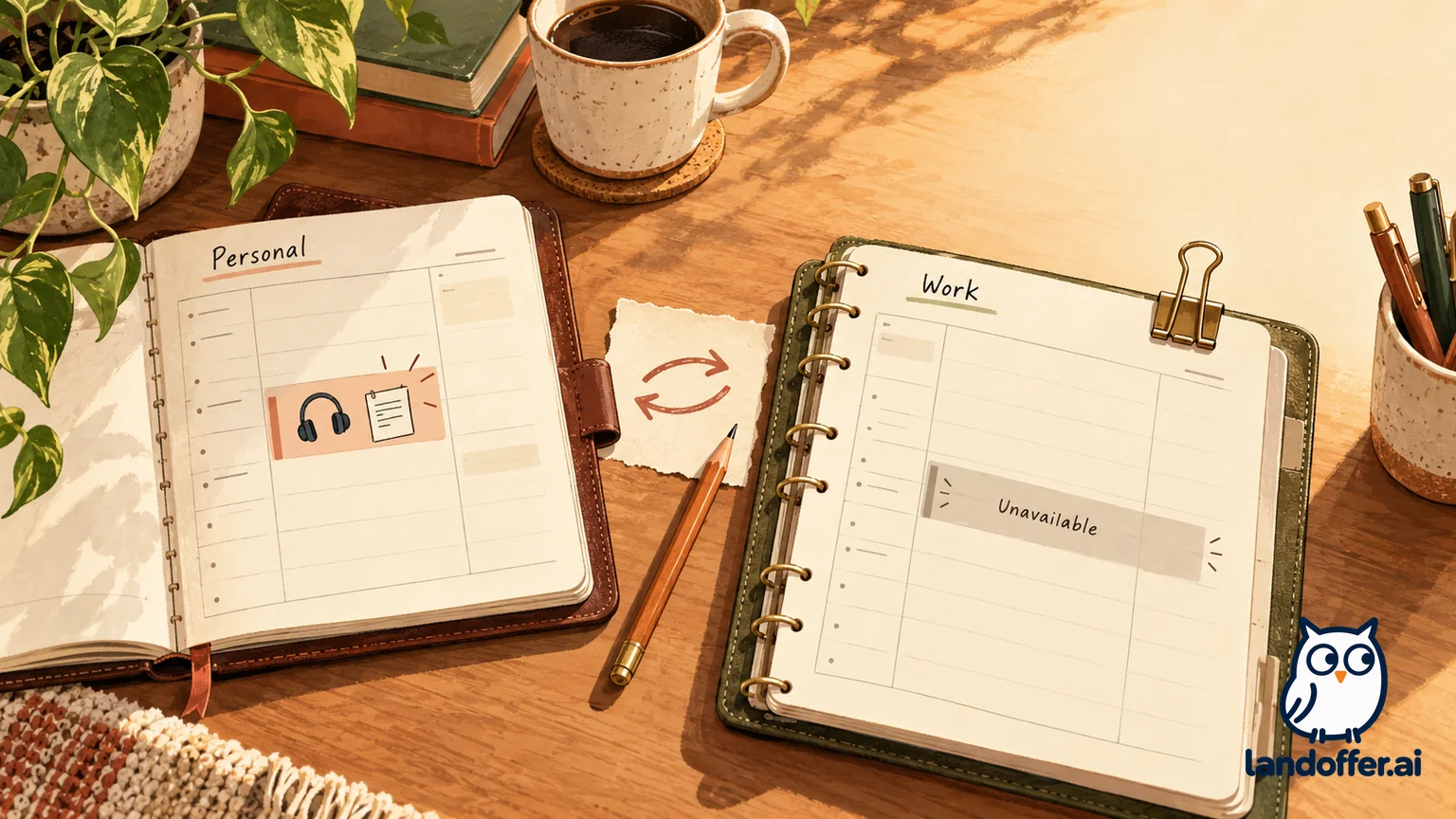
Seeing two calendars in one interface can make it easier to choose the wrong destination. Before saving, confirm the selected account and calendar so a convenient combined view does not send the event to the wrong destination. A visual overlay is not a reason to copy sensitive event fields into the other calendar.
Verify visibility without spreading the real details
If you need to understand an unfamiliar sharing setup, begin with the permissions and documentation. Any authorized check using a harmless sample should contain no real recruiter, employer, interview link or attachment. An authorized colleague’s sample view checks only that person’s effective access. It does not verify the view of a full-detail delegate, administrator or another recipient.
Check recurrence as well. Google’s current documentation says visibility changes in a recurring series apply across the series. Do not repurpose an existing team meeting series for personal interview holds or assume a one-instance change is isolated. Keep the availability entry separate from a team series with unrelated guests and history.
The goal is an accurate work schedule with fewer unnecessary interview details in it. Keep the substantive preparation and invitation in the intended personal context, verify the account before saving and maintain the work block when the time changes. Use LandOffer to organize the opportunity without treating a calendar privacy label as proof that the search is invisible.
Sources and Further Reading
- Google Calendar — Choose what others can do with your calendar
- Google Calendar — Change event and task visibility
- Google Workspace — July 2026 calendar sharing permission update
- Google Workspace — Set Calendar sharing options
- Google Calendar — Show personal and work calendars
Official public documentation checked October 20, 2026. Rae and Sam are fictional. No private calendar, event, account setting, sharing list, invitation, RSVP or notification was inspected or changed.