LandOffer
Job search
HireRight Asked for Employment Documents: Match the Request to Acceptable Evidence
Respond to HireRight employment-document requests by checking employer names, date coverage, acceptable records, redaction instructions, and upload receipt.
When HireRight asks for employment documents, identify the employer entry, requested period and missing fact before choosing a file. Use the documentation rules for your region and request, preserve the fields needed for verification, and resolve any mismatch between the employer named on the application and the organization named on the record. A familiar document is not automatically sufficient for every employment entry.
LandOffer publishes this guide for candidates managing applications alongside background-screening requests. You can browse recent roles on LandOffer.ai, while keeping each employer’s screening records separate. The discussion below uses HireRight’s public U.S. candidate documentation, checked October 12, 2026. The people, documents and messages in the worked examples are fictional; no candidate account or document upload was tested.

Read the request before assembling the evidence
Start with the request’s employer entry and time period. Does it ask for evidence of the beginning of employment, the end, a particular year or the relationship between two organization names? Copy those requirements into a short note. Include the request identifier and any stated deadline, but keep private identifiers out of a general job-search spreadsheet.
HireRight describes employment verification as generally contacting former employers or their agents. Its public guidance says that when that route cannot verify the information, it may request supporting records. The request alone does not establish why contact failed in your case or what hiring decision will follow. HireRight employment-verification explanation
Read the document request independently of a recruiter’s update. A recruiter saying that onboarding is progressing does not identify which file the verification team needs. Conversely, a request for another record does not by itself mean an offer has been withdrawn. Deal with the information requested without assigning a hidden meaning to the message.
If the invitation concerns a different company or unfamiliar role, verify it through a contact you already trust before sharing employment records. A recognizable brand name in an email is only one piece of context. Navigate through the established candidate route rather than treating an unexpected attachment request as sufficient authority.
Check document type, identifying fields and period
HireRight’s U.S. acceptable-documentation page lists employment records such as W-2s and paycheck stubs. Its criteria include legibility, completeness, candidate and employer names, issuance date and employment-period information. It also calls for confirmation of the relationship when employer names differ. U.S. acceptable documentation
Compare each available file with the specific request before selecting it. Check every page at readable size. A clear first page cannot compensate for a missing page that contains the relevant dates. A filename saying “final paycheck” does not show that the document itself identifies the employer or covered pay period. If a statement covers several weeks, record that range instead of assigning it a single employment date. An employee of a staffing agency should also distinguish the payroll employer from the client workplace and ask which entry the request concerns.
Separate the document’s issue date, pay period and the employment dates you are trying to establish. A statement generated in January can describe December wages. An annual tax record may support employment during a year without establishing the exact first or last day. Explain that limitation instead of presenting a year as proof of a particular month.
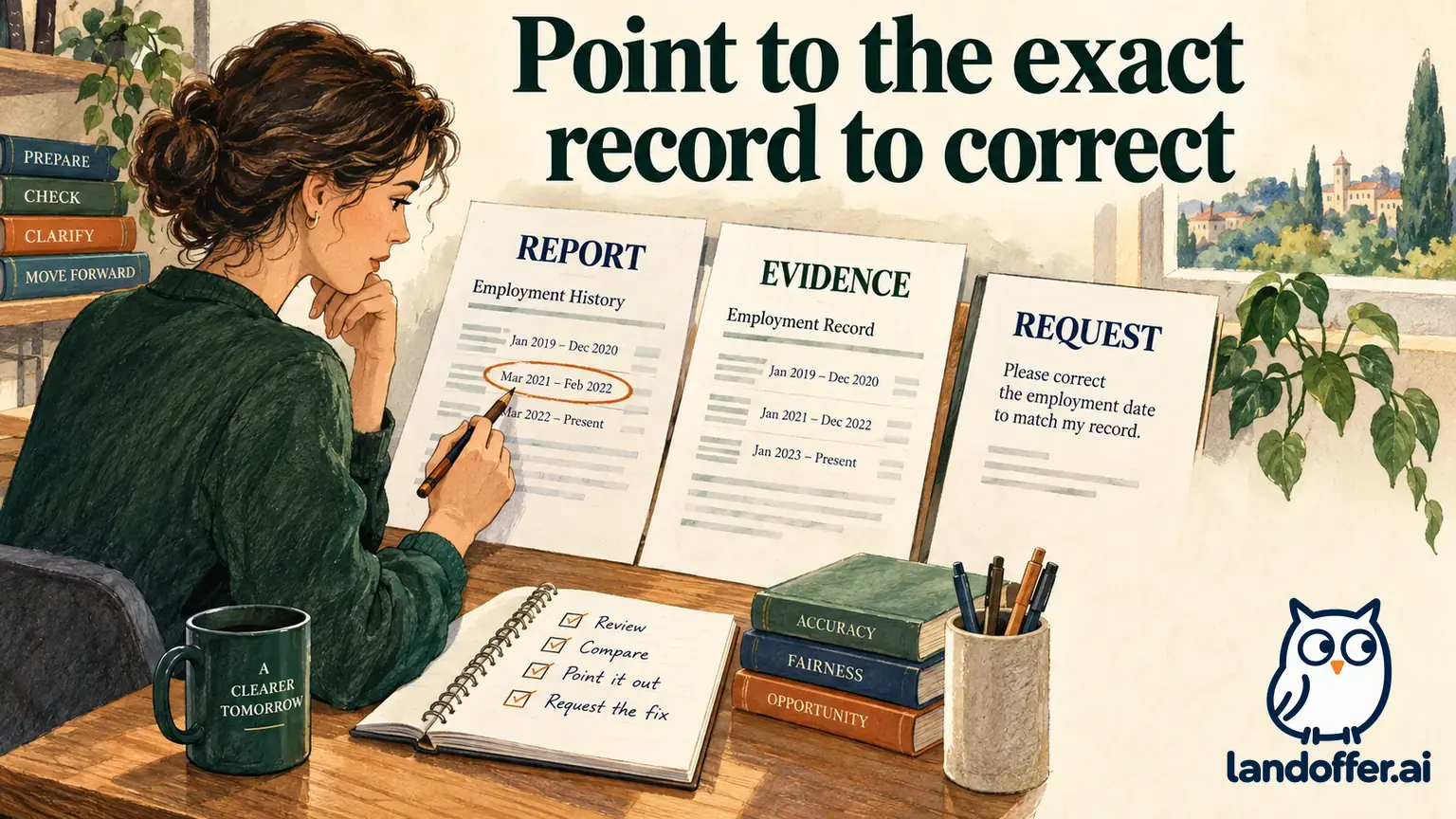
Do not edit an authentic record to make it agree with an application. If the application contains the wrong date, preserve the original record and ask how to correct the entry. An explanation can distinguish a payroll date from a last working day without changing either document. Keep the original record intact and explain the difference in a separate note.
Worked example: a payroll name differs from the workplace name
Fictional teaching case: Elena entered “North Quay Studio” for her employee role from March 2022 through August 2024. A request asks for documentation covering the beginning and end of that period. Her pay records show “NQ Operations LLC,” while her resume uses the studio’s public name.
Elena does not assume that the two names will be recognized as the same organization. She checks her existing personnel records and finds a letter identifying North Quay Studio as the trading name of NQ Operations LLC. She prepares the following document map before uploading anything.
| Requested fact | Record Elena has | What it supports and what remains |
|---|---|---|
| Candidate identity | Pay records name Elena Ruiz | Connects the records to her application name |
| Employer identity | Payroll issuer is NQ Operations LLC | Differs from the workplace name; needs relationship context |
| Beginning period | March 2022 pay statement | Shows that pay period, not necessarily an exact first working day |
| Ending period | August 2024 pay statement | Shows that pay period; does not independently prove the termination date |
| Name relationship | Existing personnel letter names both organizations | Explains the connection for the reviewer to evaluate |
Her cover note reads: “The application uses North Quay Studio, the workplace’s trading name. The attached pay statements name NQ Operations LLC. The personnel letter identifies the relationship. These statements cover March 2022 and August 2024; please let me know if another record is needed to establish the exact start or end date.”

The attachment map lets Elena identify a name question separately from an exact-date question. It does not claim that the package has already been accepted or that the name relationship excuses any incorrect date. If Elena’s personnel letter did not exist, her next step would be to ask what evidence could establish the relationship, not write a purported employer confirmation herself.
She keeps the cover note separate from the original records. Her own explanation is useful context, but it is not an employer-issued document. Distinguishing those sources makes the submission easier to assess and prevents a personal statement from being mistaken for independent confirmation.
Protect unrelated information without removing required evidence
Employment records can contain compensation, account details and other information beyond the fact being checked. Before preparing a redacted copy, read the request’s instructions and ask which fields may be obscured. There is no safe universal instruction to remove every name, date, amount or identifier from every form.
A sensible question is specific: “May I obscure the bank-account information and compensation amounts while retaining my name, employer, issue date and pay-period dates?” That asks the recipient to define what is necessary for this request. It does not assume that every document type has the same disclosure or completeness requirements.
Retain an unmodified original privately. Make any permitted redaction on a separate copy, then reopen the exported file and inspect the result. Confirm that the candidate name, employer identity and relevant period remain readable. A black rectangle that can be removed in a document editor is not equivalent to a properly redacted export.
Use the verified submission channel named in the HireRight request. Avoid placing tax records in broadly shared folders or copying a full screening packet to people who only need a status update. A recruiter can often be told that a requested package was submitted without receiving every sensitive page. Follow the actual process if it requires something different, and clarify the recipient before sending.
Worked example: the available tax record does not cover the requested month
Fictional teaching case: Ravi is asked to document employment ending in February 2025. He has a 2024 W-2, an old onboarding email and a February 2025 paycheck statement. The annual record looks official, but it cannot by itself establish employment in the following year.
Ravi evaluates the files rather than treating official appearance as the deciding factor.
| Available item | Decision for this request | Reason |
|---|---|---|
| 2024 W-2 | Retain as background if requested | Covers a different year from the requested ending period |
| Onboarding email | Do not present as proof of departure | Concerns the beginning of the relationship |
| February 2025 paycheck statement | Check against the requested criteria | Covers the relevant period and identifies employee and employer |
| Personal calendar note | Use to locate records, not as employer evidence | Records Ravi’s recollection rather than independent confirmation |
His clarification says: “You requested evidence for the February 2025 ending period. I have a paycheck statement covering that month and a 2024 W-2. Does the statement meet this request, or do you need a separate employer-issued separation record?”
The completed output is a targeted inquiry with the relevant file identified. It is not an assurance that the paycheck statement proves the exact departure date. Ravi waits for the answer if the request expressly requires a record he does not have. He does not substitute an unrelated annual document and mark the issue resolved.
If the paycheck statement has a payment date after employment ended, Ravi explains the covered pay period. He does not change his employment end date merely to match the payment date. Distinguishing these dates avoids creating a second inconsistency while responding to the first request.
Confirm receipt and distinguish it from verification
HireRight’s receipt guidance identifies Applicant Center upload as its preferred route and says uploaded documents are visible there to the candidate and researchers. Use that documented distinction when checking delivery. A visible upload is evidence of receipt in the system, not proof of final verification or an employer’s hiring decision. Confirming receipt of documents
After the final upload action, check that the intended file is present and opens correctly if the interface offers a preview. Record the document name, relevant employment entry and submission time. Retain the request and any confirmation. Do not record “background check passed” simply because an attachment appears in the account.
If an error appears, save the error wording and contact the support route provided for the request. State which file or entry was affected. Repeatedly attaching slightly different copies can make it harder to identify the version the reviewer should use. Ask whether the earlier file was received before attempting to replace it.
Published processing estimates are not a personal completion guarantee. If your employer has a separate onboarding deadline, tell the designated contact about the unresolved document request and ask how that deadline should be handled. Neither silence nor an upload timestamp establishes that the employer has agreed to wait.
Finish with a narrow, accurate record
Before closing the task, read your submission note alongside the original request. Check that the person, employer, period and document type agree with what you intended to provide. If a fact remains uncertain, name the uncertainty and the action taken to resolve it. A concise record might say: “Ending-period statement uploaded; exact termination-date evidence requested from former HR; verification pending.”
That entry makes the next follow-up clear without turning a partial response into a completed screening result. Keep any employer deadline beside it so a later request does not disappear into the broader job-search queue. If the verification team requests another document, use the earlier map to identify the missing fact instead of rebuilding the entire packet from memory.
When you continue your search, browse recent roles on LandOffer.ai and maintain a separate request-and-evidence record for each employer. For your HireRight request, match each file to the missing fact, explain any name or date difference, and save the receipt separately from the verification result.
Sources and Further Reading
- HireRight: What is in an Employment Verification? — Public explanation of contact and document requests; individual scope varies.
- HireRight: U.S. Acceptable Documentation — Regional document categories and criteria; check the current request.
- HireRight: Confirming Receipt of Documents — Upload visibility and published processing guidance, not a hiring guarantee.