LandOffer
Job search
Handshake Application Pending? Check Document Approval Before the Deadline
Resolve a pending Handshake application by checking school document approval, the attached resume version, required changes, and the actual deadline.
If a Handshake application is pending, check whether the attached document is awaiting your school's review before assuming an employer is reviewing you. A school-controlled document gate can hold an application before employer access; that is a different question from whether a recruiter has reviewed it. Find the exact attached version, read any required changes, and contact your career center before the deadline if the approval gate remains unresolved.
LandOffer publishes this guide and provides recent job discovery, so we have a commercial interest in job-search services. We checked Handshake's public help on October 12, 2026. School settings were not inspected, and no application or document was changed. Jae's timeline below is fictional; it demonstrates a recovery decision, not a guaranteed review turnaround or observed account result.
Identify what is pending
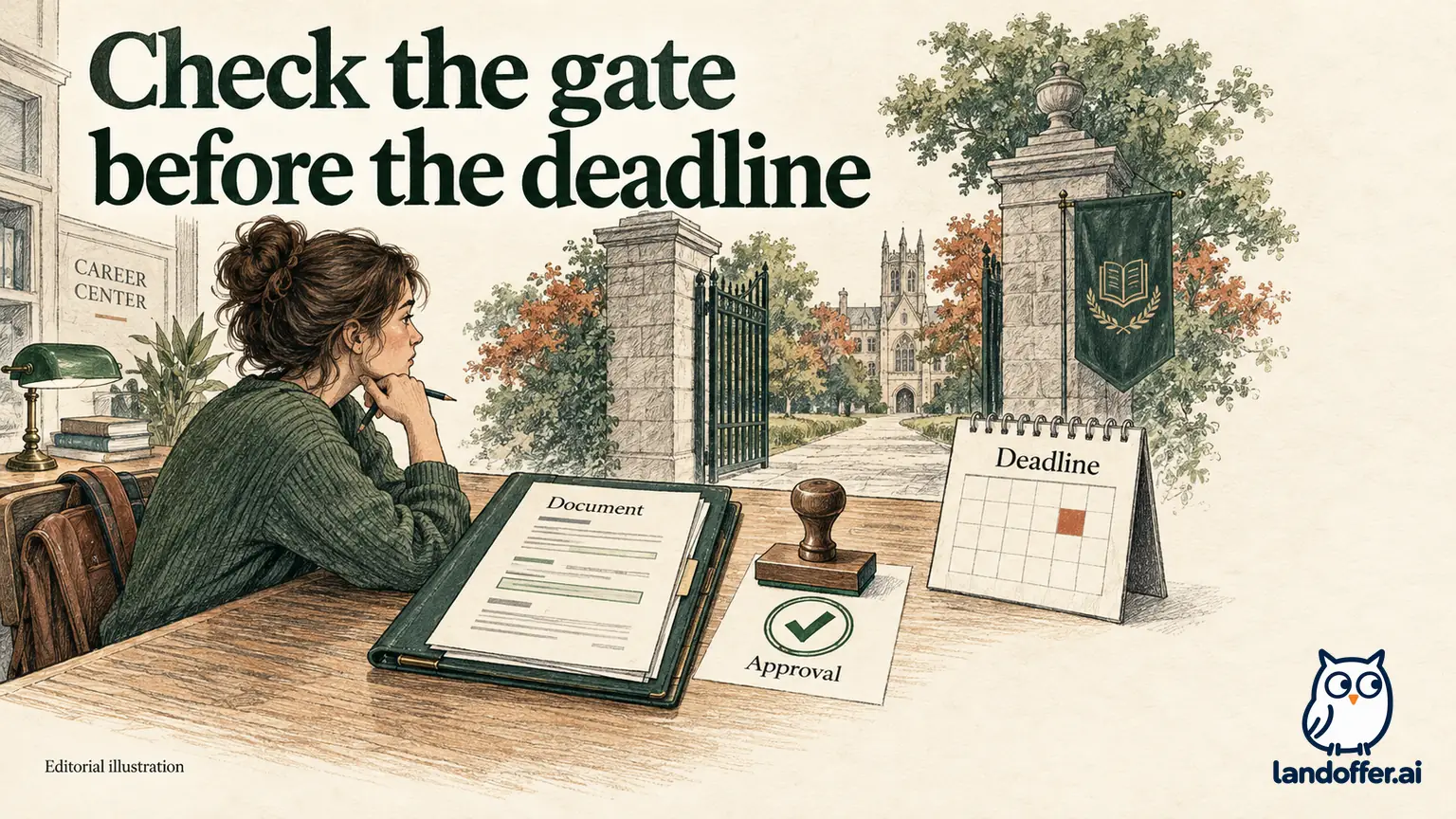
Begin with the object carrying the label. Is it a document in My Documents, the application attached to a job, or another school process? The same everyday word can describe different work. Record the page, exact label, document name, job ID, and deadline instead of translating everything into “waiting for the recruiter.”
Handshake's Document Status guide describes school-controlled document feedback. Pending means the career center has not reviewed the document. Depending on school settings, employer access can wait for approval; a deadline can therefore arrive while approval remains unresolved, with withdrawal among the documented outcomes. The guide also describes setting-dependent alternatives, so the label alone does not settle your school's release behavior.
That makes the career center the relevant source for the document gate. An employer may not be able to approve a school review or explain its queue. You can still ask an employer an application-specific question when appropriate, but first distinguish the part controlled by the institution from the part controlled by the hiring team.
Do not import an approval timeline from a help article about employers joining a school or posting a job. Those are different workflows. A document-review deadline needs information from your own career center, especially when an application closes before an ordinary review could finish.
Read the document status and its comments together
| Document state | What the public guidance describes | Useful next question |
|---|---|---|
| Pending | Review has not occurred; release depends on school settings | Does this application wait for approval, and what happens at its deadline? |
| Ready | Document is ready for normal use under the applicable setup | Is this the correct file for this job? |
| Reviewed | Career center accepted the document as submitted | Has the intended application progressed with this version? |
| Changes Suggested | Feedback is generally optional, with release timing varying by setting | Does my school's setup hold this application until closing? |
| Changes Required | The career center requires revision | Which comments must be addressed and how should the revision be returned? |
The status guide contains both general descriptions and school-dependent release details. In particular, its Changes Suggested discussion includes a setup where recruiter visibility waits until closing. Do not turn the general description into a universal promise of immediate access.
Read the comments themselves. A required date correction, a suggestion to tighten wording, and a missing qualification are different matters. Address accurate feedback without adding experience merely to satisfy a reviewer. If a comment is unclear, ask what factual or formatting change is needed rather than guessing at the intended claim.
Also check which document received the feedback. A newer resume sitting in your library does not establish that the older application uses it. Write down the attachment's name and preview its contents before deciding that the issue has been resolved.
Jae builds a deadline recovery timeline
Jae is a fictional student applying for a software engineering internship, Alder INT-27. The example's deadline is Friday at 5 p.m. in the time zone shown by the posting. The times below illustrate a decision sequence; they are not a recommended waiting period or a real career-center service commitment.
| Time in the example | Evidence Jae finds | Completed action |
|---|---|---|
| Tuesday morning | Application confirmation; attached resume v2 is Pending | Save the receipt, job ID, deadline, and exact v2 document name |
| Wednesday afternoon | Document comments require an accurate graduation date | Correct the date from school records and save v3 locally |
| Thursday morning | School instructions specify how to return required revisions | Submit v3 through that revision route and ask whether INT-27 remains held |
| Thursday afternoon | Career center confirms the revised document and this application are released | Record the response and inspect the application/document state |
| Friday morning | Displayed record agrees with the adviser response | Retain the evidence; do not send a duplicate application |
Jae's original graduation date was May 2026. His official academic plan supports May 2027. He corrects the date rather than inventing a more favorable one. He also checks the internship's enrollment requirements independently; a better formatted document does not make him eligible for a role whose actual rules exclude him.
In the completed example, the adviser’s release response and Jae’s application check agree. That lets him stop troubleshooting this gate while preserving a separate unknown: whether the employer has read the resume. A generic response such as “your resume looks good” would not necessarily answer whether INT-27 is accessible to the employer. He would retain the narrower uncertainty instead of marking the whole process complete.
If Thursday's response had not arrived, Jae's record would remain pending. He could use the career center's designated urgent contact route, mention the deadline, and ask what options remain. The example does not imply that repeated uploads or messages force approval before closing.
Send a question that names the gate and the deadline
Jae's fictional inquiry to his career center reads:
Hello Career Center, I applied to Software Engineering Intern, Alder INT-27. The posting closes Friday at 5 p.m. in its displayed time zone. The application uses my document “Jae SWE v2,” which is Pending, and the comments require a graduation-date correction. I have prepared v3 with the documented May 2027 date. Could you confirm the required revision route and whether this application is held until approval? Please also let me know what happens if review is not completed before closing. Thank you, Jae.
The message identifies the application, attachment, feedback, deadline, and unanswered procedural question. It does not ask the adviser to change a qualification or guarantee employer consideration. If the school has an official revision form, Jae should use it rather than substituting an unsolicited email attachment for that process.
He keeps the response with the application's record. “Revision received” establishes receipt by the career center; it does not necessarily establish approval. “Document approved” is more specific, but he still needs to understand whether the relevant application has been released. Read the wording before selecting a local status.
If the deadline has already passed, ask about the actual result and available options. Do not assume a withdrawn application can be reopened, or that a late file can be accepted. The school and employer may have different authority over those decisions. Preserve the original timestamps so the question can be investigated accurately.
Replace a file carefully because connected applications matter
Handshake's document-editing guide gives an important platform-specific warning: replacing an existing document updates all applications connected to it. Connected applications appear above the document. The service does not retain previous document versions, so keep your own copy before changing or deleting one.
That behavior makes a company-specific cover letter especially sensitive to replacement. Do not replace a shared document with a letter addressed to a different employer just to fix one application. First inspect the connected list and decide whether the change is appropriate for every affected record.
In Jae's fictional library, v2 is connected to Alder INT-27 and Birch INTERN-08. Both contain the same incorrect graduation date. A factual correction applies to both, but he still saves the original and records that both are affected. He follows his school's revision instructions and checks the resulting statuses rather than assuming a library edit bypasses document review.
| Jae's proposed change | Connected records in the example | Completed choice |
|---|---|---|
| Correct the same wrong graduation date | Alder INT-27 and Birch INTERN-08 both use v2 | Preserve v2 locally, then follow the school's shared-revision route for the factual correction |
| Add an Alder-specific cover letter | A shared letter would affect both employers if replaced | Keep a separate Alder document; do not overwrite Birch's letter |
| Emphasize a new project for a later role | No existing application is known to use the proposed new version | Upload a separately named version and preview the later application's selection |
The table does not assume that a new upload changes an old attachment. Jae's factual correction concerns two known connected applications; his later tailoring concerns a different outgoing version. He records the association before acting. If the school cannot confirm whether the required revision has released Birch, he leaves that second application unresolved rather than borrowing Alder's approval as evidence. That is the result of the completed case: one shared date correction, preserved originals, and application-specific release checks.
If he instead wants to emphasize a different project for a new application, a separately uploaded version can preserve that distinction. Creating a new library document and changing an existing attachment are different actions. He must preview the version selected by the new application and retain the old file locally before a shared replacement. A new filename by itself does not prove that a different attachment was used.
Check the preview and application confirmation separately
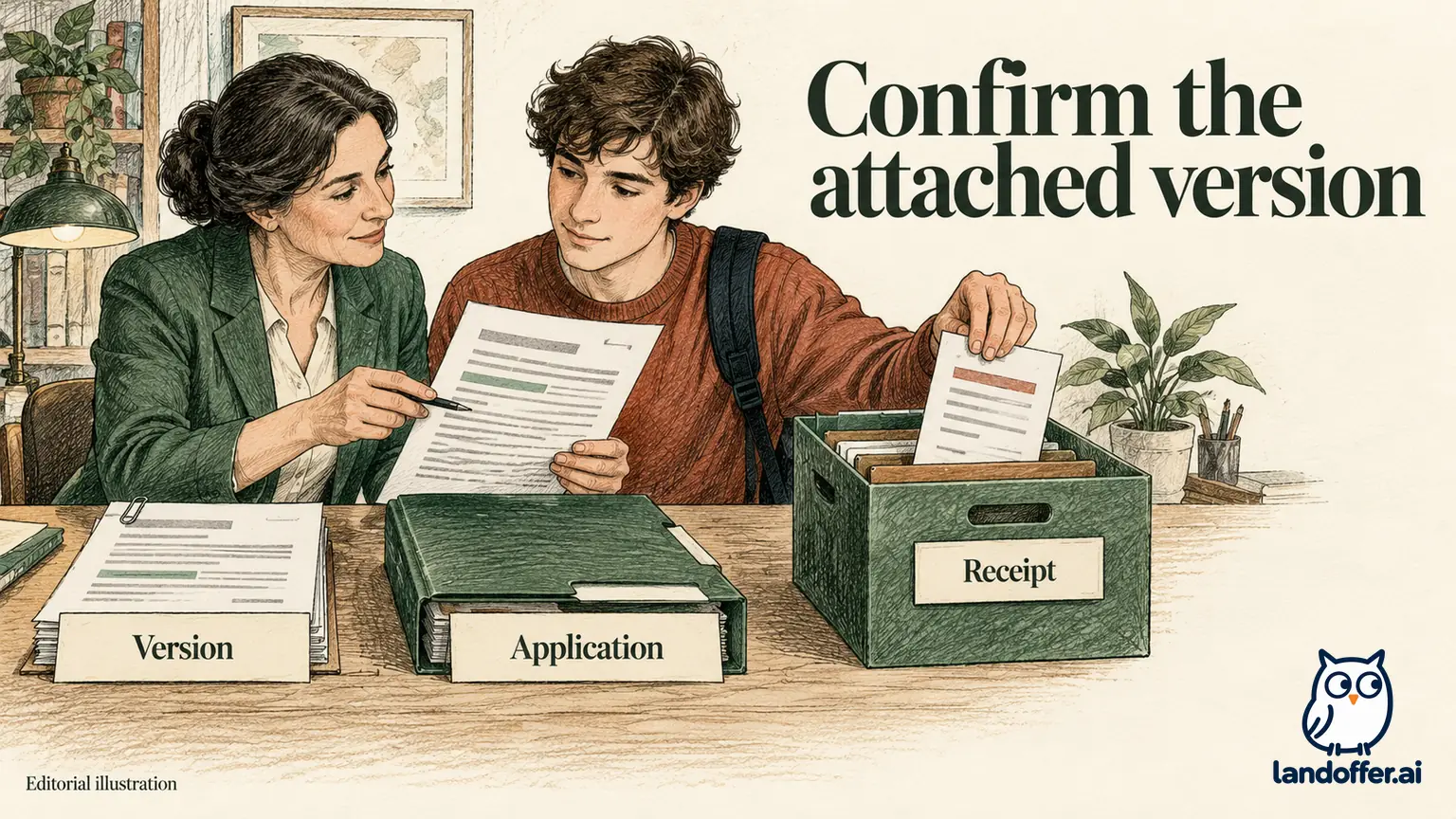
Handshake's Quick Apply guide says the most recently uploaded qualifying Approved or Pending resume can be selected automatically. It provides a document preview and a way to choose a different resume. Inspect that selection before submitting, especially after preparing several role-specific versions.
The guide describes a submission confirmation, but separately warns that school document preferences can prevent full submission. The employer-side missing-applications guide also explains that a notification can exist even when an application is awaiting document approval. A confirmation should therefore be read alongside the document gate, not used to erase it.
Jae's final record includes the application confirmation, the attached document identity, the adviser response about release, and the observed state after revision. He does not claim the employer read his resume. That is a different event requiring different evidence.
For a file-upload problem, the upload guide specifies files of 1 MB or less and supports PDF, DOC, and DOCX, with PDF preferred. Word files are converted, and the resulting PDF must be reviewed and approved before use. Check the converted pages rather than assuming the original layout survived.
Correct document type matters too. A transcript categorized as a resume may not appear in the transcript selection. An upload that exists in My Documents can still be the wrong type or wrong version for the application. These checks address different problems from school approval.
Close the loop before adding more applications
Jae's completed example ends with one reconciled application, an accurate revised document, and a record of the related application's exposure to the replacement. The useful result is control over the next action, not a promise of an interview.
For your own pending application, identify the exact document and school setting, read the feedback, and record the deadline. Ask the career center a narrow question while there is still time to act. If you need other leads, browse recent roles on LandOffer, but keep each submission's approval and receipt evidence separate. For the waiting application, the next useful result is a confirmed revision route or release decision for its exact document.
Sources and Further Reading
- Handshake: Document Status in Handshake, school settings and status distinctions.
- Handshake: How to Edit or Delete a Document, connected applications and version limits.
- Handshake: Jobs—Quick Apply, automatic selection and approval caveat.
- Handshake: Employer Missing Applications, notification versus completed application.
- Handshake: How to Upload a New Document, formats, size, conversion, and document types. All checked October 12, 2026.