LandOffer
AI at Work
Gemini Notebook (Formerly NotebookLM): Keep a Work Research Notebook Current as Sources Change
Separate documented Drive synchronization from copied sources, then review versions, citations, derived notes, and recommendations when research material changes.
Keep a work research notebook current by tracking each source's import route, checking changed passages, and revisiting the conclusions that depend on them. Google now documents automatic updating for sources imported from Drive. That does not establish that every uploaded file, webpage, saved note, or previously written recommendation has become current.
This LandOffer.ai guide is a public-documentation review checked October 25, 2026. Google announced the name Gemini Notebook on July 16, 2026, replacing NotebookLM while retaining the standalone research product. The completed research records below are fictional editorial examples. We did not sign in, upload workplace files, change permissions, measure synchronization, or inspect generated answers in an account.

Use current naming and current source rules
Google's name-change announcement confirms the title's terminology. Older documentation and discussions may still use NotebookLM. A useful older workflow can nevertheless contain an outdated assumption about how its sources update.
The May 26, 2026 Workspace announcement introduced automatic Drive synchronization, replacing the earlier requirement to manually refresh those sources. Google's current source help describes Drive updates occurring every few minutes and when a notebook is opened, with a manual sync action available if needed. Treat this as documented behavior, not a measured deadline for your account.
If an answer appears outdated, check its evidence before relying on more waiting. First establish which source route it used, whether you still have access, and whether the relevant current passage is visible. Then inspect the answer's supporting evidence. Check the updated source first, then separately review the recommendation that uses it.
If a tutorial says every Google Doc must always be manually synchronized, check its publication date against the current help. Conversely, do not turn the newer Drive feature into a claim that the notebook continuously monitors every website or local file on your computer.
Register how each source entered the notebook
Record versions separately from titles so a same-named file does not conceal a changed or older copy. A file called “Pilot plan” might mean a Drive-linked document, a PDF exported last week, or copied text from an earlier draft. Give each item a stable working ID and record its origin, imported form, relevant version, access status, and intended use.
The current source-import help distinguishes copies and auto-synced sources. It also says Google-file comments and footnotes are not imported, while ordinary HTML URL imports capture page text rather than nested pages and embedded media. Check that a material qualification is in the imported body, not only in an unimported comment or linked attachment.
For local uploads and webpage imports, use an explicit replacement or re-import review when the underlying material changes unless current documentation for that exact route establishes another mechanism. This is a conservative maintenance procedure, not an assertion that every non-Drive source has identical behavior.
Choose the source of truth before comparing versions. An approved internal plan may control a pilot's scope even if a vendor brochure describes broader capability. A newer marketing page does not automatically override a signed-off internal decision. Record authority and freshness as different fields.
Completed source register for a product research packet
Consider a fictional Beryl training-portal pilot. Researcher Luis is preparing a recommendation for program owner Farah. The question is whether to run an 18-person, browser-based pilot with downloaded lesson text available for reference. Offline quiz completion is a separate requirement that has not been established.
The packet contains four items. These are invented source records, not real Google files or vendor materials. “Available” describes the fictional case, not a test performed for this article.
| ID and import route | Version and access record | Decision use and maintenance action |
|---|---|---|
| S1: Pilot plan, imported from Drive | Revision 4, October 20; available to Luis in the scenario. Approved cohort reduced from 30 to 18 because mentor capacity is limited. | Controls pilot scope. Inspect the revised cohort paragraph in the notebook source before updating the recommendation. |
| S2: Supplier guide, local PDF upload | Edition 2, October 16; approved copy available. Downloaded lesson text is supported; offline quiz submission is not documented. | Supports the limited reference-material claim. Compare any replacement edition explicitly; a same-named local file is not proof the notebook copy changed. |
| S3: Supplier feature page, imported URL | Page reviewed October 19; text discusses learning away from a desk but does not establish offline quiz submission. | Discovery context only. Reopen the original when the capability claim matters and inspect the imported text separately. |
| S4: Research synthesis, saved note | Written October 18 from S1 revision 3 and S2 edition 1; says 30-person pilot and offline quizzes. Available but stale. | Derived interpretation, not independent evidence. Exclude from the current evidence comparison until corrected and labeled. |
The register exposes two different problems: S1's authoritative scope has changed, and S4 contains an unsupported capability claim. Updating one source cannot resolve both automatically. The reviewer must follow each dependency from original evidence to conclusion.
The dates also prevent a subtle mistake. S4 may have been written recently, but its contents depend on older material. A note's creation time says little about whether its supporting facts remain valid. Keep the underlying version IDs alongside the conclusion.
Case one: revise a conclusion after a Drive change
Here is the completed editorial review record for S1. It illustrates what Luis should record after checking the source in an approved account; it is not a report of a live Gemini Notebook synchronization experiment.
Earlier recommendation: “Run the Beryl pilot with 30 participants.” Its basis was S1 revision 3, approved October 14. Changed original: S1 revision 4, approved October 20, limits the cohort to 18 because only that many participants can receive the planned mentor coverage.
Review result in the fictional packet: The relevant source passage is matched to revision 4 and the 18-person limit. The earlier 30-person recommendation is marked superseded. The revised recommendation is: “Run an 18-person browser-based pilot within the mentor capacity approved in S1 revision 4; any expansion requires Farah's separate capacity decision.”
This is a completed conclusion change, not a claim that the model reliably noticed it. Luis's review record would need the actual checked passage and time from his account before he could mark the source check performed. If he cannot locate revision 4's material, the source check remains pending and the old recommendation stays withheld.
A suitable verification request is:
Using only the current Pilot plan source, identify the approved pilot size and its limiting condition. Cite the supporting passage. If the source does not establish either item, say what is missing. Do not use the Research synthesis note as evidence.
Then open the citation and read its context. Google's chat help describes selecting sources and navigating from citations to supporting passages. A citation gives you something to inspect; its presence alone does not prove that the recommendation preserves the approval condition.
Keep the reviewer action distinct from generation. “Asked for a new answer” is not the same as “checked the source and approved a revised conclusion.” Record the last completed step rather than collapsing both into a single green status.
Case two: replace a PDF and narrow an unsupported claim
The second completed review concerns offline behavior. In the fictional history, S2 edition 1 mentioned downloadable material without describing quizzes. S4 expanded that into “participants can complete quizzes offline.” No cited passage supported that expansion.
When edition 2 becomes available, Luis obtains an approved copy, records its edition and date, and replaces the old PDF's role in the current comparison. If the older edition must be retained under team policy, he labels it historical and leaves it out of the evidence selected for the current capability question. Those actions are the proposed workflow, not an account test performed here.
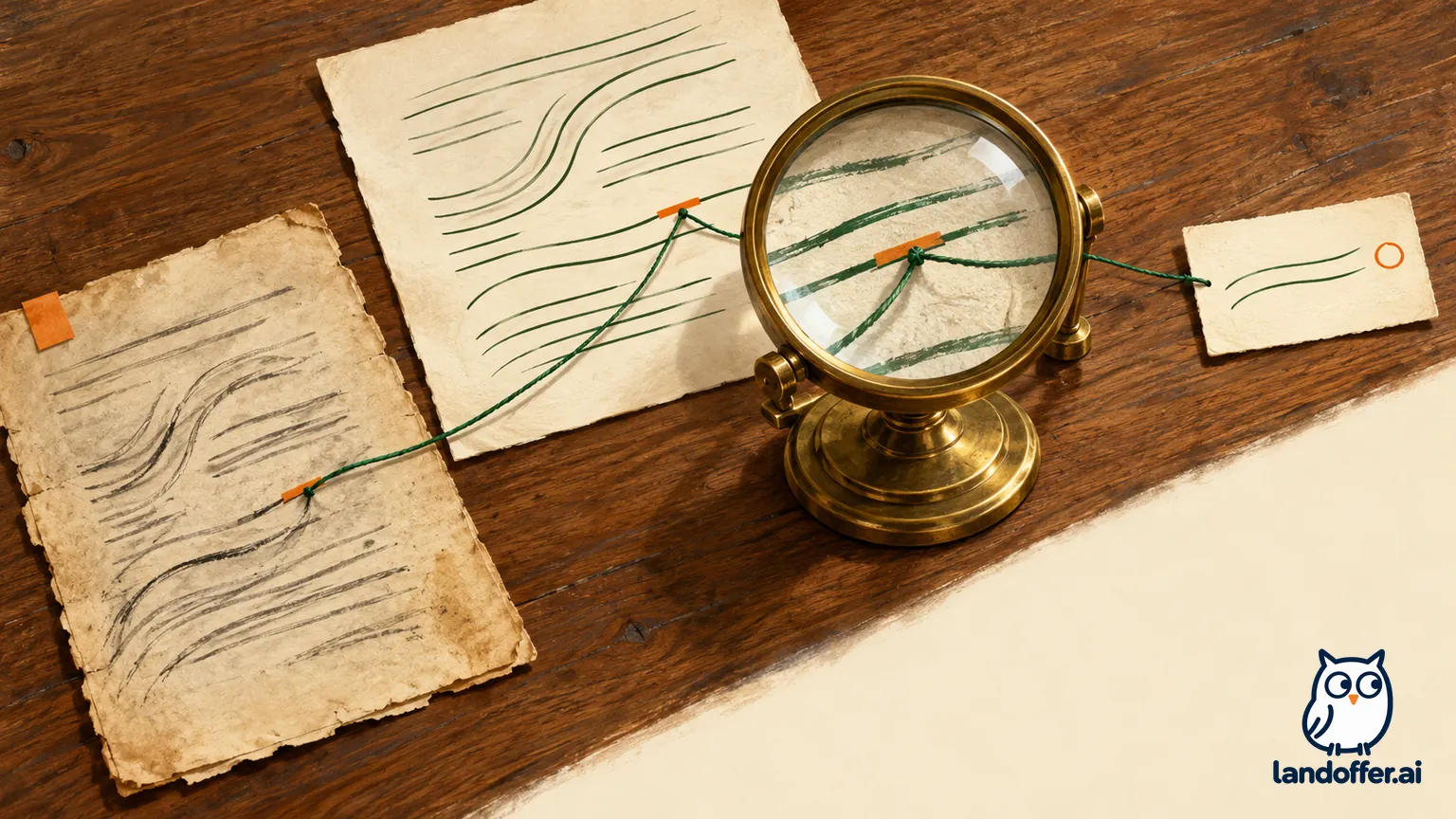
The completed review output is:
| Claim examined | Evidence comparison | Final disposition in the fictional research packet |
|---|---|---|
| Downloaded lesson text is available for reference | S2 edition 2 explicitly describes that limited capability. | Retain, with the edition and relevant section identified. |
| Quizzes can be submitted offline | Neither S2 edition 2 nor S3's general page text establishes it. | Remove from the recommendation; record as unverified rather than declaring it impossible. |
| The planned pilot requires offline quiz submission | S1 revision 4 specifies browser-based sessions and downloaded text for reference. | Do not add that requirement. Ask Farah if the scope is intended to change. |
Revised capability statement: “The proposed 18-person browser-based pilot can include downloaded lesson text for reference, as described in S2 edition 2. Offline quiz submission is not established by the reviewed packet and is excluded from this recommendation.”
The completed editorial review leaves offline quiz submission unverified. It removes the unsupported promise and names the decision needed if that capability becomes necessary. Preserve the unanswered question alongside the supported recommendation.
Keep derived notes from becoming circular evidence
S4 needs correction after both cases. Google’s notes help says created notes can appear as sources and participate in answers and artifact generation when selected. A previous synthesis can therefore be part of the material being consulted rather than an independent check on it.
Label the corrected note as a synthesis with its supporting source IDs, versions, review date, and open questions. For Beryl, replace the 30-person claim and remove the offline-quiz assertion. During source verification, select the underlying plan and supplier guide rather than asking the old synthesis to validate itself.
Apply the same discipline to a briefing you have already exported or sent. Treat it as a dated output requiring review after a material source change. Do not infer that a previously circulated document has been rewritten simply because its source is now current. Google's notes help also explicitly distinguishes an exported Google Doc from its original note: later edits in that exported document do not synchronize back to the note.
List the recommendations, notes, and shared briefings that depend on the changed passage. A cohort-size revision may alter the recommendation and facilitator plan without changing the supplier capability section. This keeps review focused while preserving the dependency trail.
Handle inaccessible sources without recreating restricted copies
A changing source can become unavailable as well as outdated. The May announcement describes permission revocation and deletion handling. Current help says an inaccessible Drive source is not referenced by chat or Studio and may remain listed as inactive. Use the current state you can inspect; do not assume every historical source, note, or output has been purged.
If S1 becomes inaccessible, Luis should mark its current verification unavailable and use the approved access-request route. He should not paste a previously obtained restricted copy into another notebook to evade the access change. An older source excerpt may also be unsuitable for a current decision even when its retention is permitted.
Before sharing the research packet, confirm the active evidence, version-specific support for consequential claims, and status of unresolved questions. Note which checks were actually performed and which still require access. Record the recommendation date, checked source versions, and any access or capability question still open. For more workplace research guidance, return to LandOffer.ai after recording those boundaries in your team's maintained research log.